
What is AuthoredUp?
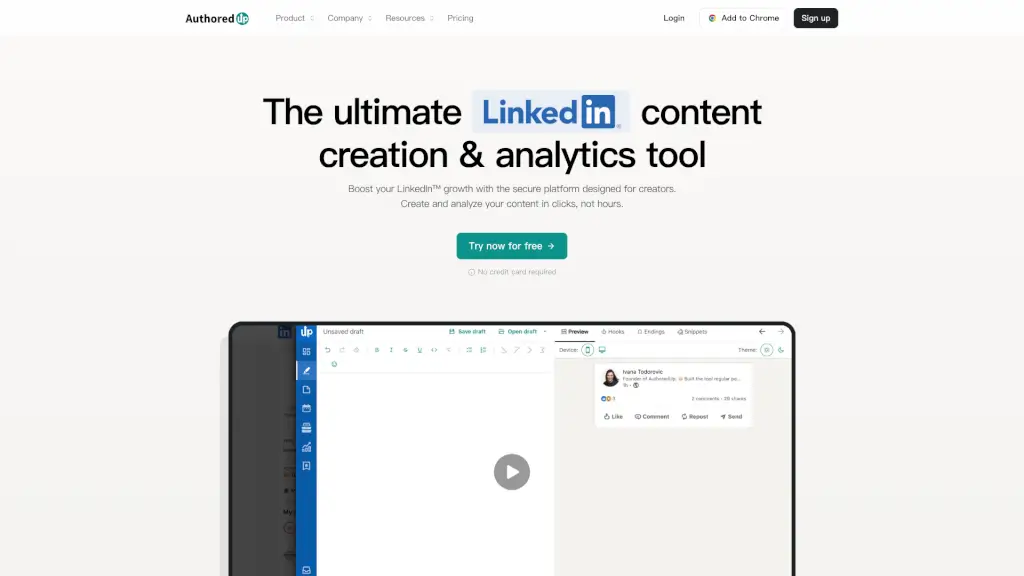
AuthoredUp is your all-in-one LinkedIn content creation and analytics tool, designed to supercharge your professional growth. Whether you're a seasoned content creator or just starting out, AuthoredUp makes it easy to craft, schedule, and analyze your posts. With features like a powerful editor, calendar, and in-depth analytics, you can turn your ideas into engaging content that resonates with your audience. Plus, it's 100% secure and GDPR compliant, so you can focus on growing your network without worrying about privacy.
What are the features of AuthoredUp?
- Editor: Format and optimize your posts with bold, italic, emojis, and readability grades. Preview and publish directly from the editor.
- Drafts: Save your ideas as drafts and prepare them for later. Access and post or schedule straight from the editor.
- Calendar: Plan, analyze, and schedule your LinkedIn content seamlessly with a centralized calendar view.
- Analytics: Monitor your impressions, engagement, and overall performance. Analyze individual posts to gain insights.
- Saved Posts: Access, organize, and examine every LinkedIn post you’ve saved. Filter by keywords or authors and export to CSV.
- Hooks and Snippets: Choose from over 150 carefully designed hooks and snippets to spark creativity and enhance engagement.
- Mobile Support: All features available on the web platform are also accessible on mobile devices.
What are the use cases of AuthoredUp?
- Content Creators: Craft and schedule high-quality posts that engage and grow your audience.
- Business Owners: Manage and analyze the performance of your company page and team members' posts.
- Marketing Teams: Collaborate on drafts, track metrics, and optimize your content strategy.
- Freelancers and Consultants: Build your personal brand and attract new clients with impactful LinkedIn content.
- Educators and Coaches: Share valuable insights and resources, and connect with your community.
- Recruiters and HR Professionals: Promote job openings, share company culture, and engage with potential candidates.
How to use AuthoredUp?
- Create a Draft: Start by writing your post in the editor. Use formatting tools to make it visually appealing.
- Preview and Optimize: Check the preview to see how your post will look. Use readability grades to ensure clarity.
- Schedule or Publish: Set a date and time to publish your post, or hit "Publish" to share it immediately.
- Monitor Performance: Track your post’s performance in the analytics section. Identify what works and what doesn’t.
- Reuse and Repurpose: Reuse high-performing posts or repurpose them with new hooks and endings.
- Collaborate and Share: Share drafts with team members for feedback and co-editing.