
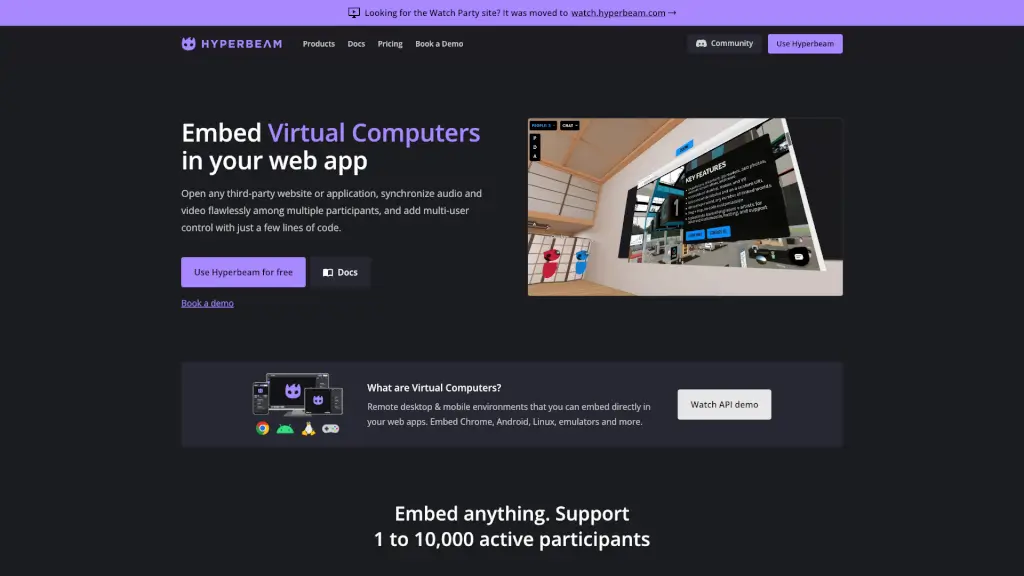
What is Hyperbeam?
Hyperbeam lets you embed virtual computers directly into your website—no downloads, no browser extensions, and no headaches with CORS or X-Frame-Options. Whether you're building a collaborative app, a shared browsing experience, or a remote learning tool, Hyperbeam gives you a ready-to-use cloud-powered browser environment that supports Chrome, Android, Linux, and more.
With just a few lines of code, you can let multiple users watch videos together, browse websites in sync, or even control the same screen in real time. It’s built for developers who want to add powerful multi-user web experiences without spending months debugging audio/video sync issues or maintaining fragile integrations.
What are the features of Hyperbeam?
- Embed Any Website or App: Open third-party sites like YouTube, Netflix, or internal tools—even those that normally block iframes.
- Real-Time Multi-User Control: Go beyond basic screen sharing with true collaborative control where multiple people can interact simultaneously.
- Flawless Audio/Video Sync: Built-in echo cancellation and synchronization so everyone stays in sync without lag or glitches.
- Programmatic Control: Use simple JavaScript to navigate URLs, open apps, or run custom scripts inside the virtual computer.
- Session Save States: Preserve user sessions so they don’t have to log in again or restart their workflow.
- Mobile & Touch Support: Fully responsive—users can tap, swipe, and drag on phones and tablets just like native apps.
- Global Low-Latency Servers: Automatically route users to the nearest server for smooth performance worldwide.
- Kiosk Mode & UI Customization: Hide browser chrome to create a seamless, app-like experience.
What are the use cases of Hyperbeam?
- Build a watch party platform where friends can browse and watch videos together in perfect sync.
- Add collaborative web browsing to team productivity or education apps (e.g., teachers guiding students through a site).
- Embed secure, isolated browsers for SaaS demos or customer support without exposing your internal systems.
- Create interactive tutorials that let users follow along in a shared, controlled environment.
- Power virtual labs or emulators for coding bootcamps or mobile app testing.
- Enable multiplayer experiences in virtual worlds by rendering Hyperbeam sessions as 2D/3D objects.
How to use Hyperbeam?
- Sign up for a free Hyperbeam account and get your API key from the dashboard.
- Use the REST API (in any backend language) to create a virtual machine instance.
- On the frontend, load the Hyperbeam NPM package or CDN script and mount it in a
<div>. - Use
hb.tabs.update({ url: "https://example.com" })to programmatically load websites. - Listen for tab changes or user actions using built-in event listeners to update your UI.
- Deploy and scale—Hyperbeam handles infrastructure, scaling, and cross-browser compatibility for you.