What is Reface AI?
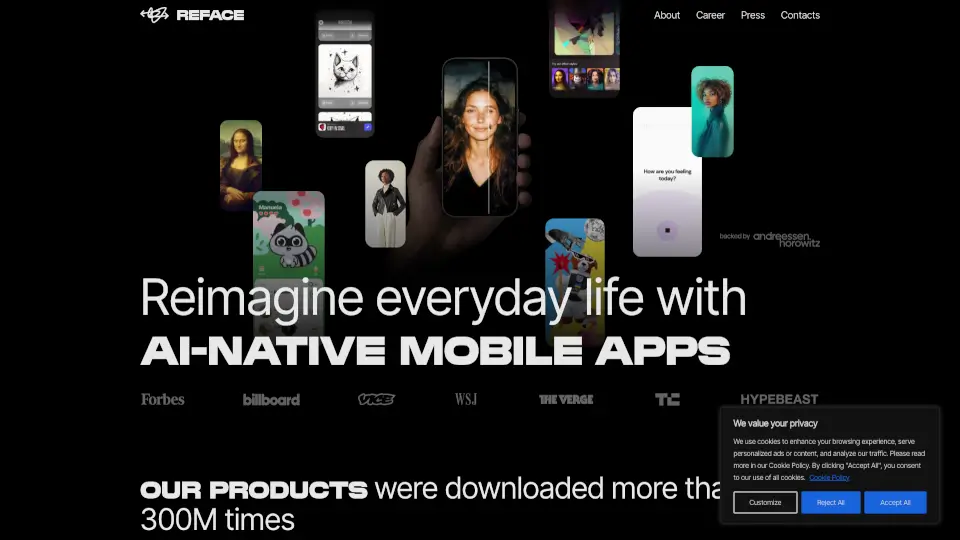
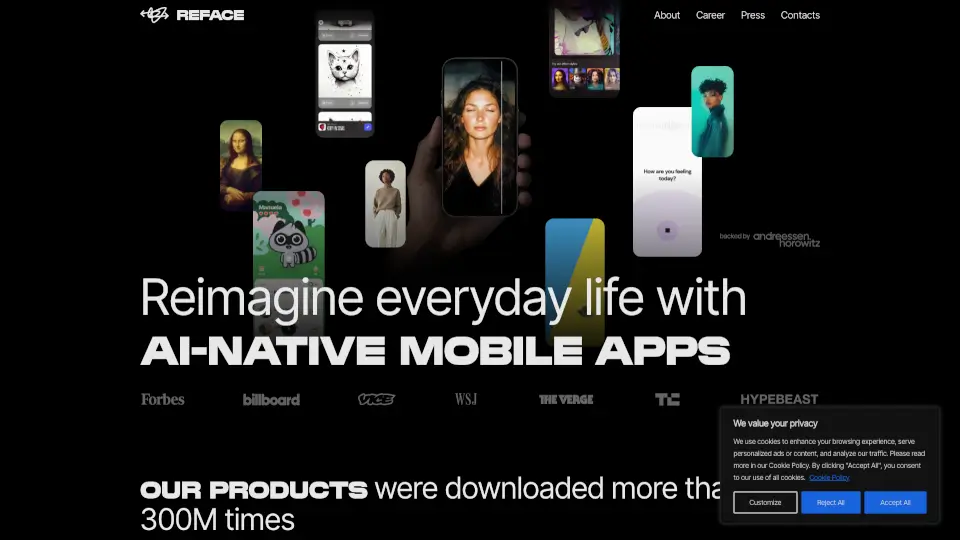
Reface is a fun, AI-powered mobile app that lets you swap your face into videos, photos, memes, and even make your pictures sing! With over 300 million downloads, it’s become a go-to tool for creative expression, entertainment, and playful social sharing. Whether you want to see yourself as a movie star, a dancing celebrity, or a cartoon character, Reface uses smart facial recognition and generative AI to make it happen in seconds.
More than just face-swapping, Reface offers a suite of AI tools—including AI avatars, photo animation, and artistic filters—so you can reimagine everyday moments with a twist. It’s designed to be easy, fast, and safe, letting anyone tap into the power of AI without needing technical skills.
What are the features of Reface AI?
- Face-Swap Technology: Instantly place your face onto popular GIFs, videos, and memes using advanced AI alignment.
- AI Avatars: Create personalized digital avatars from a single selfie for use across apps and social platforms.
- Photo Animation: Bring still photos to life—make portraits sing, talk, or dance with realistic motion.
- AI-Powered Filters: Apply artistic and stylistic transformations to photos and videos in real time.
- One-Tap Sharing: Easily share your creations directly to Instagram, TikTok, WhatsApp, and more.
- Privacy-First Design: Processes face data securely on-device where possible; no permanent storage of personal images.
- Free to Use: Core features are available without payment, with optional premium upgrades.
What are the use cases of Reface AI?
- Turn your selfie into a viral meme using trending video templates.
- Surprise friends by making their old photo “sing” a favorite song.
- Create custom AI avatars for gaming profiles or virtual meetings.
- Generate unique content for social media influencers or brand campaigns.
- Try out bold looks (like tattoos or makeup) virtually before committing IRL.
- Make family photos more engaging by animating grandparents or kids in fun scenarios.
- Boost engagement on TikTok or Instagram Reels with eye-catching face-swap clips.
How to use Reface AI?
- Download the Reface app from the App Store or Google Play.
- Take a clear, front-facing selfie with good lighting—the clearer the photo, the better the swap.
- Browse the library of GIFs, videos, or templates and select one you like.
- Tap “Swap Face” and let the AI process your image (usually under 10 seconds).
- Preview your result, apply any filters or adjustments, then save or share directly.
- For best results, avoid heavy shadows, hats, or sunglasses in your source photo.