
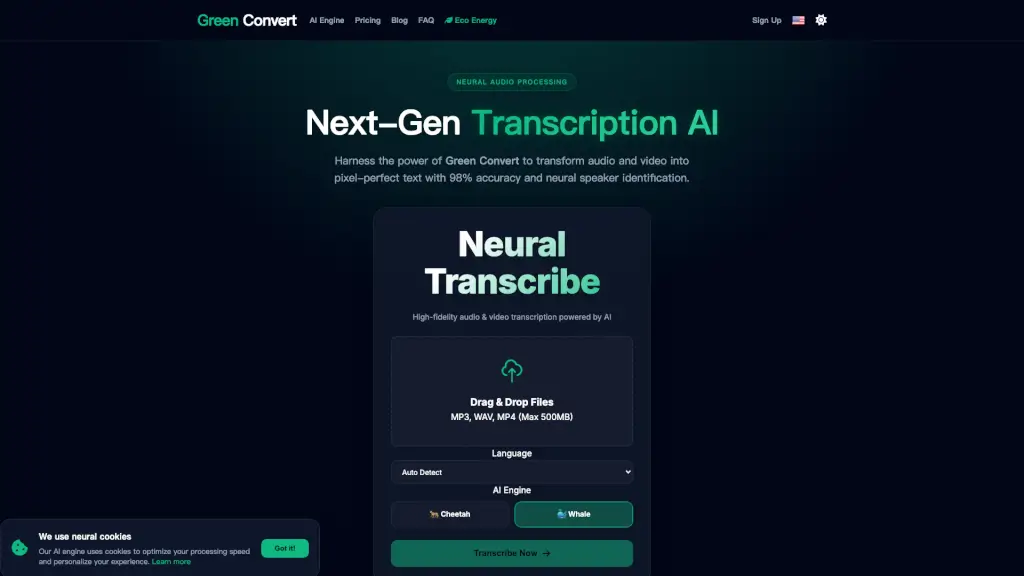
What is GreenConvert?
GreenConvert is an AI-powered neural transcription and media processing engine designed for content creators, researchers, and professionals who need fast, accurate audio-to-text conversion. It claims 98% transcription accuracy, supports 98+ languages, and includes features like speaker diarization, noise reduction, and neural audio restoration. The platform processes audio and video files up to 500MB (free) or 5GB/10 hours (paid), and exports transcripts in PDF, DOCX, TXT, SRT, and VTT formats. It also emphasizes sustainable computing by reducing CPU load by 40% and routing high-bitrate rendering through renewable energy data centers.
What are the features of GreenConvert?
- Neural Audio Restoration: Automatically removes background noise and enhances human speech frequencies, making it useful for cleaning up low-quality recordings before transcription.
- Speaker Diarization: AI-driven speaker identification that separates and labels multiple voices in interviews, meetings, or podcasts. The transcript output clearly marks who said what.
- Global Dialect Engine: Supports over 98 languages and recognizes specialized vocabulary and local accents, improving accuracy for global media production.
- Predictive Cache Optimization: Reduces redundant server operations by 60% by caching popular data stream requests, which lowers energy per session and speeds up repeated tasks.
- Adaptive Bitrate Control (Eco-Sync v4.2): Dynamically scales GPU power based on media complexity to prevent idle power waste, part of the platform’s carbon-neutral approach.
- Bulk Export & Translation: Unlimited plan users can export transcripts in SRT, PDF, DOCX, and access translation into 130+ languages. Business plan adds API access and team collaboration tools.
- Distributed Neural Core: Processes large video files by leveraging distributed GPU clusters, achieving high-speed transcription with low latency (claimed <120ms inference) and reduced carbon footprint.
What are the use cases of GreenConvert?
- Podcasters and video creators transcribe episodes, automatically label speakers, and export subtitles in SRT/VTT for publishing.
- Researchers and students convert lecture recordings or meeting audio into editable text documents, even with technical vocabulary or accented speech.
- Journalists and interviewers use speaker diarization to produce clean, attributed transcripts from multi-person interviews without manual editing.
- Legal and corporate teams transcribe board meetings and depositions, relying on the noise cancellation feature for poor audio quality and encrypted data handling.
- Global content teams translate transcripts into 130+ languages using the Unlimited plan, enabling localization of video subtitles or written summaries.
- Audio archivists use neural restoration to clean up old tape recordings and generate accurate digital transcripts.
How to use GreenConvert?
- Start by signing up for a free account on the GreenConvert website – no credit card required for the Free plan.
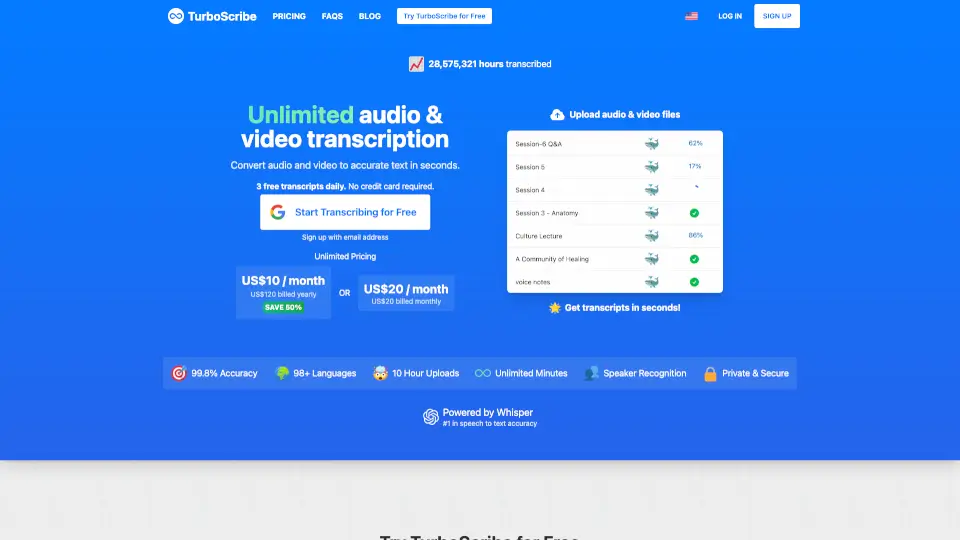
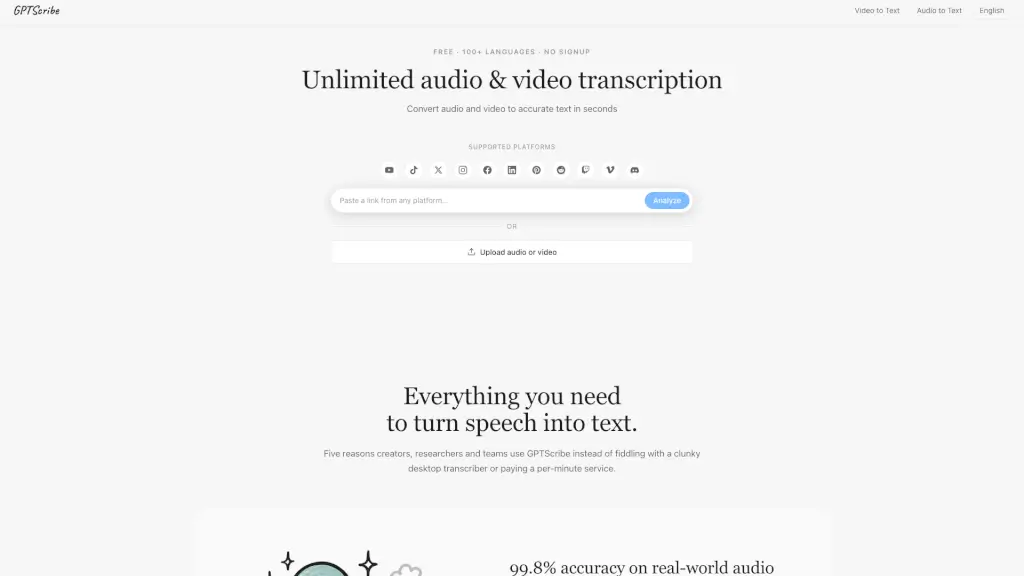
- Upload your audio or video file (MP3, WAV, MP4, MOV, etc.) by dragging it into the upload area. Free plan limits files to 500MB; Unlimited plan allows up to 5GB or 10 hours.
- Select the source language from the dropdown (Auto Detect works for most languages). Enable “Speaker Recognition” if you need speaker labels in the transcript.
- Click “Transcribe Now” – the neural engine processes the file, showing latency and carbon-neutral status. You can monitor progress in the upload queue.
- Once complete, download the transcript in your preferred format (PDF, DOCX, TXT, SRT, VTT). For bulk exports, use the Unlimited or Business plan.