
What is Glasp?
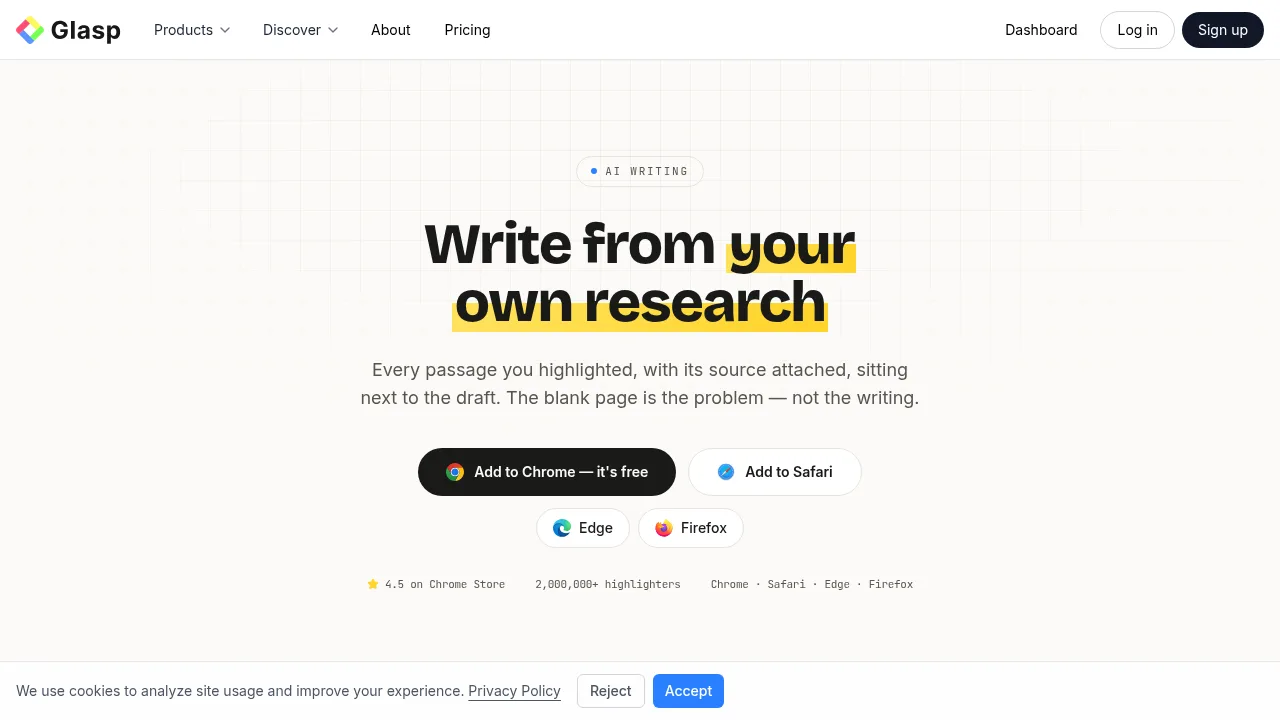
Glasp is a research highlighter and drafting surface for writers that stores collected passages alongside their source, author, URL, and date. It lets users draft text using OpenAI GPT or Anthropic Claude grounded in their own saved material rather than the open web. Access requires installing a browser extension on a desktop computer or using the mobile app.
What are the features of Glasp?
- Web, PDF, video, and book highlightingCollects passages from web pages, PDFs, YouTube videos with timestamps, and Kindle books, attaching the source metadata to each highlight.
- Source-grounded AI draftingGenerates text using OpenAI GPT or Anthropic Claude based on the user's saved highlights as input instead of general web data.
- Research importBrings existing highlights into the library from Kindle, Pocket, Medium, Instapaper, Readwise, Hypothesis, Diigo, Raindrop, and Weava.
- Export optionsSends notes to Notion, Obsidian, Roam Research, and mem.ai, or downloads them as Markdown, HTML, CSV, plain text, or JSON.
- Library search and chatAnswers questions across all saved highlights with source attribution, and supports full-text search and tag filtering.
- MCP connectorConnects the Glasp highlight library to external AI tools like Claude and ChatGPT for drafting.
What are the use cases of Glasp?
- Drafting cited articlesWriters compose text using AI models restricted to their own highlighted passages, keeping source links attached for citation.
- Resurfacing past researchUsers query their entire saved library before starting a new piece to find relevant quotes and sources they already collected.
- Publishing with evidenceAuthors publish posts directly from Glasp with the underlying highlights attached so readers can trace the argument to its sources.
How to use Glasp?
- Install the extensionAdd the Glasp extension to a supported desktop browser (Chrome, Safari, Edge, or Firefox) and create an account.
- Collect passagesHighlight text while reading articles, PDFs, YouTube videos, or Kindle books, and apply tags as needed.
- Filter the librarySearch or filter saved highlights by tag, source, or author to gather the material for a specific piece.
- Draft with AIUse ChatGPT or Claude to write on top of the selected passages, generating text grounded in the saved sources.
- Export or publishSend the finished draft and highlights to Notion or Obsidian, download as a file, or publish as a Glasp post.
Glasp Pricing Information:
- Free accountIncludes a free monthly AI quota with no credit card required.
- Paid plansHigher limits available for users who write extensively; specific prices are not stated in the source.
- Student planFree plan available for university students.