
What is B7Labs?
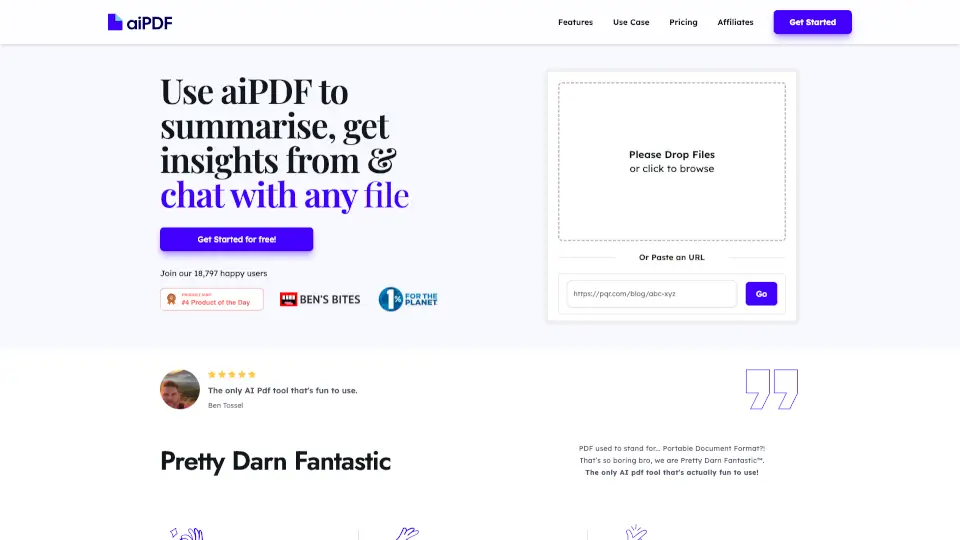
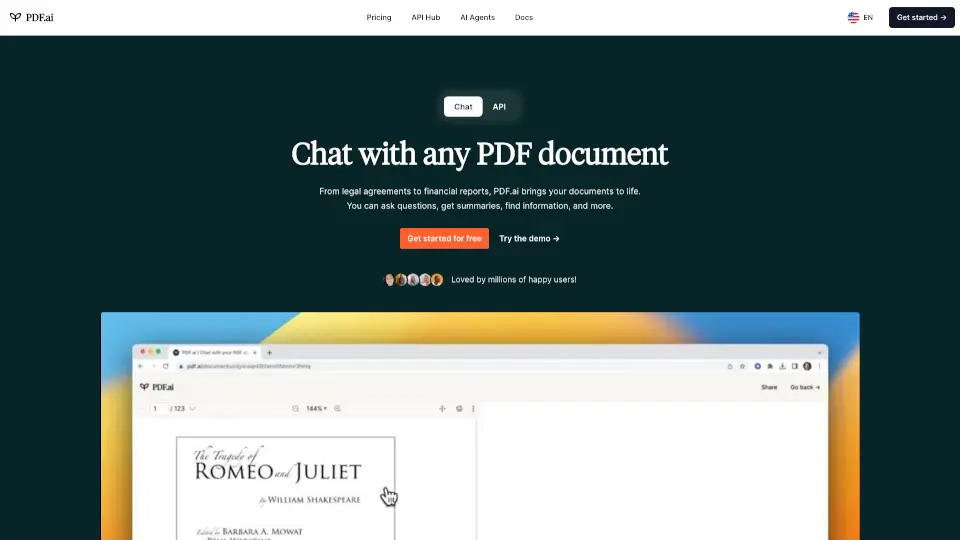
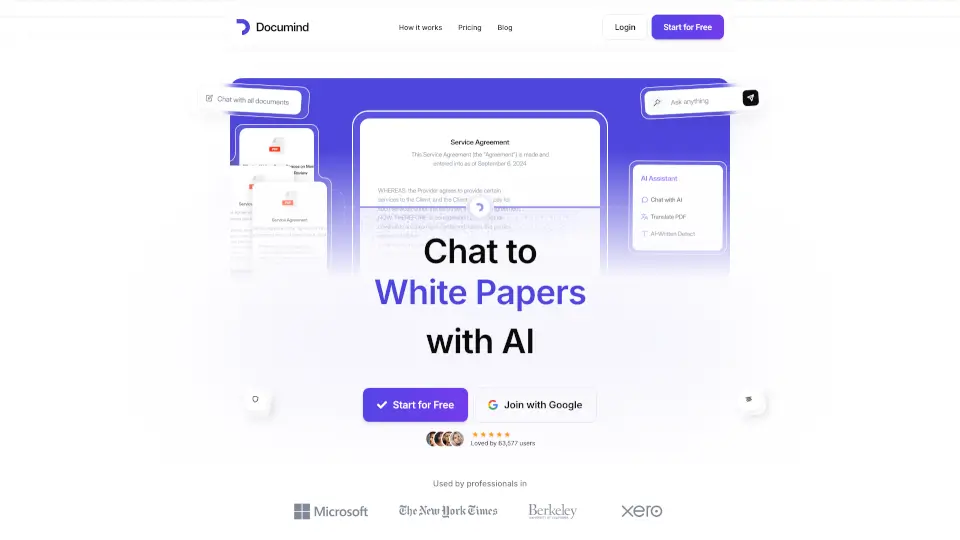
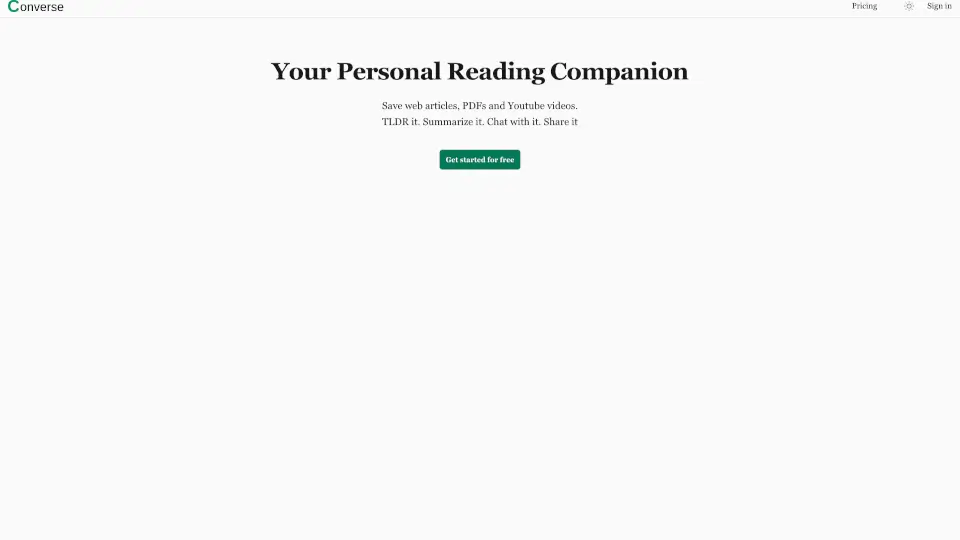
Meet Converse – your new AI reading companion that helps you save, summarize, and chat with web articles, PDFs, and YouTube videos. Instead of spending hours reading or watching, you can get the key points in minutes. It's like having a smart friend who reads everything for you and answers your questions. Whether you're a student cramming for exams, a professional catching up on industry news, or just someone who loves learning, Converse makes consuming content faster and way more enjoyable.
What are the features of B7Labs?
- TLDR & Detailed Summaries: Get the executive summary with key takeaways in seconds. Cut your reading or watching time by up to 80% while still understanding the core ideas.
- Intuitive Document Chat: Ask questions about your saved content and get precise answers with source references. No more guessing where the info came from.
- Library & Collections: All your saved articles and uploaded PDFs stay in your personal library permanently. Organize them into different collections to keep things tidy.
- Social Sharing & Interaction: Share your saved content and chats with friends. They can interact with the document too, making it great for group projects or shared learning.
What are the use cases of B7Labs?
- Student Research: Save a bunch of academic PDFs, get quick summaries, and chat with each document to find exactly what you need for your paper.
- Professional Development: Keep up with industry articles and reports by getting the TLDR version. Ask follow-up questions to dive deeper into specific stats or findings.
- Learning from YouTube: Watch educational videos more efficiently. Save the video, get a summary, and then ask questions about specific parts without rewatching.
- Book Club or Team Reading: Share an article with your group. Everyone can read the summary and ask questions, making discussions more productive.
How to use B7Labs?
- Save Content: Click the Converse extension to save any web article, upload a PDF, or link a YouTube video directly to your library.
- Get a Summary: Open any saved item and hit "Summarize" to see the TLDR and key takeaways instantly.
- Chat with Documents: Type your questions in the chat window. Converse will pull answers from the content and show you exactly where it found them.
- Organize Your Library: Create collections like "Work Research" or "Weekend Reads" to keep everything sorted.
- Share with Others: Use the share button to send a document or your chat conversation to friends or social media.