
What is Conch?
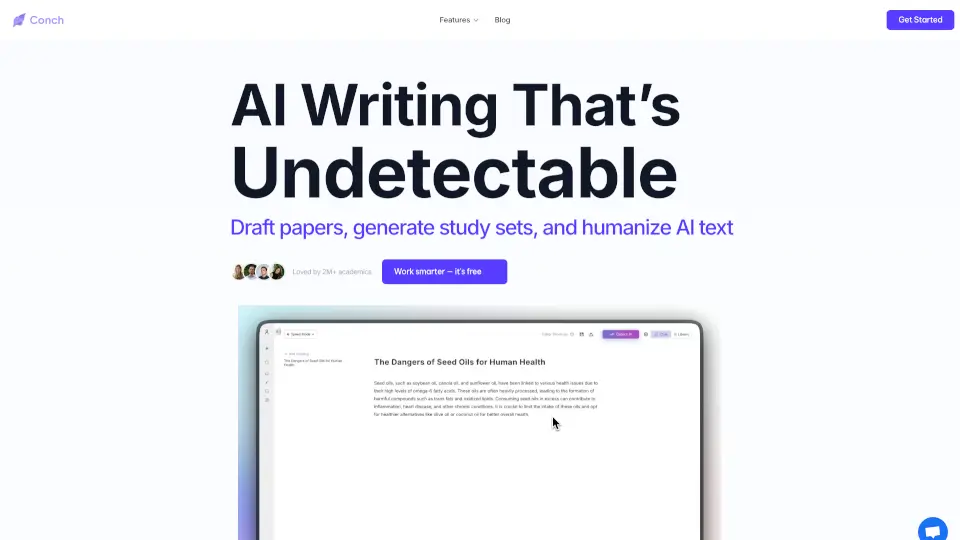
Conch AI is your all-in-one AI-powered writing and research assistant designed to help students, researchers, and academics work smarter—not harder. Whether you're wrestling with a dense research paper, trying to simplify complex notes, or preparing for exams, Conch AI streamlines the entire process so you can focus on understanding, not busywork.
With tools that write, edit, cite, summarize, and even generate study aids like flashcards and mind maps, Conch turns overwhelming assignments into manageable tasks. Trusted by over 2 million users worldwide and rated 4.7 on the App Store, it’s built to boost your writing quality, improve readability, and help you retain more—without sacrificing originality or depth.
What are the features of Conch?
- Rewrite Mode: Instantly refine drafts for better clarity, tone, and flow—perfect for polishing essays before submission.
- Simplify: Transform academic jargon into clear, easy-to-read language, dropping reading levels from Grade 16 to Grade 6 in one click.
- Flashcards: Auto-generate smart study cards from lectures, textbooks, or notes to boost memorization and exam prep.
- Smart Notes: Convert raw content (like articles or videos) into organized, study-ready notes with key takeaways and concise summaries.
- Mindmaps: Visualize ideas and connections with AI-generated mind maps for brainstorming or structuring complex topics.
- Citation Assistance: Get help formatting references correctly so you avoid plagiarism and meet academic standards.
- Planner & Podcast Tools: Plan assignments and extract insights from audio content to support diverse learning styles.
What are the use cases of Conch?
- A college student rewrites a rough essay draft to improve clarity and tone before turning it in.
- A high schooler simplifies a dense science textbook chapter into Grade 8–level language for easier studying.
- A grad student generates flashcards from lecture transcripts to prepare for comprehensive exams.
- A researcher converts a 20-page journal article into structured notes with key concepts highlighted.
- A teacher creates mind maps to help students visualize historical timelines or scientific processes.
- A non-native English speaker uses Simplify mode to better understand complex academic writing.
- A busy undergrad uses the Planner tool to break down a term paper into weekly tasks.
How to use Conch?
- Sign up for a free account—no credit card required—to access core features instantly.
- Paste your draft into Rewrite Mode to enhance tone, flow, and readability with one click.
- Highlight any complex paragraph and use Simplify to make it more accessible.
- Upload or paste lecture notes, articles, or transcripts to auto-generate flashcards or Smart Notes.
- Use Mindmaps to brainstorm essay outlines or map relationships between concepts.
- Export or share your refined documents, notes, or study sets directly from the platform.