
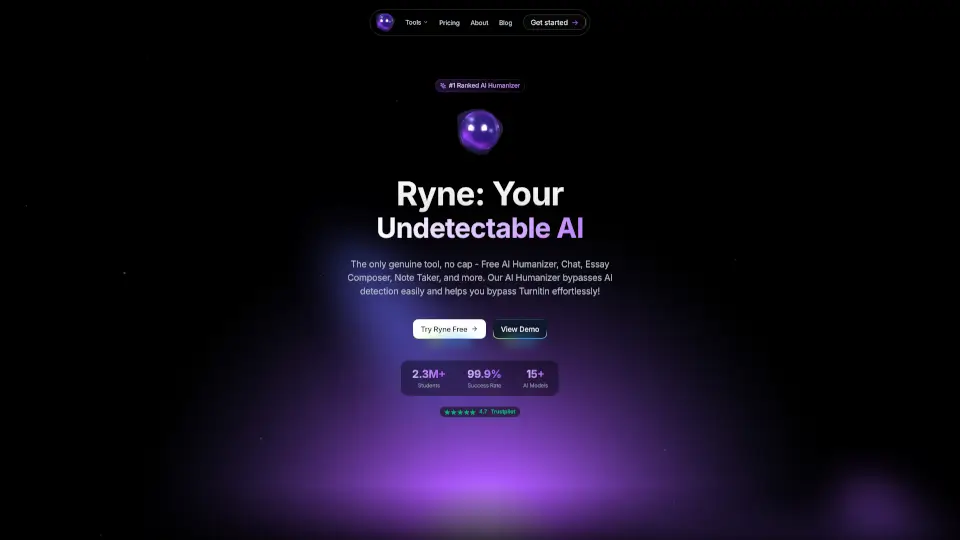
What is Ryne AI?
Ryne AI is an all-in-one academic assistant built specifically for students who want to turn robotic AI drafts into natural, human-sounding text. Instead of stressing over getting flagged by grading software, you get a reliable humanizer that tweaks sentence flow, varies vocabulary, and adjusts tone so your work reads exactly like you wrote it. Beyond just rewriting, it packs a smart chat tutor, essay composer with real citations, and a built-in AI checker so you can draft, verify, and submit with total confidence.
What are the features of Ryne AI?
- AI Text Humanizer: Rewrites AI-generated paragraphs to lower detection scores while keeping your original meaning intact.
- Ryne Chat: Ask questions via text, images, or PDFs and get step-by-step explanations across any subject using top-tier models.
- Essay Composer: Builds structured papers with proper in-text citations and reference lists automatically included.
- Lecture Lab: Converts raw audio or slides into clean, organized study notes and bullet-point summaries.
- AI Report & Detector Check: Runs your text through multiple detectors (like Turnitin-style scoring, GPTZero, and ZeroGPT) and generates a downloadable PDF report with color-coded highlights.
- Multi-Model Engine: Choose from over 15 AI backends like GPT-4o, Claude, and Gemini to pick the best rewrite or answer for your assignment.
- Bionic Reading Mode: Highlights first letters of words to speed up reading comprehension and reduce eye strain during long study sessions.
What are the use cases of Ryne AI?
- Rewriting professor-approved AI outlines into polished, submission-ready essays without triggering plagiarism flags.
- Quickly turning messy lecture recordings or textbook chapters into concise, exam-friendly flashcards and notes.
- Generating fully cited research drafts for history, science, or business courses while verifying sources independently.
- Drafting cover letters, grant proposals, or internship applications that sound professional and authentically human.
- Pre-testing assignments against multiple AI detectors before submitting them to university portals.
How to use Ryne AI?
- Paste or upload your AI-generated draft directly into the Text Humanizer workspace.
- Select your preferred tone, language level, and target AI model from the configuration menu.
- Click humanize and let the system restructure sentences, vary pacing, and inject natural phrasing.
- Run the processed text through the AI Report tool to see exact detection percentages and similarity scores.
- Download the full PDF breakdown, make minor manual tweaks if needed, and export your final document.
- Pro tip: If a paragraph still feels too stiff, use the mid-sentence rewrite option or switch to a different AI model for a fresh perspective.