
What is BypassAI?
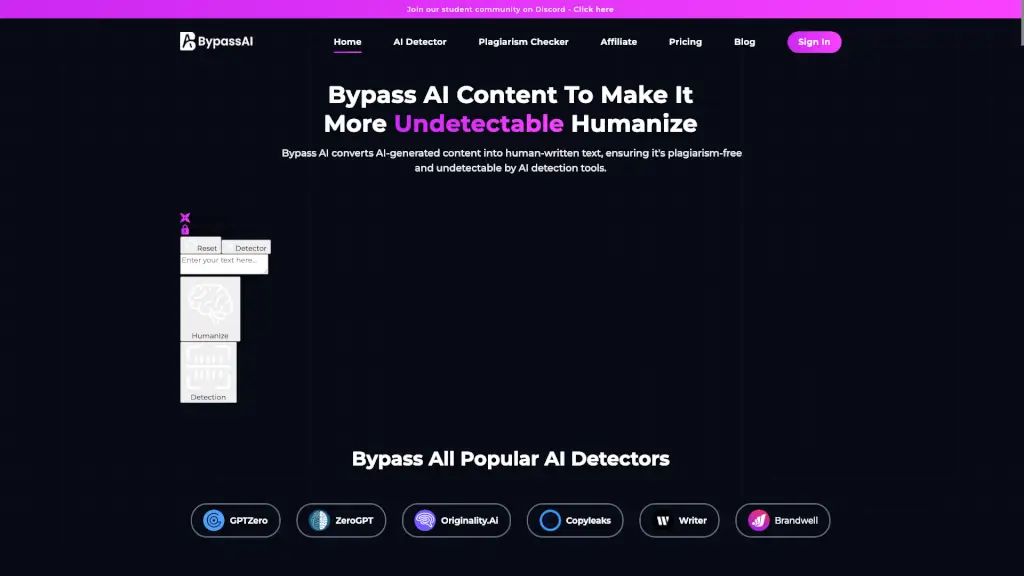
Hey there! Imagine you've got a bunch of AI-generated text that feels a bit too robotic. That's where Bypass AI comes in. This nifty tool is like a magic wand that transforms your AI content into something that reads like it was written by a real person. Whether you're a student, a writer, or a business professional, Bypass AI helps you create content that’s not only human-like but also undetectable by those pesky AI detectors. It’s all about making your words sound natural and authentic, so your message really connects with your audience.
What are the features of BypassAI?
- Humanize AI Text: Bypass AI takes your AI-generated content and gives it a human touch, making it feel more relatable and genuine.
- Bypass AI Detectors: The tool ensures your content can bypass popular AI detection tools like GPTZero, Originality.ai, and Copyleaks, keeping your work safe and undetected.
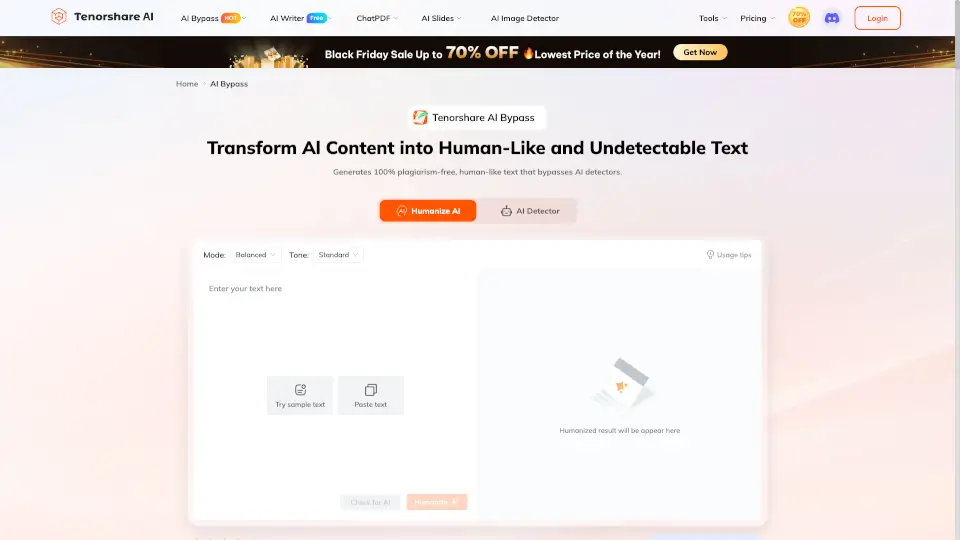
- Tone Customization: You can adjust the tone of your content to match your audience, whether it’s professional, casual, or conversational.
- Error-Free Content: Bypass AI corrects any grammatical, punctuation, and spelling mistakes, ensuring your text is polished and error-free.
- SEO Optimization: The tool enhances your content for better SEO performance, helping you rank higher in search results while maintaining its authenticity.
What are the use cases of BypassAI?
- Content Creators and Writers: Perfect for bloggers, article writers, and marketing professionals who want their content to sound more human and engaging.
- Business Professionals: Ideal for creating reports, presentations, and other documents that need a professional and human touch.
- Academic Professionals: Students and educators can use Bypass AI to ensure their assignments and papers are original and free from AI-generated content.
- Marketing and PR Agencies: Agencies can craft compelling and undetectable content for their clients' campaigns, ensuring high-quality and authentic messaging.
- Web Developers and Designers: Web developers can add humanized content to websites and digital platforms, making them more appealing and trustworthy.
How to use BypassAI?
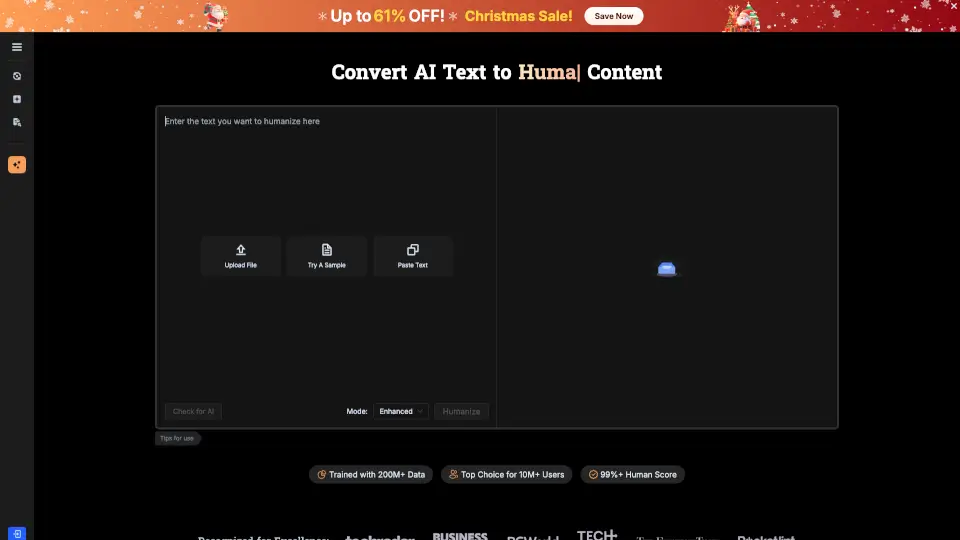
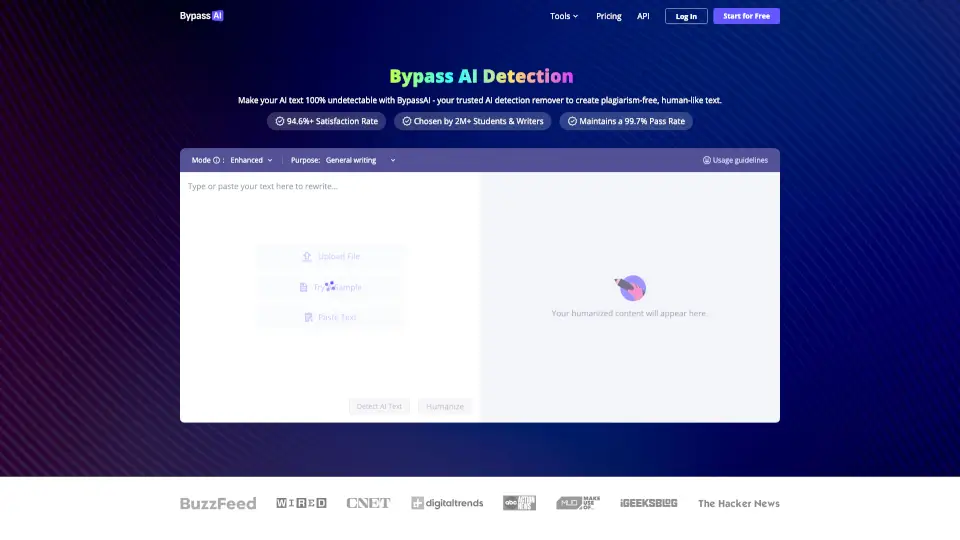
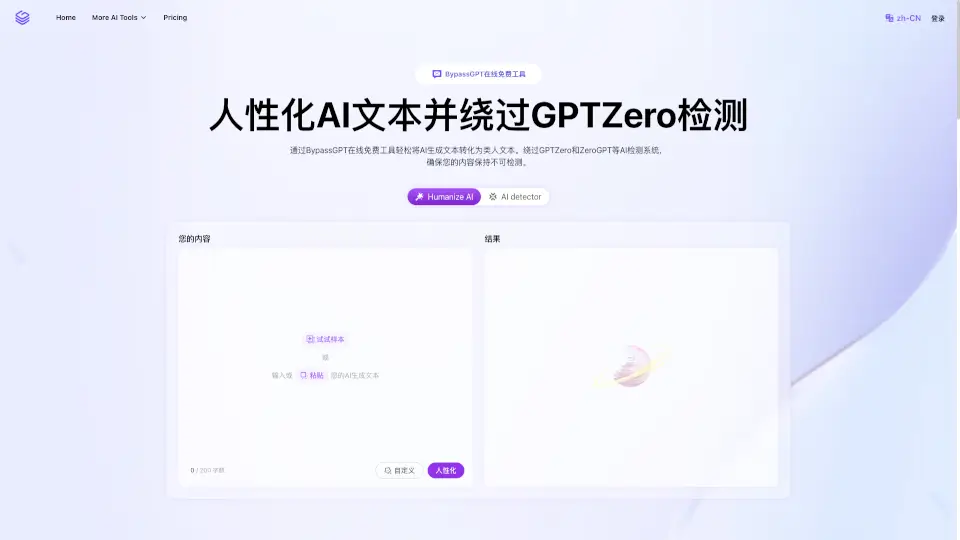
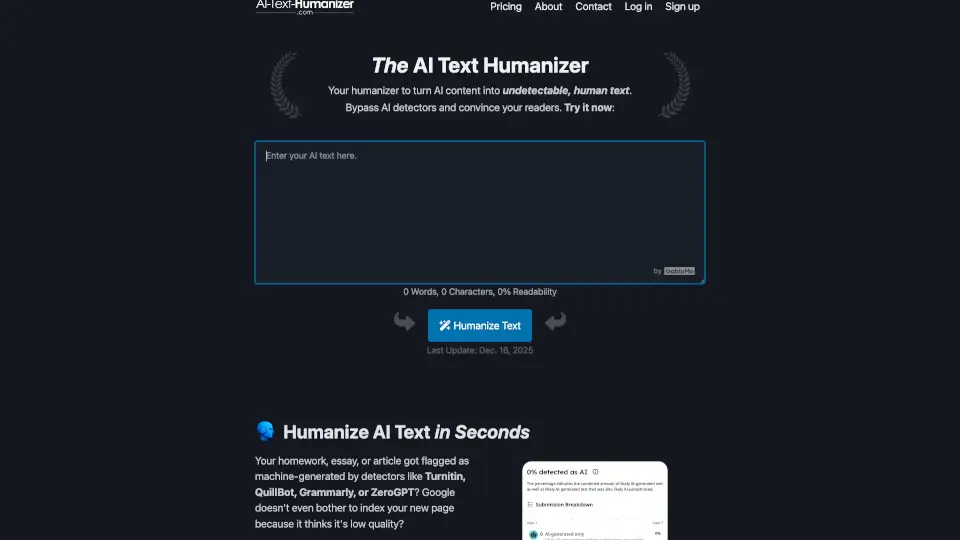
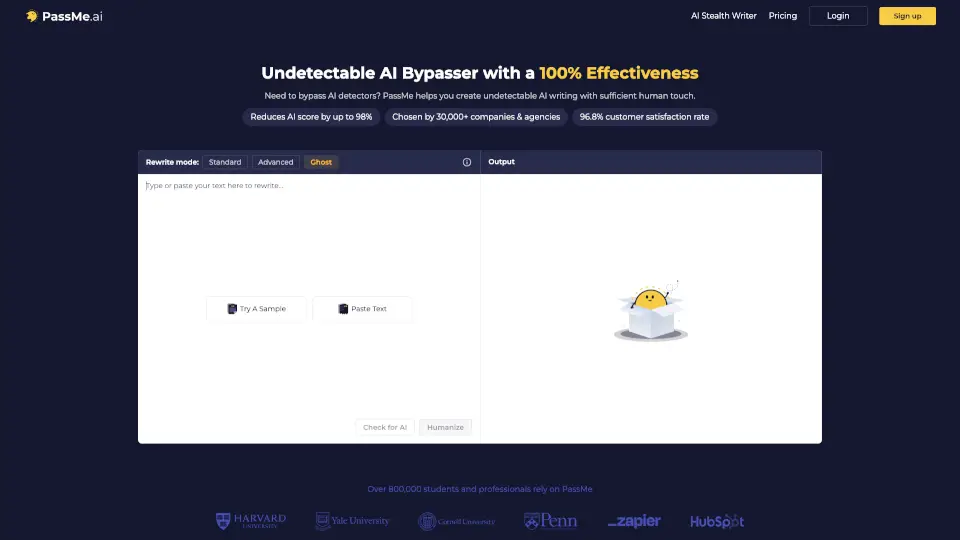
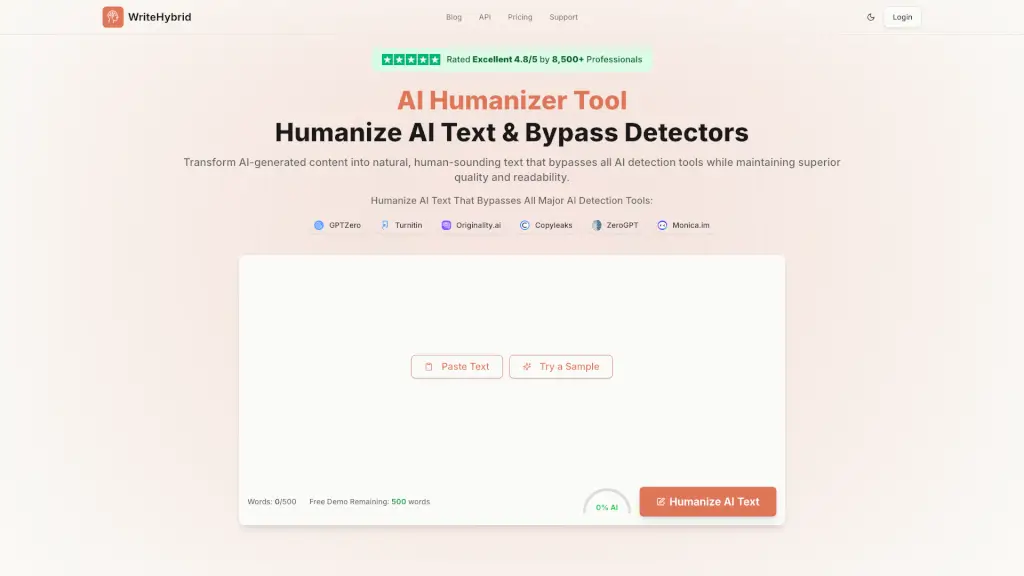
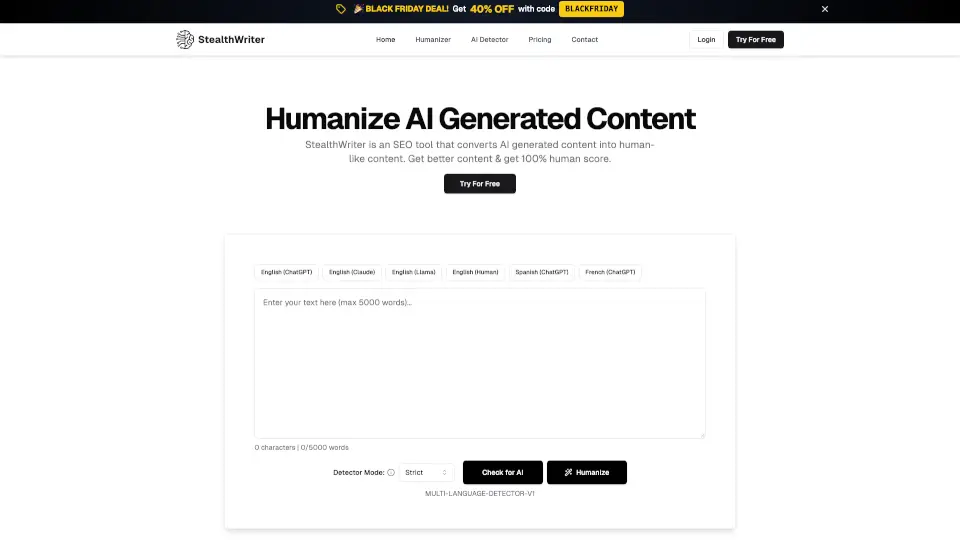
- Step 1: Paste Your AI-Generated Text: Simply copy and paste your AI-generated content into the Bypass AI tool.
- Step 2: Click "Humanize": Hit the "Humanize" button to start the transformation process.
- Step 3: Customize the Tone (Optional): Adjust the tone settings if you want your content to have a specific feel, like professional or casual.
- Step 4: Review and Edit: Once the tool has done its magic, review the humanized text and make any final edits as needed.
- Step 5: Publish or Share: Now you’re ready to publish or share your human-like content, confident that it will resonate with your audience.