
What is Paraphrasing Tool AI?
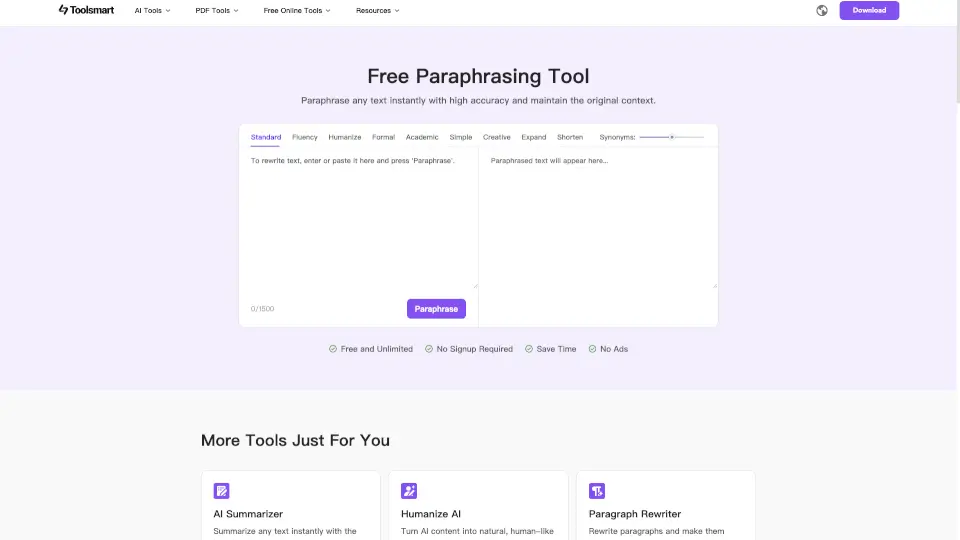
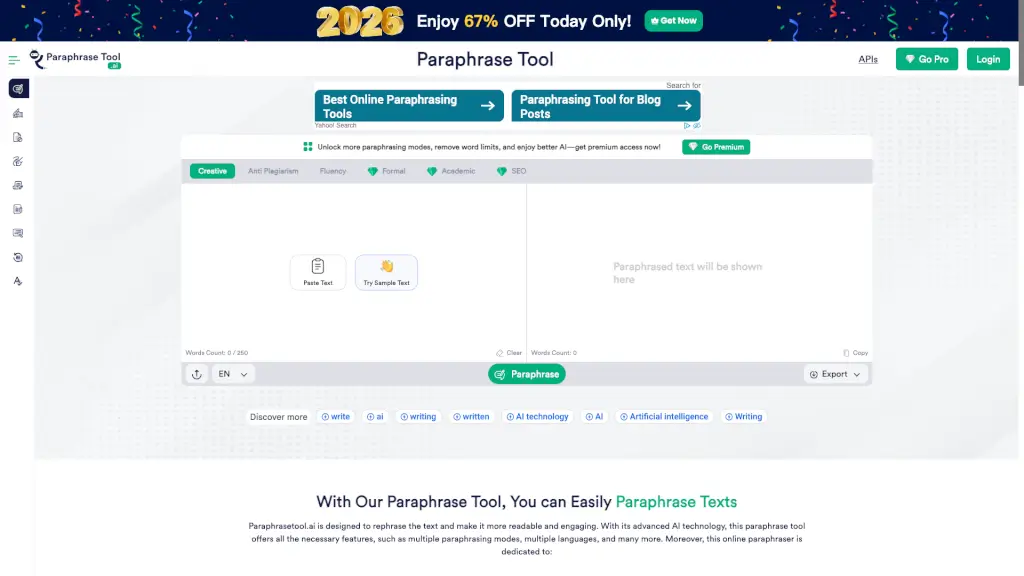
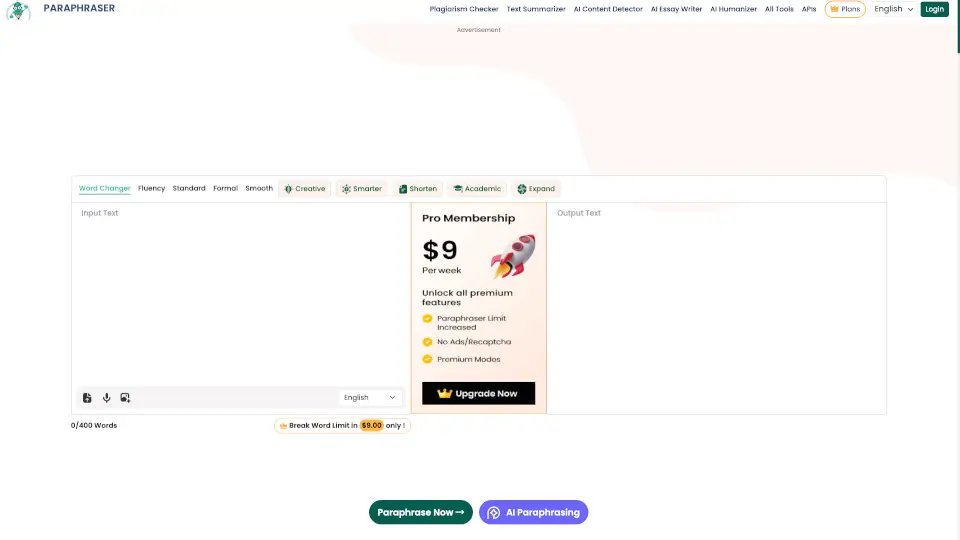
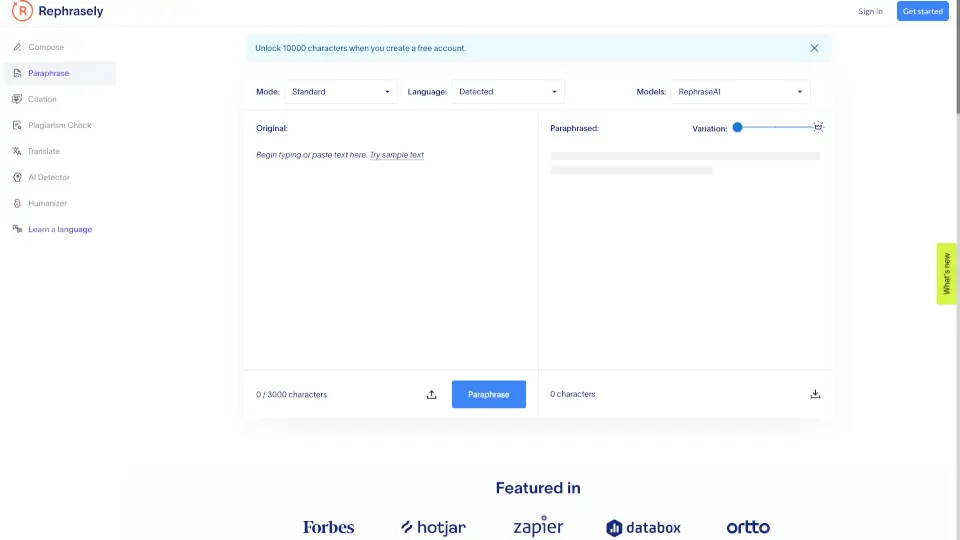
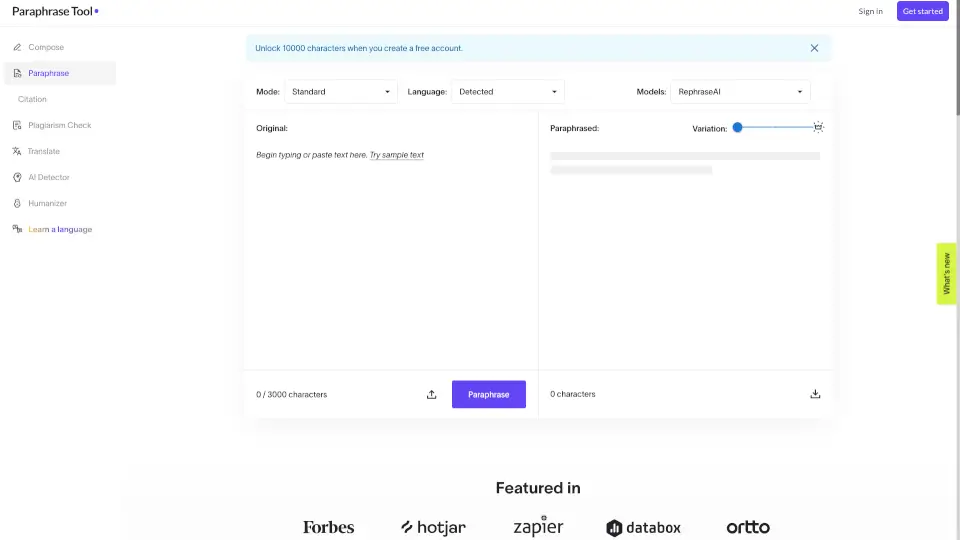
Meet a free AI-powered paraphrasing tool that rewrites your text in a unique way while keeping your original meaning intact. It's built for students, writers, marketers, and anyone who needs clean, clear, and fresh content fast. With 12 AI modes and custom tone options, this tool helps you avoid plagiarism, improve clarity, and make your writing sound more natural.
What are the features of Paraphrasing Tool AI?
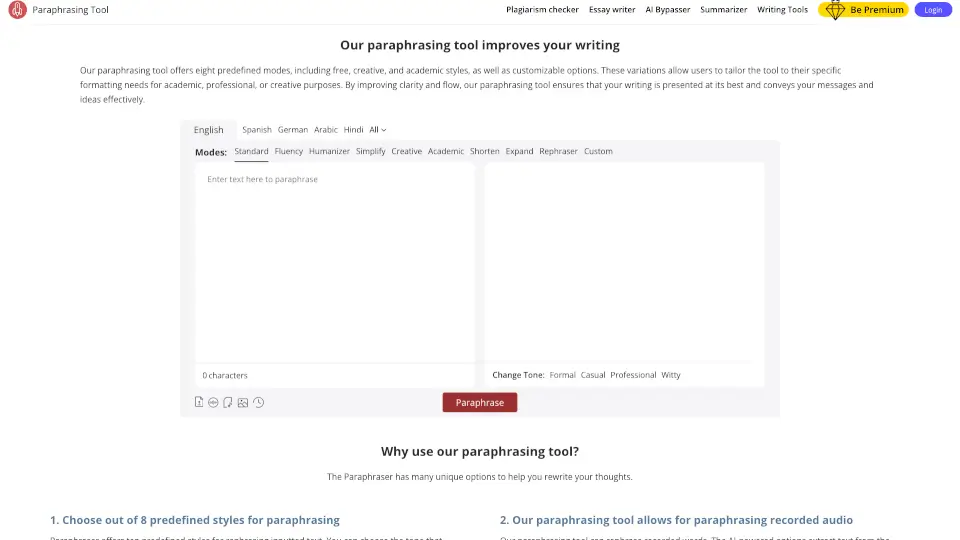
- 12 Paraphrasing Modes: Choose from Standard, Fluency, Humanizer, Simplify, Creative, Academic, Shorten, Expand, Rephraser, and a Custom mode you can build yourself.
- Speech-to-Text Paraphrasing: Speak your words aloud, and the tool rewrites them in real-time — perfect for capturing thoughts on the go.
- Image & Audio Upload: Upload screenshots, notes, or recorded audio. The tool extracts the text and paraphrases it automatically.
- AI-Powered Thesaurus: Click any word in the output to see synonym suggestions that match the context, so you can fine-tune your message.
- Built-In Research Panel: Search for online references and preview article summaries directly within the tool to back up your writing.
- Browser & Mobile Support: Available as extensions for Chrome, Edge, Firefox, Opera, and Safari, plus apps for Android and iOS.
What are the use cases of Paraphrasing Tool AI?
- Students can simplify complex passages and improve academic writing without losing key ideas.
- Writers remove repetitive phrases and keep a consistent tone across articles and stories.
- Bloggers turn complicated concepts into easy-to-read posts that keep readers engaged.
- Marketers tailor promotional messages to reach specific audiences and boost brand awareness.
- Professionals polish reports, proposals, and presentations to sound clearer and more persuasive.
- Researchers rephrase difficult terminology in papers so a broader audience can understand their work.
How to use Paraphrasing Tool AI?
- Choose a mode that fits your goal — Standard for accuracy, Academic for research papers, or Humanizer to remove robotic phrasing.
- Input your text by typing, pasting, uploading a document or image, or using the speech-to-text feature.
- Select a tone from the options (Formal, Casual, Professional, or Witty) to match your audience.
- Click "Paraphrase" and review the rewritten output. Tap any word to swap synonyms using the AI thesaurus.
- Double-click any word to see its definition and usage examples — this helps you understand exactly what you're writing.