
What is ParaphraseTool.ai?
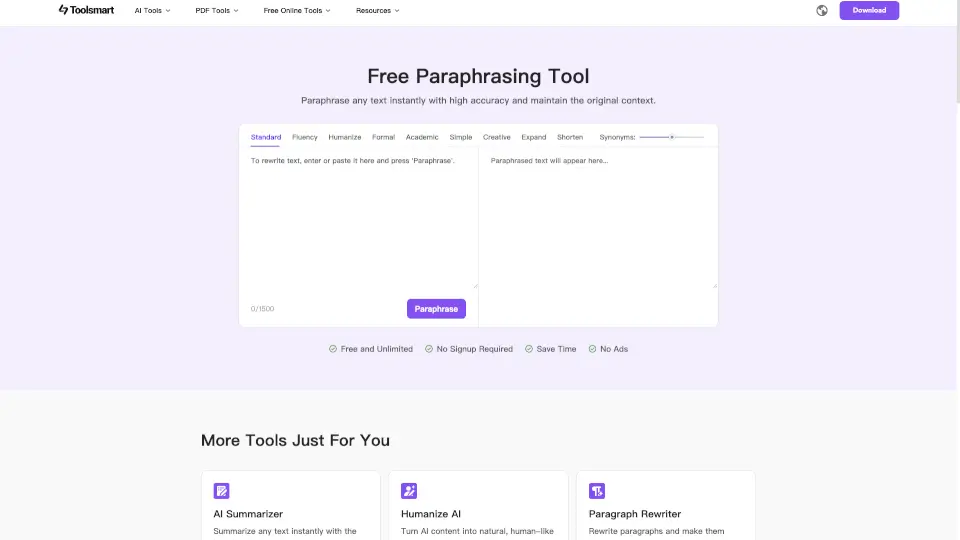
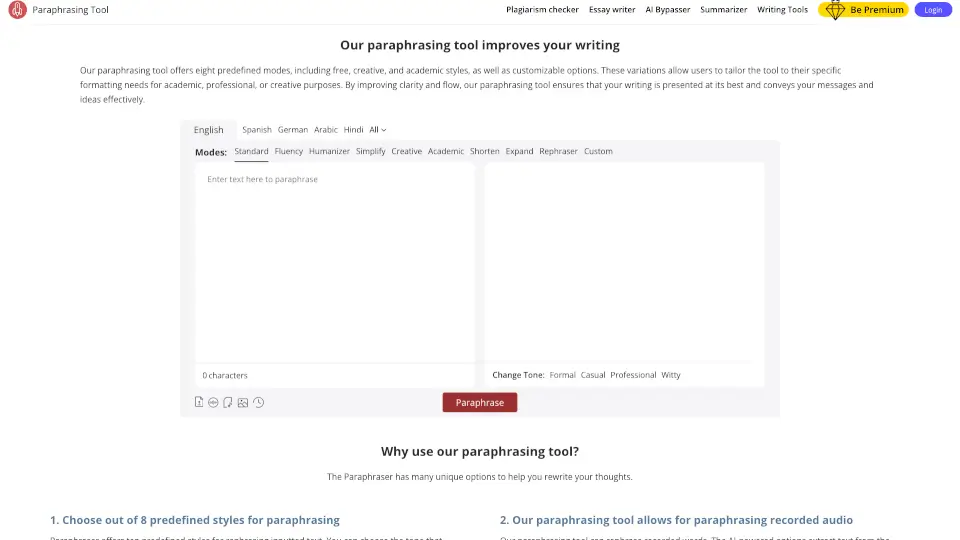
Welcome to the world of seamless writing with our Free Paraphrasing Tool! This advanced AI-powered tool is designed to help you rephrase your content with accuracy and efficiency. Whether you're a student, writer, or professional, this tool can transform your text into fresh, engaging, and plagiarism-free versions. Say goodbye to boring, repetitive content and hello to vibrant, human-like writing that stands out.
What are the features of ParaphraseTool.ai?
- Advanced AI Paraphraser: Our tool uses state-of-the-art AI to rephrase your text while maintaining its original meaning.
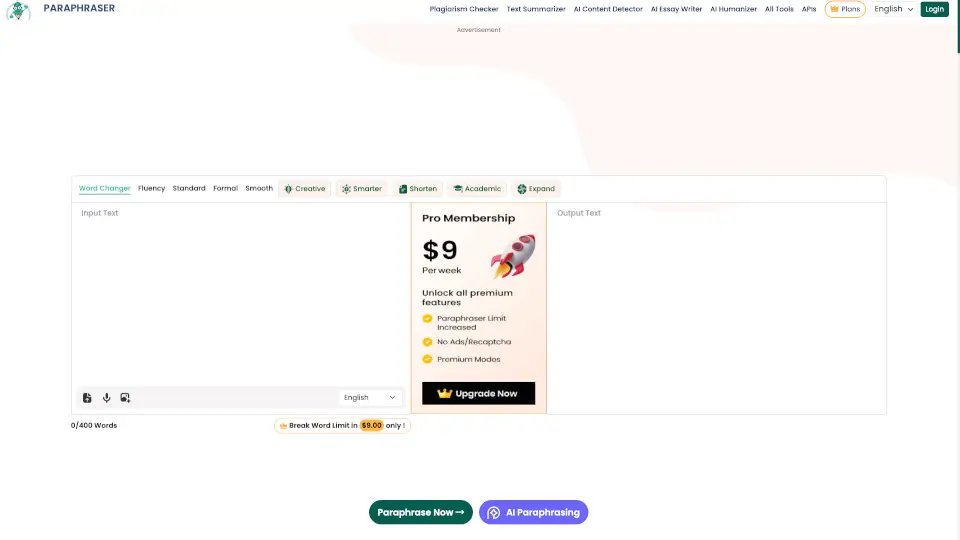
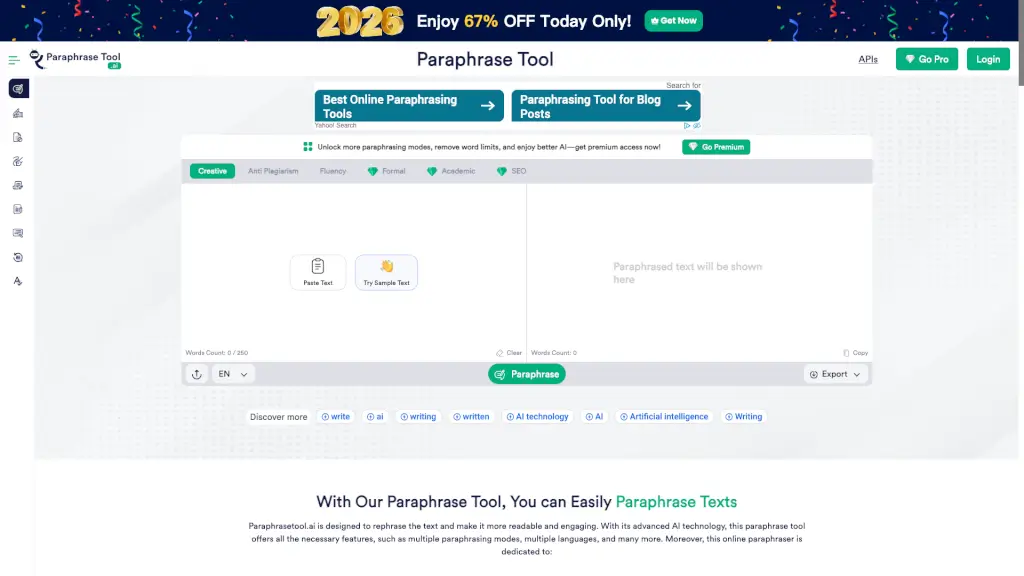
- Multiple Paraphrasing Modes: Choose from Creative, Anti Plagiarism, Fluency, Formal, Academic, and SEO modes to suit your specific needs.
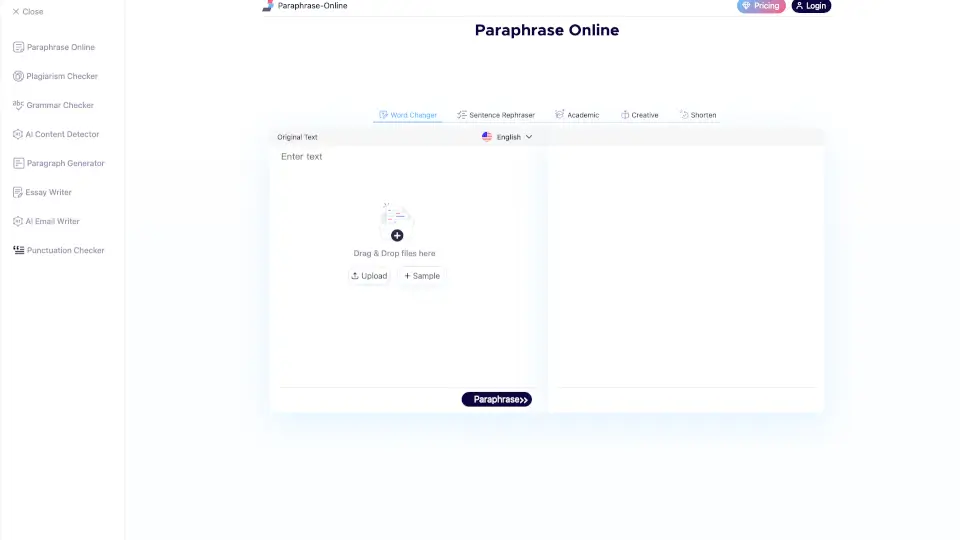
- File Upload Support: Easily upload PDF, DOCX, and TXT files up to 2MB for quick paraphrasing.
- Captcha Verification: Ensures security and prevents unauthorized use.
- Plagiarism Removal: Effectively removes plagiarism, making your content unique and original.
- Word Freeze Option: Freeze specific words or phrases to keep them unchanged in the paraphrased text.
- User-Friendly Interface: Simple and intuitive design makes it easy for anyone to use.
What are the use cases of ParaphraseTool.ai?
- Students: Rewrite essays, assignments, and research papers to avoid plagiarism and improve readability.
- Writers: Create multiple versions of articles, blog posts, and other written content to enhance engagement.
- Marketers: Rephrase marketing materials, product descriptions, and ad copy to make them more appealing and SEO-friendly.
- Professionals: Improve the clarity and formality of business documents, reports, and emails.
- Researchers: Transform complex academic texts into more accessible and understandable formats.
- Bloggers: Generate new, unique content for your blog without starting from scratch.
How to use ParaphraseTool.ai?
- Paste Your Text: Copy and paste the text you want to paraphrase into the input box.
- Select a Mode: Choose the appropriate mode (e.g., Creative, Anti Plagiarism, Fluency) based on your needs.
- Click Paraphrase: Hit the "Paraphrase" button to generate the rephrased text.
- Review and Edit: Review the paraphrased text and make any necessary adjustments.
- Export or Copy: Export the paraphrased text as a Word, PDF, or TXT file, or simply copy it to your clipboard.
- Freeze Words: If needed, freeze specific words or phrases to keep them unchanged in the paraphrased version.