
What is ParaphraseTool.ai?
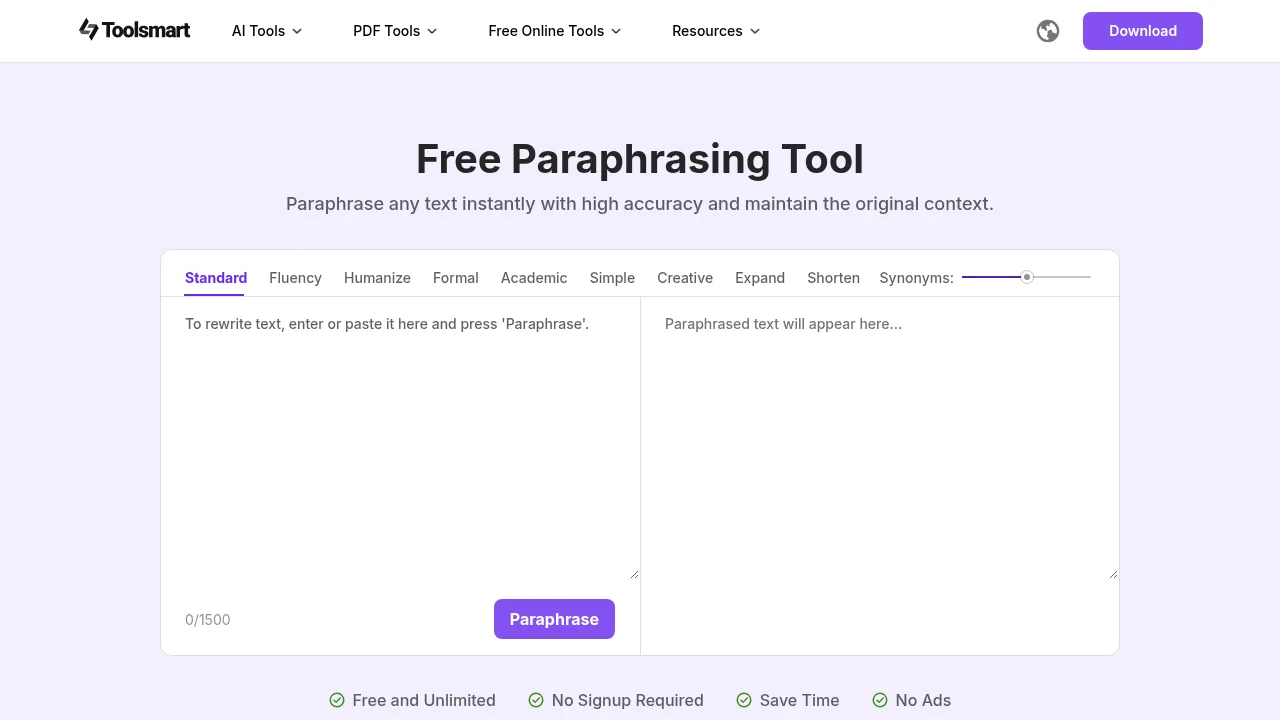
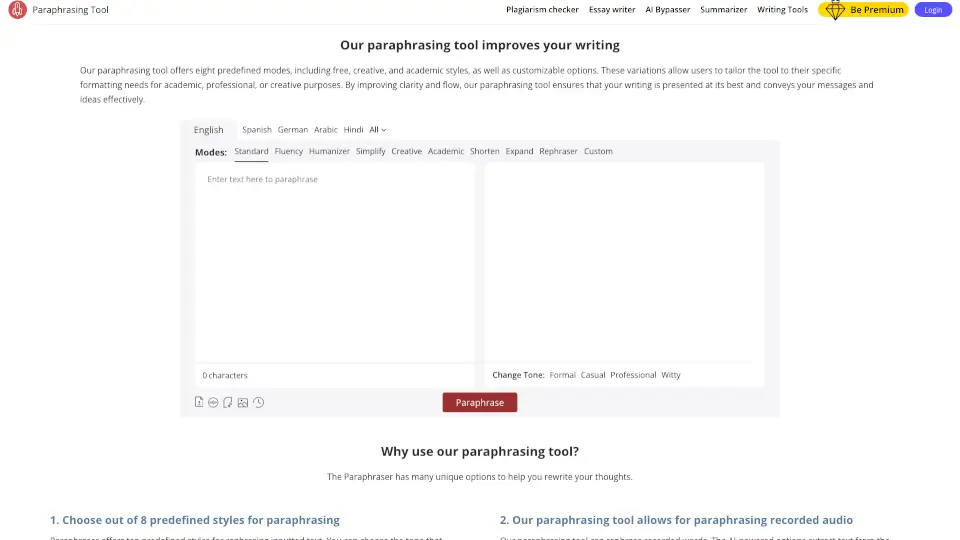
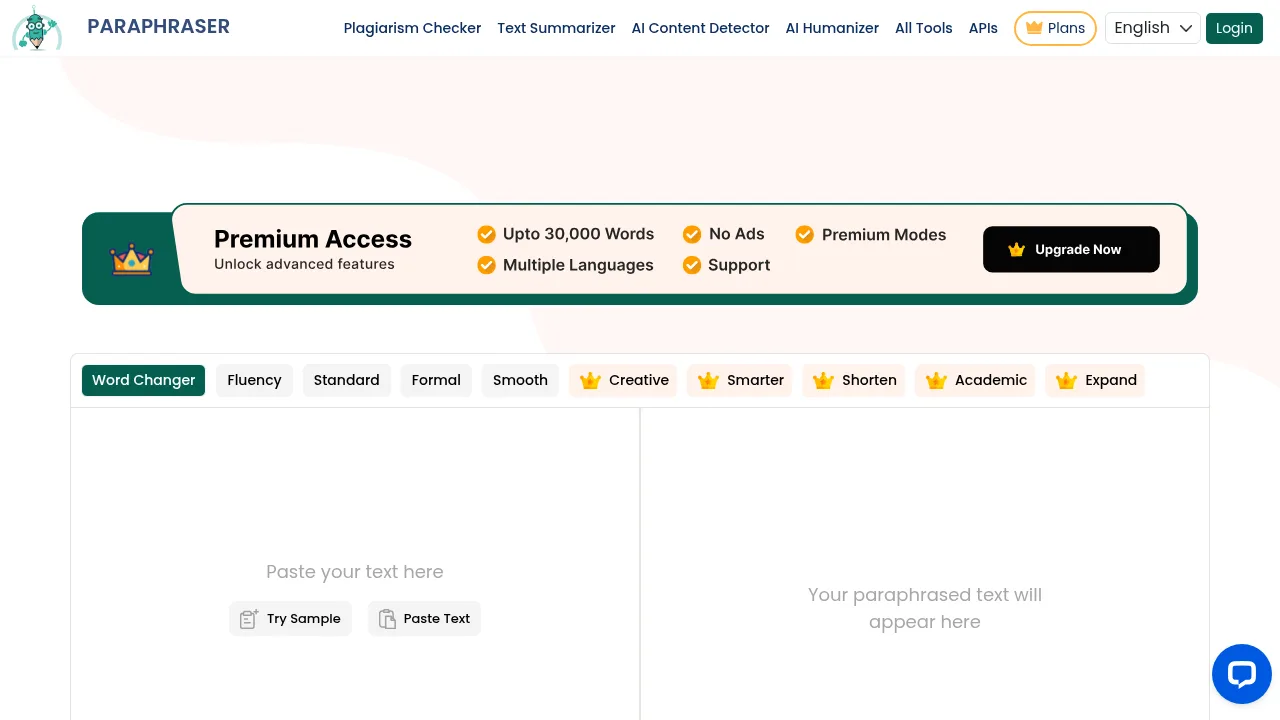
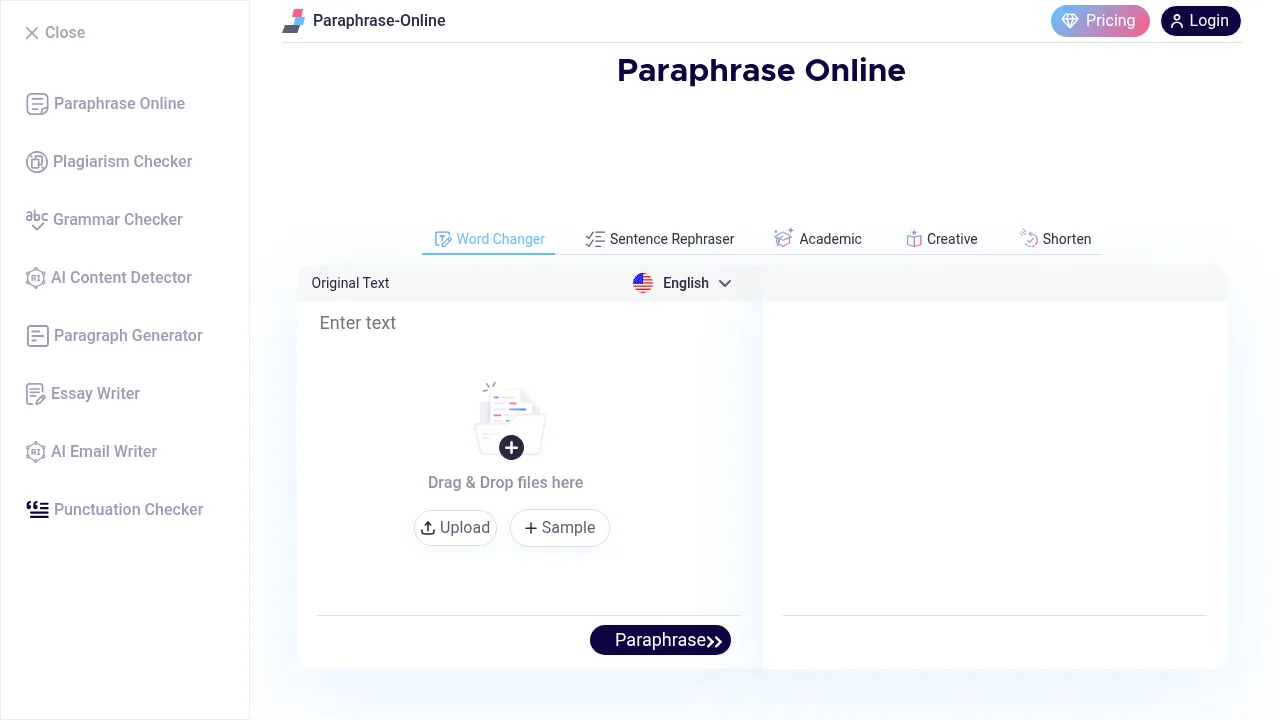
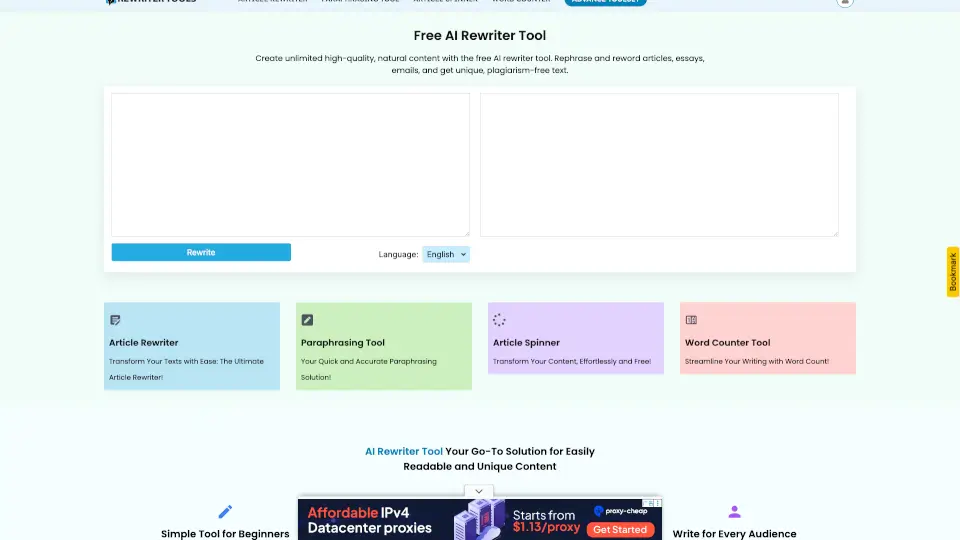
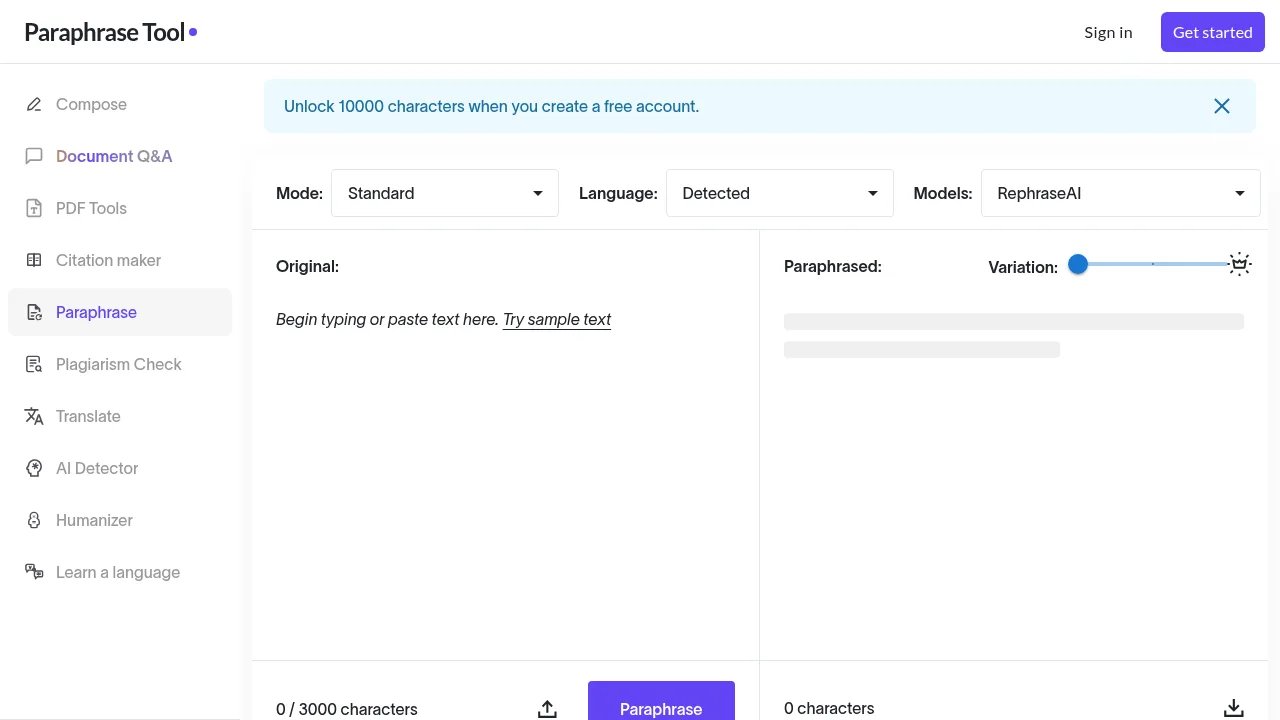
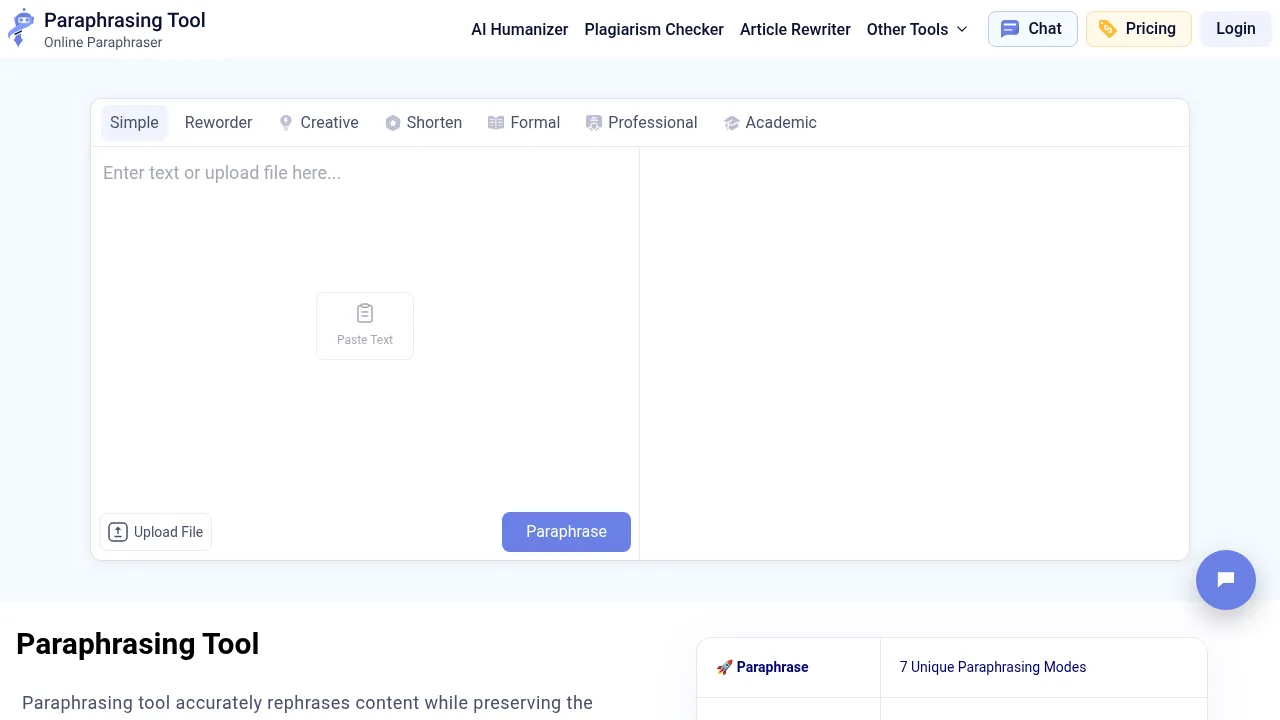
Welcome to the world of seamless writing with our Free Paraphrasing Tool! This advanced AI-powered tool is designed to help you rephrase your content with accuracy and efficiency. Whether you're a student, writer, or professional, this tool can transform your text into fresh, engaging, and plagiarism-free versions. Say goodbye to boring, repetitive content and hello to vibrant, human-like writing that stands out.
What are the features of ParaphraseTool.ai?
- Advanced AI ParaphraserOur tool uses state-of-the-art AI to rephrase your text while maintaining its original meaning.
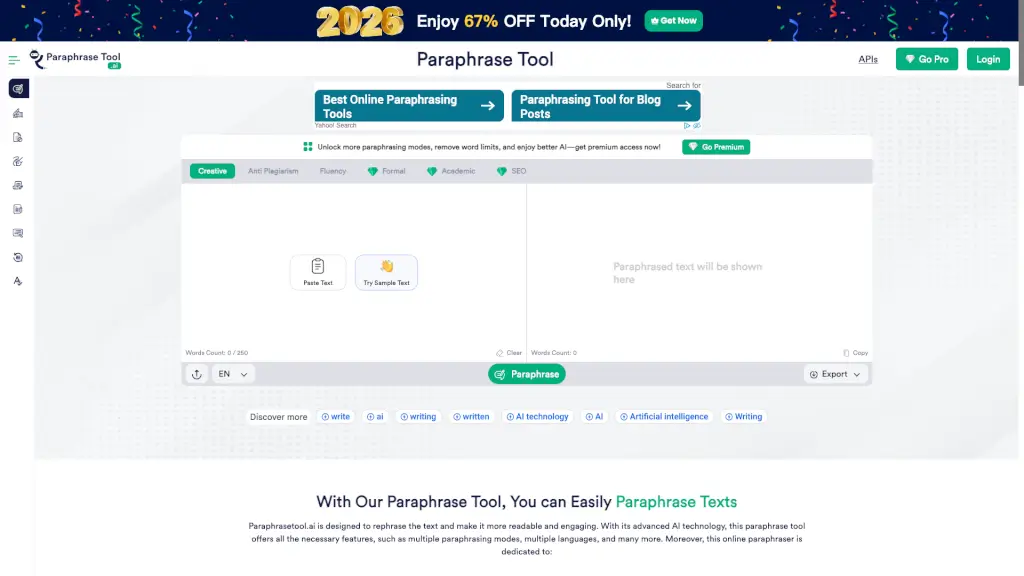
- Multiple Paraphrasing ModesChoose from Creative, Anti Plagiarism, Fluency, Formal, Academic, and SEO modes to suit your specific needs.
- File Upload SupportEasily upload PDF, DOCX, and TXT files up to 2MB for quick paraphrasing.
- Captcha VerificationEnsures security and prevents unauthorized use.
- Plagiarism RemovalEffectively removes plagiarism, making your content unique and original.
- Word Freeze OptionFreeze specific words or phrases to keep them unchanged in the paraphrased text.
- User-Friendly InterfaceSimple and intuitive design makes it easy for anyone to use.
What are the use cases of ParaphraseTool.ai?
- StudentsRewrite essays, assignments, and research papers to avoid plagiarism and improve readability.
- WritersCreate multiple versions of articles, blog posts, and other written content to enhance engagement.
- MarketersRephrase marketing materials, product descriptions, and ad copy to make them more appealing and SEO-friendly.
- ProfessionalsImprove the clarity and formality of business documents, reports, and emails.
- ResearchersTransform complex academic texts into more accessible and understandable formats.
- BloggersGenerate new, unique content for your blog without starting from scratch.
How to use ParaphraseTool.ai?
- Paste Your TextCopy and paste the text you want to paraphrase into the input box.
- Select a ModeChoose the appropriate mode (e.g., Creative, Anti Plagiarism, Fluency) based on your needs.
- Click ParaphraseHit the "Paraphrase" button to generate the rephrased text.
- Review and EditReview the paraphrased text and make any necessary adjustments.
- Export or CopyExport the paraphrased text as a Word, PDF, or TXT file, or simply copy it to your clipboard.
- Freeze WordsIf needed, freeze specific words or phrases to keep them unchanged in the paraphrased version.