What is ジェンスパーク?
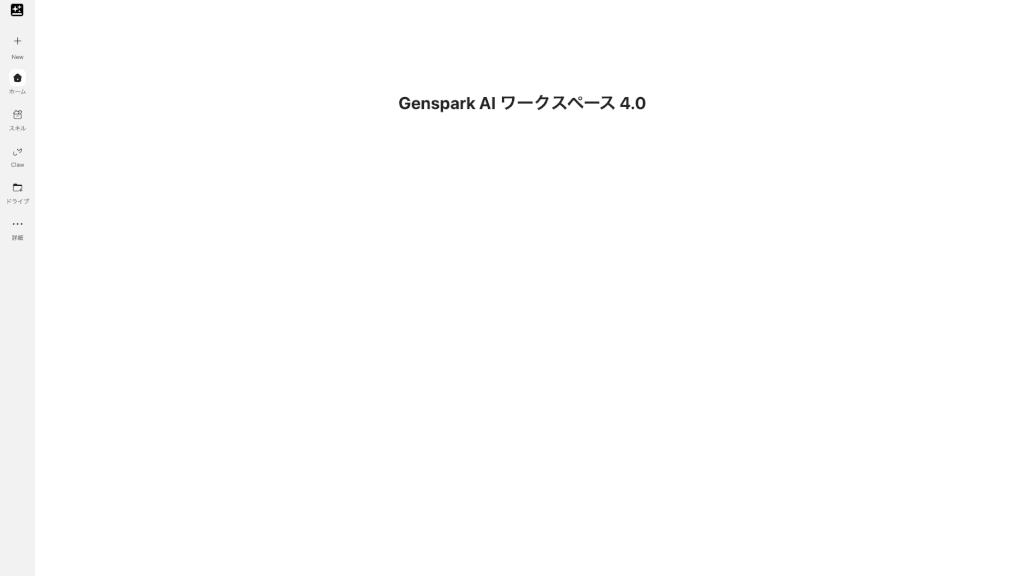
Genspark is an all-in-one AI workspace designed to handle everything from slide creation and document writing to image generation, video production, coding, and design. Instead of juggling multiple tools, you get a single platform where you can talk to your data, generate visuals, and automate repetitive tasks. The standout feature? You can ask a question in plain English and get a live, auto-refreshing dashboard in seconds—no SQL or spreadsheet skills needed. It’s built for anyone who wants to create professional materials faster, without the learning curve.
What are the features of ジェンスパーク?
- Natural-Language Dashboard Builder: Ask questions in plain English, and Genspark queries your data, picks the right chart, and ships a live dashboard that updates automatically.
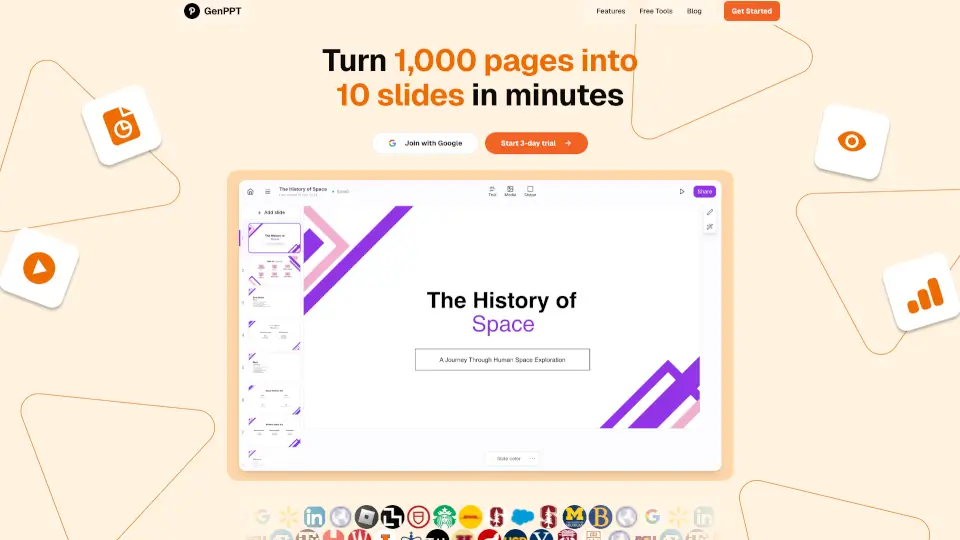
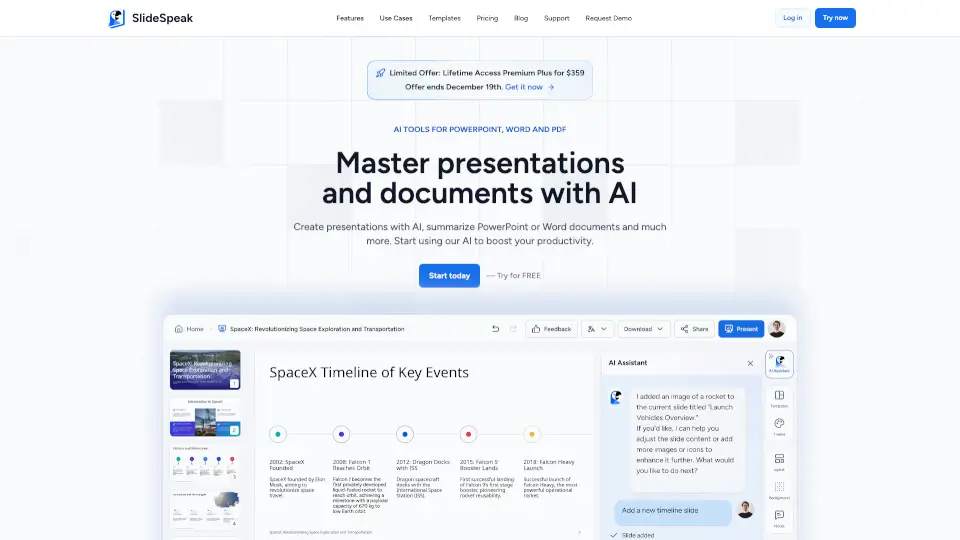
- AI Slide & Document Creation: Generate entire presentations, reports, and proposals from a simple prompt. No more starting from a blank page.
- Multi-Modal Content Generation: Create images, videos, voice clones, and audio compositions directly within the workspace.
- Coding & Design Tools: Build UI components, convert Figma designs to code, and generate custom AI models like GPT Image or Claude Sonnet 5.
- Smart Conversion Tools: Turn Word docs into PowerPoint, PDFs into summaries, or text into full slide decks with one click.
- Integrated AI Assistant: Chat with the AI, get real-time fact-checking, auto-generate meeting minutes, and use voice input for hands-free operation.
What are the use cases of ジェンスパーク?
- Business Professional: Transform a raw data export into a live, shareable dashboard for your team without touching SQL or Excel.
- Student: Take lecture notes, turn them into a slide deck, and generate study images—all in the same workspace.
- Marketer: Create a product pitch deck, a social media image, and a promotional video script without switching between tools.
- Developer: Describe a UI component in plain language and get production-ready code, or convert a Figma design into a working prototype.
- Freelancer: Generate an invoice, a proposal, and a logo for a new client project in under ten minutes.
How to use ジェンスパーク?
- Start with a Question: Go to the dashboard tool and type your data question in plain English (e.g., "Show me sales by region for last quarter"). Genspark will query your data and build a live chart.
- Describe What You Need: For slides, documents, or images, simply describe your goal. The AI will generate a draft you can edit and refine.
- Use the Conversion Tools: Upload a PDF or Word file and select your target format (e.g., PDF to PowerPoint). The AI will reconstruct the content automatically.
- Share Instantly: Once your dashboard or document is ready, copy a single shareable link. No manual updates needed—the data refreshes live.