
What is Genspark.ai?
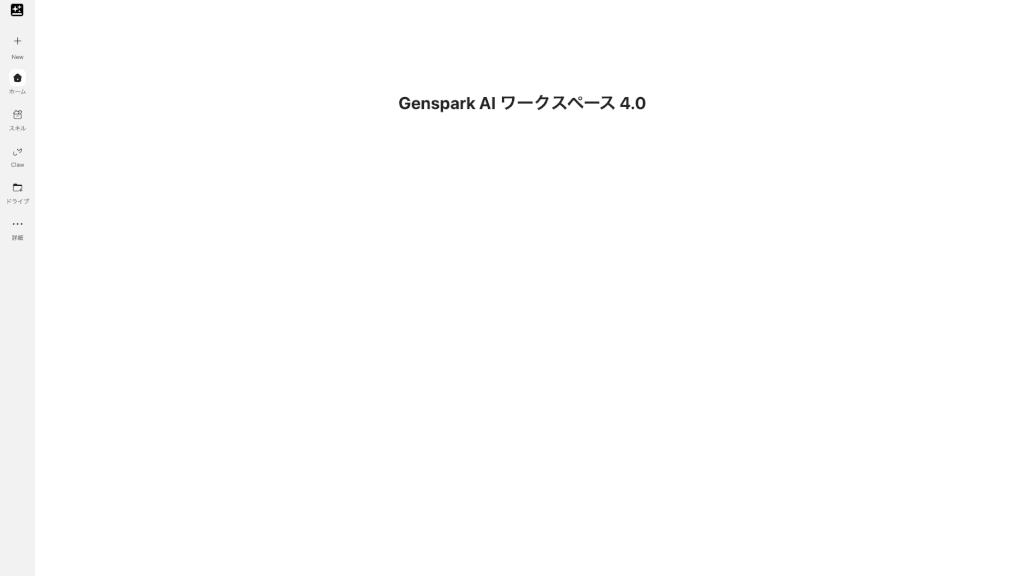
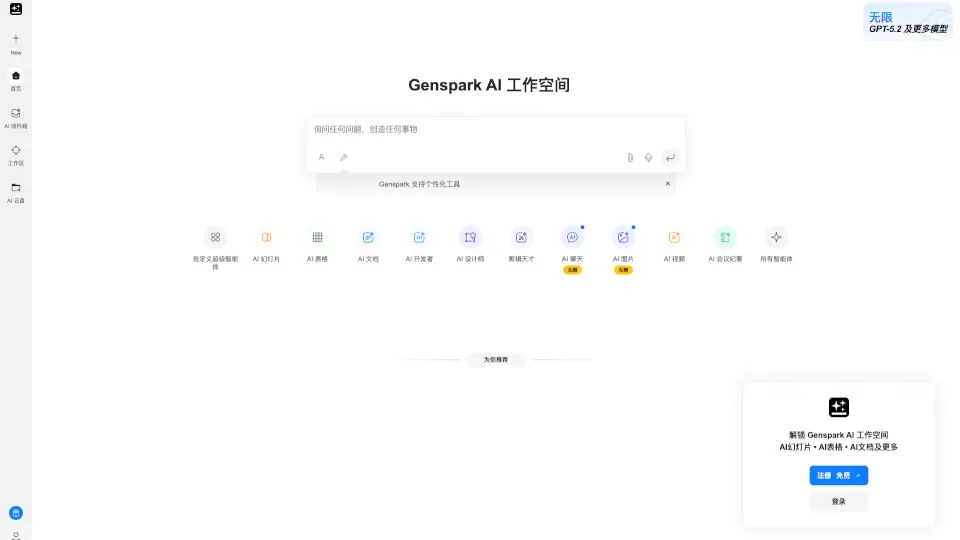
Genspark is your all-in-one AI workspace designed to simplify how you create, collaborate, and get things done. Whether you're building presentations, writing reports, designing visuals, or coding, Genspark brings powerful AI tools together in a single, intuitive platform—so you don’t have to juggle between apps.
Built for students, freelancers, startups, and enterprises alike, Genspark uses cutting-edge AI (including models like Claude Opus 4.7) to turn rough ideas into polished, production-ready outputs fast. From generating professional PPTs to creating logos, editing videos, or drafting contracts, it’s like having a whole creative and administrative team at your fingertips—all for free to start.
What are the features of Genspark.ai?
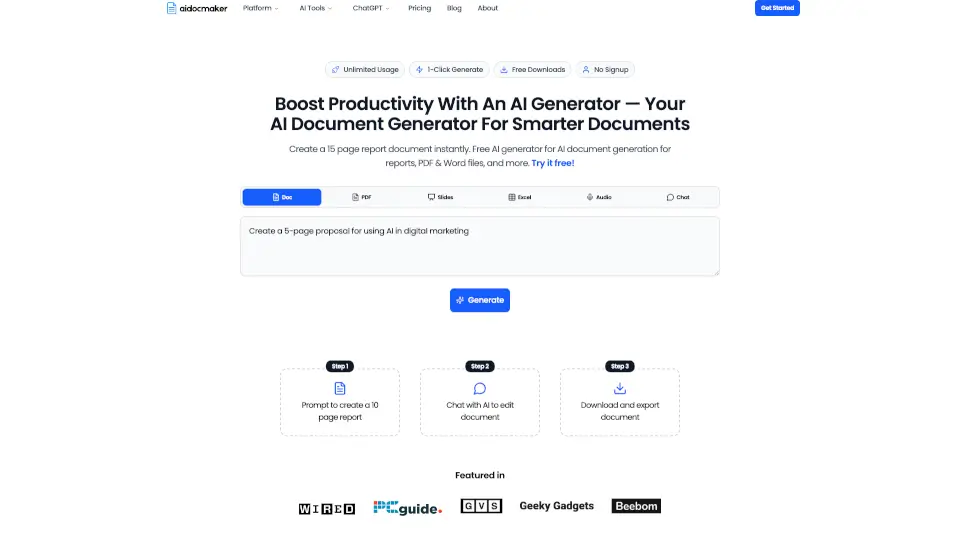
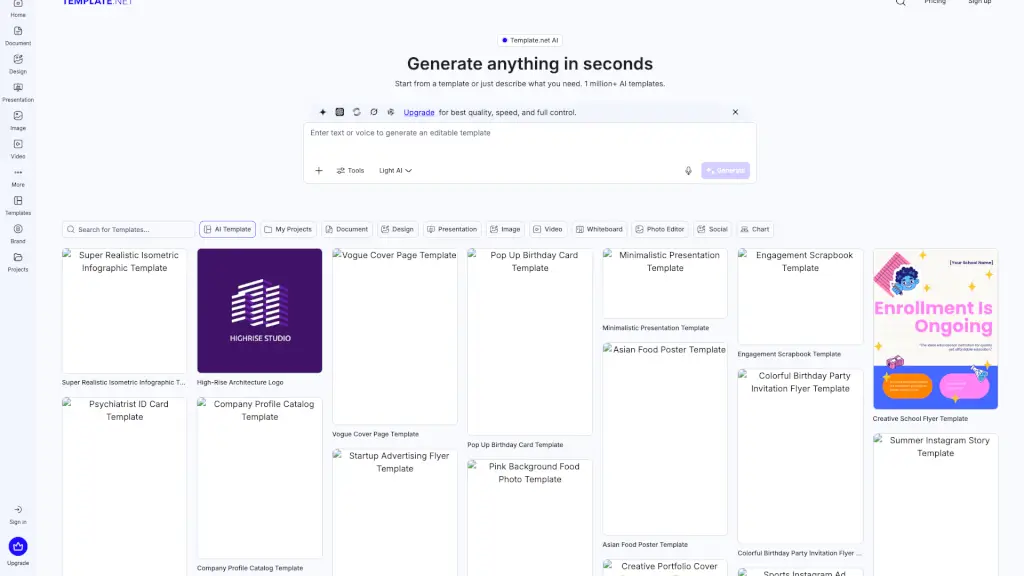
- AI-Powered Document Suite: Generate resumes, proposals, invoices, lesson plans, contracts, and more with smart templates and natural language prompts.
- Design & Visual Tools: Create UI prototypes, posters, infographics, anime art, or edit photos using AI—all without design experience.
- Multimedia Creation: Produce videos from text or images, compose music, clone voices, or launch podcasts with just a few clicks.
- Productivity Boosters: Convert Word to PPT, summarize PDFs, extract meeting notes, or auto-generate spreadsheets and schedules.
- Global Accessibility: Available in 20+ languages, with localized versions for Korea, Japan, Brazil, France, Italy, and more.
- Integrated Workspace: Seamlessly switch between tools like GenClipboard, GenTerminal, Claw, and Speakly without leaving the platform.
What are the use cases of Genspark.ai?
- A startup founder quickly builds a pitch deck, logo, and investor proposal using AI—all in under an hour.
- A teacher generates custom lesson plans, classroom handouts, and educational coloring pages with minimal effort.
- A freelancer creates client-ready invoices, social media flyers, and portfolio websites without hiring designers or developers.
- HR professionals auto-generate tailored resumes and cover letters for job seekers during career workshops.
- Small business owners design menus, event invitations, and promotional flyers using simple text prompts.
- Remote teams use AI to transcribe meetings, assign follow-ups, and turn discussions into structured reports.
How to use Genspark.ai?
- Sign up for a free account at Genspark’s website—no credit card required to start.
- Choose a tool based on your task (e.g., “AI PPT Generator” or “AI Logo Maker”) from the dashboard.
- Describe what you need in plain English (e.g., “Create a modern tech resume for a software engineer”).
- Review and refine the AI-generated output using built-in editing options.
- Download, share, or publish your work directly—or save it to Genspark Cloud for later access.
- Upgrade to Team or Enterprise plans during limited-time offers for extended features and collaboration tools.