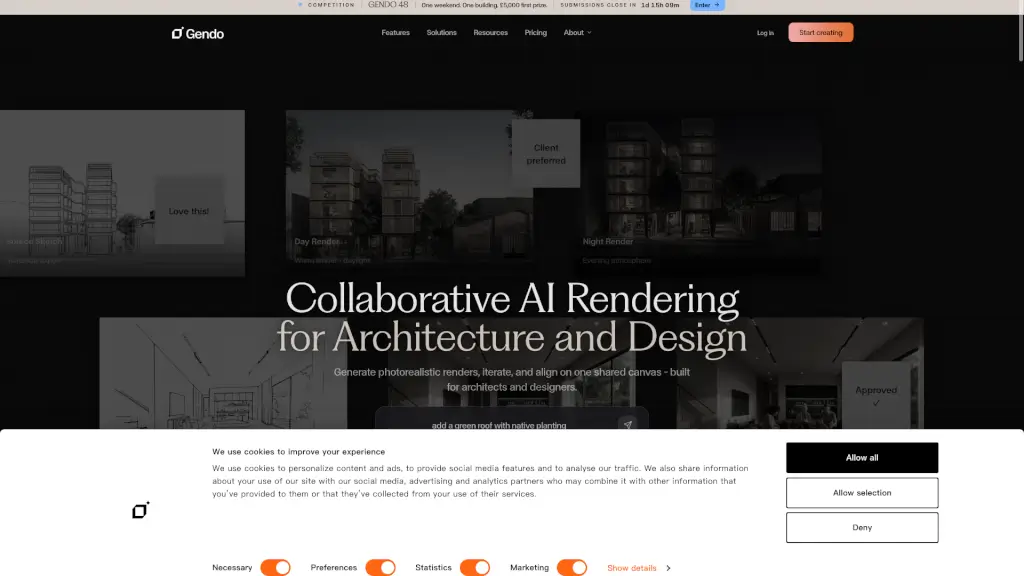
What is Gendo?
Gendo Design Canvas is a powerful tool for architects and designers, allowing you to create stunning, photorealistic renders in just minutes. This collaborative platform is perfect for teams who need to iterate quickly and align on designs. With Gendo, you can upload sketches, generate high-quality renders, and even change materials and styles with ease. It's designed to streamline your workflow, from concept to client approval, making it a must-have for any design studio.
What are the features of Gendo?
- Photorealistic Renders: Generate high-quality, realistic images of your designs in minutes.
- Collaborative Canvas: Work together with your team on one shared canvas, making it easy to iterate and get feedback.
- Material and Style Changes: Swap materials and finishes, or switch between styles, all while maintaining design fidelity.
- Text to Image: Describe a concept and generate a new image from scratch, perfect for visualizing ideas.
- Private by Default: Your projects, prompts, and renders are treated as confidential, ensuring your work stays secure.
- GDPR-Compliant Hosting: All data is stored in EU data centers, with configurable retention policies, ensuring compliance and security.
What are the use cases of Gendo?
- Client Presentations: Create impressive, photorealistic renders to present to clients, helping them visualize the final product.
- Design Iteration: Quickly test different materials, styles, and concepts to find the best solution.
- Team Collaboration: Work together with your team in real-time, making it easy to get feedback and make changes.
- Concept Development: Use text-to-image to generate initial concepts and explore different design ideas.
- Project Documentation: Document your design process with high-quality renders, making it easier to track progress and revisions.
How to use Gendo?
- Upload Your Sketch: Start by uploading a hand-drawn sketch or a 3D model.
- Generate a Render: Click the "Generate" button to create a photorealistic render of your design.
- Edit Materials and Styles: Use the built-in tools to swap materials, change colors, and experiment with different styles.
- Iterate and Collaborate: Share the canvas with your team, get feedback, and make adjustments in real-time.
- Export and Share: Once you're happy with the design, export the render and share it with clients or stakeholders.