What is FreeTTS?
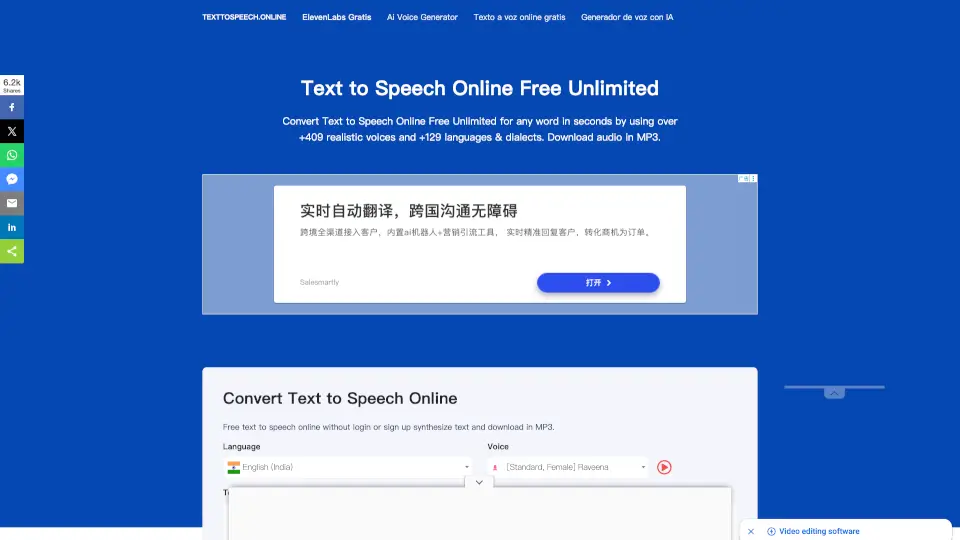
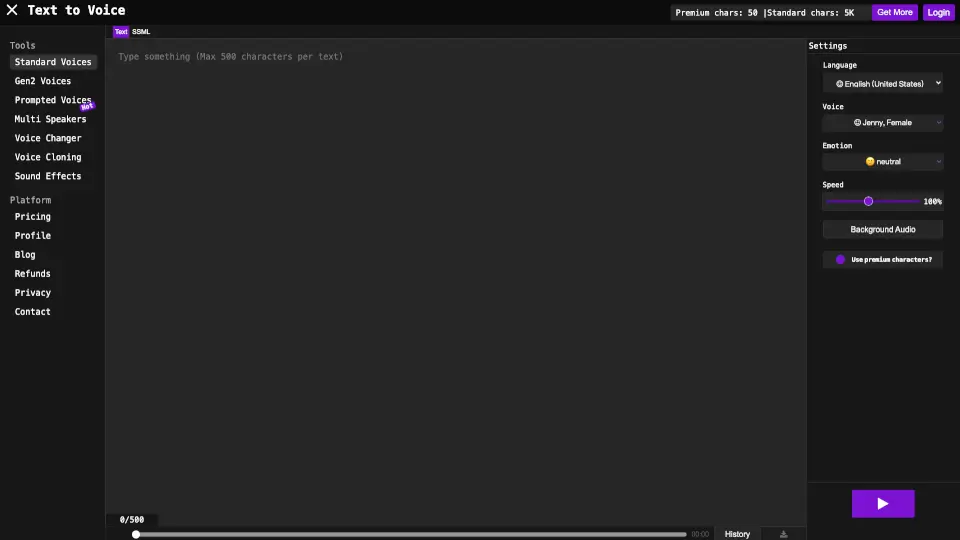
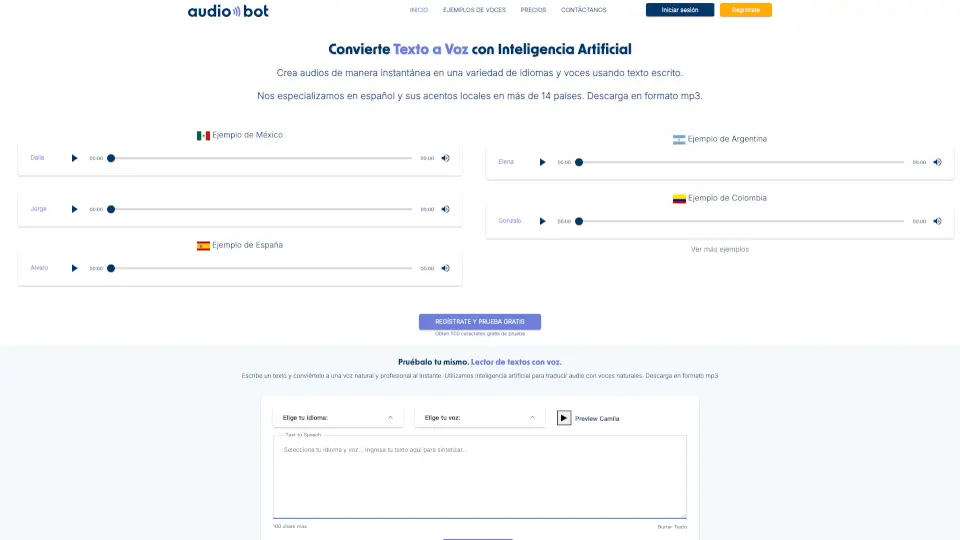
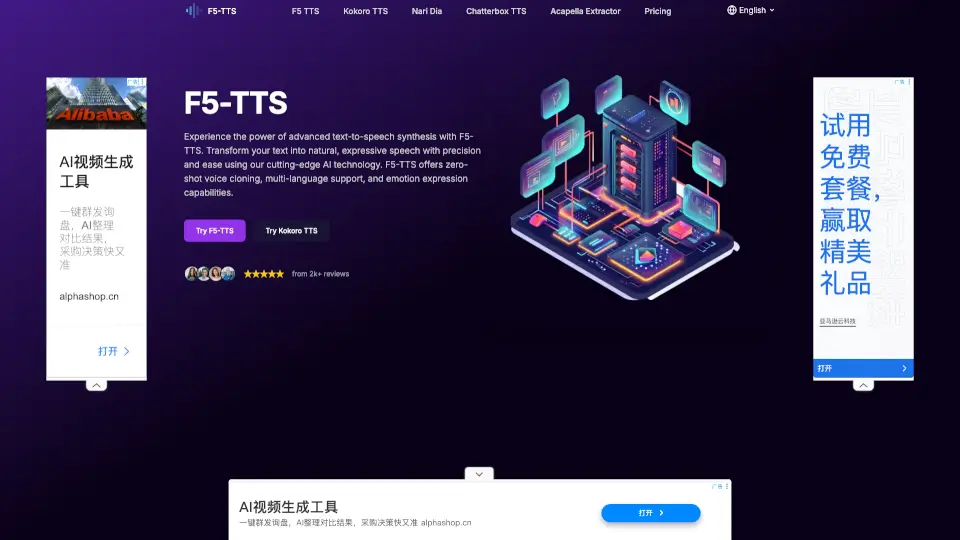
FreeTTS is your go-to online platform for all things audio. Whether you need to convert text to speech, transcribe audio, or enhance the quality of your voice recordings, FreeTTS has got you covered. With a user-friendly interface and powerful AI technology, it's perfect for students, professionals, and anyone looking to work with audio files. Best of all, it’s completely free, so you can enjoy top-notch audio tools without breaking the bank.
What are the features of FreeTTS?
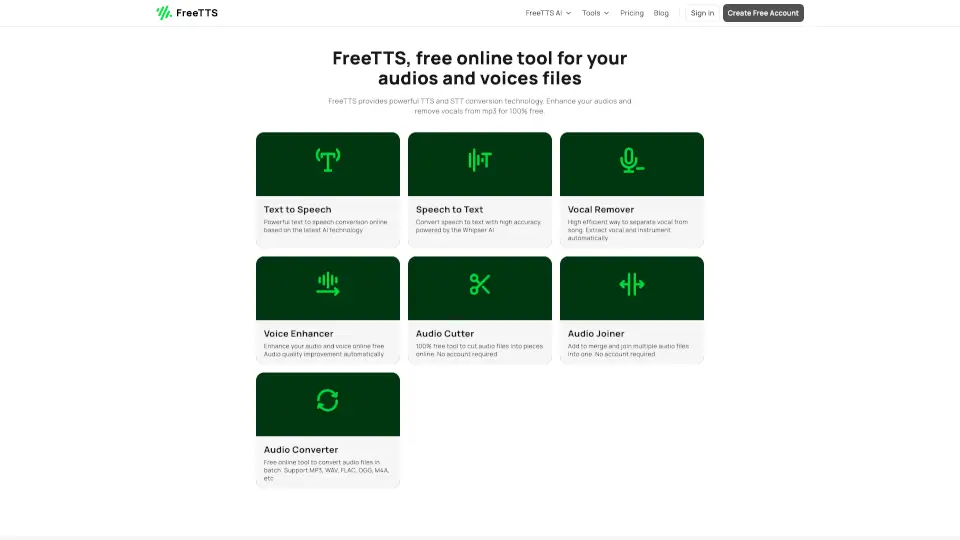
- Text to Speech: Convert text into natural, high-quality speech with advanced AI, ideal for presentations, audiobooks, or voiceovers.
- Speech to Text: Transcribe audio into editable text quickly and accurately, powered by Whisper AI.
- Vocal Remover: Separate vocals and instruments effortlessly, perfect for karaoke, remixing, or music production.
- Voice Enhancer: Improve sound quality, eliminate noise, and optimize clarity, making it ideal for podcasts or voiceovers.
- Audio Converter: Convert audio files between formats like MP3, WAV, FLAC, and more, supporting batch conversion for efficiency.
- Audio Cutter: Cut audio files into smaller parts quickly and easily, great for trimming unwanted sections or extracting specific segments.
- Audio Joiner: Merge multiple audio files into one seamlessly, perfect for combining tracks or assembling podcast segments.
What are the use cases of FreeTTS?
- Creating Audiobooks: Convert written content into natural-sounding speech for audiobooks.
- Transcribing Lectures: Quickly transcribe recorded lectures or meetings into editable text.
- Karaoke Tracks: Remove vocals from songs to create karaoke versions.
- Podcast Editing: Enhance the quality of your podcast recordings and merge multiple segments into a single file.
- Music Production: Isolate instrumentals for remixing or creating new music.
- Voiceovers: Generate high-quality voiceovers for videos or presentations.
How to use FreeTTS?
- Convert Text to Speech: Enter your text, select a voice, and click "Generate" to create a natural-sounding audio file.
- Transcribe Audio: Upload your audio file, and let the AI transcribe it into text with high accuracy.
- Remove Vocals: Upload your song, and use the vocal remover tool to isolate the instrumental track.
- Enhance Audio: Upload your audio file, and use the voice enhancer to improve its quality and clarity.
- Cut Audio: Upload your audio file, set the start and end points, and cut out the desired section.
- Join Audio Files: Upload multiple audio files, arrange them in the desired order, and merge them into a single file.