
What is FreeMusic AI?
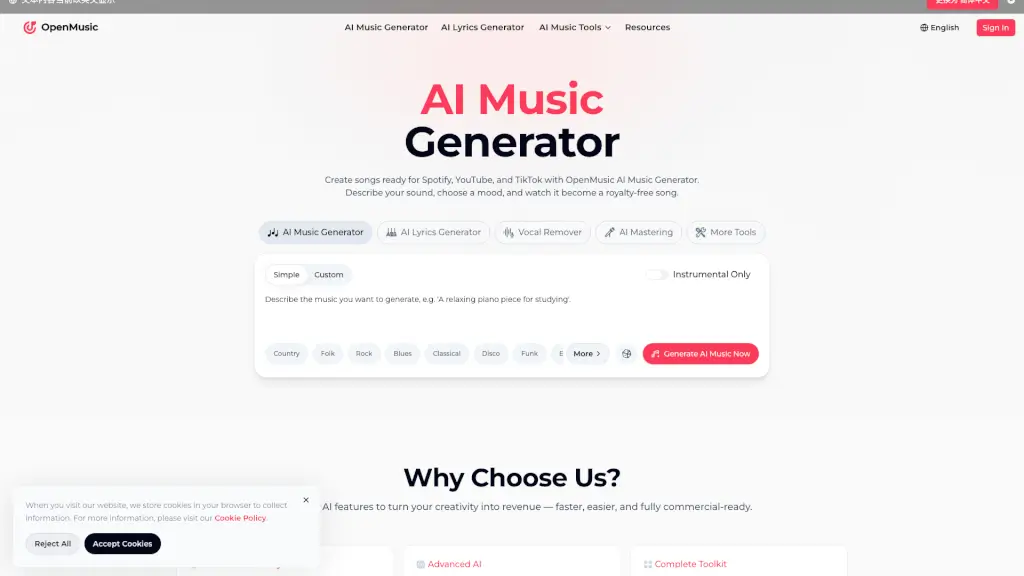
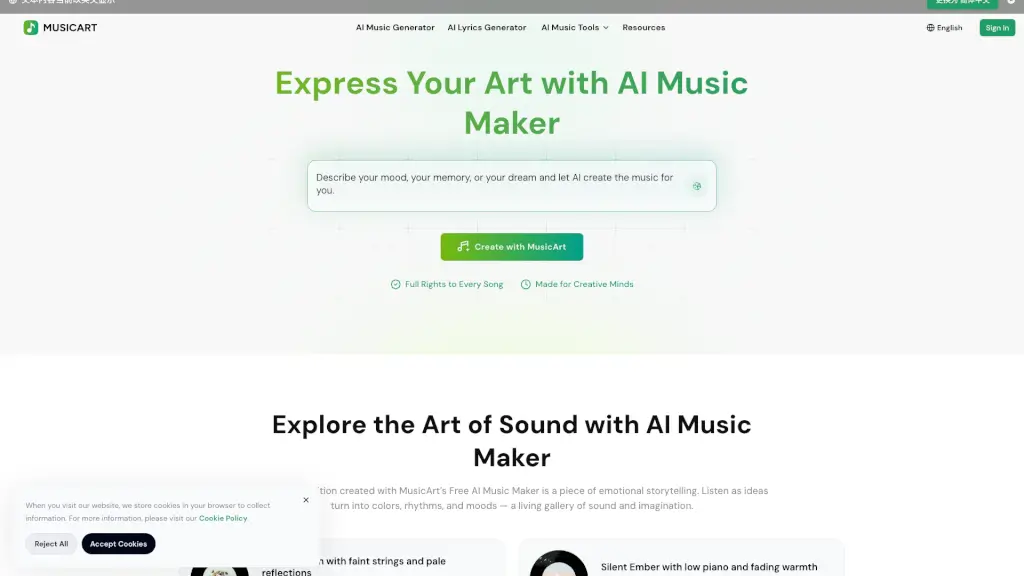
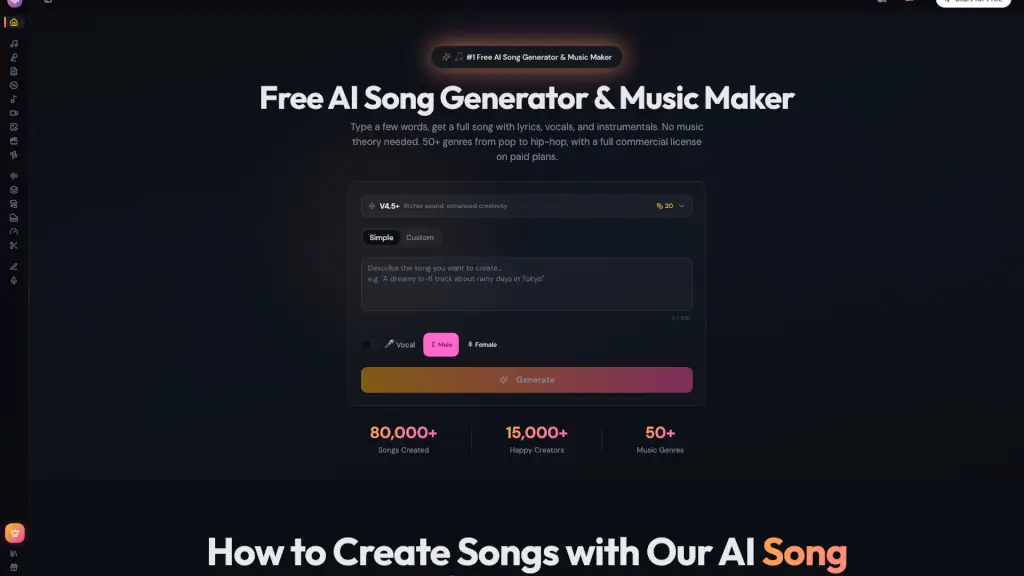
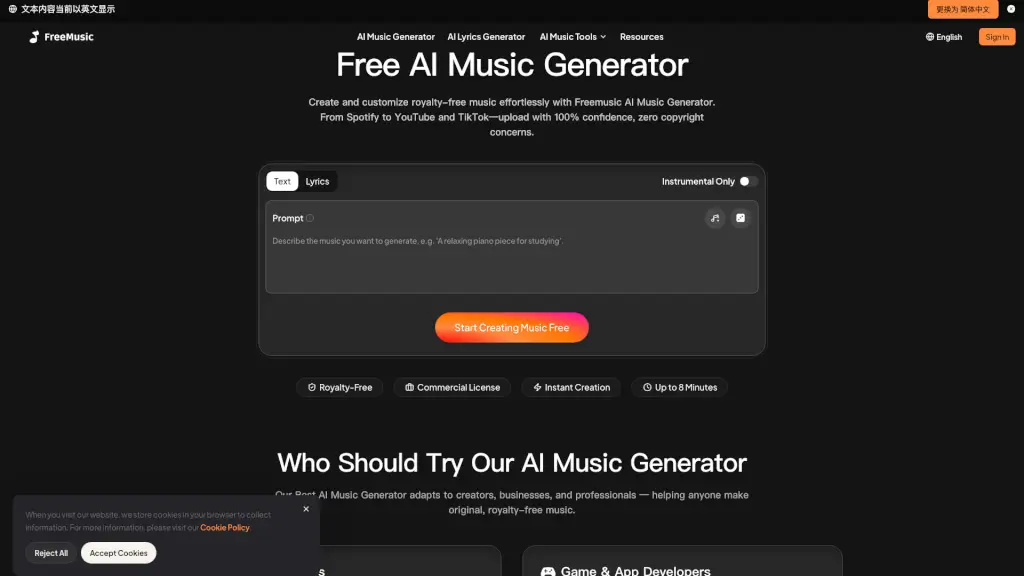
FreeMusic AI is an AI music generator for content creators, podcasters, game developers, and brands who need royalty-free music quickly. It generates full songs from text prompts or lyrics, with tools for vocal removal, stem splitting, and mastering. The platform supports commercial use, making it suitable for YouTube, TikTok, Spotify, and other projects.
What are the features of FreeMusic AI?
- AI Music Generator: Describe a mood, genre, or style, and get a complete track up to 8 minutes long. Ideal for background music, intros, or soundtracks.
- AI Lyrics Generator: Enter a theme or phrase, and the tool crafts original lyrics tailored to your chosen style and mood. Works for hooks, rap verses, or ballads.
- AI Vocal Remover: Separates vocals from instrumentals with one click. Useful for karaoke, remixes, or extracting acapella tracks from any song.
- AI Stem Splitter: Break down tracks into up to four stems (vocals, drums, bass, instruments) for full creative control and remixing flexibility.
- AI Music Mastering: Upload a reference track to match its tone, balance, and loudness. Delivers professional-quality audio ready for Spotify, YouTube, or other platforms.
What are the use cases of FreeMusic AI?
- Content creators on YouTube, TikTok, or live streams: generate unique background tracks instantly without copyright concerns.
- Game and app developers: design adaptive soundtracks, ambient loops, or custom effects using the Stem Splitter and AI Music Generator.
- Podcasters and audio creators: produce polished intros, outros, and seamless background loops with AI Mastering and Music Generator.
- Brands and businesses: create branded jingles, ad soundtracks, or presentation music that is original and cleared for commercial use.
- Music producers and DJs: remix tracks by isolating stems or extracting vocals, then build new arrangements with the AI Music Generator.
How to use FreeMusic AI?
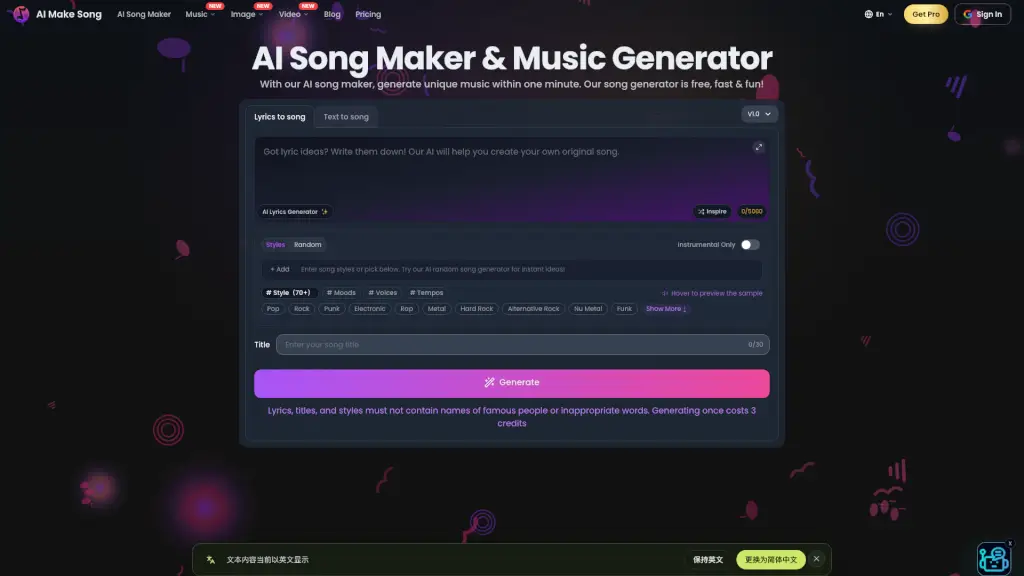
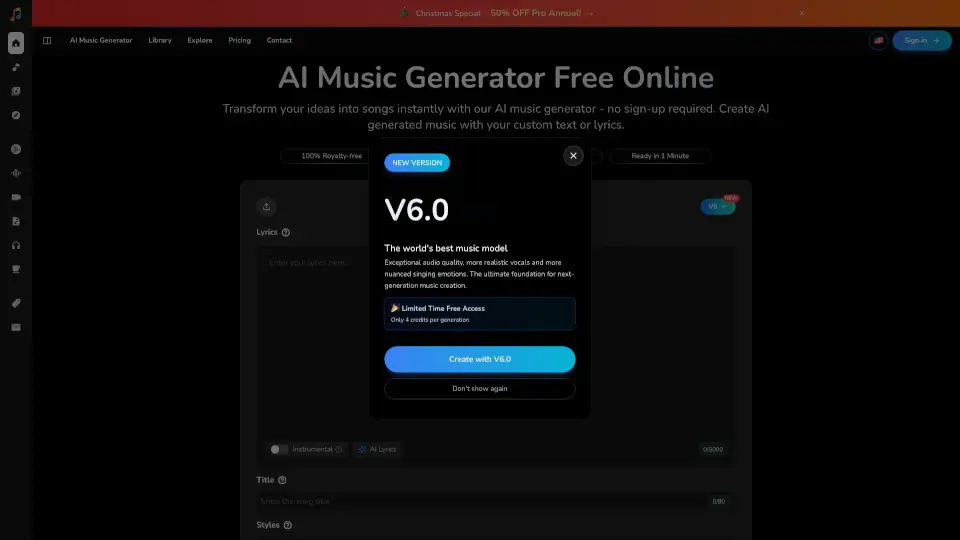
- Choose your mode: Text to Music for quick creation or Lyrics to Music for full customization with style, voice, and instruments.
- Add your input: type a short prompt, upload lyrics, or use the AI Lyrics Generator. Optional fine-tune options like instruments, ambience, or voice.
- Click Generate and wait seconds for the track to be composed. Download high-quality audio files ready for videos, podcasts, or streaming.