
什么是FreeMusic AI?
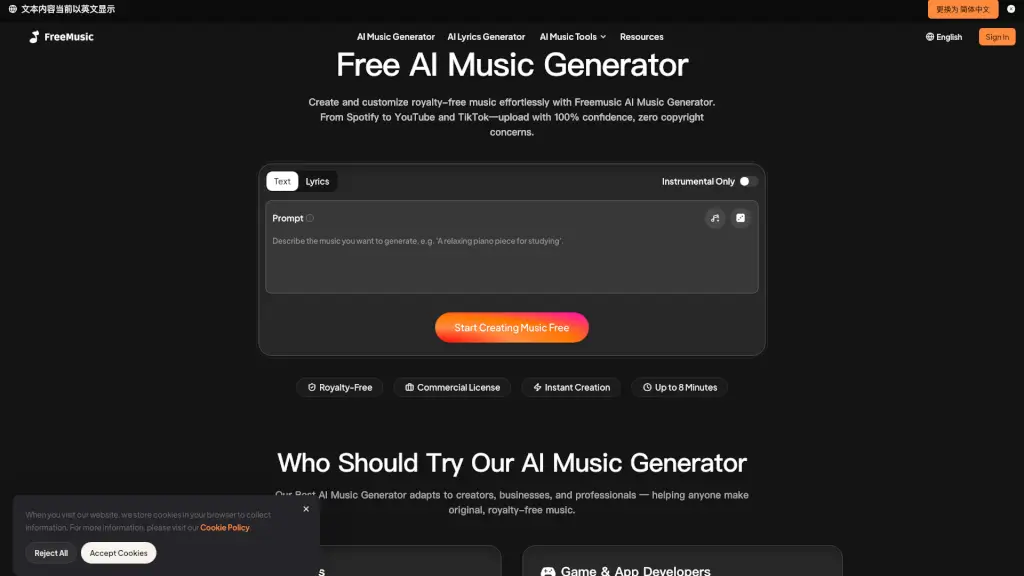
FreeMusic AI is an AI music generator for content creators, game developers, podcasters, and businesses. It helps users create original, royalty-free songs in seconds by describing a mood, genre, or style. The tool also offers AI lyrics generation, vocal removal, stem splitting, and audio mastering. It supports commercial use, making it suitable for YouTube, TikTok, podcasts, and brand projects without copyright concerns.
FreeMusic AI的核心功能有哪些?
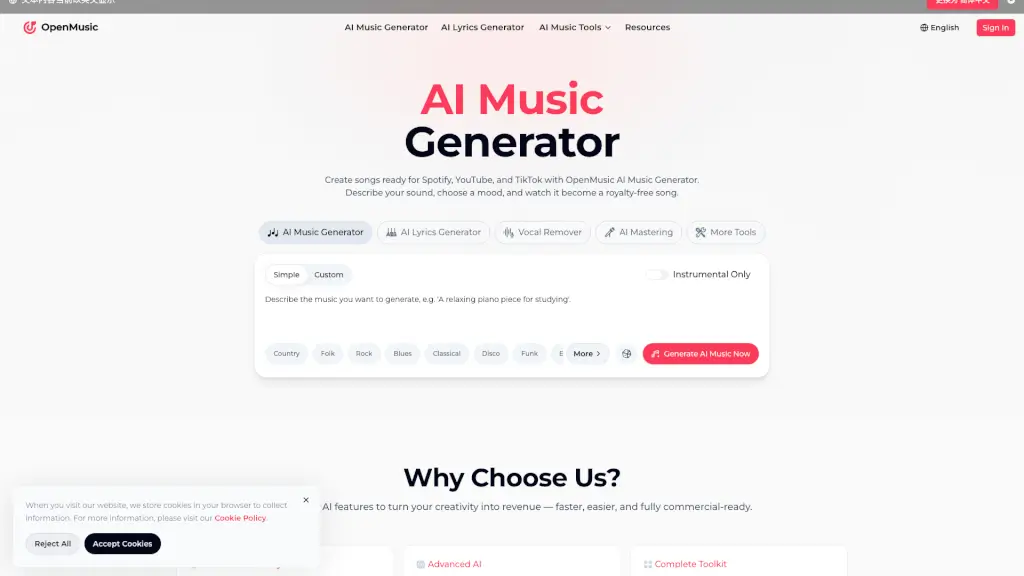
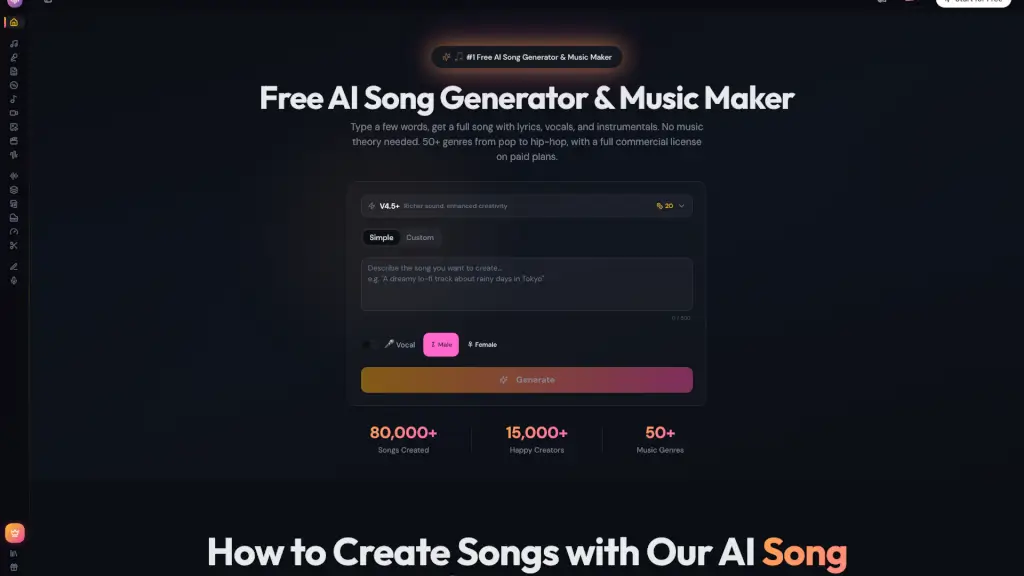
- AI Music GeneratorDescribe a mood, genre, or style, and FreeMusic AI generates a complete track in seconds. Perfect for background music for videos, podcasts, or personal projects.
- AI Lyrics GeneratorInput a theme or phrase to get original lyrics instantly. Lyrics adapt to the chosen style and mood, making it easy to match words with the generated track.
- AI Vocal RemoverSeparate vocals from instrumentals with one click. This feature acts as an acapella extractor, ideal for karaoke, remixes, or sampling.
- AI Stem SplitterBreak down any track into up to 4 stems: vocals, drums, bass, and instruments. Provides full creative control for remixing or new arrangements.
- AI Music MasteringUpload a reference track to match its tone, balance, and loudness. The tool delivers professional-sounding audio ready for Spotify, YouTube, and other streaming platforms.
FreeMusic AI的使用案例有哪些?
- Content creatorscan generate unique background tracks for YouTube, TikTok, and live streams, royalty-free.
- Game and app developerscan design adaptive soundtracks and ambient loops using the Stem Splitter and music generator.
- Podcasters and audio creatorscan use the AI Music Generator for polished intros, outros, and seamless background loops.
- Brands and businessescan create custom jingles, ad soundtracks, or presentation music cleared for commercial use.
如何使用FreeMusic AI?
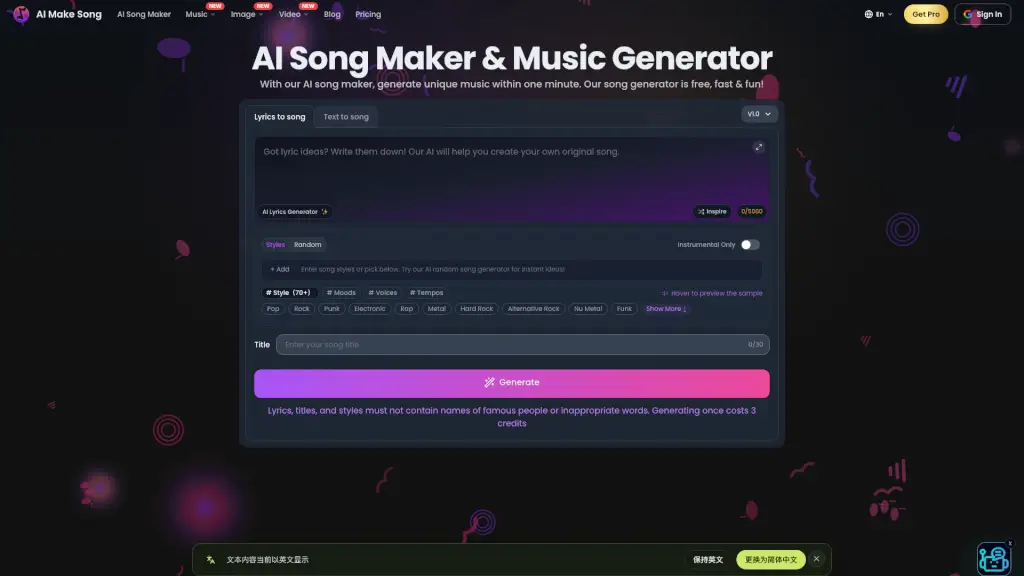
- Choose a mode: Text to Music for quick creation or Lyrics to Music for customization with style, voice, and instruments.
- Add your input by typing a short prompt, uploading lyrics, or using the AI Lyrics Generator.
- Fine-tune options like instruments, ambience, or voice for more control over the output.
- Click Generate and let the AI compose your track in seconds, then download the high-quality audio file.