
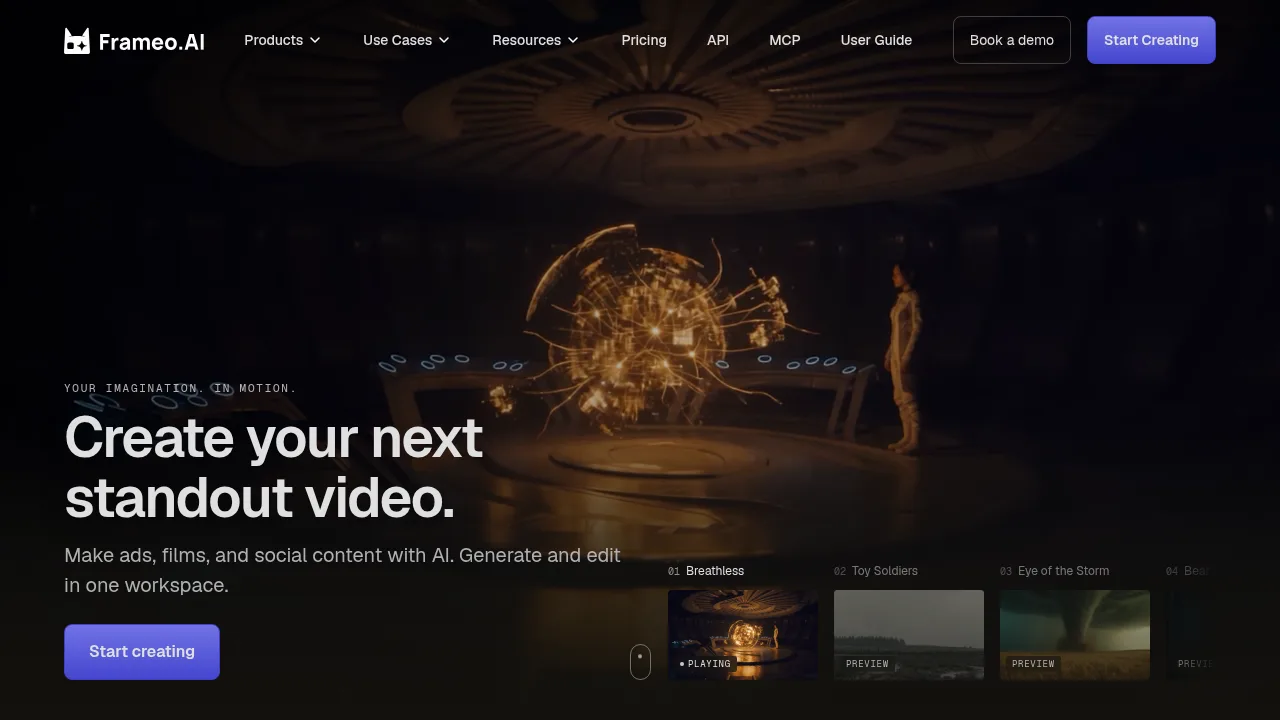
Frameo combines an AI agent, multi-model generation, and timeline editing to produce complete videos from scripts or visual references.

Frameo

Frameo Product Information

What is Frameo?

Frameo is an AI video creation workspace that turns ideas, scripts, or visual references into finished films and videos. Users collaborate with an AI agent to plan scenes, generate shots on a Canvas, and assemble the final edit on a Timeline. The platform integrates multiple image and video models, including Seedance, Kling, Veo, GPT Image, Seedream, and Nano Banana, within a single project.

What are the features of Frameo?

  • AI video agent
    Accepts text prompts, scripts, or reference images to draft scenes and guide the production process from planning to final cut.
  • Canvas and Timeline editing
    Generates and revises individual shots on the Canvas, then arranges them with pacing and sound adjustments on the Timeline.
  • Multi-model integration
    Incorporates image and video models such as Seedance, Kling, Veo, GPT Image, Seedream, and Nano Banana into one project.
  • Style and character consistency
    Saves character, product, and style references to reuse across multiple scenes for a unified look.
  • Asset import
    Allows users to upload their own images, footage, and creative references to direct the visual output.
  • Visual effects and voiceover
    Adds VFX transformations and generates voiceovers directly within the workspace.

What are the use cases of Frameo?

  • Short film production
    Develops characters, scenes, and episodic stories by combining script input with generated visuals and timeline editing.
  • Product advertising
    Builds visual narratives around products using saved style references and ready-made workflows for specific commercial tasks.
  • Animation and VFX projects
    Creates stylized animated sequences or transforms live-action scenes with integrated visual effects tools.

How to use Frameo?

  1. Set the direction
    Tell the AI agent what happens in the scene and how it should feel, adding reference images if needed.
  2. Build the scenes
    Review the shots drafted by the agent on the Canvas, swapping out elements that do not work.
  3. Shape the film
    Arrange the approved scenes on the Timeline, adjusting pacing and sound to refine the final cut.

Frameo Pricing Information:

  • Self-serve plans
    Available without contacting sales; workspace members share a credit pool with no seat fees, and paid plans include commercial rights under current terms.
  • Enterprise
    Requires booking a demo for larger productions, enterprise requirements, or team workflows.
Do you like this tool?

Upvote to help others discover it!

Frameo Alternatives

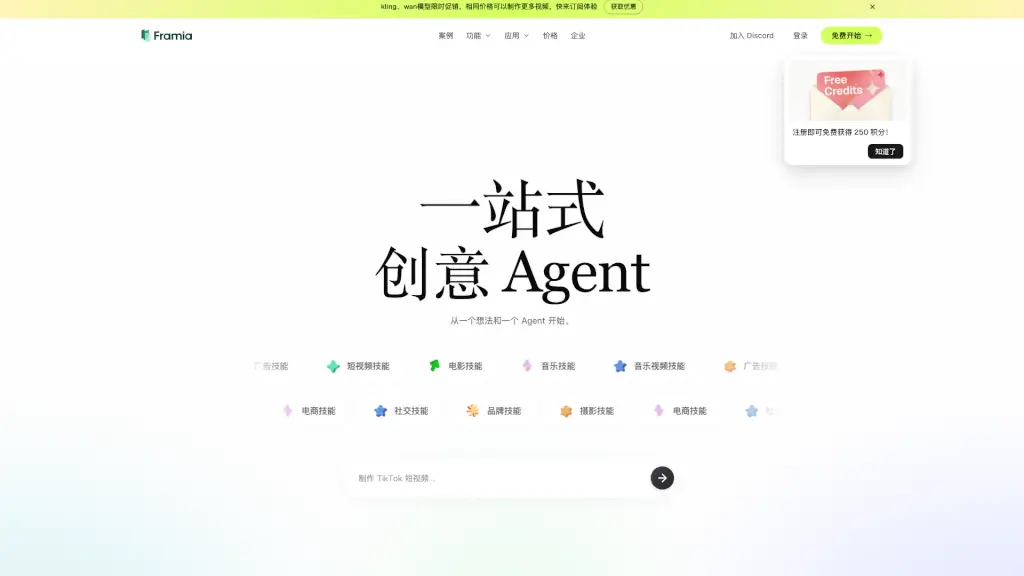
Framia

Framia

Framia is an all-in-one AI creative platform that unifies top video, image, and music models into a collaborative, editable workspace for serious creators.

US
46.43%
10.4K
0
TopView.ai

TopView.ai

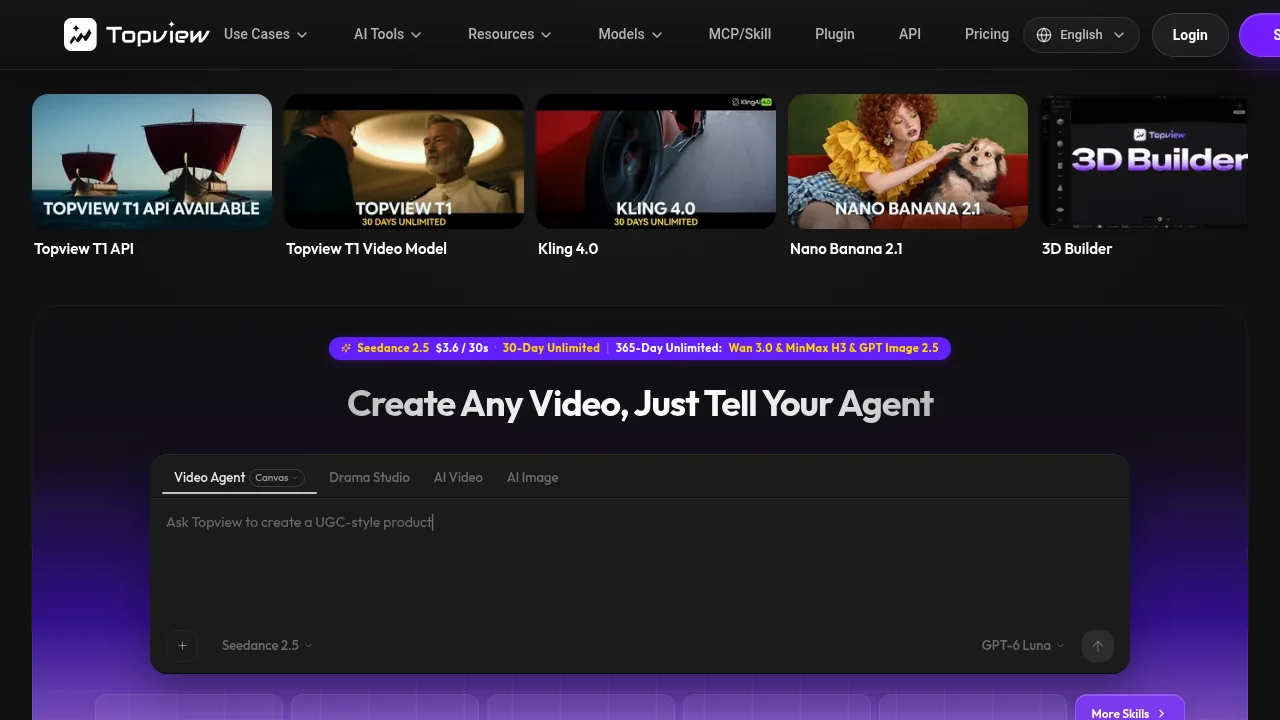
TopView.ai generates and edits short films, micro-dramas, and marketing videos from scripts, URLs, or reference footage using orchestrated AI models.

US
20.79%
1.8M
0
InVideo

InVideo

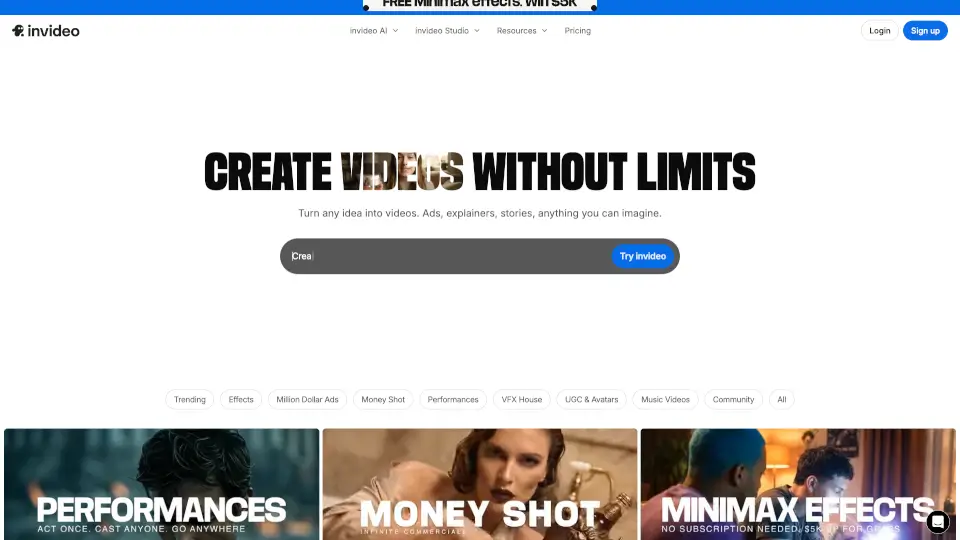
Invideo Agent One is an AI video platform that lets serious creatives build consistent, high-quality films and ads without repetitive prompting or manual editing.

US
15.02%
6.6M
0
HyperFrames

HyperFrames

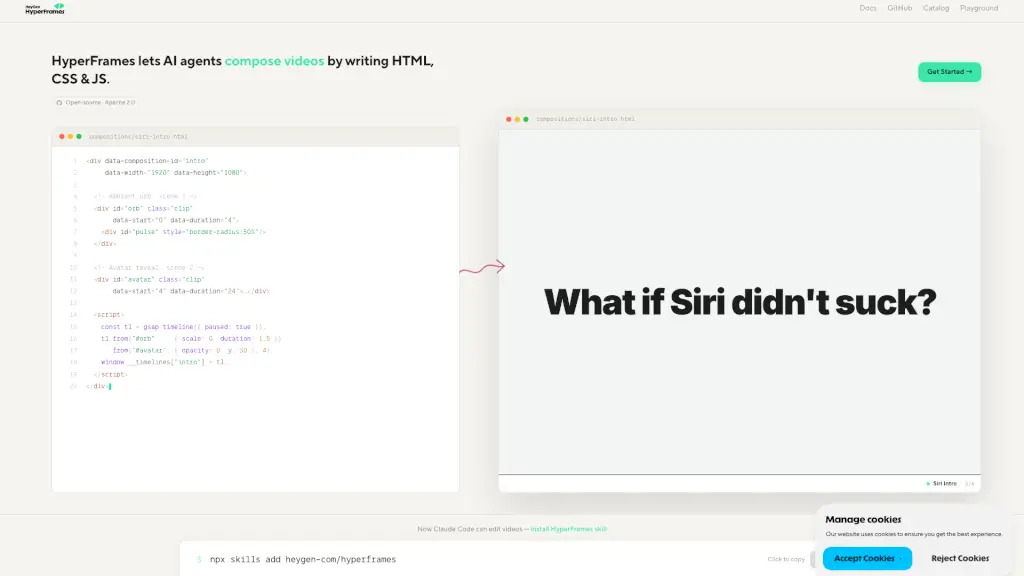
HyperFrames lets AI agents compose videos by writing HTML, CSS, and JS. Open-source under Apache 2.0, it enables vibe-coding video editing for developers and content creators.

US
17.17%
316.4K
0
Dream Machine AI

Dream Machine AI

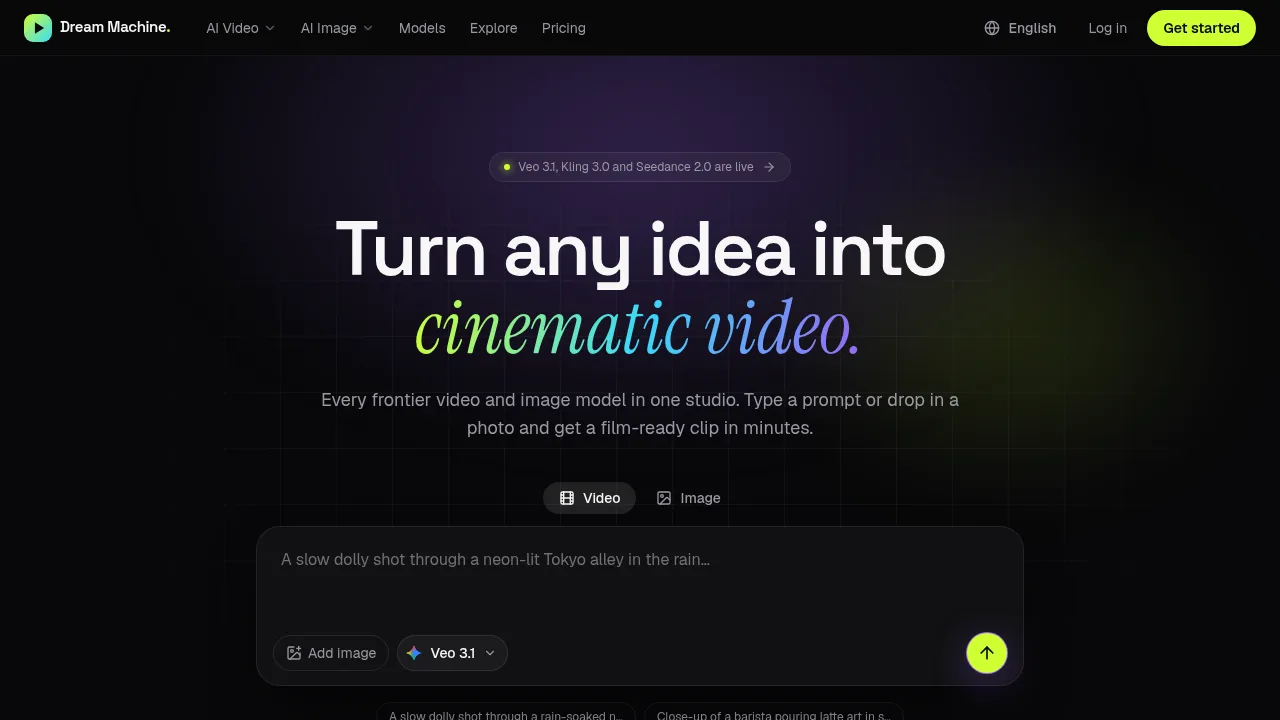
Dream Machine AI provides a single web interface and shared credit balance for generating video and images across multiple third-party models.

US
27.00%
13.4K
0
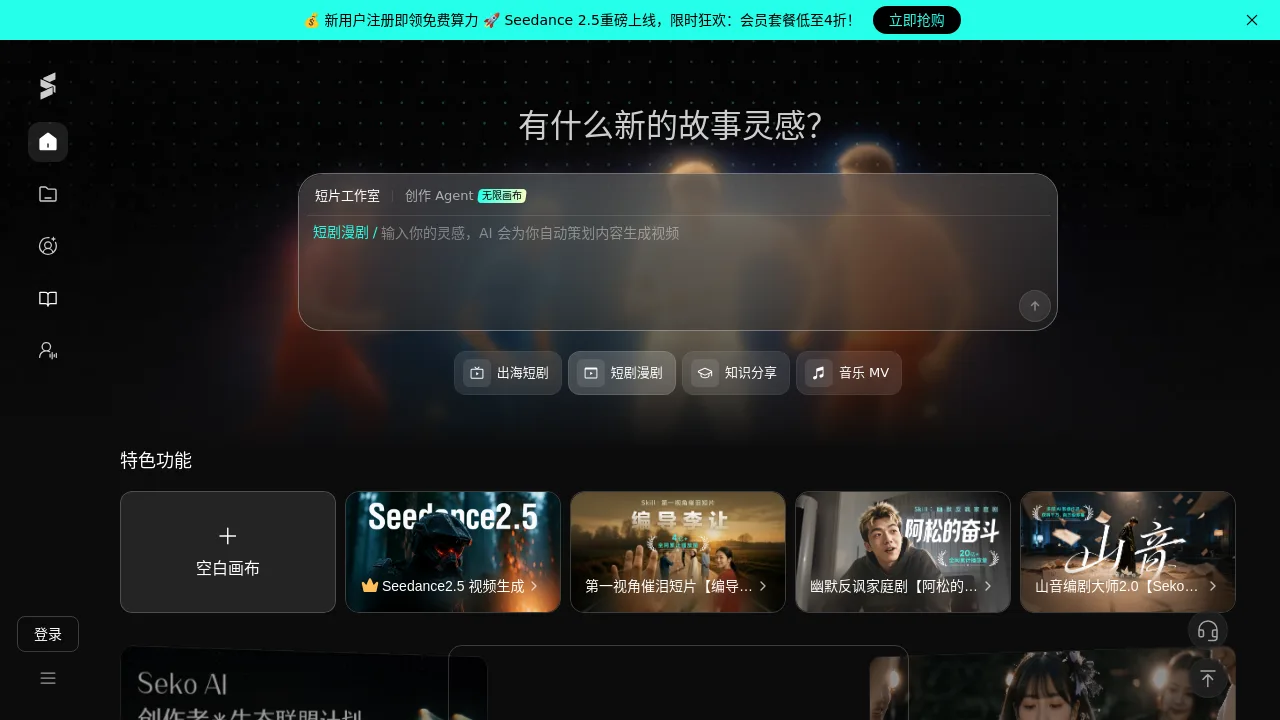
Seko

Seko

Seko is an AI video generation platform for creators to produce short films, dramas, music videos, and knowledge-sharing content using Seedance 2.5 and AI screenwriting tools.

CN
83.14%
203.4K
0
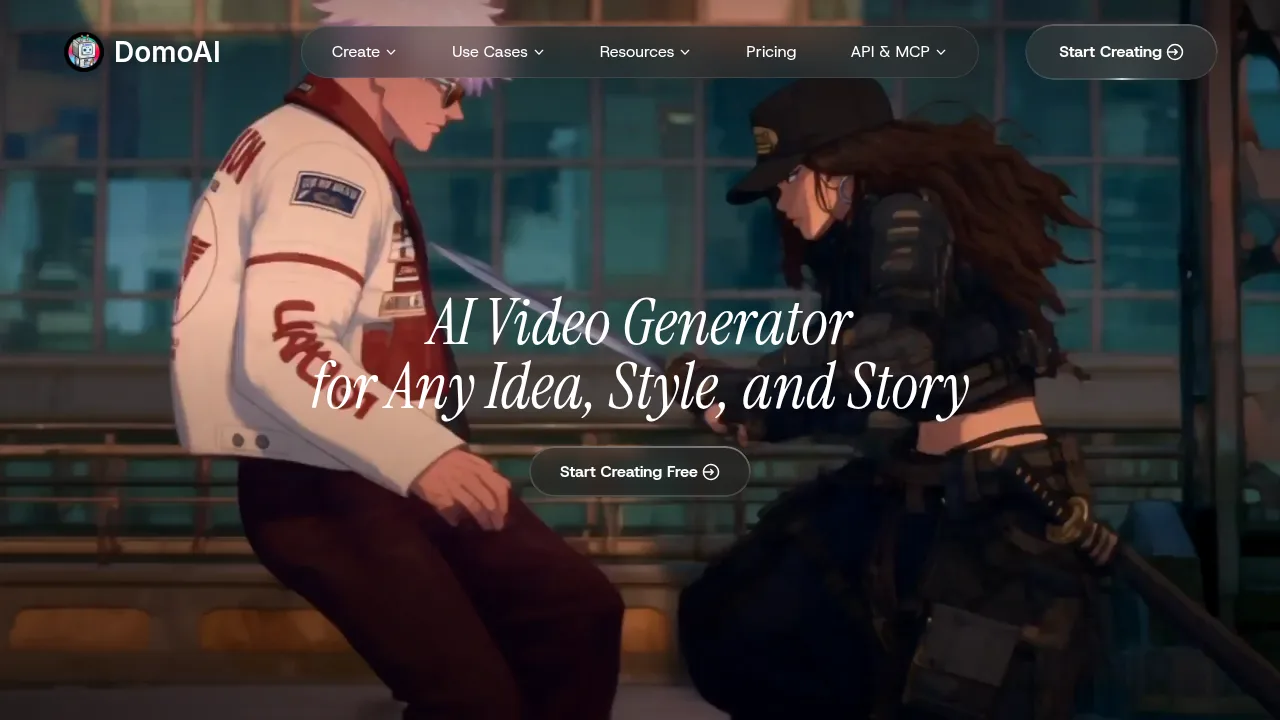
DomoAI

DomoAI

DomoAI generates and edits videos and images using multiple AI models, supporting tasks like character animation, style transfer, and talking avatars.

JP
47.28%
1.7M
0
CinemaFlow AI

CinemaFlow AI

CinemaFlow AI transforms your script into stunning visual stories with just one click, making video creation fast, easy, and professional.

US
30.23%
34.3K
0

Frameo Related Other Categories

Frameo Traffic Analysis

Website traffic estimates for frameo.ai. Visits are not unique users or product usage.

💡 Insights

⭐
Medium Scale
100K-1M monthly visits. Growing tool with active development.
🔥
Explosive Growth
Recent growth of 69%. Extremely hot in the market right now!
👍
Good Experience
Bounce rate of 36%. Users are willing to explore features.
  • Monthly Visits

    180.74K

  • Bounce Rate

    35.59%

  • Pages Per Visit

    2.82

  • Visit Duration

    00:00:57

  • Global Rank

    213674

  • Country Rank

    52664

Visits Over Time

Traffic Sources

Direct36.27%
Search Organic23.52%
Social Organic12.59%
Display Ads12.30%
Referrals11.07%
Search Paid1.73%
Social Paid0.96%
Gen Ai0.89%
Mail0.68%
Affiliate0.00%

Top Keywords

1
ai video generator free
CPC$0.47
2.15KTraffic
2
free ai video generator
CPC$0.70
1.75KTraffic
3
frameo
CPC$0.48
1.17KTraffic
4
frameo ai
CPC$0.19
1.08KTraffic
5
make ai short video for free ai
220Traffic

Top Regions

RegionPercentage
India
India
31.27%
United States
United States
16.76%
Canada
Canada
5.82%
Germany
Germany
2.28%
Philippines
Philippines
1.95%
Low
High

Powered by SimilarWeb

Frameo FAQ

Can I revise a single shot without regenerating the entire video?

Yes, you can revise a shot on the Canvas and bring it back into your sequence on the Timeline without rebuilding the whole film.

Do I need to contact sales to start using Frameo?

No, you can choose a self-serve plan and start creating immediately, though a demo is available for enterprise or larger production needs.

Frameo Reviews

0
0 Reviews
Sign Into leave a review

Recent Reviews

No reviews yet

Frameo Embed

Use website badges to drive community support for SeekTool.ai. They are easy to embed in your homepage or footer.

Light
Dark
Frameo - Featured on SeekTool.aiFrameo - Featured on SeekTool.ai
How to install?