
What is Seko?
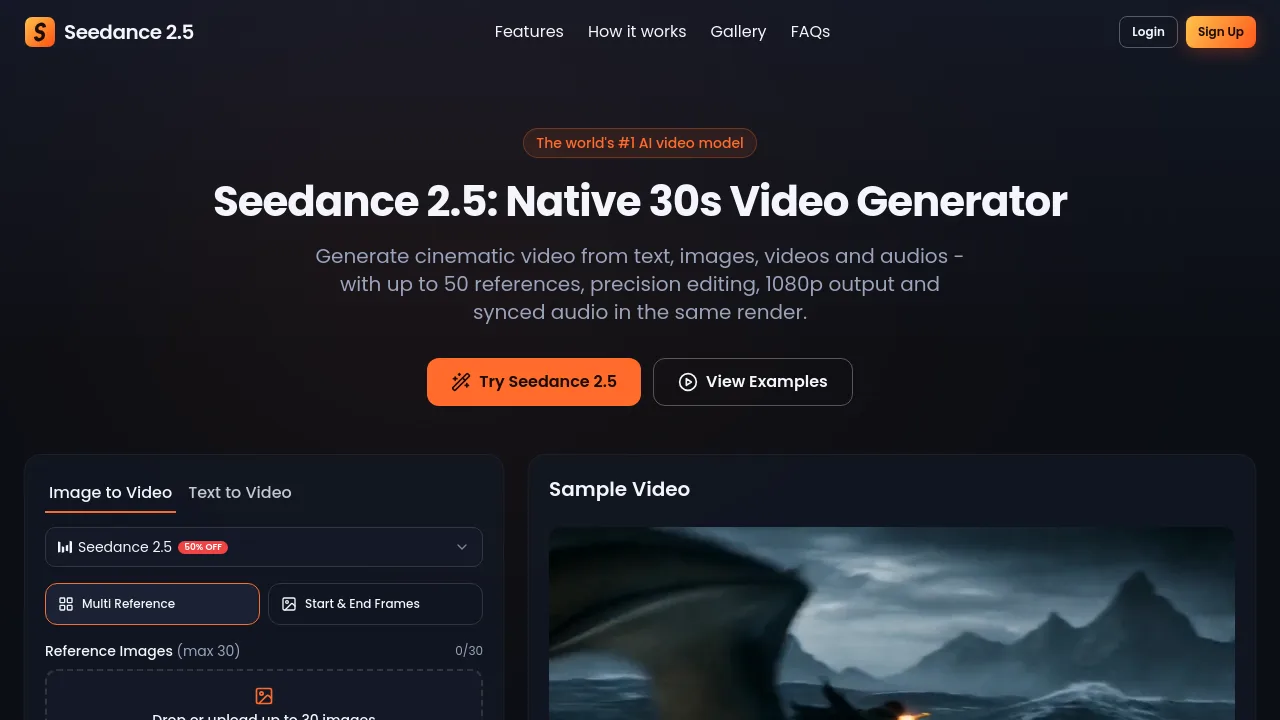
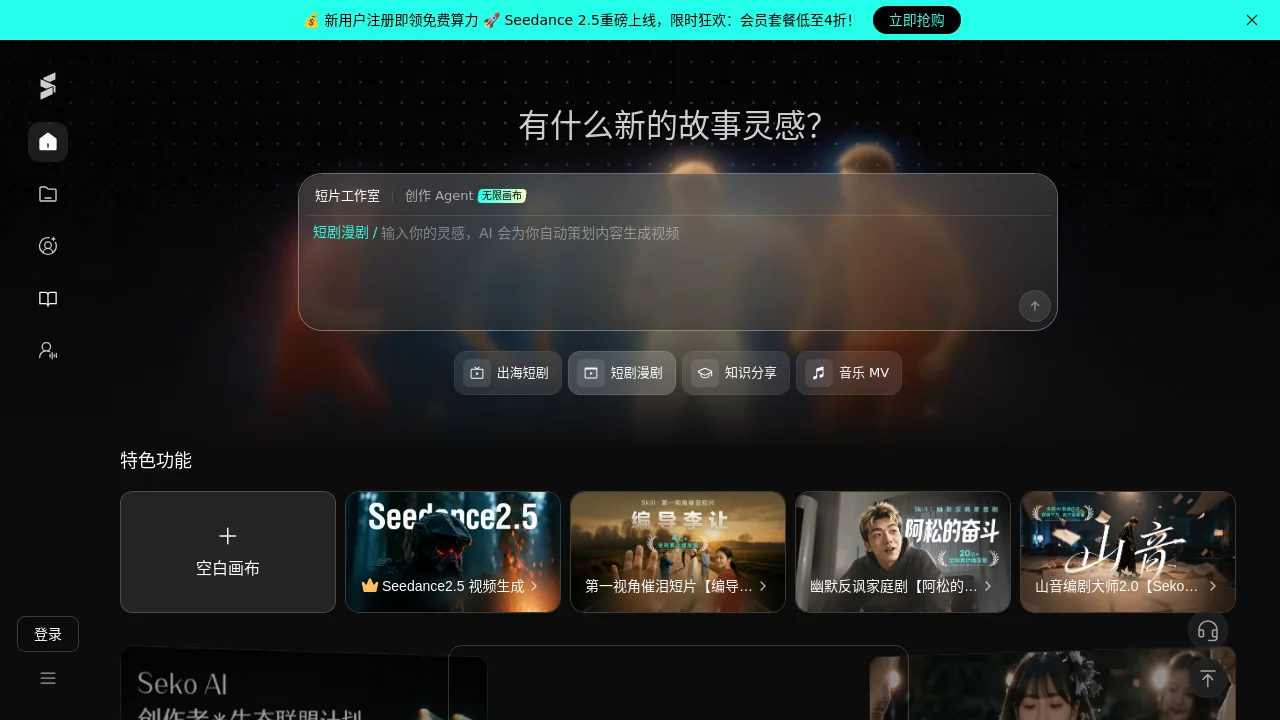
Seko is an AI video generation platform for creators, filmmakers, and short drama producers. It helps turn ideas into professional videos using Seedance 2.5 for AI generation, a Creation Agent with infinite canvas for planning, and a built-in scriptwriting tool (Mountain Voice Screenwriter Master 2.0). New users get free compute credits, and membership plans are available. Ideal for short films, music videos, and knowledge-sharing content.
What are the features of Seko?
- Seedance 2.5 Video GenerationCore AI engine that generates high-quality videos from text prompts, supporting short films, music MV, and more.
- Creation Agent with Infinite CanvasA storyboarding and planning tool where users input ideas and AI automatically designs content sequences and video scripts.
- Mountain Voice Screenwriter Master 2.0Exclusive AI screenwriting assistant that helps craft storylines, dialogue, and scene descriptions for video projects.
- Blank Canvas ModeStart from scratch with a clean slate, giving full creative control over the video production process.
- Seko TV & Skill CommunityA built-in community for publishing works, accessing tutorials, sharing resources, and learning from other creators.
- Multi-Format SupportCreate short films, short dramas, comics, overseas short dramas, music videos, and knowledge-sharing content within one platform.
What are the use cases of Seko?
- Short film creatorsGenerate first-person tear-jerking narratives with AI-assisted storytelling and video generation.
- Short drama producersQuickly produce humorous anti-family dramas or overseas short dramas using the Creation Agent.
- Music video makersCreate quality music videos with zero editing experience using Seedance 2.5’s guided workflow.
- Knowledge sharersProduce educational or explainer videos by inputting a topic and letting AI generate visuals and narration.
- ScreenwritersDevelop scripts with Mountain Voice Screenwriter Master, then instantly generate matching video content.
How to use Seko?
- Create a free account to receive free compute credits and explore the platform.
- Choose a content type (e.g., short film, music MV, short drama) from the main menu.
- Use the Creation Agent to input your idea and let AI automatically plan scenes, script, and storyboard.
- Refine the generated script or storyboard, then click Seedance 2.5 to render the video.
- Publish your finished video to Seko TV or download it for external use.