
What is Flowtica Scribe?
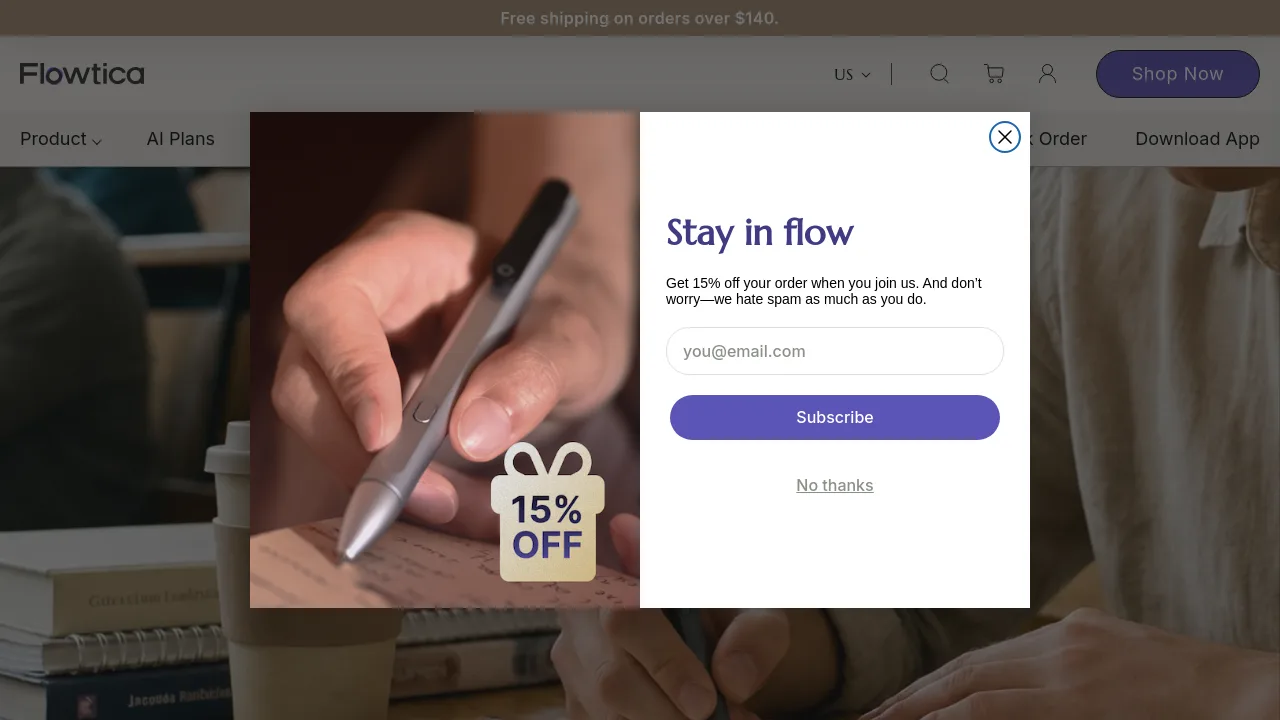
Flowtica Scribe is an AI-powered pen designed for professionals who need to capture meeting audio, handwritten notes, and visual content together. It looks and writes like a regular pen but includes high-precision microphones, a one-tap FlowMark highlight button, and an AI engine that automatically transcribes, summarizes, and answers questions from recordings. The pen works with a companion app on iOS and Android, turning spoken conversations into searchable, actionable insights without requiring manual audio imports. Ideal for executives, legal teams, healthcare workers, and anyone who wants to stay present in meetings while still walking out with clear next steps.
What are the features of Flowtica Scribe?
- FlowMark™ One-Tap Highlight: Tap a button during recording to mark key moments, making it easy to later find important decisions, action items, or quotes.
- High-Precision Mics & Speaker Recognition: Captures up to 15 voices with noise reduction, and AI identifies speakers across sessions for accurate attribution.
- Ask Flowtica: Speak a question into your phone; the AI searches across all recorded sessions in under 5 seconds to retrieve answers or draft emails.
- Snap-to-Context: Photograph whiteboards, slides, or handwritten notes via the app; the AI reads them alongside audio to create a unified meeting picture.
- AI Plan Tiers: Basic (300 free AI minutes/month), Premium ($14.99/mo for 1500 minutes, advanced summaries, templates), Unlimited ($29.99/mo for unlimited minutes).
- Hardware Battery: 30-hour recording on pen, 100 hours with the charging case, which adds an extra 70 hours of recording time.
What are the use cases of Flowtica Scribe?
- Meeting attendees: Record and tag discussions, then get automated summaries and action items without manual note-taking.
- Executives: Ask Flowtica to retrieve what a client said three weeks ago or what promises remain unfulfilled across sessions.
- Legal professionals: Use encrypted device for sensitive conversations; snap document images for context alongside audio.
- Remote teams: Share meeting transcripts and summaries via app; use FlowMark to highlight decisions for asynchronous review.
How to use Flowtica Scribe?
- Press the button on the pen to start recording; tap FlowMark to mark key moments during the meeting.
- After the meeting, open the Flowtica app on iOS or Android to view auto-generated transcript and summary.
- To ask a question, press and speak into the phone; the AI searches across all indexed sessions.
- Snap photos of whiteboards or slides using the app to add visual context to the audio.