FineVoice Text to Speech logo

FineVoice Text to Speech

5.0
(0 Reviews)
United States22.39%

FineVoice is a versatile and user-friendly text-to-speech tool that converts written text into lifelike, expressive speech with over 1500 AI voices in 154 languages.

Verified by SeekTool
Social Media:
FineVoice Text to Speech

FineVoice Text to Speech Product Information

What is FineVoice Text to Speech?

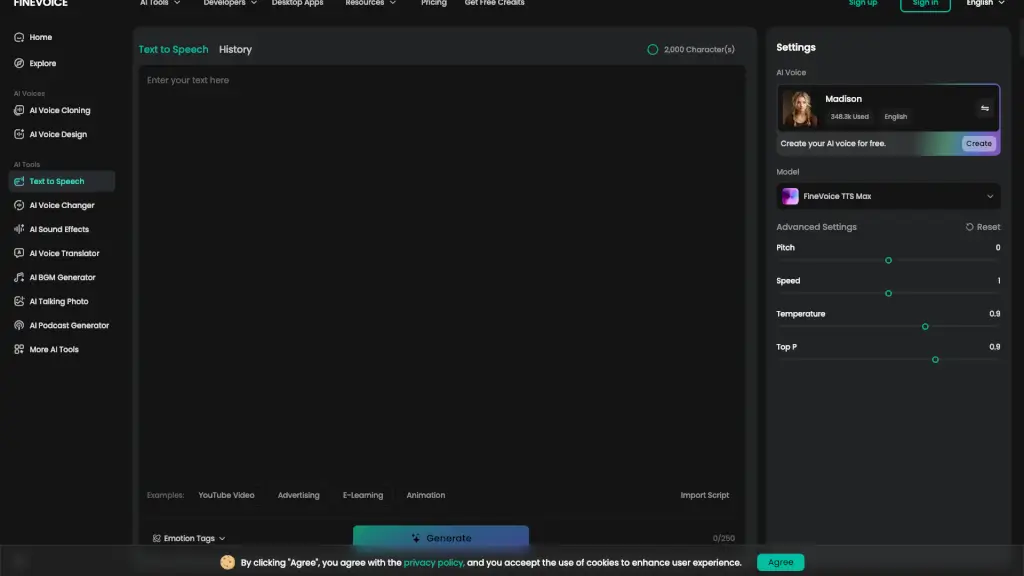
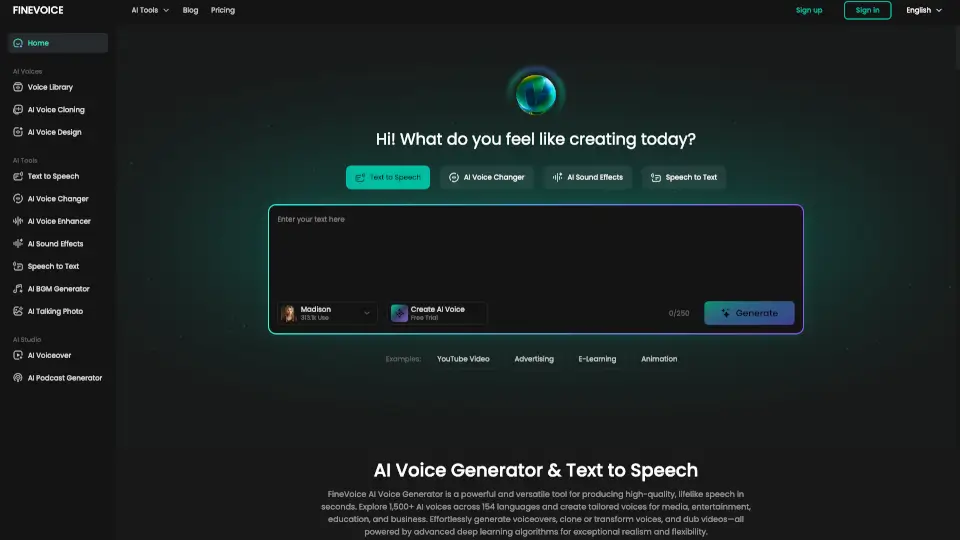
FineVoice is a powerful and user-friendly text-to-speech (TTS) tool that brings your written content to life with lifelike AI voices. Whether you're creating audiobooks, voiceovers for videos, or educational materials, FineVoice offers a wide range of customization options to make your audio sound natural and engaging. With over 1500 realistic AI voices in 154 languages, you can tailor the style, speed, pitch, and emotion to match your specific needs. This makes it an ideal solution for anyone looking to convert text into high-quality, expressive speech.

What are the features of FineVoice Text to Speech?

  • Lifelike AI Voices: Choose from over 1500 realistic AI voices across 154 languages and accents.
  • Customizable Settings: Adjust pitch, speed, temperature, and emotion to create personalized and engaging voice content.
  • Emotion Tags: Add emotion tags like [angry], [sad], [excited] to generate more expressive and natural-sounding speech.
  • Advanced Text Input: Import .txt, .docx, or .srt files for seamless text-to-speech conversion.
  • High-Quality Output: Generate studio-quality, natural-sounding audio for any project.
  • Flexible API Integration: Developers can integrate FineVoice TTS into their applications and platforms for scalable and secure use.

What are the use cases of FineVoice Text to Speech?

  • Audiobooks: Create engaging and expressive audiobooks with a variety of voices and emotions.
  • Video Voiceovers: Produce professional voiceovers for explainer videos, tutorials, and social media content.
  • E-Learning: Convert text to speech for online courses, training modules, and educational resources.
  • Marketing and Advertising: Generate studio-quality voiceovers for ads, explainer videos, and promotional campaigns.
  • Accessibility: Convert text to speech for visually impaired users, making websites, documents, and articles more accessible.
  • Customer Service Automation: Automate customer interactions with realistic, context-aware AI voices for IVR systems and chatbots.

How to use FineVoice Text to Speech?

  • Enter Your Text: Type, paste, or import your pre-written script (.txt, .docx, .srt).
  • Select an AI Voice: Choose an AI voice model from the library and customize settings like pitch, speed, and emotion.
  • Add Emotion Tags: Insert emotion tags to add natural expression to your speech.
  • Generate Audio: Click "Generate" to convert your text into lifelike, expressive speech.
  • Download and Use: Download the generated audio file and use it in your project.
Do you like this tool?

Upvote to help others discover it!

FineVoice Text to Speech Alternatives

Fineshare FineVoice

Fineshare FineVoice

FineVoice is an AI voice generator that lets you create realistic voices, clone audio, and generate text-to-speech in minutes. Perfect for creators, educators, and businesses. ---

US
8.32%
273.1K
5.0
AnySpeech

AnySpeech

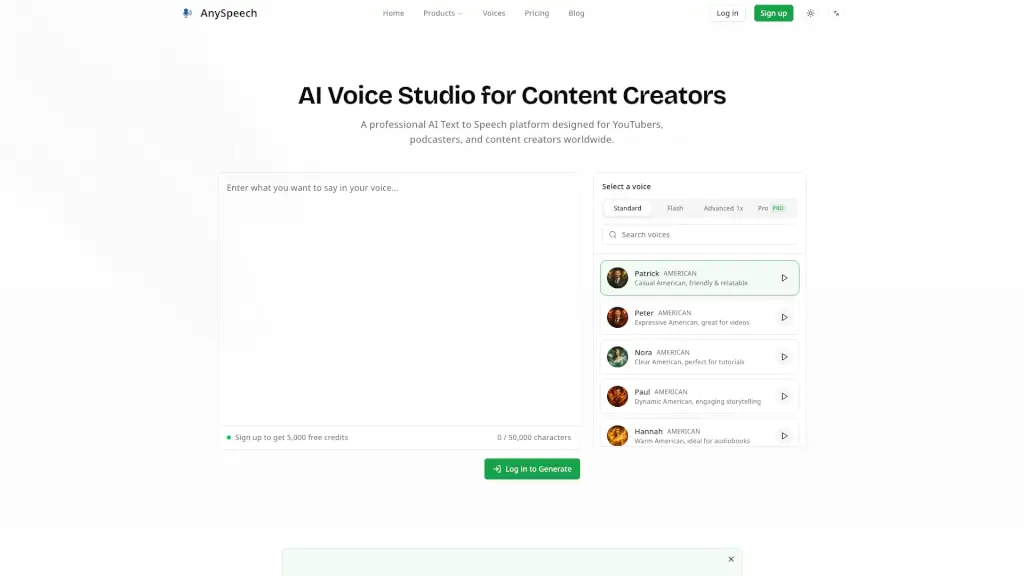
Convert text into natural speech with AnySpeech's free AI text to speech generator, featuring 100+ realistic voices across 50+ languages.

US
13.49%
229.0K
5.0
Lovevoice AI

Lovevoice AI

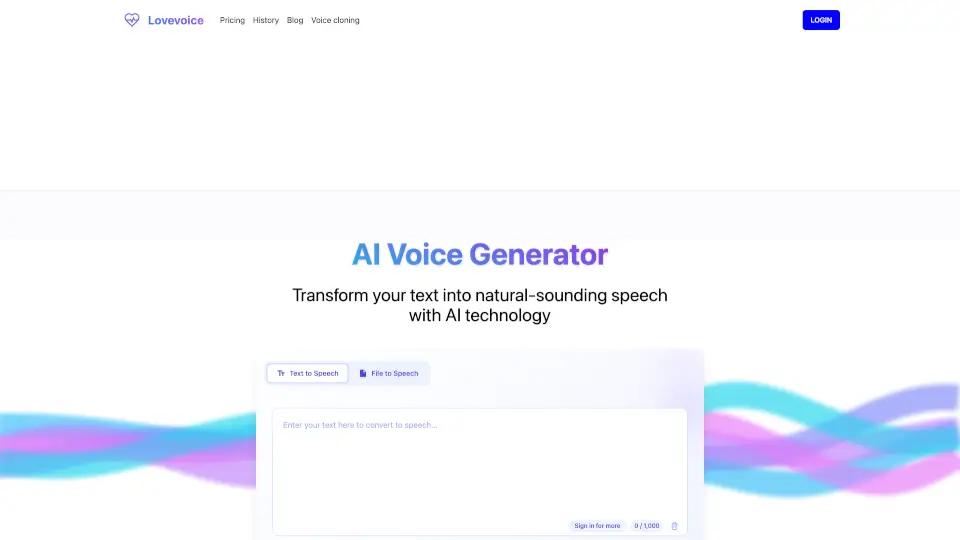
Transform text into natural-sounding speech with Lovevoice AI Voice Generator. Perfect for content creators, educators, and businesses. Try it today!

IN
24.75%
170.4K
5.0
Texttovoice.online

Texttovoice.online

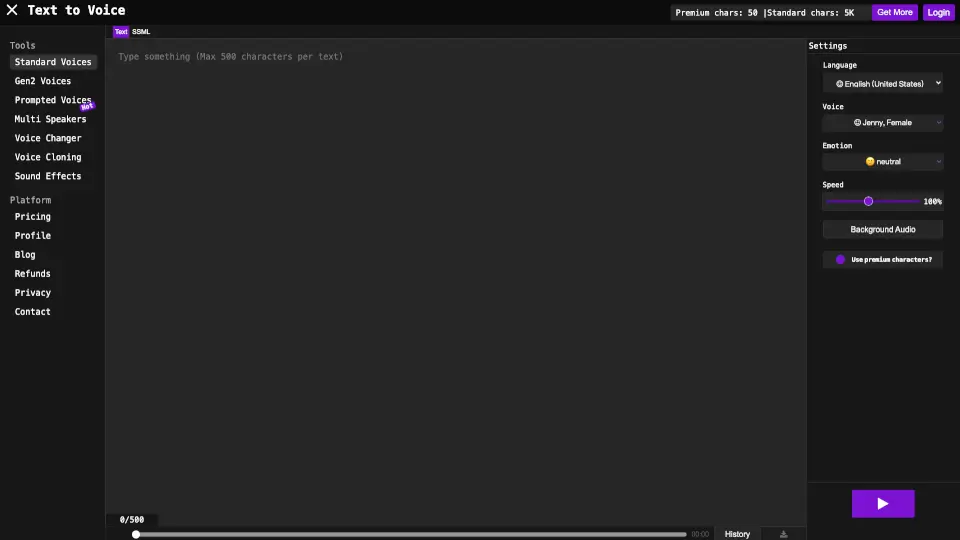
Convert text into realistic voiceovers with emotions, accents, and premium AI voices. Perfect for videos, presentations, and social media. ---

US
26.58%
57.1K
5.0
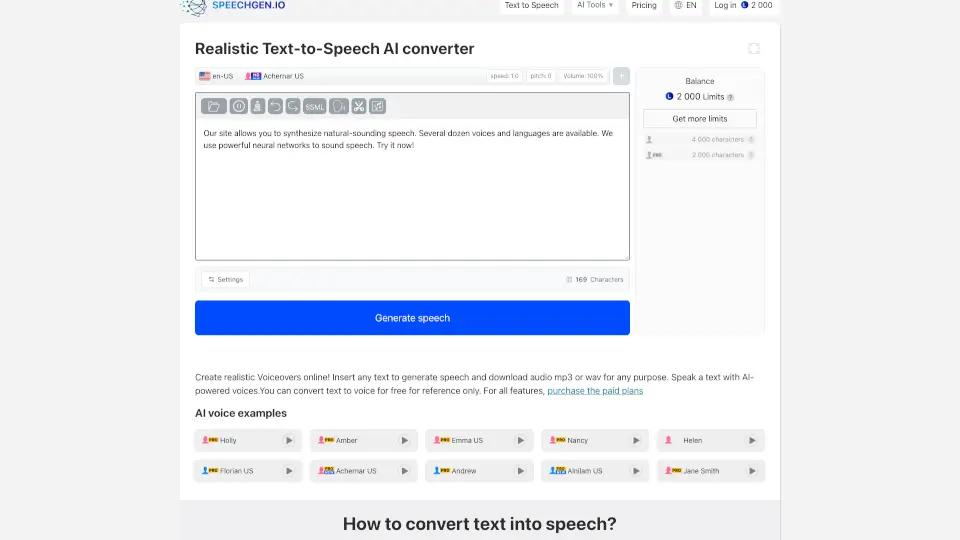
SpeechGen.io

SpeechGen.io

Turn text into realistic voiceovers with SpeechGen.io. Perfect for videos, ads, podcasts, and more. ---

US
8.60%
748.0K
5.0
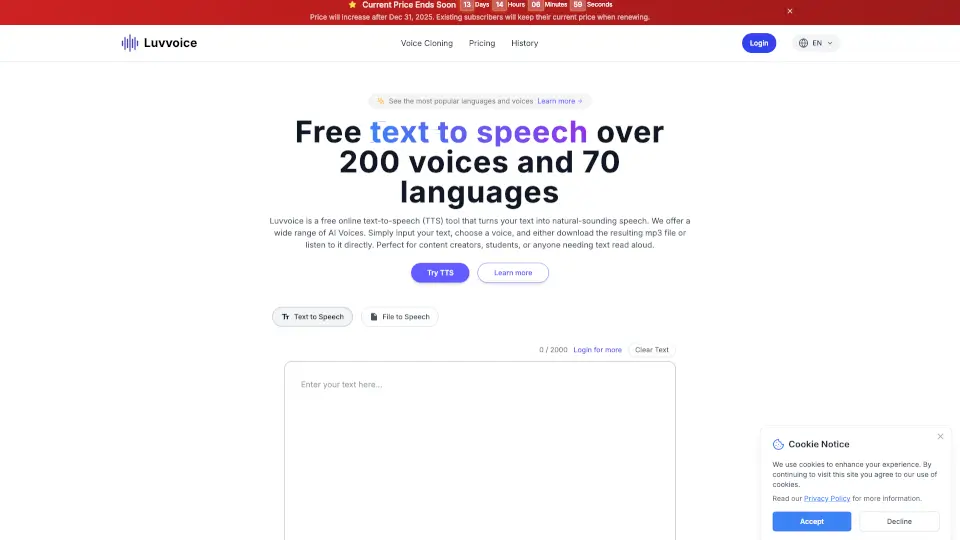
Luvvoice

Luvvoice

Luvvoice is a free, user-friendly text-to-speech tool with 200+ voices in 70 languages, perfect for content creators, educators, and businesses.

US
8.94%
1.5M
5.0
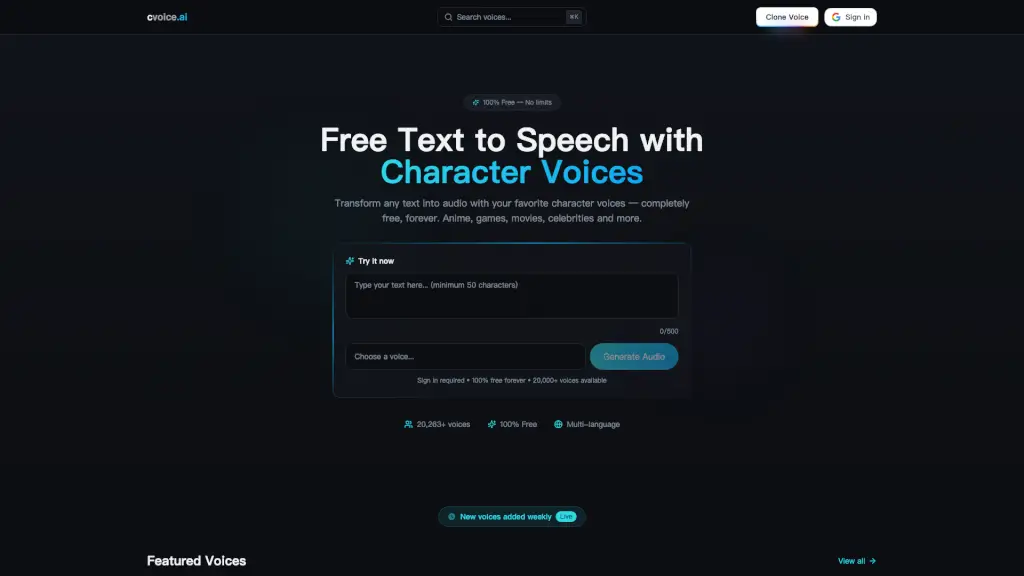
cvoice.ai

cvoice.ai

cvoice.ai is a 100% free Text-to-Speech platform with over 20,000 character voices from anime, games, and movies, offering unlimited audio generation for creators and developers.

IN
67.35%
205.2K
5.0
Voicemaker

Voicemaker

Voicemaker® converts text into ultra-realistic AI speech with 2,000+ voices in 130 languages, perfect for videos, presentations, and global content.

IN
29.80%
652.0K
5.0

FineVoice Text to Speech Related Other Categories

FineVoice Text to Speech Traffic Analysis

💡 Insights

Medium Scale
100K-1M monthly visits. Growing tool with active development.
⚠️
Slight Decline
Traffic has slightly decreased recently.
👍
Good Experience
Bounce rate of 47%. Users are willing to explore features.
  • Monthly Visits

    430.57K

  • Bounce Rate

    47.34%

  • Pages Per Visit

    2.46

  • Visit Duration

    00:01:23

  • Global Rank

    115658

  • Country Rank

    94007

Visits Over Time

Traffic Sources

SearchOrganic55.16%
Direct33.95%
Referrals4.66%
SocialOrganic2.73%
GenAi1.82%
SearchPaid1.10%
Mail0.30%
DisplayAds0.22%
SocialPaid0.06%
Affiliate0.00%

Top Keywords

1
finevoice
CPC$1.38
6.26KTraffic
2
finevoice ai
CPC$0.15
2.56KTraffic
3
free ai voice generator
CPC$0.53
1.33KTraffic
4
ai voice generator free
CPC$0.40
720Traffic
5
ai voice generator
CPC$0.63
710Traffic

Top Regions

RegionPercentage
United States
United States
22.39%
Pakistan
Pakistan
11.39%
India
India
8.18%
Brazil
Brazil
4.57%
United Kingdom
United Kingdom
2.58%
Low
High

Powered by SimilarWeb

FineVoice Text to Speech FAQ

What is text to speech (TTS) and how does it work?

Text to Speech (TTS) is a technology that converts written text into spoken words using AI-powered voice synthesis. It works by analyzing the text input, processing linguistic patterns, and generating audio output in a natural-sounding voice.

Does FineVoice offer multilingual text to speech, and how many languages does it support?

Yes, FineVoice supports over 154 languages and accents, allowing you to generate audio from text in a wide variety of languages, including English, Spanish, Chinese, French, and many others.

Can I add my own voice to TTS?

FineVoice currently does not support adding your own voice, but it offers a vast library of over 1500 AI voices to choose from.

Can I customize the voice settings to match specific content needs?

Yes, you can customize the pitch, speed, temperature, and emotion of the voice to match your specific content needs, ensuring the audio fits perfectly with your project.

How can I add pauses in the text?

You can add pauses in the text by using tags like [pause] or [long pause] to control the timing and flow of the generated speech.

Can I use the generated audio for commercial purposes?

Yes, you can use the generated audio for commercial purposes, such as voiceovers for ads, explainer videos, and other promotional materials.

Does FineVoice offer a Text to Speech API for developers?

Yes, FineVoice provides a Text to Speech API that developers can integrate into their applications, platforms, and workflows for scalable and secure use.

How much does FineVoice Text to Speech cost? Is there a free plan?

FineVoice offers a free plan with some basic features, and there are also paid plans available for more advanced features and higher usage limits. Check their pricing page for detailed information.

What is the best free text-to-speech app for PC and mobile?

FineVoice is one of the best free text-to-speech apps available, offering a wide range of voices, customization options, and high-quality output for both PC and mobile.

FineVoice Text to Speech Reviews

0

0

0 Reviews
Sign Into leave a review

Recent Reviews

No reviews yet

FineVoice Text to Speech Embed

Use website badges to drive community support for SeekTool.ai. They are easy to embed in your homepage or footer.

Light
Dark
FineVoice Text to Speech - Featured on SeekTool.aiFineVoice Text to Speech - Featured on SeekTool.ai
How to install?