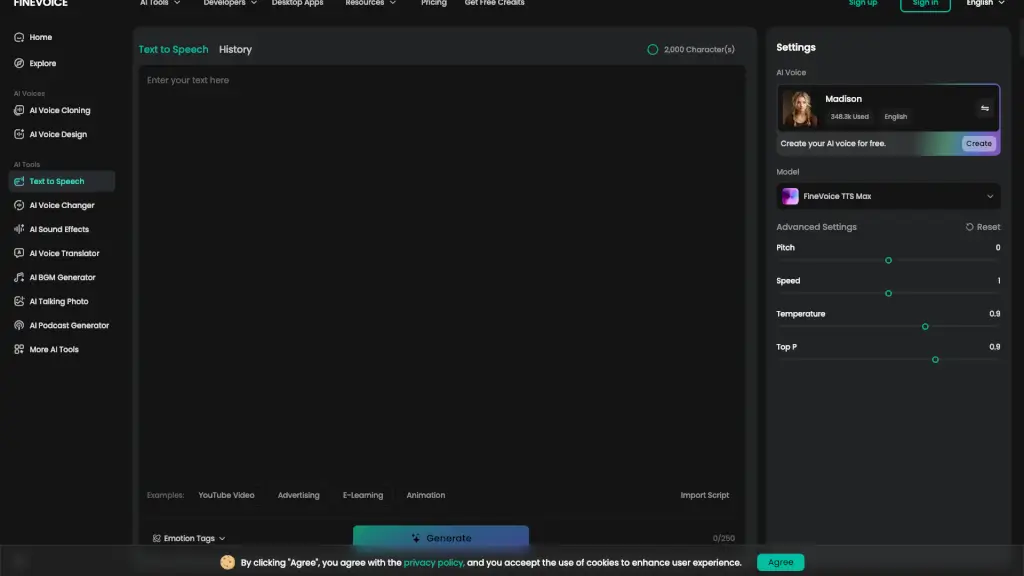
Что такое FineVoice Text to Speech?
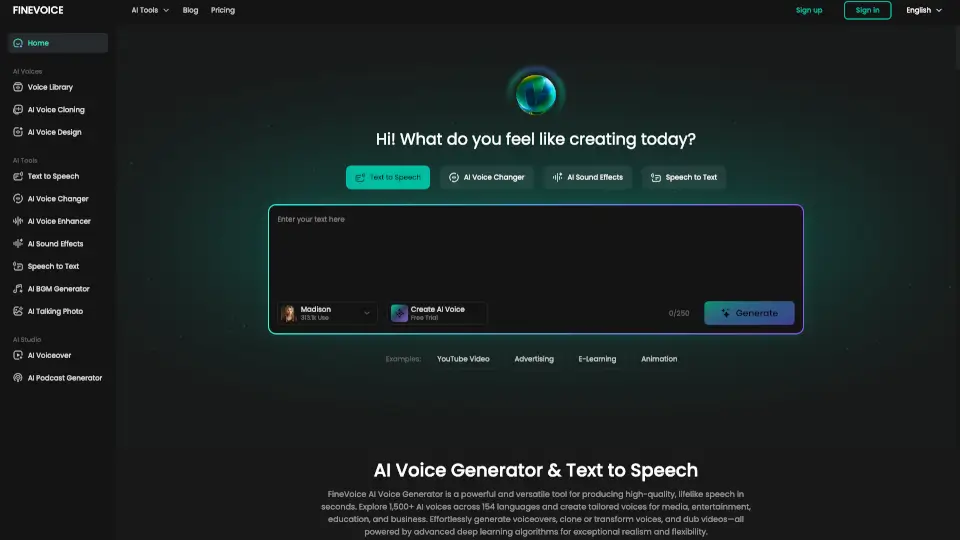
FineVoice — это инновационный онлайн-сервис, который превращает текст в речь с помощью реалистичных AI-голосов. Этот инструмент идеально подходит для создания аудиокниг, рекламных роликов, обучающих видео и многого другого. С FineVoice вы можете настроить стиль, скорость, высоту голоса и даже эмоции, чтобы создать уникальное и захватывающее аудиосопровождение. Благодаря широкому выбору голосов на 154 языках, FineVoice позволяет вам создавать мультязычный контент, который будет понятен и интересен вашей целевой аудитории.
Какие особенности у FineVoice Text to Speech?
- Реалистичные AI-голоса: Выберите из более чем 1500 голосов, доступных на 154 языках.
- Настройка стиля и эмоций: Управляйте скоростью, высотой голоса, температурой и другими параметрами, чтобы создать идеальное аудио.
- Быстрое преобразование: Преобразуйте текст в речь всего за несколько секунд, без задержек.
- Импорт текстовых файлов: Используйте .txt, .docx или .srt файлы для быстрого импорта текста.
- Экспорт аудио: Сохраняйте результаты в различных форматах, подходящих для ваших проектов.
Какие случаи использования FineVoice Text to Speech?
- Создание аудиокниг: Превратите свои тексты в увлекательные аудиокниги с профессиональным озвучиванием.
- Рекламные ролики: Создавайте привлекательные и запоминающиеся рекламные ролики с настроенным эмоциональным тоном.
- Обучающие материалы: Генерируйте аудио для онлайн-курсов, тренингов и других образовательных ресурсов.
- Видео-голосоведение: Добавьте профессиональный голос к своим объяснительным видео и социальным медиа-контентам.
- Маркетинг и реклама: Создавайте студийного качества голосоведения для рекламных кампаний и презентаций.
- Аксессуарность: Преобразуйте тексты в аудио, чтобы сделать их доступными для людей с нарушениями зрения.
Как использовать FineVoice Text to Speech?
- Введите текст: Наберите, вставьте или импортируйте предварительно написанный текст (.txt, .docx, .srt).
- Выберите голос: Из библиотеки выберите AI-голос, настройте параметры, такие как скорость, высота голоса и эмоции.
- Сгенерируйте аудио: Нажмите "Генерировать", чтобы преобразовать текст в речь. Процесс занимает всего несколько секунд.
- Экспортируйте аудио: Сохраните результат в нужном формате и используйте его в своих проектах.