
What is FacialRecognition.app?
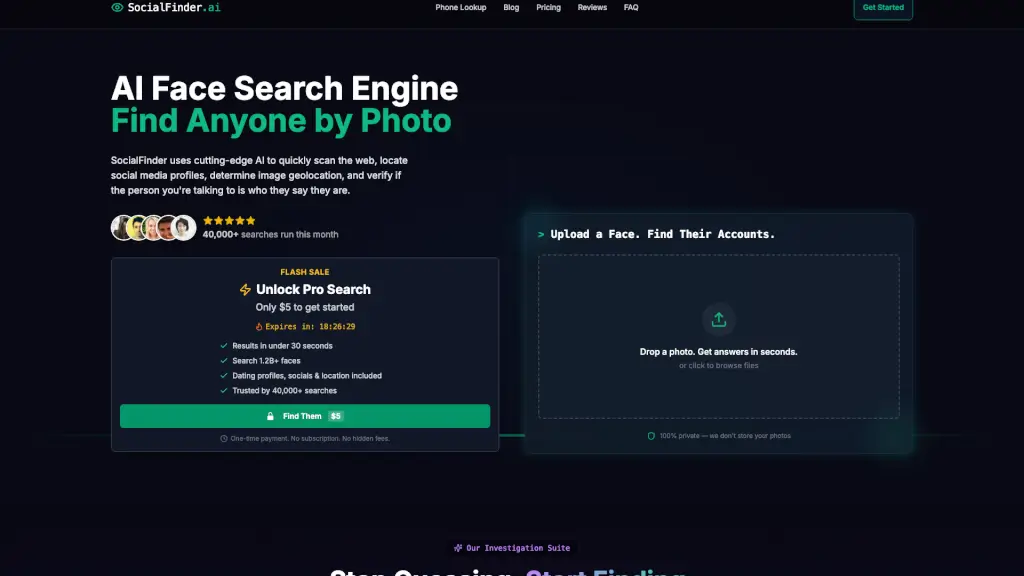
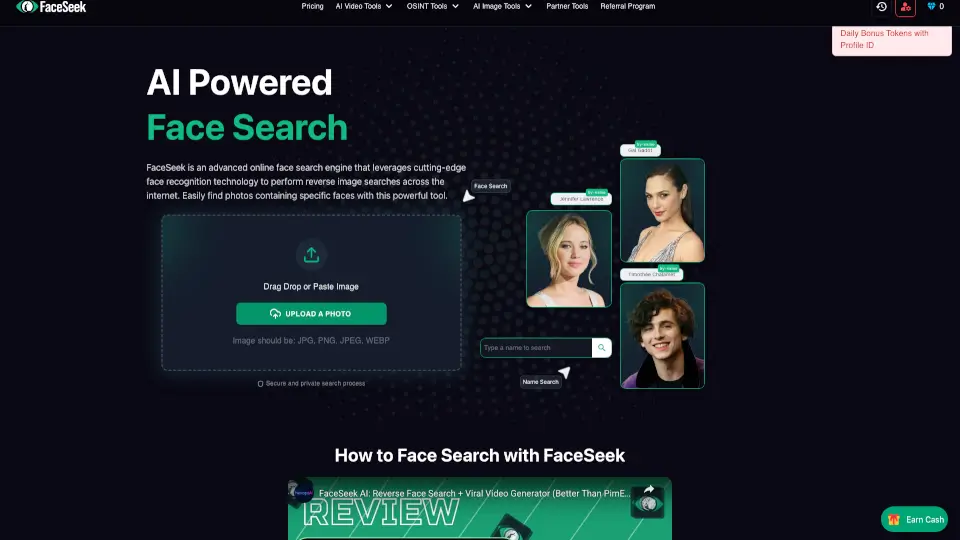
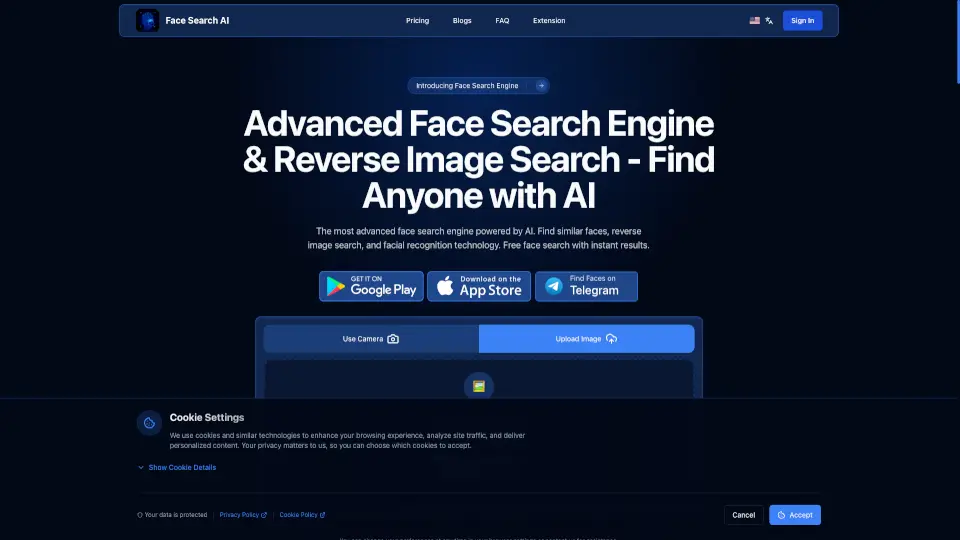
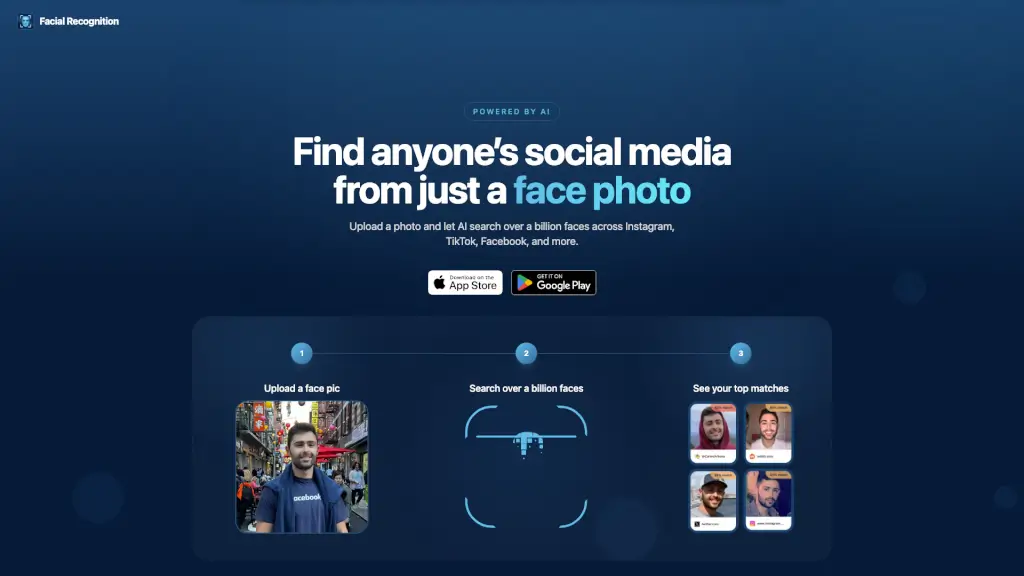
Looking for a way to find someone's social media from just a face photo? Facial Recognition is a mobile app that uses advanced AI to search over a billion publicly available faces across Instagram, TikTok, Facebook, dating sites, and more. Upload a picture, and the app analyzes unique facial features to find matches, even with old or angled photos. It's a powerful tool for verifying identities, avoiding catfish, or just satisfying your curiosity.
What are the features of FacialRecognition.app?
- AI-Powered Face Mapping: The app's advanced AI doesn't just do a basic reverse image search. It analyzes your uploaded photo, maps the unique features of the face, and compares them to a huge database, working even with old, blurry, or partially hidden faces.
- Massive Database of 1 Billion+ Faces: Don't just search a few sites. The app scans over a billion faces from public profiles on Instagram, YouTube, Facebook, Twitter, TikTok, Tinder, Bumble, and Hinge to find your top matches.
- Fast, Direct Results: In just 10 seconds, you get the top 100 matches. Each result is a direct link to the source, so you can tap and go straight to the profile instead of guessing.
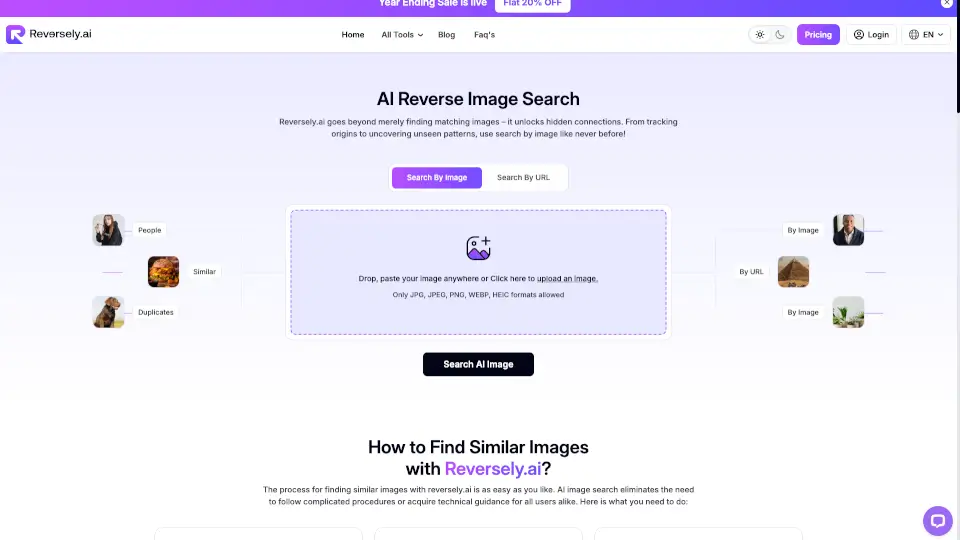
- Better Than Reverse Image Search: Unlike standard image search, this app focuses on facial recognition, so it can find someone even if the photo is a different angle, low quality, or from years ago.
What are the use cases of FacialRecognition.app?
- Online Dating Safety: Before meeting a match, use the app to confirm they are who they say they are. Avoid catfishing and scams by finding their real social media profiles.
- Identifying a Stranger: Saw someone at a concert or event and want to find their profile? Upload a photo from your phone to see if you can find their Instagram, TikTok, or other accounts.
- Verifying an Online Seller or Influencer: Check if a person you're dealing with online has a legitimate public presence or if they might be using a fake identity.
- Old Friend Search: Have a photo of someone from years ago but lost touch? The app's AI can handle old photos and help you find their current online profiles.
How to use FacialRecognition.app?
- Step 1: Upload a face pic: Choose a clear photo of the person's face from your camera roll.
- Step 2: Let the AI search: The app will quickly analyze the face and scan over a billion public profiles.
- Step 3: Review your top matches: In about 10 seconds, you'll see the top 100 potential matches.
- Step 4: Tap a link to visit the source: Each match is a clickable link. Tap it to go directly to the social media profile or webpage where the face was found.
- Tip: For best results, use a photo where the face is clearly visible, even if it's an older or lower-quality image.