
Excelmatic logo

Excelmatic

0
5.0
(0 Reviews)
Japan11.68%

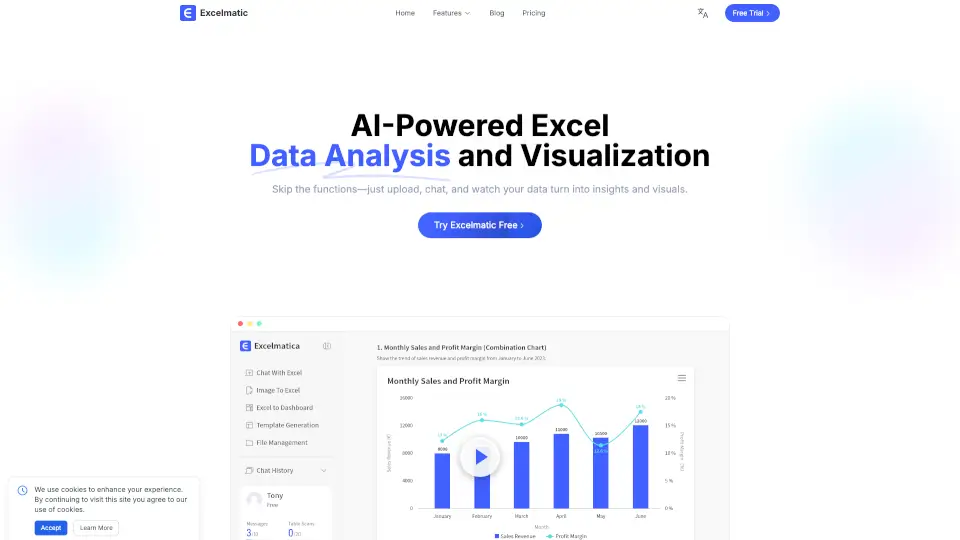
Excelmatic makes Excel data analysis and visualization easy. Upload, chat, and get instant insights, charts, and reports—no technical skills required.

Added on: 2025.11.02 · Updated on: 2025.11.02
Social Media:
Visit Site
View Alternatives
Excelmatic

Excelmatic Product Information

What is Excelmatic?

Excelmatic is your go-to tool for easy Excel data analysis and visualization. Just upload your spreadsheet, ask questions in plain English, and get instant answers, charts, and insights. No need to memorize formulas or spend hours making reports—Excelmatic does the heavy lifting for you. Whether you’re a student, business professional, or just want to make sense of your data, Excelmatic makes Excel simple and smart.

What are the features of Excelmatic?

  • AI Spreadsheet Assistant: Handle Excel tasks with natural language—no technical skills needed.
  • AI Data Analysis: Get advanced statistical insights and summaries in seconds.
  • AI Data Visualization: Instantly create professional charts and graphics.
  • AI Business Intelligence: Turn raw data into actionable business insights.
  • Image to Excel: Convert table images to editable Excel files with one click.
  • PDF to Excel: Transform PDF tables into Excel spreadsheets easily.
  • Automated Data Cleaning: Clean up messy data and avoid formatting errors.
  • Batch Processing: Work with multiple tables at once for better efficiency.
  • Intelligent Formula Assistant: Generate and fix formulas using plain language.
  • Dynamic Chart Updates: Charts refresh automatically when your data changes.

What are the use cases of Excelmatic?

  • Students: Quickly analyze grades or survey results without learning complex Excel functions.
  • Business Analysts: Save time on reports, trend analysis, and KPI tracking.
  • Marketers: Visualize campaign performance and user engagement in real time.
  • Managers: Get instant insights for decision-making without waiting for data teams.
  • Anyone with Data: Make sense of any spreadsheet, from budgets to inventories.

How to use Excelmatic?

  • Upload your Excel or CSV file to Excelmatic.
  • Type your questions or requests in plain English.
  • Instantly receive answers, charts, and downloadable reports.
  • Customize chart styles and analysis as needed.
  • Download your results or share them with your team.
Excelmatic Contact Email:

support@excelmatic.ai

Do you like this tool?

Upvote to help others discover it!

Excelmatic Alternatives

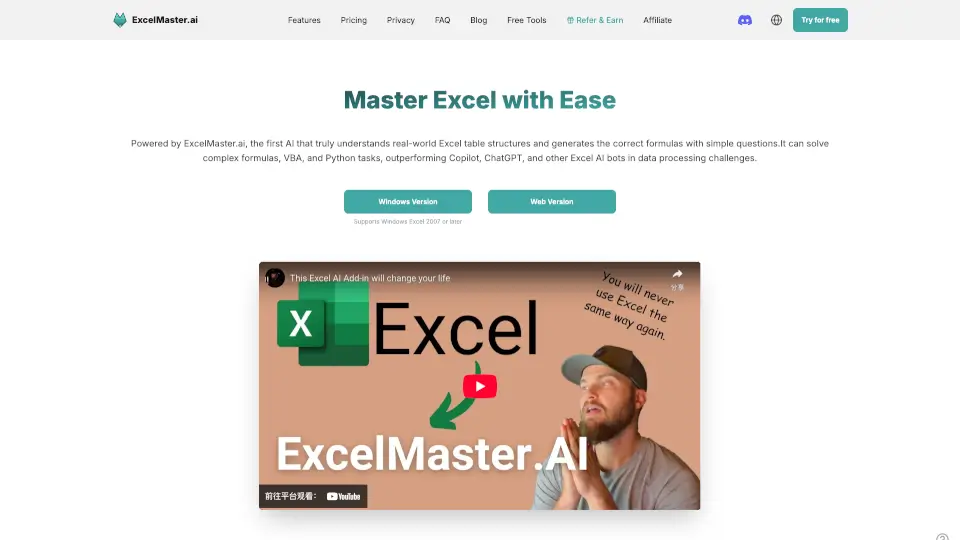
ExcelMaster.ai

ExcelMaster.ai is the ultimate Excel AI, tackling formulas, VBA, and data tasks with unmatched precision. Perfect for pros and beginners alike—say goodbye to Excel headaches!

US
13.47%
|
19.5K
|
4.0
ChartPixel

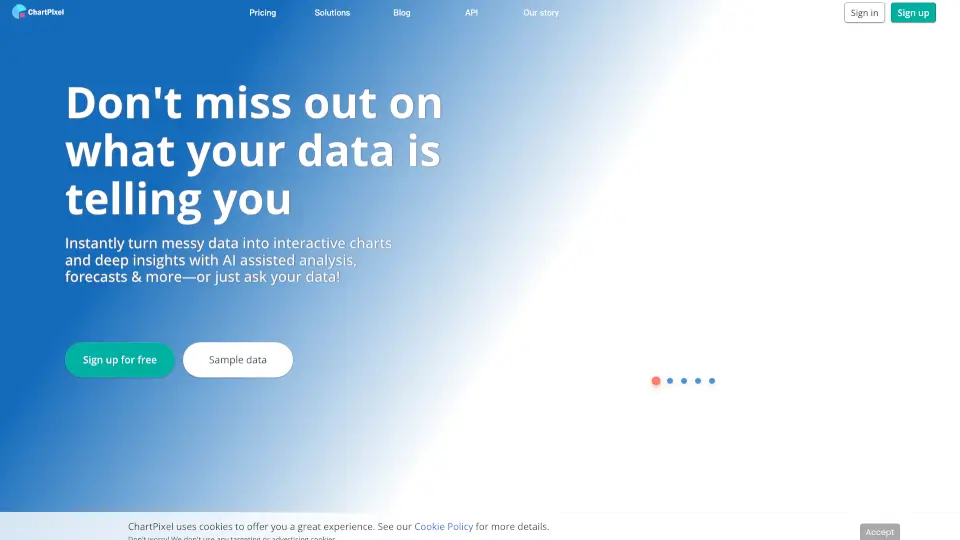
Transform your data into insights with ChartPixel's easy-to-use platform.

US
51.78%
|
12.6K
|
4.0
Sparkco AI Spreadsheet Agent

Sparkco Sheets: Transform text and documents into Excel models with AI-powered automation and real-time data sync.

US
24.78%
|
42.0K
|
4.0
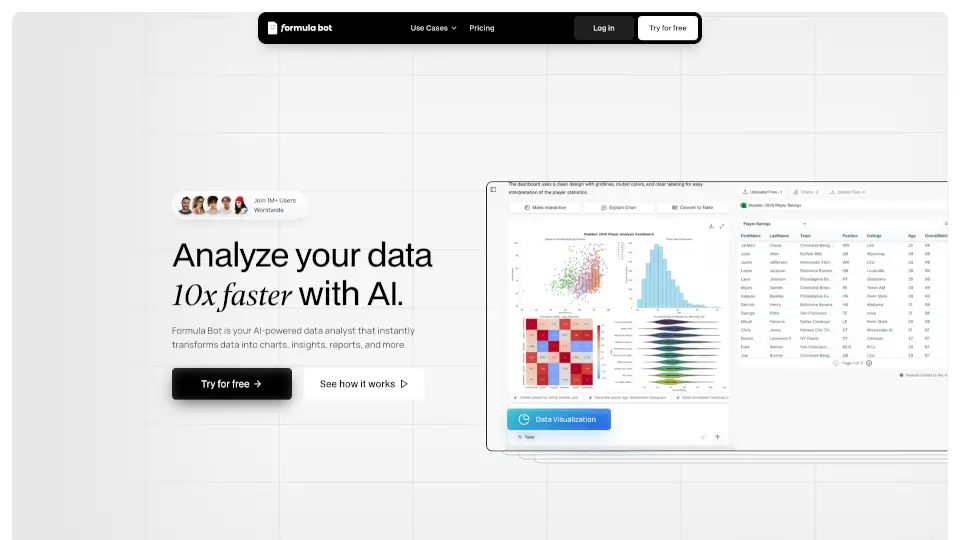
Formula Bot - AI Data Analyst

AI for Data Analysis - Formula Bot is the ultimate tool for anyone looking to simplify data analysis. With features like data connection, visualization, and automation, it’s perfect for businesses, students, and professionals alike.

US
24.48%
|
251.1K
|
5.0
TalktoData

TalktoData AI turns anyone into a data whiz by delivering instant analysis and visuals through simple chats. Perfect for businesses, researchers, or curious minds—no tech degree required.

IN
84.23%
|
14.6K
|
4.0
Julius AI

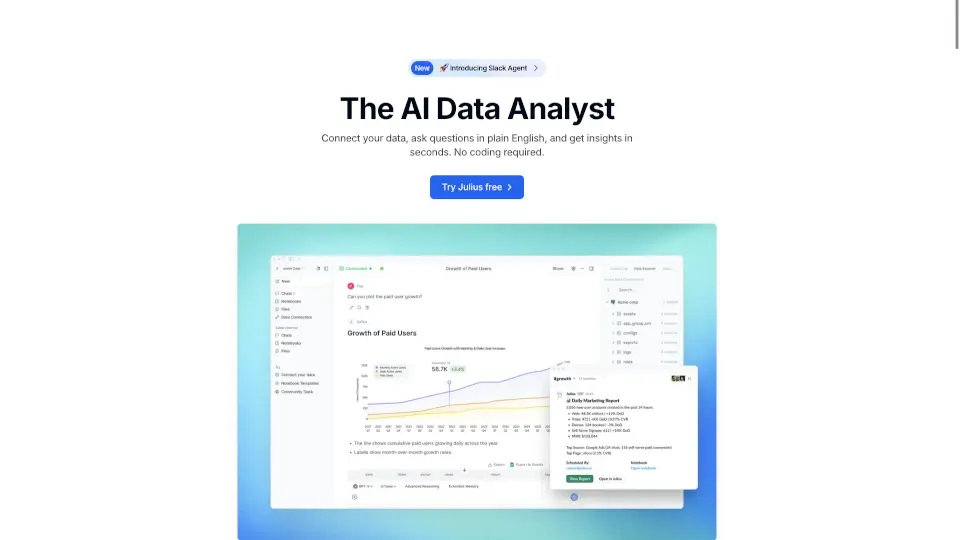
Julius AI is a versatile, user-friendly AI data analyst that helps you visualize, clean, and analyze data with ease. Perfect for businesses, educators, and researchers.

US
24.33%
|
755.3K
|
5.0
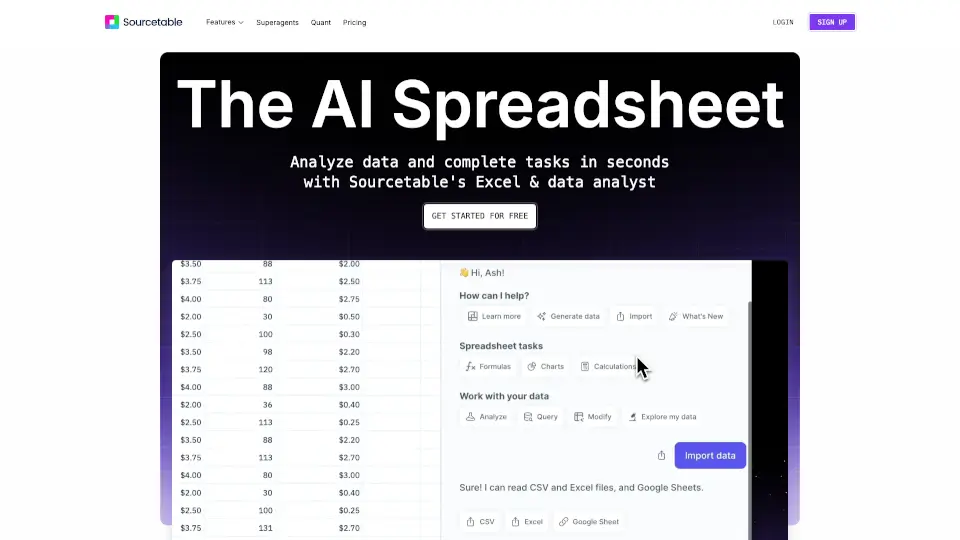
Sourcetable

Sourcetable is the ultimate AI spreadsheet that simplifies data analysis, cleaning, and visualization. Perfect for students, professionals, and data enthusiasts.

US
41.85%
|
79.0K
|
5.0
Online Toolz

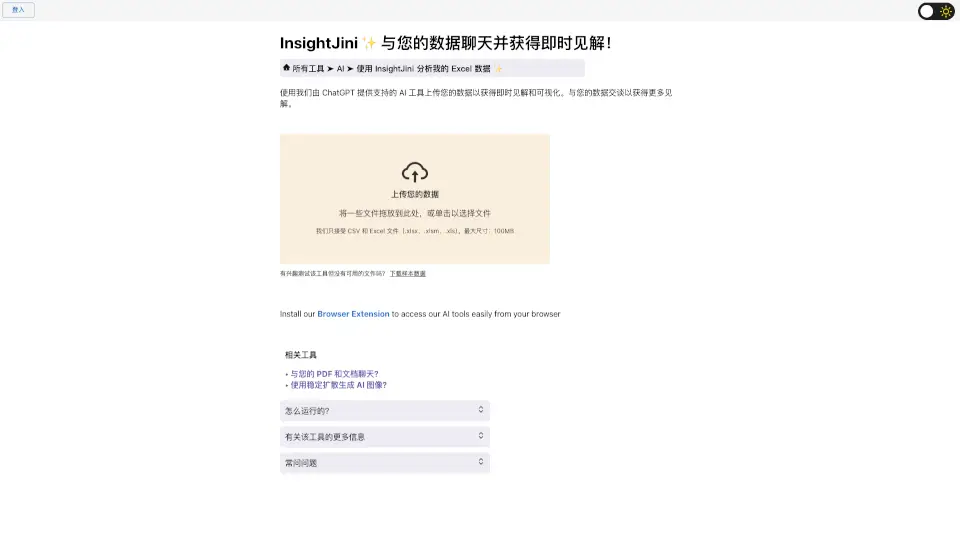
Chat with your data and gain instant insights with InsightJini, the user-friendly AI tool for data analysis.

MX
12.68%
|
99.7K
|
5.0
Excelmatic Related Other Categories

Excelmatic Traffic Analysis

💡 Insights

Medium Scale
100K-1M monthly visits. Growing tool with active development.
📉
Traffic Decline
Significant traffic drop recently. Check for alternatives.
💎
High Stickiness
Low bounce rate (35%) and deep engagement (7.8 pages/visit). Excellent user experience.
🔎
SEO Driven
52% traffic from search. High organic visibility.
  • Monthly Visits

    230.72K

  • Bounce Rate

    35.16%

  • Pages Per Visit

    7.75

  • Visit Duration

    00:01:21

  • Global Rank

    108950

  • Country Rank

    20742

Visits Over Time

Traffic Sources

Search52.28%
Direct31.23%
Referrals11.02%
Social2.87%
Paid2.34%
Mail0.17%

Top Keywords

1
excelmatic
CPC$1.07
4.00KTraffic
2
excel ai
CPC$2.74
540Traffic
3
엑셀 체크박스
420Traffic
4
엑셀 비밀번호
410Traffic
5
サンキーダイアグラム excel
410Traffic

Top Regions

RegionPercentage
Japan
Japan
11.68%
South Korea
South Korea
6.93%
France
France
4.94%
Taiwan
Taiwan
4.14%
India
India
4.01%
Low
High

Excelmatic FAQ

How is my data protected?

What's your refund policy?

Can multiple people share one account?

Do you provide invoices/receipts?

Do you support on-premises deployment?

How do I cancel my subscription?

Excelmatic Reviews

0

0

0 Reviews

Write a Review

0

Login to leave a review
Sign In

Recent Reviews

No reviews yet

Excelmatic Pricing

Free

No additional charges. Free forever.
0
  • 10 chat messages / month
  • 20 image to excel / month
  • 2 uploaded files / chat
  • 5MB file upload limit
  • Chat history is retained for 30 days
  • Simple analysis
  • Basic charts
  • Download generated excel
  • Download generated charts
  • Community support

Essential

Billed monthly. Upgrade anytime.
9.9 /mo
  • 150 chat messages / month
  • 150 image to excel / month
  • 5 uploaded files / chat
  • 50MB file upload limit
  • Chat history is retained for 180 days
  • Basic analysis
  • Full charts
  • Download generated excel
  • Download generated charts
  • Standard email support

Professional

Billed monthly. Unlimited usage for advanced needs.
29.9 /mo
  • Unlimited chat messages
  • Unlimited image to excel
  • 10 uploaded files / chat
  • 100MB file upload limit
  • Chat history is retained for 360 days
  • Model analysis, prediction
  • Full charts with custom themes
  • Download generated excel
  • Download generated charts
  • Priority support

Excelmatic Embed

Use website badges to drive community support for SeekTool.ai. They are easy to embed in your homepage or footer.

Light
Dark
Excelmatic - Featured on SeekTool.aiExcelmatic - Featured on SeekTool.ai
How to install?

Looking for Excelmatic Alternatives?

Compare top AI tools similar to Excelmatic. Find the best option for your needs.

View Alternatives

Reviews

0.0

Share your experience with this tool...

Trending

Featured

Subscribe to our AI Newsletter

Get the top AI stories delivered to your inbox weekly.