
What is Online Toolz?
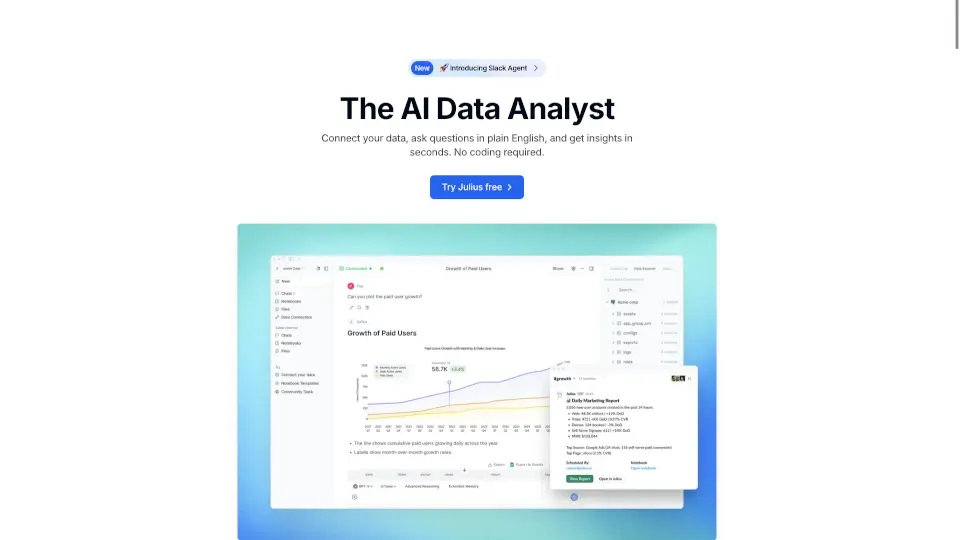
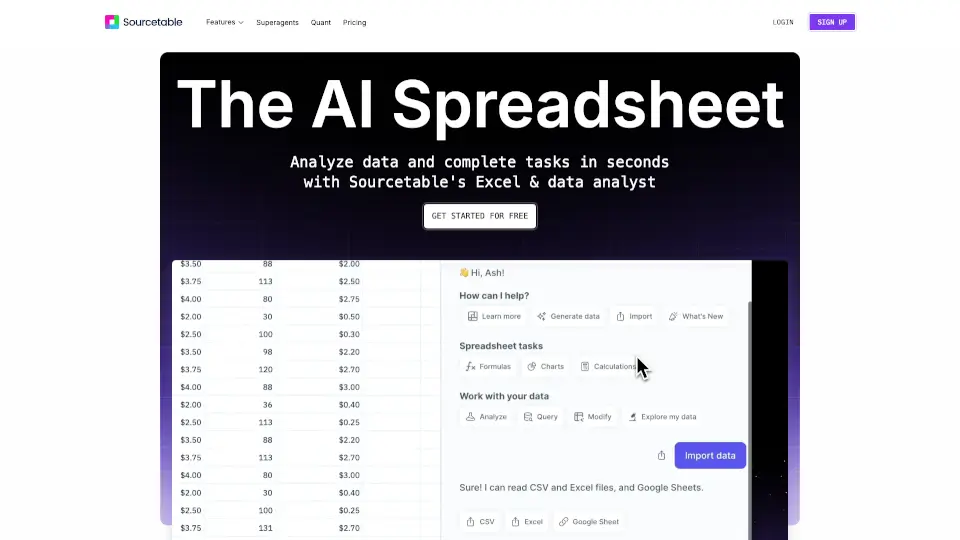
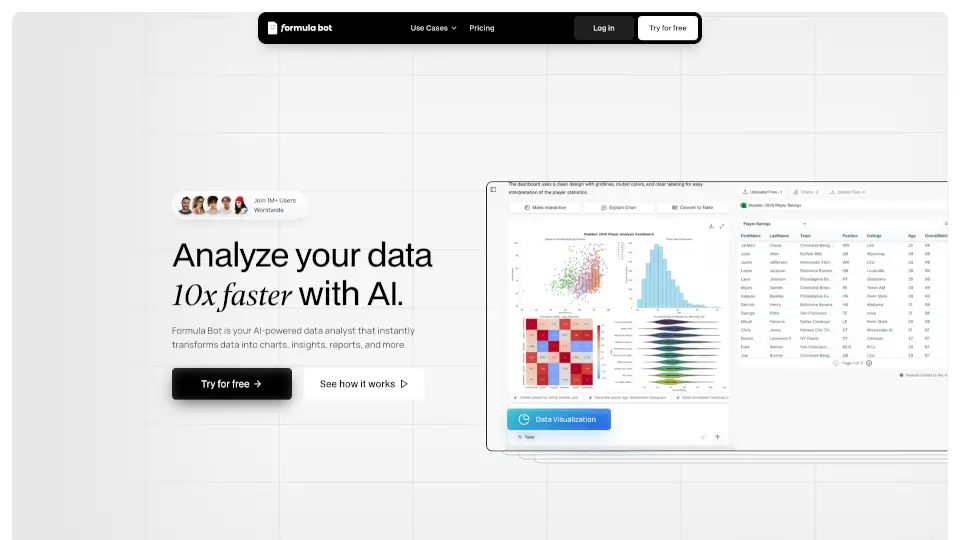
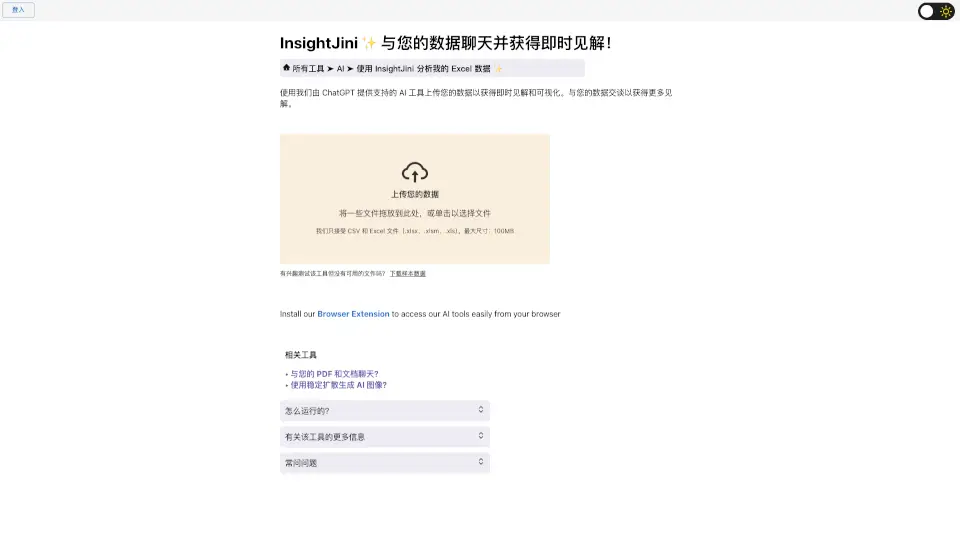
InsightJini is an AI-powered data analysis tool that lets you chat with your data and get instant insights. Instead of wrestling with complex Excel formulas or writing code, you simply upload your CSV or Excel file, and the tool automatically generates visualizations and key findings. Then, using ChatGPT integration, you can have a conversation with your data—ask questions, dig deeper, and uncover answers in plain English. It’s designed for anyone who needs to understand data quickly without technical headaches.
What are the features of Online Toolz?
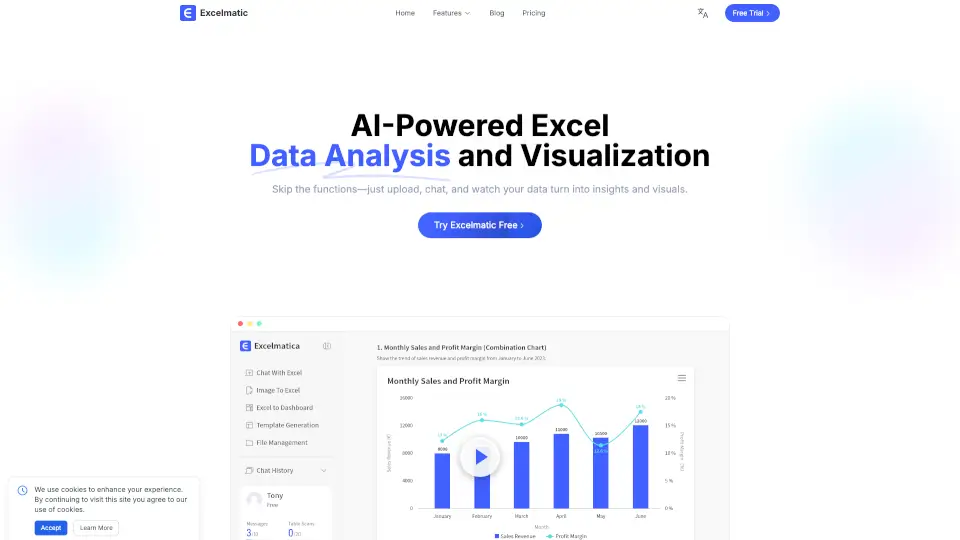
- Automatic Insights & Visualizations: Upload your file and instantly receive pre-generated charts, graphs, and key data summaries—no manual setup required.
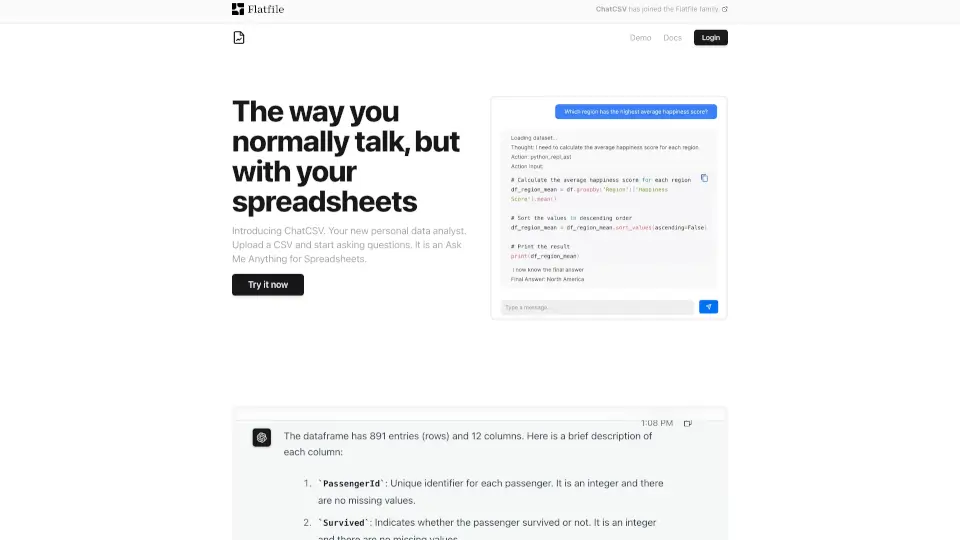
- Conversational Data Chat: Talk to your data using natural language questions. Powered by ChatGPT, you get immediate, context-aware answers and can explore deeper trends.
- Supports Large Files: Accepts CSV and Excel files (.xlsx, .xlsm, .xls) up to 100MB, so you can work with substantial datasets.
- No Coding or Formulas Needed: Zero programming or spreadsheet expertise required. The interface handles all complex calculations and analysis for you.
- 24-Hour Data Storage: Your file stays on the server for 24 hours and is automatically deleted afterward, keeping your data secure.
- Sample Data Available: Don’t have a file handy? Download sample data to test the tool immediately.
What are the use cases of Online Toolz?
- Business Analysts needing quick, ad-hoc data exploration without waiting for IT or learning Python.
- Marketers analyzing campaign performance, sales trends, or customer feedback in CSV exports.
- Students and Researchers who want to uncover patterns in survey results or experimental data without manual spreadsheet work.
- Small Business Owners making data-driven decisions from inventory, finance, or customer spreadsheets.
- Freelancers who receive data from clients in Excel and need to deliver insights fast.
How to use Online Toolz?
- Upload your Excel (.xlsx, .xlsm, .xls) or CSV file by dragging and dropping or clicking to select. Max file size: 100MB.
- After upload, the tool automatically reviews your data and generates initial charts and insights.
- Explore the visualizations and summaries to get a quick overview of your data.
- Use the chat feature to ask specific questions like “What are the top sales regions?” or “Show me trends over time” for deeper analysis.
- You can also download sample data from the site to practice before using your own files.