
Online Toolz logo

Online Toolz

5.0
(0 Reviews)
Mexico18.03%

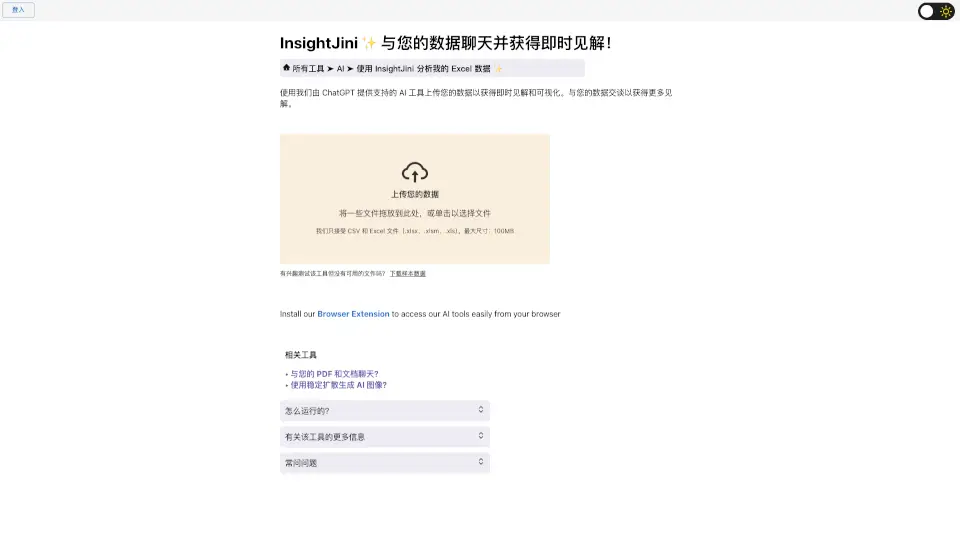
InsightJini lets you chat with your data and get instant insights by uploading Excel or CSV files and asking questions in plain English.

Verified by SeekTool
Social Media:
Online Toolz

Online Toolz Product Information

What is Online Toolz?

InsightJini is an AI-powered data analysis tool that lets you chat with your data and get instant insights. Instead of wrestling with complex Excel formulas or writing code, you simply upload your CSV or Excel file, and the tool automatically generates visualizations and key findings. Then, using ChatGPT integration, you can have a conversation with your data—ask questions, dig deeper, and uncover answers in plain English. It’s designed for anyone who needs to understand data quickly without technical headaches.

What are the features of Online Toolz?

  • Automatic Insights & Visualizations: Upload your file and instantly receive pre-generated charts, graphs, and key data summaries—no manual setup required.
  • Conversational Data Chat: Talk to your data using natural language questions. Powered by ChatGPT, you get immediate, context-aware answers and can explore deeper trends.
  • Supports Large Files: Accepts CSV and Excel files (.xlsx, .xlsm, .xls) up to 100MB, so you can work with substantial datasets.
  • No Coding or Formulas Needed: Zero programming or spreadsheet expertise required. The interface handles all complex calculations and analysis for you.
  • 24-Hour Data Storage: Your file stays on the server for 24 hours and is automatically deleted afterward, keeping your data secure.
  • Sample Data Available: Don’t have a file handy? Download sample data to test the tool immediately.

What are the use cases of Online Toolz?

  • Business Analysts needing quick, ad-hoc data exploration without waiting for IT or learning Python.
  • Marketers analyzing campaign performance, sales trends, or customer feedback in CSV exports.
  • Students and Researchers who want to uncover patterns in survey results or experimental data without manual spreadsheet work.
  • Small Business Owners making data-driven decisions from inventory, finance, or customer spreadsheets.
  • Freelancers who receive data from clients in Excel and need to deliver insights fast.

How to use Online Toolz?

  • Upload your Excel (.xlsx, .xlsm, .xls) or CSV file by dragging and dropping or clicking to select. Max file size: 100MB.
  • After upload, the tool automatically reviews your data and generates initial charts and insights.
  • Explore the visualizations and summaries to get a quick overview of your data.
  • Use the chat feature to ask specific questions like “What are the top sales regions?” or “Show me trends over time” for deeper analysis.
  • You can also download sample data from the site to practice before using your own files.
Do you like this tool?

Upvote to help others discover it!

Online Toolz Alternatives

Julius AI

Julius AI

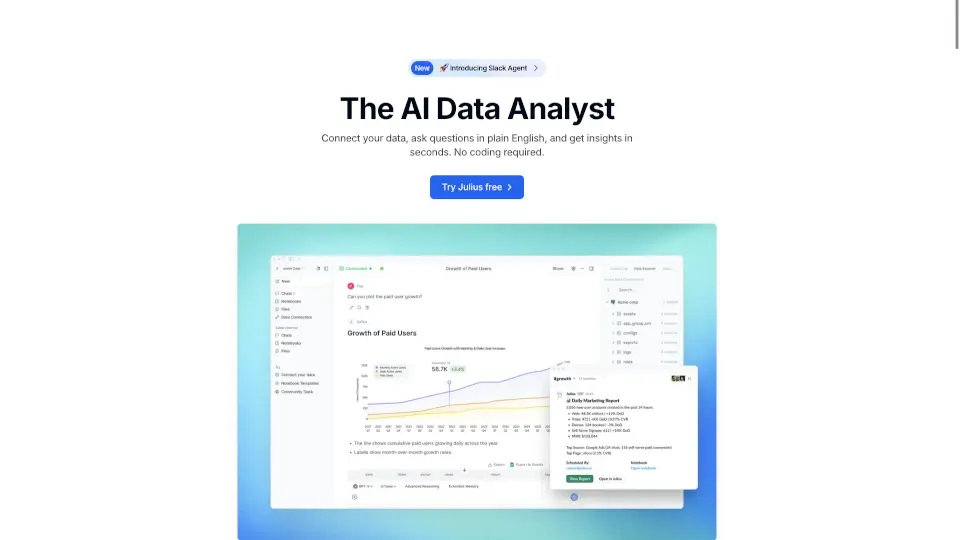
Julius AI is a versatile, user-friendly AI data analyst that helps you visualize, clean, and analyze data with ease. Perfect for businesses, educators, and researchers.

IN
27.89%
709.2K
5.0
ChatCSV

ChatCSV

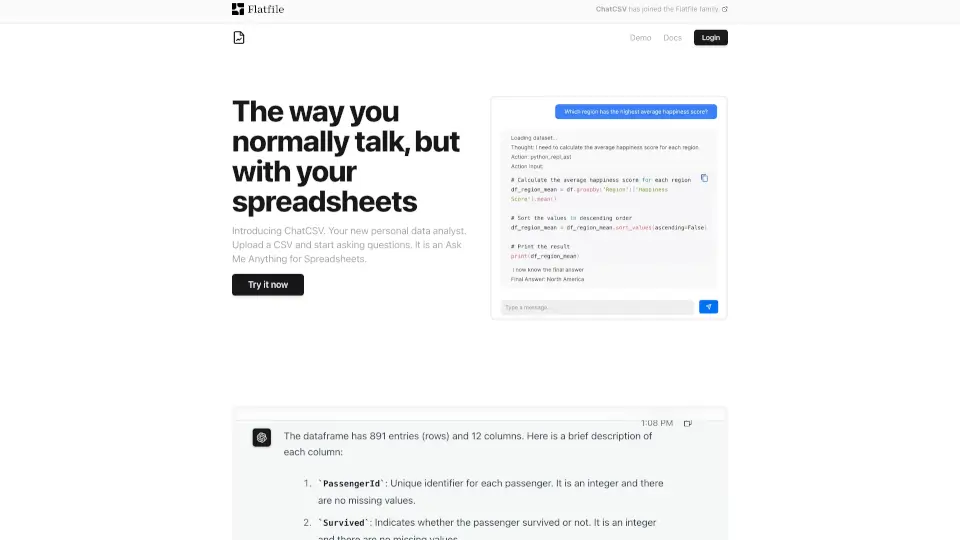
ChatCSV is a friendly tool that turns your CSV files into conversational data analysts, making data insights easy and accessible for everyone.

US
64.75%
3.3K
3.0
TalktoData

TalktoData

TalktoData AI turns anyone into a data whiz by delivering instant analysis and visuals through simple chats. Perfect for businesses, researchers, or curious minds—no tech degree required.

IN
40.90%
10.2K
4.0
ChartPixel

ChartPixel

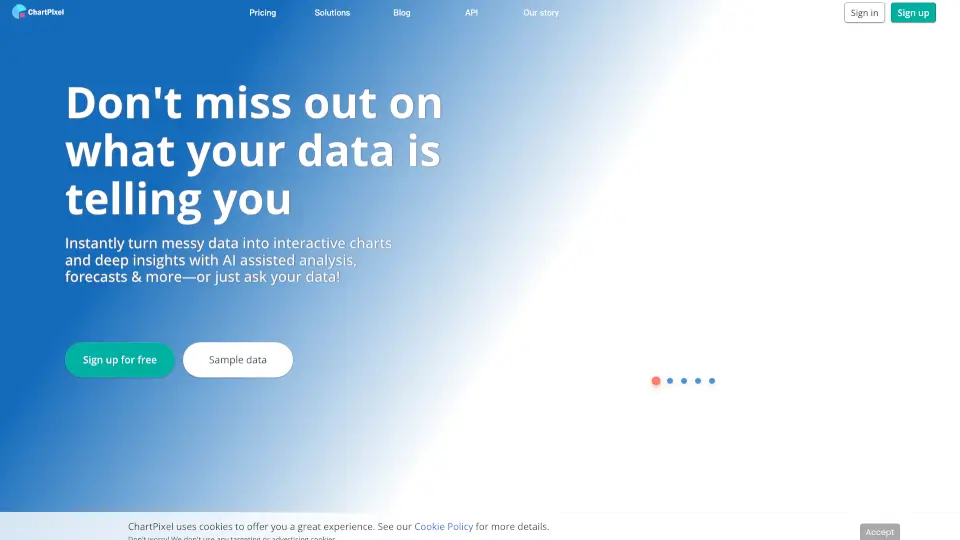
Transform your data into insights with ChartPixel's easy-to-use platform.

IN
35.69%
4.5K
3.0
Excelmatic

Excelmatic

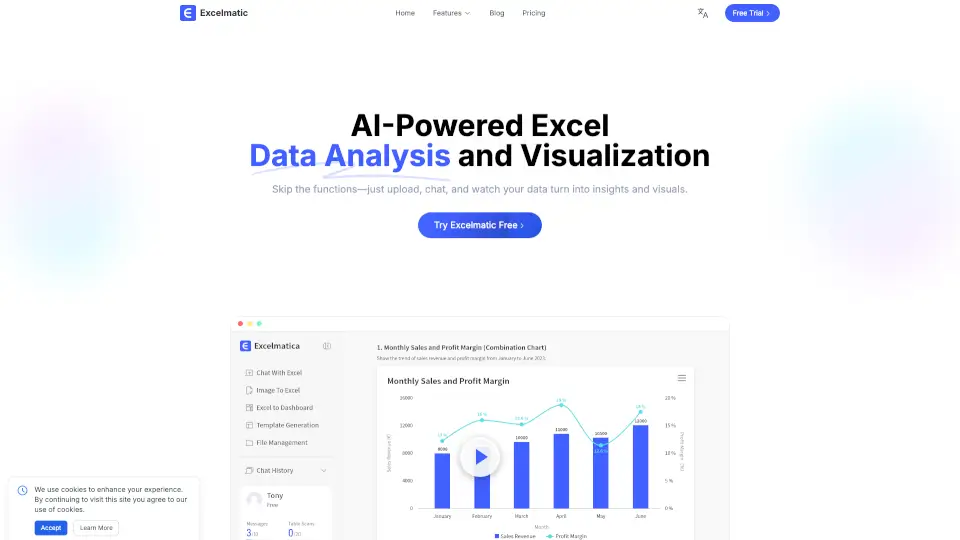
Excelmatic makes Excel data analysis and visualization easy. Upload, chat, and get instant insights, charts, and reports—no technical skills required.

KR
7.21%
73.6K
5.0
Sourcetable

Sourcetable

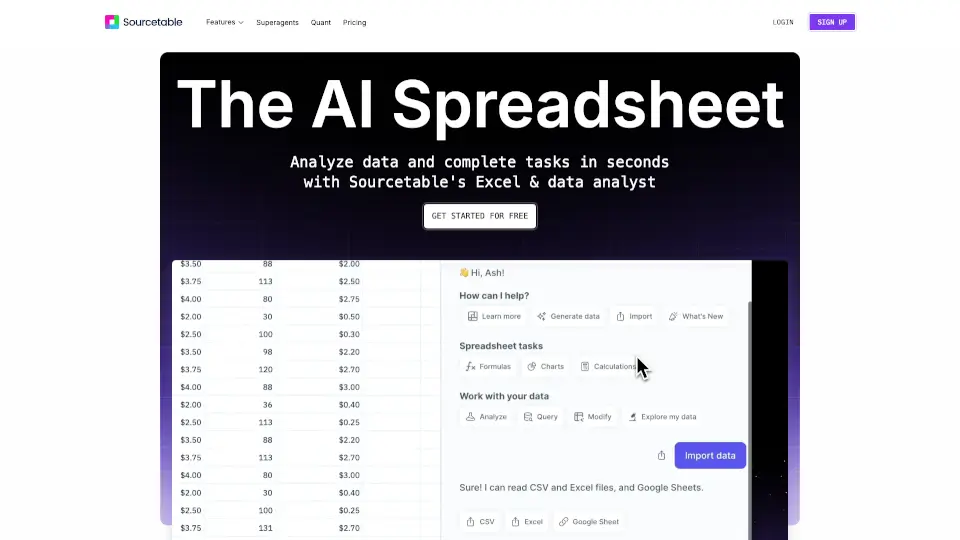
Sourcetable is the ultimate AI spreadsheet that simplifies data analysis, cleaning, and visualization. Perfect for students, professionals, and data enthusiasts.

US
32.99%
27.0K
4.0
Energent.ai

Energent.ai

Energent.ai is an AI data analyst that transforms spreadsheets, PDFs, scans, and web content into actionable insights and ready-to-share deliverables with just one prompt.

US
8.29%
328.8K
5.0
Formula Bot - AI Data Analyst

Formula Bot - AI Data Analyst

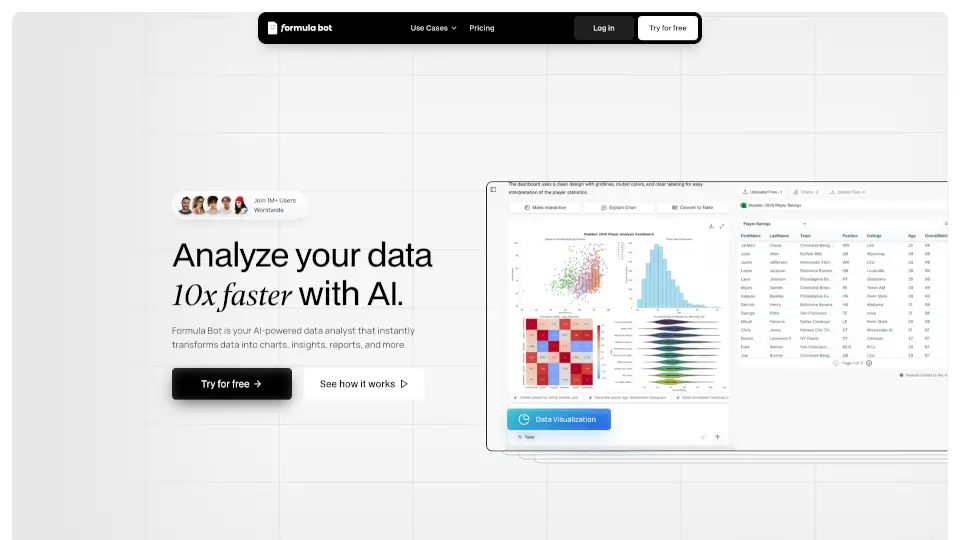
AI for Data Analysis - Formula Bot is the ultimate tool for anyone looking to simplify data analysis. With features like data connection, visualization, and automation, it’s perfect for businesses, students, and professionals alike.

US
13.72%
247.1K
5.0

Online Toolz Related Other Categories

Online Toolz Traffic Analysis

💡 Insights

Medium Scale
100K-1M monthly visits. Growing tool with active development.
⚠️
Slight Decline
Traffic has slightly decreased recently.
👍
Good Experience
Bounce rate of 47%. Users are willing to explore features.
🌐
Global Reach
Balanced user distribution worldwide.
  • Monthly Visits

    112.26K

  • Bounce Rate

    47.01%

  • Pages Per Visit

    1.84

  • Visit Duration

    00:00:13

  • Global Rank

    382596

  • Country Rank

    53802

Visits Over Time

Traffic Sources

Direct46.98%
Search Organic38.34%
Referrals6.36%
Social Organic4.88%
Mail2.53%
Gen Ai0.70%
Display Ads0.21%
Search Paid0.00%
Social Paid0.00%
Affiliate0.00%

Top Keywords

1
clipshare
230Traffic
2
traductor hexadecimal a texto
200Traffic
3
mapa de caracteres online
200Traffic
4
mpa de caracteres
200Traffic
5
mappa caratteri tastiera
160Traffic

Top Regions

RegionPercentage
Mexico
Mexico
18.03%
Peru
Peru
10.79%
South Korea
South Korea
9.38%
Brazil
Brazil
7.83%
United States
United States
3.59%
Low
High

Powered by SimilarWeb

Online Toolz FAQ

What file types do you accept and what is the maximum size?

We accept CSV and Excel files (.xlsx, .xlsm, .xls) with a maximum size of 100MB.

How long do you store my file data?

Your data is stored on our servers for 24 hours, after which it is automatically deleted.

Do you use ChatGPT for the chat feature?

Yes, we use the ChatGPT 3.5 API to power the conversational data chat.

Do you offer an API?

No, we currently do not offer an API.

How much does it cost to use the tool?

Each file upload costs 1 task credit, and the chat feature consumes your AI Words credits. (Pricing details are available on the site.)

Can I use the tool without having a file to upload?

Yes! You can download sample data from the website to test the tool for free.

Online Toolz Reviews

0

0

0 Reviews
Sign Into leave a review

Recent Reviews

No reviews yet

Online Toolz Embed

Use website badges to drive community support for SeekTool.ai. They are easy to embed in your homepage or footer.

Light
Dark
Online Toolz - Featured on SeekTool.aiOnline Toolz - Featured on SeekTool.ai
How to install?