
What is Elastic Stack?
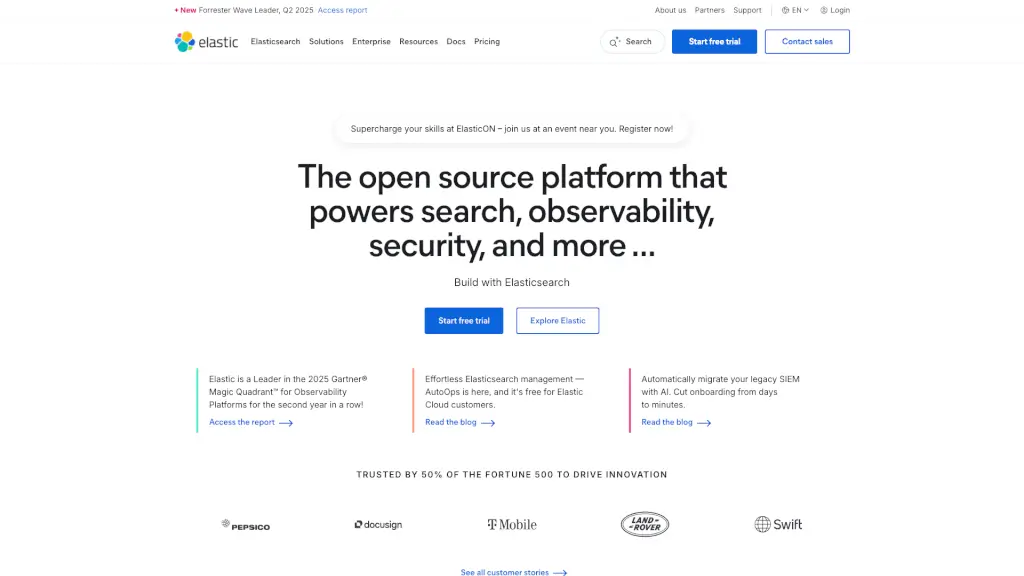
Elastic is a powerful and versatile search AI platform that helps you dive deep into your data to find the answers that really matter. Whether you're looking to improve your website's search functionality, enhance your security operations, or gain better insights into your system's performance, Elastic has got you covered. With its combination of open-source technology and enterprise-grade solutions, Elastic makes it easy for businesses of all sizes to accelerate their time to insight and drive meaningful outcomes.
What are the features of Elastic Stack?
- Search AI Platform: Build powerful AI and machine learning-enabled search applications for your customers and employees, delivering relevant results at unprecedented speed.
- Security Analytics: Modernize SecOps with AI-driven security analytics to detect, investigate, and respond to threats before they can cause harm.
- Observability: Accelerate problem resolution with open, flexible, and unified observability powered by advanced ML and analytics.
- AutoOps: Effortless Elasticsearch management with AutoOps, which is free for Elastic Cloud customers, making it easier to manage and scale your deployments.
- Agent Builder: Use Elastic Agent Builder to easily create reliable context-driven AI agents in Elasticsearch, tailored to your specific needs.
What are the use cases of Elastic Stack?
- Website Search Optimization: Improve the search experience on your website, making it faster and more accurate for users.
- Security Threat Detection: Enhance your security posture by detecting and responding to threats in real-time, reducing the risk of breaches.
- System Monitoring: Gain deep insights into your system's performance, helping you identify and resolve issues quickly.
- Log Analysis: Analyze logs from various sources to uncover patterns and trends, improving overall system health and performance.
- Customer Support Chatbots: Build intelligent chatbots that can provide quick and accurate responses to customer queries, enhancing support efficiency.
How to use Elastic Stack?
- Start with a Free Trial: Sign up for a free trial to explore Elastic's features and see how they can benefit your organization.
- Deploy Elasticsearch Locally: Use the provided script to deploy Elasticsearch locally in just two minutes:
curl -fsSL https://elastic.co/start-local | sh. - Explore Documentation: Read the detailed documentation to understand how to set up and configure Elastic for your specific use case.
- Leverage AutoOps: Enable AutoOps to simplify the management of your Elasticsearch cluster, ensuring it runs smoothly and efficiently.
- Build Custom Agents: Use the Elastic Agent Builder to create custom AI agents that can help you automate and optimize specific tasks.