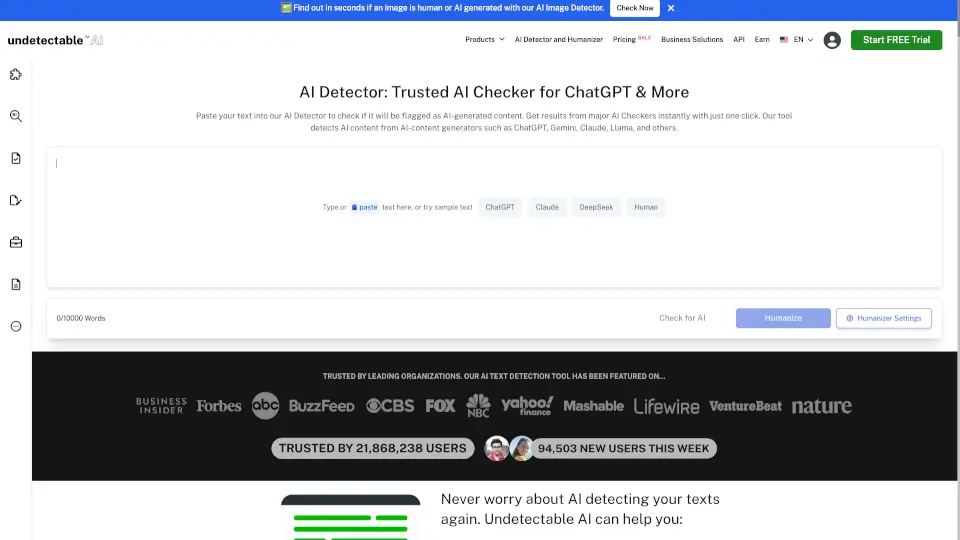

What is Dechecker?
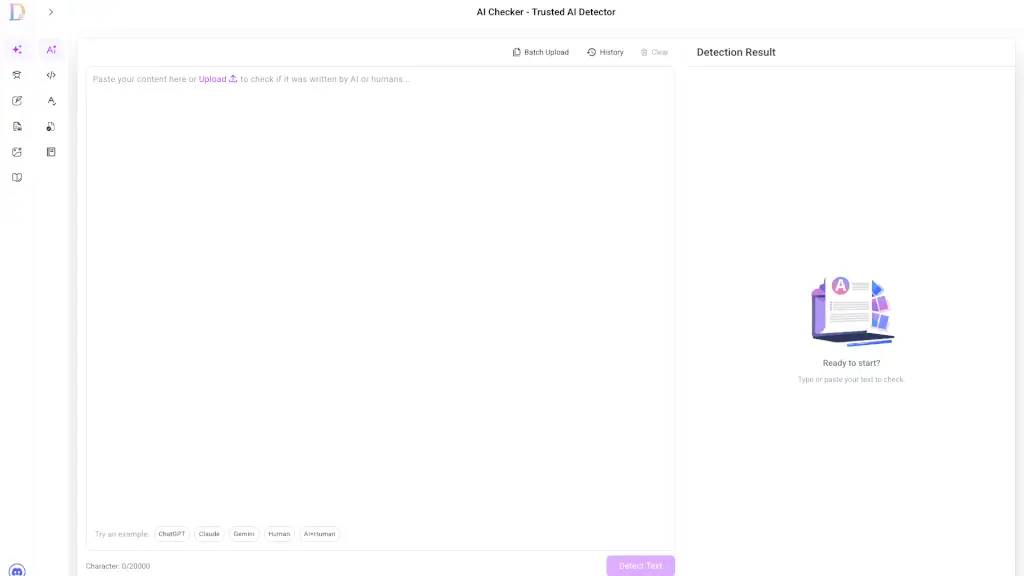
Welcome to Dechecker's AI Checker, your go-to tool for ensuring the authenticity and originality of your writing. Whether you're a student, a content creator, or a business professional, this powerful AI detector helps you identify and refine AI-generated text. With its advanced detection capabilities, Dechecker's AI Checker can pinpoint AI-written content down to the sentence level, making it easy to maintain the integrity and human-like quality of your work.
What are the features of Dechecker?
- Sentence-Level AI Detection: Highlights AI-generated text at the sentence level, providing precise insights into which parts of your writing need attention.
- Multi-Language Support: Detects AI-generated content in multiple languages, making it a versatile tool for global users.
- Originality & Humanization Suggestions: Offers actionable tips to transform robotic phrasing into natural, engaging language.
- Detailed Detection Reports: Generates comprehensive reports that include detection results, AI probability scores, and recommended improvements.
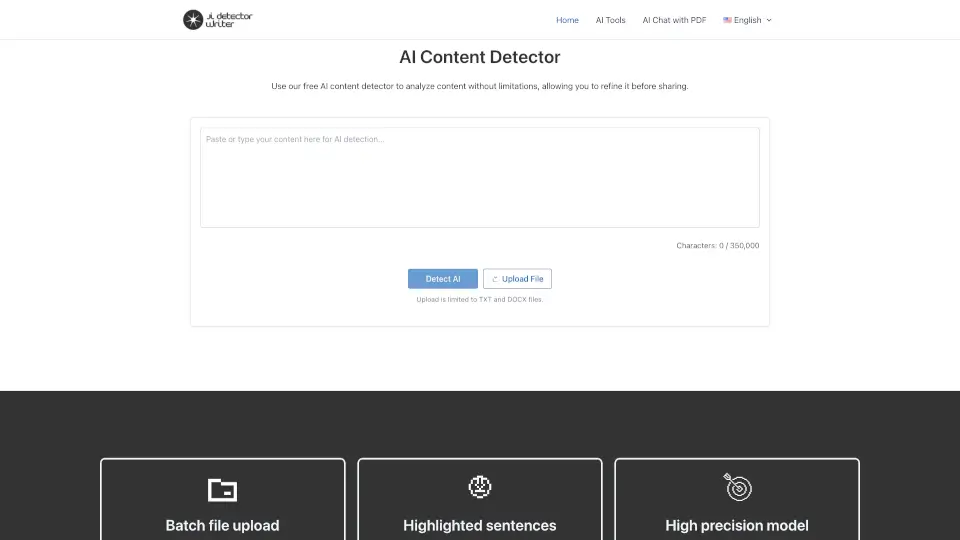
- Batch Upload: Allows you to check multiple documents at once, saving you time and effort.
- User-Friendly Interface: Easy to use with a simple, intuitive design, making it accessible for everyone.
What are the use cases of Dechecker?
- Academic Essays & Research Papers: Ensure your academic work is free from AI-generated content, maintaining academic integrity.
- SEO & Blog Articles: Improve the readability and originality of your marketing content, enhancing search engine performance.
- Business Copy & Reports: Refine proposals, presentations, and internal reports to make them more human-like and trustworthy.
- Social Media Posts: Analyze and enhance the authenticity of your social media content, increasing engagement.
- Freelance & Client Work: Verify the originality of your content before delivering it to clients, ensuring high-quality and credible work.
- Educational & Training Materials: Provide clear, human-written guidance in teaching and training materials, maintaining learning standards.
How to use Dechecker?
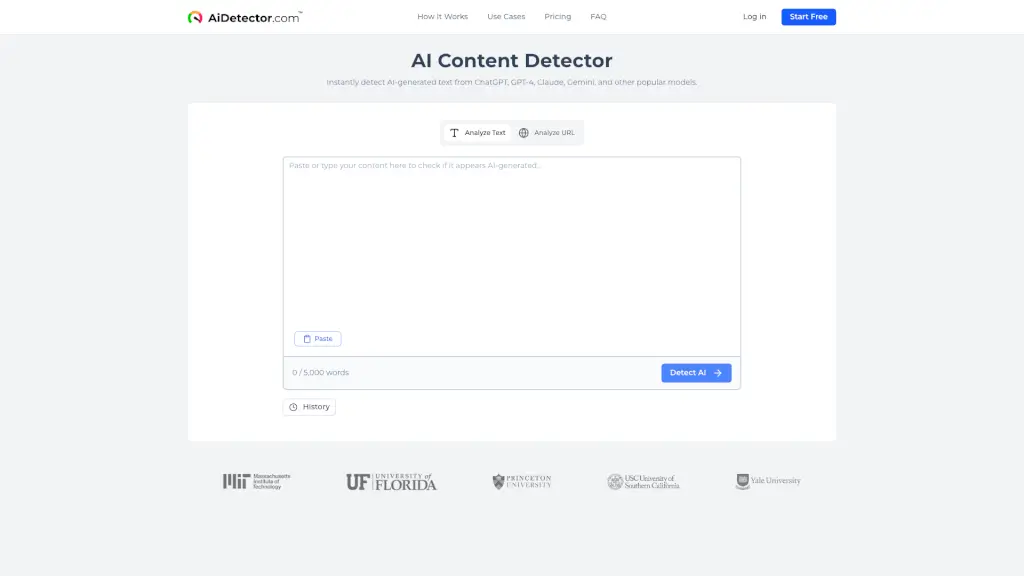
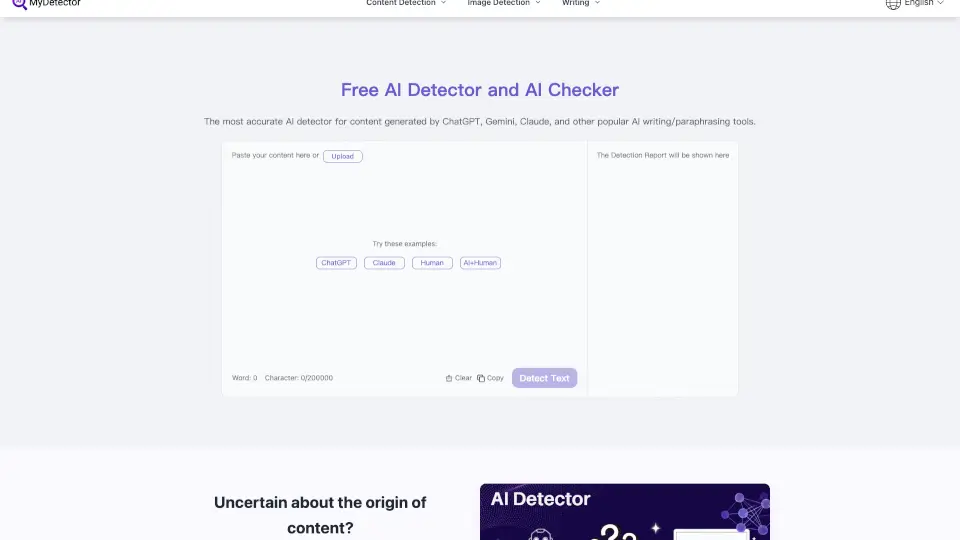
- Paste your text into the AI Checker tool.
- Click "Run AI Checker" to analyze your content.
- Review the detection results and highlighted AI-generated sections.
- Follow the suggested improvements to enhance the originality and readability of your text.
- Generate and save a detailed detection report for future reference.
- Repeat the process for other documents as needed.