
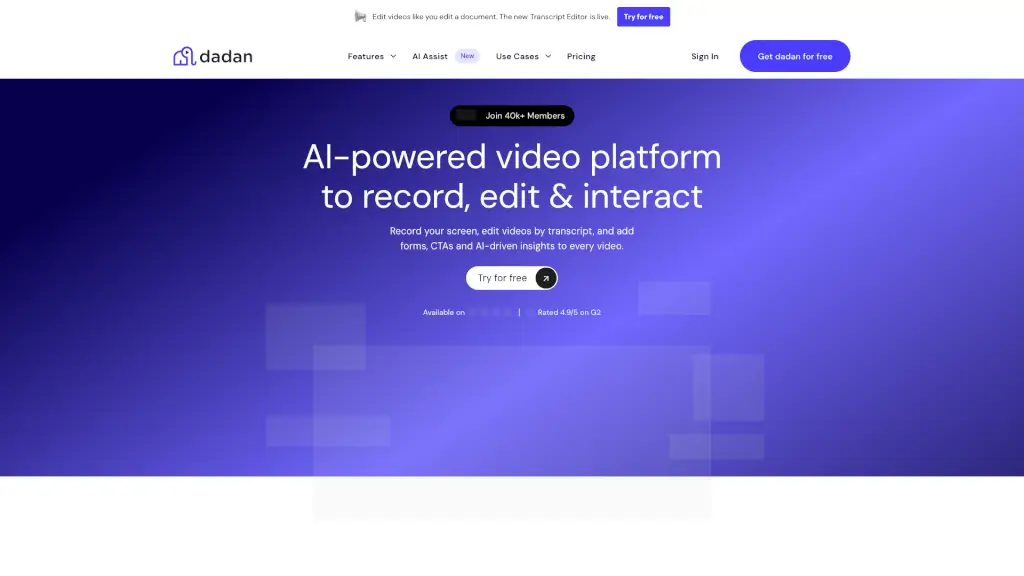
What is dadan.io?
Dadan is a powerful, user-friendly platform that lets you record, edit, and share videos with ease. Whether you're a student, a content creator, or part of a remote team, Dadan has the tools you need to make your videos look professional and engaging. With features like screen recording, webcam recording, and AI-powered editing, you can create high-quality videos without any technical hassle. Plus, Dadan's collaboration and interaction tools help you work seamlessly with others and keep your audience engaged.
What are the features of dadan.io?
- Screen Recorder: Capture your screen, annotate, and add audio to create detailed tutorials, demos, and presentations.
- Webcam Recorder: Record yourself or your team for personal messages, interviews, and more.
- Online Editor: Trim, zoom, add text, shapes, and adjust audio to polish your videos. Export them as new clips.
- AI Video Transcription: Automatically transcribe your video content into accurate text, making it easy to review and repurpose.
- Interactions: Add polls, quizzes, feedback forms, and CTAs to turn passive viewers into active participants.
- Collaboration: Work with your team in shared workspaces, auto-share videos, and get real-time feedback.
- Video Hosting: Store and share your videos securely, with advanced privacy settings to control who can view and interact with them.
What are the use cases of dadan.io?
- Education: Create video lectures, record online sessions, and integrate with Google Classroom for assignments.
- Remote Teams: Record meetings, walkthroughs, and updates to keep everyone on the same page.
- Content Creators: Record, edit, and publish videos directly from Dadan, turning long-form content into short, engaging clips.
- Marketing: Record product demos, social media videos, and collect testimonials to generate leads.
- Sales: Personalize outreach with quick video messages, improve closure rates with video proposals, and drive action with CTAs.
- Customer Support: Collect issue reports as videos, turn support docs into quick help videos, and boost customer satisfaction.
How to use dadan.io?
- Record Your Screen or Webcam: Click the "Record" button, choose your source (screen, webcam, or both), and start capturing.
- Edit Your Video: Use the online editor to trim, add text, shapes, and adjust audio. You can also use AI to remove silence and fillers.
- Add Interactions: Insert polls, quizzes, and CTAs to engage your audience and capture leads.
- Share and Collaborate: Share your videos with your team or audience, and collaborate in real-time using shared workspaces.
- Analyze Performance: Track views, interactions, and engagement to improve your video strategy with data-driven insights.