
What is Cutout Pro?
Cutout.Pro is an all-in-one AI-powered visual content platform that makes photo and video editing fast, easy, and professional—even if you’ve never touched Photoshop. Whether you're removing backgrounds, enhancing old photos, generating AI art, or turning images into videos, Cutout.Pro handles it with just a few clicks. Built for creators, e-commerce sellers, marketers, and everyday users, it replaces hours of manual work with smart automation.
Since 2018, Cutout.Pro has helped over 25,000 businesses streamline their visual workflows using cutting-edge AI models like GPT Image 2, Seedream 5.0, and Veo 3.1. From passport photos to digital human videos, it’s designed to turn your ideas into polished, ready-to-use assets—no design degree required.
What are the features of Cutout Pro?
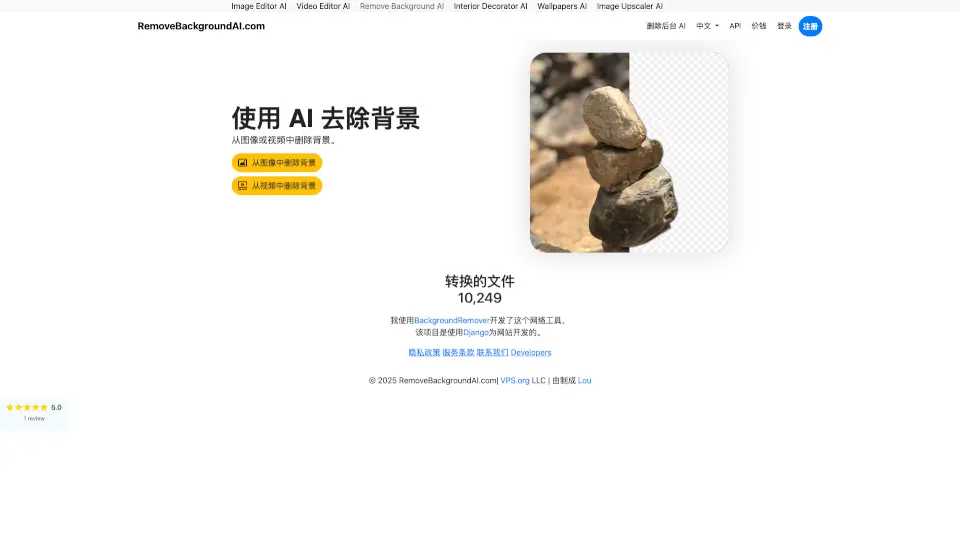
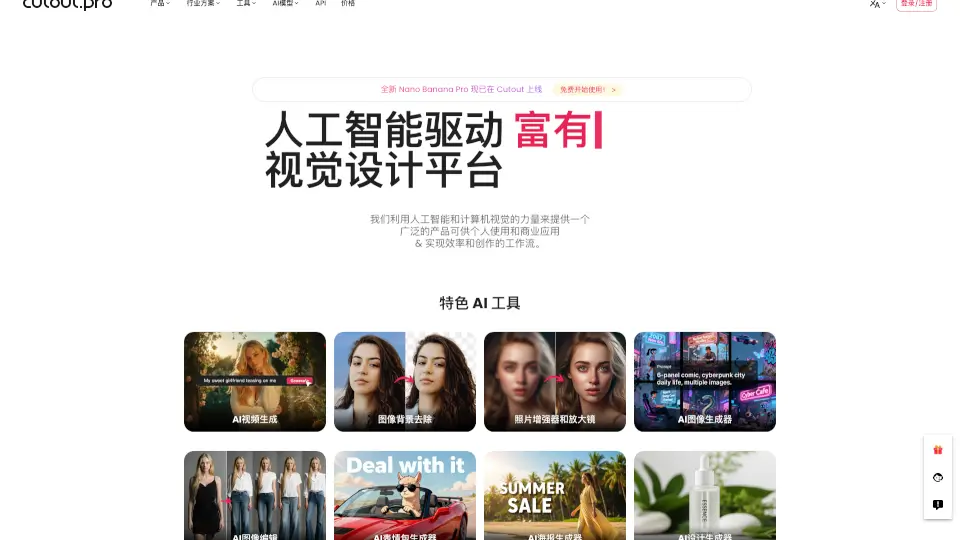
- AI Background Remover: Instantly delete or replace photo and video backgrounds with pixel-perfect accuracy—no green screen needed.
- Image-to-Video Generator: Bring still photos to life with smooth animations using tools like Seedance 2.0 and Photo Animer.
- Photo Enhancer & Upscaler: Restore blurry, low-res, or damaged images and upscale them up to 4x without losing quality.
- AI Portrait & Art Generation: Create cartoon selfies, anime avatars, wall art, or professional headshots in seconds.
- E-commerce Automation: Generate product staging visuals, virtual models, and POD (print-on-demand) designs at scale.
- Creative Design Tools: Make greeting cards, coloring pages, embroidery patterns, memes, and posters with AI-assisted templates.
What are the use cases of Cutout Pro?
- An e-commerce seller quickly removes backgrounds from hundreds of product photos and generates lifestyle mockups without hiring a photographer.
- A church volunteer creates event flyers and promo videos by cutting out speakers and placing them on custom backgrounds—no design experience needed.
- A print-on-demand business owner uses AI face cutout and cartoonizer tools to personalize mugs, T-shirts, and kids’ avatars, boosting sales by 47%.
- A photographer batch-enhances old family photos, colorizes black-and-white images, and turns them into shareable animated videos.
- A social media manager generates AI wallpapers, memes, and greeting cards in minutes to keep content fresh and engaging.
- A developer integrates Cutout.Pro’s API to add background removal or image enhancement to their own app or Shopify store.
How to use Cutout Pro?
- Sign up for a free account at cutout.pro and log in via web, desktop app, or mobile (iOS/Android).
- Upload your photo or video using drag-and-drop or select from your device.
- Choose a tool—like “Background Remover,” “Photo Enhancer,” or “Image to Video”—and click “Process.”
- Preview the result, make minor tweaks if needed, then download or share directly.
- For bulk tasks, use batch processing to edit dozens of files at once.
- Developers can connect via API with just a few lines of code—check the API docs for quick integration.