
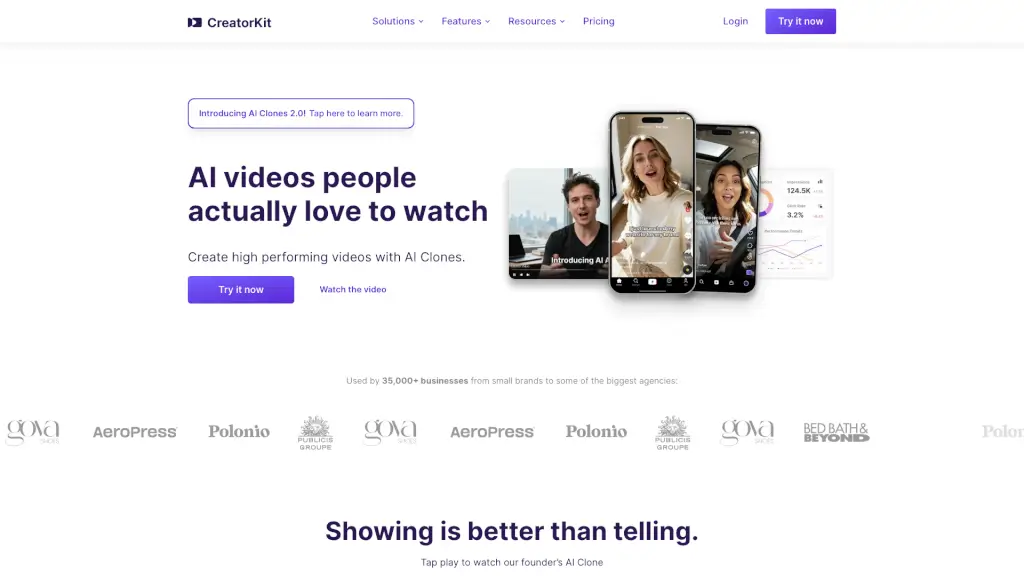
What is CreatorKit?
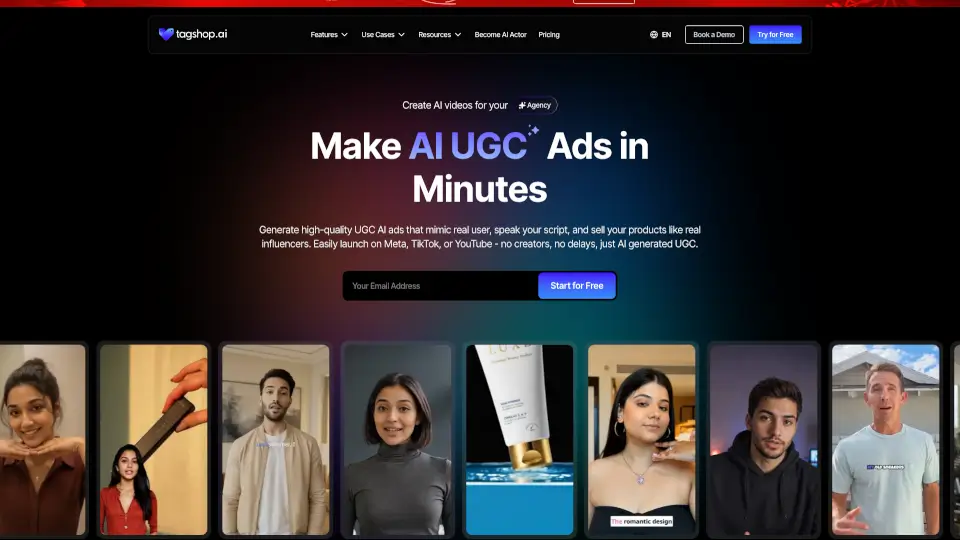
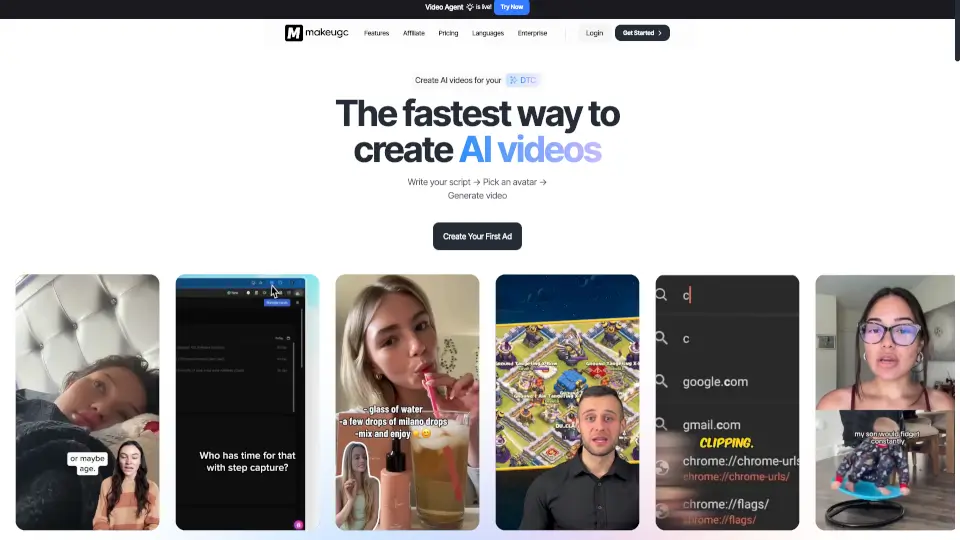
CreatorKit is a powerful tool that helps businesses of all sizes create stunning AI-generated images and videos in minutes. Whether you're looking to boost your social media presence or generate high-performing ads, CreatorKit has got you covered. With features like AI Clones, AI Avatars, and AI Product Photos, you can produce professional-quality content without the need for expensive equipment or extensive editing skills. This makes it perfect for small brands and big agencies alike.
What are the features of CreatorKit?
- AI Clones 2.0: Upload a single image and record your voice to generate unlimited videos with you in any scene.
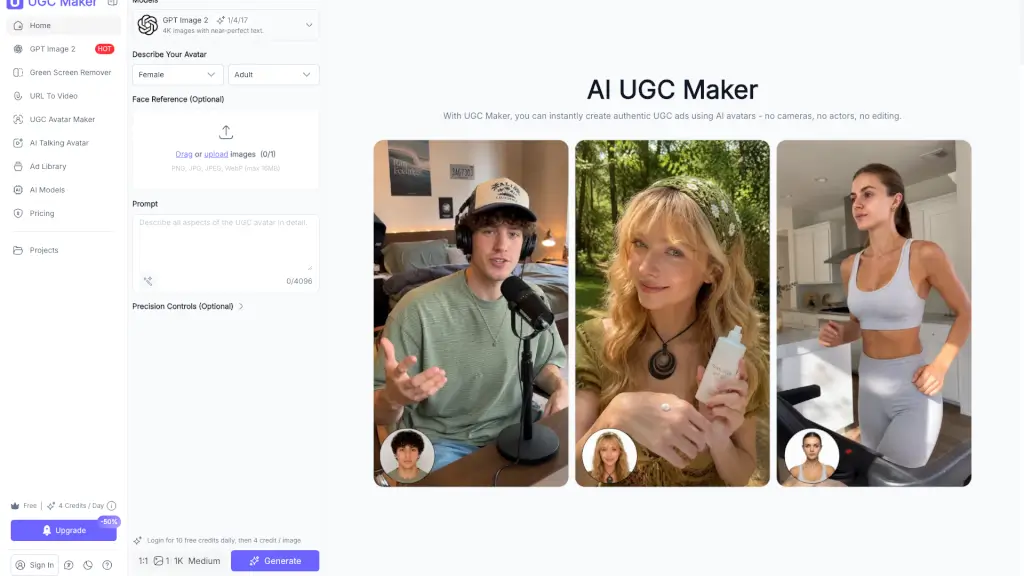
- AI Avatar Videos: Choose from hundreds of hyperrealistic and synthetic AI Avatars to create engaging videos.
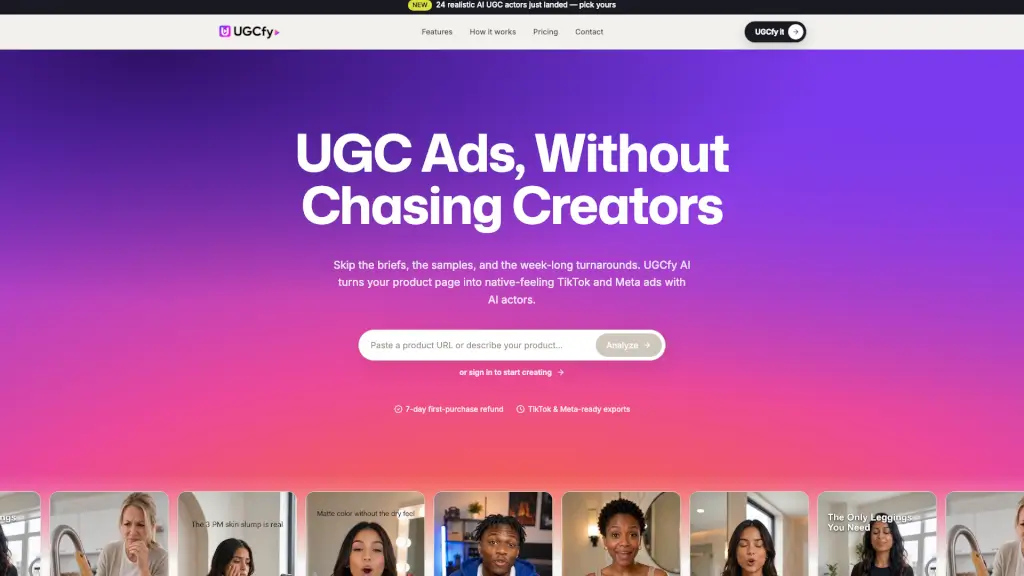
- AI Actors for UGC Videos: Collaborate with AI UGC creators to generate multiple variations from existing clips for UGC ads.
- AI Product Photos: Generate new backgrounds for any product image in seconds, making your products stand out.
- AI Ad Generator: Automagically generate high-performing ads based on your brand’s voice.
- AI Video Ads: Create high-performing video ads with perfect lipsync and hyperrealistic visuals.
- AI Variations: Test new hooks and scripts with the same footage, ideal for partnership and whitelabel ads.
What are the use cases of CreatorKit?
- Social Media Marketing: Boost your Instagram and Facebook presence with eye-catching AI-generated videos and photos.
- E-commerce Product Listings: Enhance your online store with professional-looking product photos and videos.
- Brand Partnerships: Easily create and test different ad variations for collaborations without the need for re-recording.
- Content Creation: Generate a variety of content types, from UGC-style videos to product showcases, using AI avatars and actors.
- Advertising Campaigns: Develop and launch high-performing ad campaigns with minimal effort and cost.
- Team Presentations: Create personalized videos for team introductions, training, and internal communications.
How to use CreatorKit?
- Upload Your Image: Start by uploading a high-quality photo of yourself or your product.
- Record Your Voice: If you’re using AI Clones, record your voice to sync with the video.
- Choose an AI Avatar: Select from a wide range of hyperrealistic avatars to fit your brand.
- Customize Your Background: Use the AI Product Photos feature to generate new backgrounds for your product images.
- Generate Your Content: Click to generate your AI-powered video or photo.
- Download and Share: Once generated, download your content and share it on your preferred platforms.