

Tagshop AI logo

Tagshop AI

United States14.44%

Create high-converting UGC video ads in minutes with Tagshop AI. Use lifelike avatars, instant scripts, and voice cloning to boost your brand—no creators needed.

Social Media:
Tagshop AI

Tagshop AI Product Information

What is Tagshop AI?

Tagshop AI lets you create lifelike AI UGC (User-Generated Content) video ads in just minutes. No need to hire creators or spend hours on production. With Tagshop AI, you can generate high-converting videos for ads and social media using realistic avatars, custom scripts, and even your own digital twin. It's fast, easy, and designed to help brands, marketers, and agencies boost their campaigns without breaking the bank.

What are the features of Tagshop AI?

  • AI Avatar
    Choose from 100+ hyper-realistic avatars or create a custom one to represent your brand.
  • AI Script Generator
    Instantly generate conversion-focused video scripts tailored to your product.
  • AI Twin Generator
    Make a digital version of yourself to be the face of your brand, anytime.
  • URL to Video
    Turn any product link into a ready-to-use video ad in seconds.
  • AI Video Generator
    Create UGC-style videos with just a few clicks.
  • AI Voice Cloning
    Clone your voice for authentic, multi-language videos.
  • AI Video Editor
    Edit and customize videos right inside the platform.
  • Image to Video
    Transform product images into engaging videos.
  • AI Influencer Campaign Management
    Manage and scale influencer-style campaigns with ease.
  • Multi-Language Support
    Instantly localize videos in 30+ languages.

What are the use cases of Tagshop AI?

  • Performance Marketers
    Quickly test multiple ad variations and messaging angles.
  • Brand Managers
    Generate social proof and product demos without hiring influencers.
  • Marketing Agencies
    Deliver high-volume, high-quality UGC videos for clients.
  • Ecommerce Stores
    Boost product page conversions with dynamic testimonial and demo videos.
  • SaaS Companies
    Explain complex features and onboarding flows with easy-to-understand videos.
  • Social Media Managers
    Create daily, trend-driven content that feels authentic and relatable.

How to use Tagshop AI?

  • Step 1
    Generate your video script using the AI Script Generator.
  • Step 2
    Select an avatar from the library or create your own digital twin.
  • Step 3
    Export your high-quality video or push it directly to Meta, TikTok, or YouTube.
  • Step 4
    Edit, localize, and manage your campaigns all in one place.

Do you like this tool?

Upvote to help others discover it!

Tagshop AI Alternatives

UGCfy AI

UGCfy AI

UGCfy AI generates authentic UGC-style video ads from any product link using AI actors and scripts, no creators needed.

VN
22.70%
10.4K
0
MakeUGC

MakeUGC

MakeUGC combines multiple AI video and image models in one studio to generate talking-actor ads, product demos, and cinematic clips via web or API.

US
17.69%
125.7K
0
Creati Studio

Creati Studio

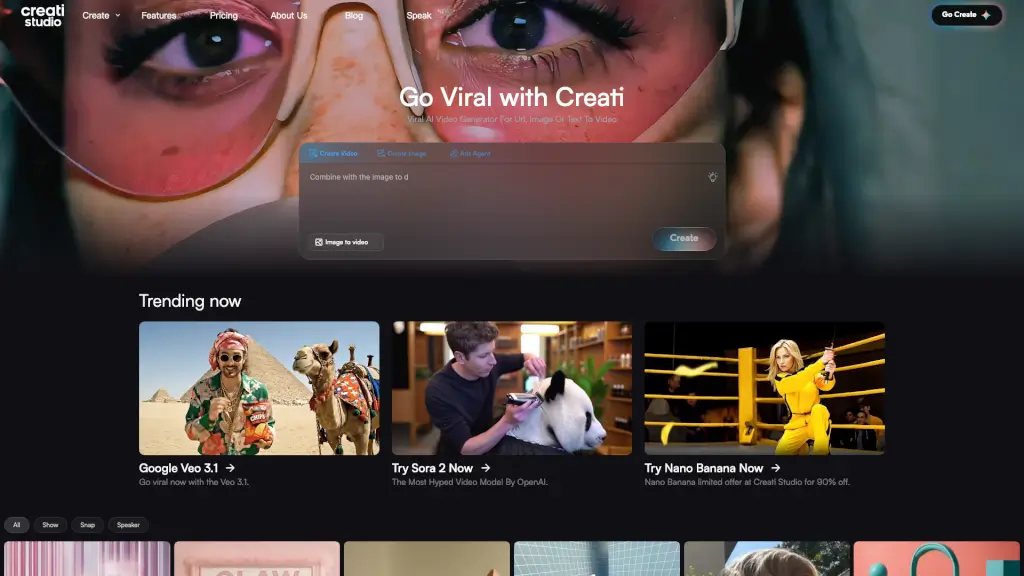
Creati Studio is an AI-powered platform that turns product links, images, or text into high-impact, scroll-stopping videos, perfect for e-commerce, social media, and brand promotion.

US
70.57%
78.0K
0
Vidnoz

Vidnoz

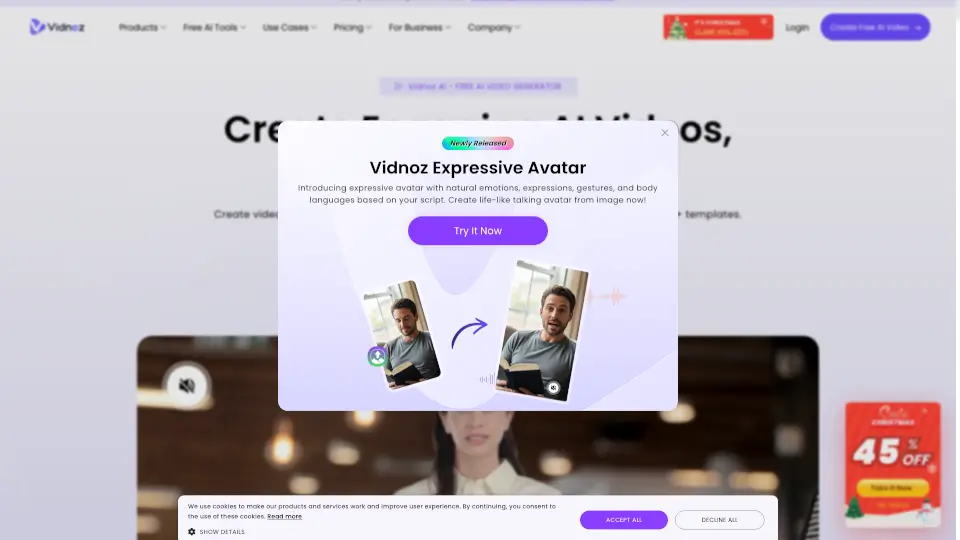
Vidnoz is an easy-to-use AI video generator that turns text into professional, multilingual videos with lifelike avatars—no filming or editing required.

JP
18.97%
2.0M
0
UGC Maker

UGC Maker

UGC Maker uses AI to create authentic, high-converting UGC videos and ads in minutes—no cameras, actors, or editing required.

BR
34.68%
4.8K
4.9
0
Videotok

Videotok

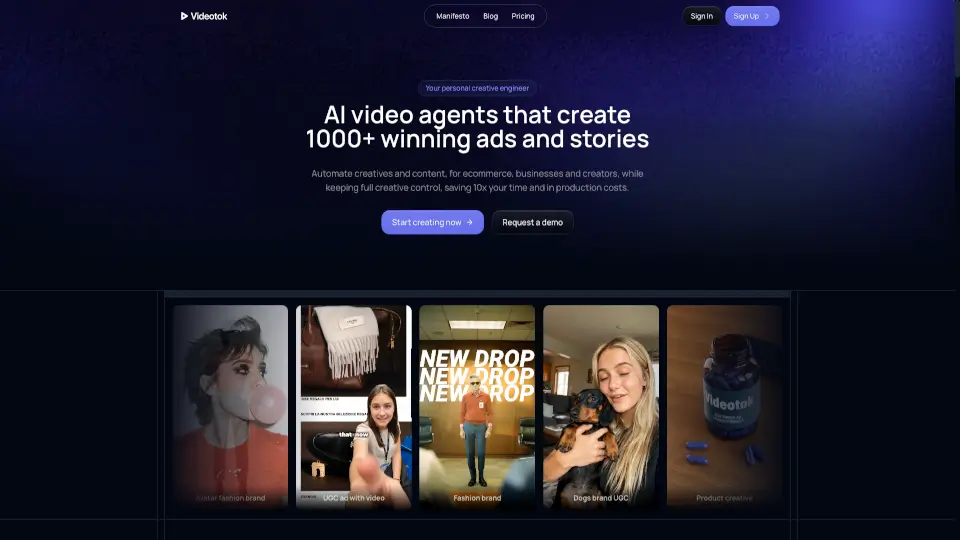
Videotok is the ultimate AI video tool for creators and businesses. From faceless content to high-conversion ads, it’s fast, affordable, and packed with features.

FR
9.47%
104.6K
0
Similar video

Similar video

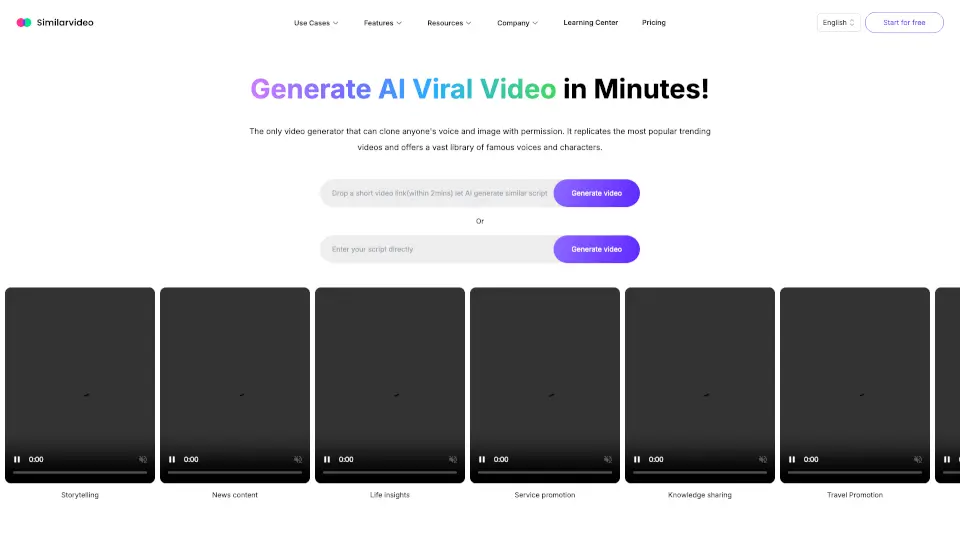
Similarvideo.ai is an AI viral video generator that transforms scripts or links into engaging, trend-ready short videos for TikTok and YouTube Shorts using realistic avatars and voices.

US
75.32%
10.5K
0
HeyGen

HeyGen

HeyGen is a free AI video generator that transforms text, images, or audio into professional, multilingual videos with lifelike AI avatars—no filming or editing required.

US
17.13%
8.7M
0

Tagshop AI Related Other Categories

Tagshop AI Traffic Analysis

Website traffic estimates for tagshop.ai. Visits are not unique users or product usage.

💡 Insights

🌱
Emerging Tool
10K-100K monthly visits. Niche or new tool with potential unique value.
⚠️
Slight Decline
Traffic has slightly decreased recently.
👍
Good Experience
Bounce rate of 38%. Users are willing to explore features.
🌐
Global Reach
Balanced user distribution worldwide.
  • Monthly Visits

    82.89K

  • Bounce Rate

    38.18%

  • Pages Per Visit

    2.01

  • Visit Duration

    00:00:22

  • Global Rank

    444199

  • Country Rank

    546122

Visits Over Time

Traffic Sources

Search Organic41.84%
Direct26.23%
Social Paid20.53%
Social Organic4.02%
Referrals3.46%
Mail2.62%
Gen Ai1.13%
Display Ads0.17%
Search Paid0.00%
Affiliate0.00%

Top Keywords

1
tagshop ai
CPC$3.44
3.06KTraffic
2
eromify
CPC$0.84
560Traffic
3
zeely
CPC$6.24
320Traffic
4
opus clip
CPC$0.38
310Traffic
5
crea tu avatar
270Traffic

Top Regions

RegionPercentage
United States
United States
14.44%
India
India
8.50%
France
France
5.90%
Brazil
Brazil
5.35%
Indonesia
Indonesia
5.01%
Low
High

Powered by SimilarWeb

Tagshop AI FAQ

What is AI UGC?

AI UGC stands for AI-generated User-Generated Content. It’s content that looks and feels like it was made by real users, but is created using AI tools.

What is an AI UGC Video Generator?

It’s a tool that lets you create realistic UGC-style videos using AI avatars, scripts, and voice cloning—no need for real actors or creators.

Is there a trial for Tagshop AI?

Yes, you can try Tagshop AI for free with limited credits and features.

How long does a video take to generate?

Most videos are ready in just a few minutes, depending on length and complexity.

What types of media can I upload?

You can upload product images, scripts, and URLs to generate videos.

How do I create UGC-style ads with AI avatars?

Simply choose an avatar, add your script, and let Tagshop AI handle the rest.

Which UGC tools offer AI avatars for video ads?

Tagshop AI is one of the leading platforms offering a wide range of AI avatars for video ads.

Can I create AI UGC videos with a product URL?

Yes, just paste your product link and Tagshop AI will generate a video draft for you.

Do I have full commercial rights to my generated ads?

Yes, you have full commercial rights to use the videos you create.

What languages are supported?

Tagshop AI supports over 30 languages for instant localization.

How to create UGC content using AI?

Use Tagshop AI to generate scripts, select avatars, and produce videos in just a few steps.

What is the difference between UGC, AIGC, and AI UGC?

UGC is made by real users, AIGC is general AI-generated content, and AI UGC is AI-generated content that mimics real user videos.

Tagshop AI Reviews

5
3 Reviews
Sign Into leave a review

Recent Reviews

3
Digital Nitiish
Digital Nitiish7mo ago

Earlier, I was using HeyGen to create videos, but after switching to Tagshop AI for my eCommerce needs, I found it more convenient. The tool is easy to use and doesn’t require much technical knowledge. I really liked how efficient the whole process is and how quickly I can get ready-to-use videos. It saves time and effort, which is very important in eCommerce. Overall, it has been a good upgrade for me.

Hiten Thakur
Hiten Thakur7mo ago

No comment provided

Nitish Kumawat
Nitish Kumawat8mo ago

I’ve tried several AI video tools, but many felt robotic. Recently I started using Tagshop AI for my e-commerce ads, and the workflow is much smoother. It lets me quickly turn a product idea or link into a realistic Video ad and easily test multiple variations. Great for scaling creatives faster. 🚀

Tagshop AI Embed

Use website badges to drive community support for SeekTool.ai. They are easy to embed in your homepage or footer.

Light
Dark
Tagshop AI - Featured on SeekTool.aiTagshop AI - Featured on SeekTool.ai
How to install?