
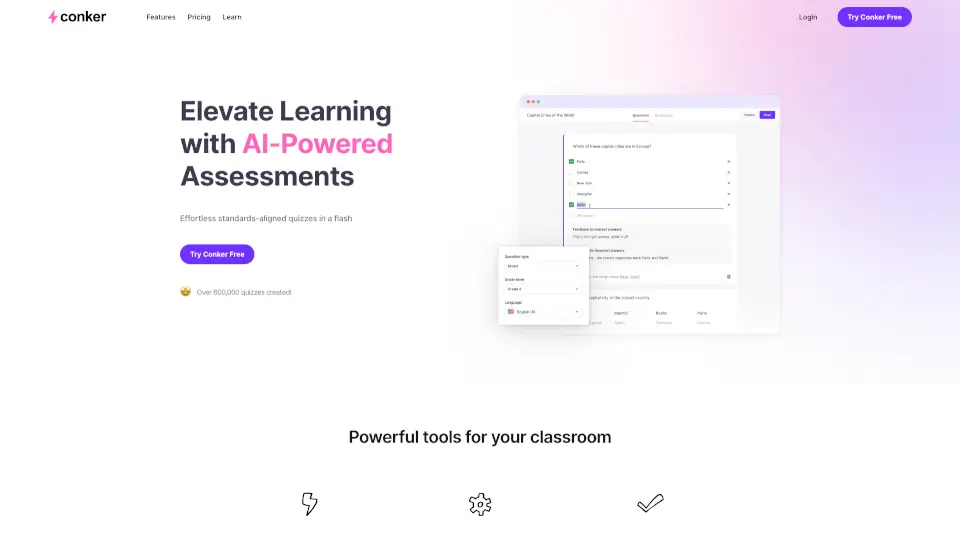
What is Conker?
Conker is an AI-powered quiz maker built for teachers who want to create formative assessments fast—without sacrificing quality or alignment. Whether you're wrapping up a lesson and need a quick knowledge check, or planning a full unit with standards-based questions, Conker generates engaging, customizable quizzes in seconds. No more spending hours writing questions or formatting tests.
Designed with real classrooms in mind, Conker helps educators save time while keeping students engaged through varied question types and built-in accessibility features like read-aloud support. With seamless integrations into tools like Google Forms and Canvas, it fits right into your existing workflow—so you can focus more on teaching and less on test prep.
What are the features of Conker?
- AI-Powered Quiz Generation: Create unique, high-quality quizzes from a topic or standard in just a few clicks.
- Standards-Aligned Content: Access thousands of ready-made K–12 assessments aligned to NGSS, TEKS, and other frameworks.
- Customizable Quizzes: Edit any AI-generated quiz or build your own to meet diverse student needs and learning levels.
- Accessibility Support: All quizzes include integrated read-aloud functionality for inclusive learning.
- Multiple Question Types: Generate multiple choice, true/false, short answer, and more—all effortlessly.
- LMS & Google Forms Integration: Export directly to Google Forms or share via Canvas for easy grading and classroom use.
What are the use cases of Conker?
- Create a 5-minute exit ticket at the end of class to gauge student understanding.
- Build a standards-aligned pre-assessment before starting a new science unit.
- Differentiate quizzes for small groups by adjusting difficulty or content focus.
- Quickly generate review quizzes for test prep using AI from a textbook chapter title.
- Share interactive formative assessments through Google Classroom with auto-grade potential.
- Use during professional development to model how AI can support instructional efficiency.
How to use Conker?
- Sign up for a free account at Conker’s website and log in.
- Enter a topic, standard (like “5-PS1-1”), or learning objective to generate a quiz.
- Review and customize questions, answers, or difficulty as needed.
- Enable accommodations like read-aloud if desired.
- Export your quiz to Google Forms or assign directly via Canvas.
- Share the link with students through your LMS or email.