
What is Quizbot.ai?
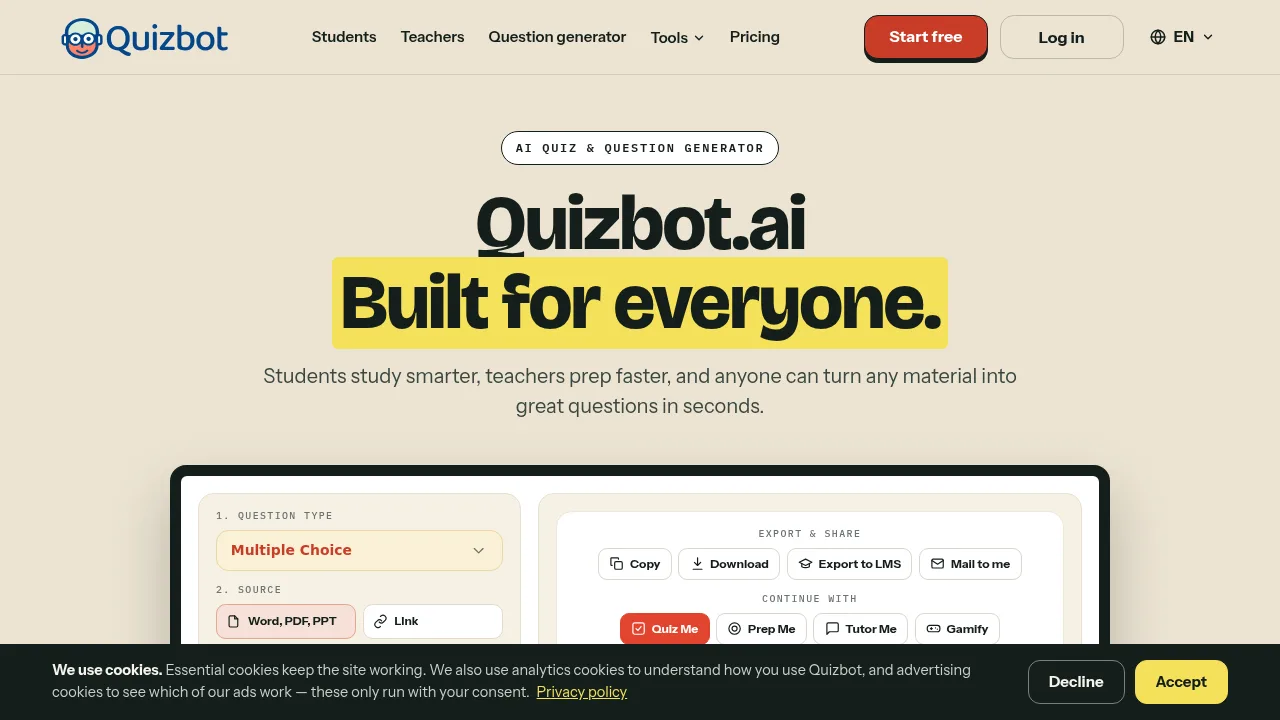
Quizbot.ai is a web and mobile tool that generates quiz questions from uploaded files, links, videos, audio, images, or text topics. It supports students, teachers, and trainers with editing controls and exports to learning management systems or document formats. The free tier limits users to 50 questions per month and four basic question types.
What are the features of Quizbot.ai?
- Source-based generationProduces questions from Word, PDF, PowerPoint, links, YouTube videos, images, audio, or a written topic.
- Question type selectionSupports multiple choice, true/false, fill-in-the-blank, open-ended, matching, calculations, ordering, categorization, mixed sets, and Bloom’s Taxonomy levels depending on the plan.
- Inline editingAllows users to click any question or answer to edit text, change the correct option, reorder, or delete items before export.
- LMS and file exportSends quizzes directly to Moodle, Canvas, D2L Brightspace, Blackboard, Schoology, Kahoot, or Google Classroom, or downloads them as Word, PDF, HTML, or text files.
- Test replication (Similar Test)Accepts a previous exam file and outputs a new test covering the same topics and difficulty level with an answer key.
- Multilingual outputGenerates questions in 21 languages, including mathematical formulas.
What are the use cases of Quizbot.ai?
- Teacher exam preparationUploading last year’s biology mid-term to generate a fresh test with the same topics and an answer key for print or LMS upload.
- Student review sessionsConverting lecture notes or a YouTube lesson into flashcards and timed practice quizzes with spaced repetition.
- Corporate trainingTurning internal documents or recorded lessons into assessments for employee certification programs.
How to use Quizbot.ai?
- Upload materialAdd a Word, PDF, or PowerPoint file, paste a link, or select a topic, video, picture, or audio source on the web interface.
- Configure settingsChoose the question type, number of questions (up to 40 per run), education level, difficulty, number of options, and output language.
- Generate questionsRun the generator, which states it takes approximately 15 seconds for 10 questions.
- Edit resultsClick any question or answer to modify text, change the correct letter, reorder, or delete items.
- ExportDownload the quiz as a file or push it directly to a connected learning management system.
Quizbot.ai Pricing Information:
- Free$0 forever; 50 questions per month, up to 10 questions per batch, multiple choice/true/false/fill-in-the-blank/open-ended types only, 1 notebook with up to 2 sources.
- Standard Plan$7.50 per month or $75.00 per year; 2,000 questions monthly, up to 40 questions per set, up to 4 files per run, Word/PDF/HTML downloads, 50 high-quality images, 10 Prep Me sessions per month, 10 AI Tutor sessions per month, adds matching/calculation/mixed types, AI Re-Writer, and Image Generator.
- Pro Plan$12.50 per month or $125.00 per year; unlimited questions, up to 40 questions per set, up to 4 files per run, download and mail-to-me export, 100 high-quality images, unlimited Prep Me and AI Tutor sessions, adds Test Solver, Similar Test, Student Toolkit, Text Summarizer, Proofreading, Grammar Check, Study Planner, Interactive Simulations, Gamify Questions, analytics, mindmaps, and personalized study notes.
- Educator Plan$18.50 per month or $185.00 per year; unlimited questions, up to 40 questions per set, up to 4 files per run, download and mail-to-me export, 500 high-quality images, unlimited Prep Me and AI Tutor sessions, adds Ordering, Categorization, Bloom’s Taxonomy, OpenStax Library Questions, Likert Scale Surveys, LMS Export, Google Classroom, and Teacher Toolkit.
- Pre-paid 2,000 questions$15.00 one-time payment; Educator plan features, valid for 6 months.
- Pre-paid 4,000 questions$30.00 one-time payment; Educator plan features, valid for 6 months.
- Pre-paid 10,000 questions$70.00 one-time payment; Educator plan features, valid for 6 months.