
Command Code logo

Command Code

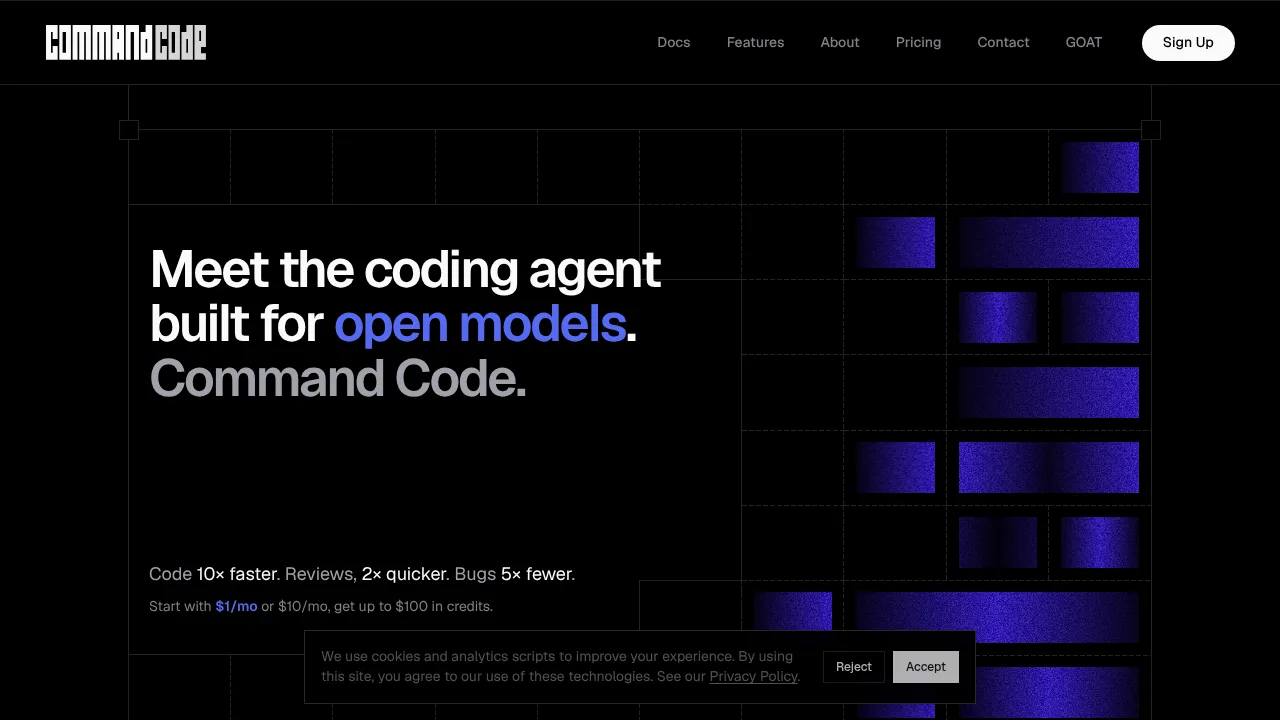
Command Code is a terminal and desktop coding agent that executes development tasks using open models while continuously adapting to user preferences.

Command Code

Command Code Product Information

What is Command Code?

Command Code is a terminal-based coding agent designed to work with open models such as DeepSeek, Qwen, and GLM. It builds, fixes, tests, and refactors software while learning user preferences from accepted and rejected edits. The tool is installed via npm or downloaded as a desktop app for macOS, Linux, and Windows.

What are the features of Command Code?

  • Tool call repair
    Validates and repairs tool calls in flight for open models, handling approximately 1 million repairs per 1 trillion tokens at no extra cost on every plan.
  • Continuous preference learning (taste-1)
    Converts every accepted, rejected, or edited output into project-level skills and personal memory that persist across sessions.
  • Execution modes
    Operates via an interactive CLI, headless flags (-p, --yolo), or a background sandbox.
  • Built-in developer tools
    Includes file operations, grep, shell commands, extended thinking, and read tools optimized for token efficiency.
  • Team skill sharing
    Publishes project skills with npx taste push and installs them with npx taste pull; skills are stored as open files reviewable in pull requests.
  • Desktop workspace
    A standalone application available on macOS, Linux, and Windows for reviewing changes, running commands, and previewing apps.

What are the use cases of Command Code?

  • CLI scaffolding with learned conventions
    Generates a command-line tool using the user's preferred language, bundler, and test runner without manual prompting for each choice.
  • UI rendering fixes
    Traces startup issues like theme flashes, edits source files, runs tests, and commits changes within the desktop workspace.
  • Cross-project standardization
    Teams distribute coding patterns by pushing shared skills to a repository and pulling them into new projects.

How to use Command Code?

  1. Install the CLI
    Run npm i -g command-code in the terminal.
  2. Sign in
    Execute cmd login or /login to authenticate; the system prompts for a new login if the API key is wrong, deleted, or expired.
  3. Start coding
    Interact with the agent in the terminal to ship, fix, test, or refactor code.

Command Code Pricing Information:

  • Free tier
    Available for solo developers.
  • Go
    $1 /mo. Cancel any time.
  • GOAT
    $10 /mo; includes up to $100 in credits and access to approximately 50 models.
  • Provider
    $15 /mo.
  • Pro
    $20 /mo; adds seats, more compute, and shared taste registries.
  • Max 10×
    $100 /mo.
  • Max 20×
    $200 /mo.

Do you like this tool?

Upvote to help others discover it!

Command Code Alternatives

OpenCode

OpenCode

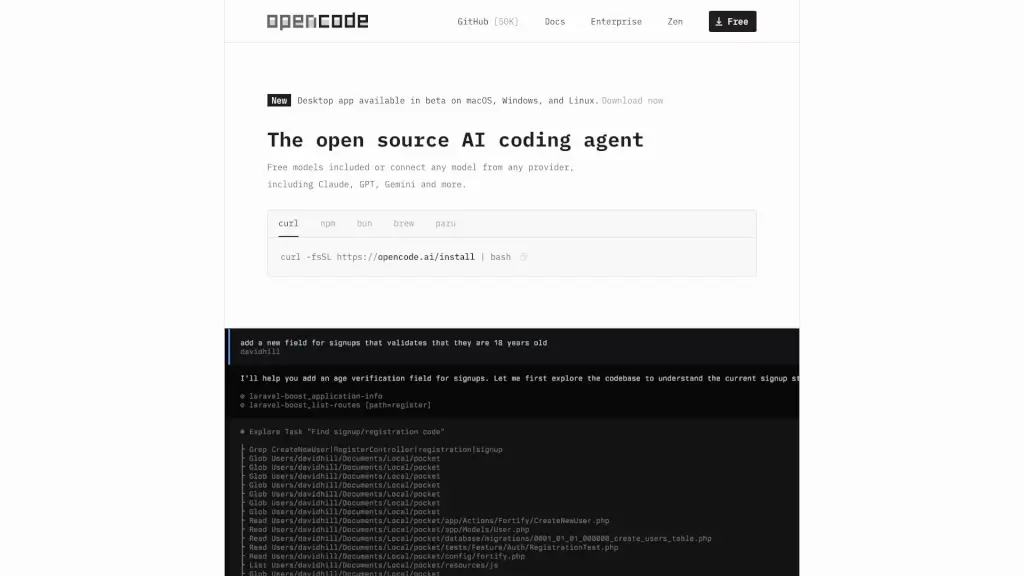
OpenCode is a free, open-source AI coding agent that supports LSP, multi-sessions, and integrates with over 75 LLM providers, making coding more efficient and collaborative.

CN
22.52%
15.4M
0
Claude Code

Claude Code

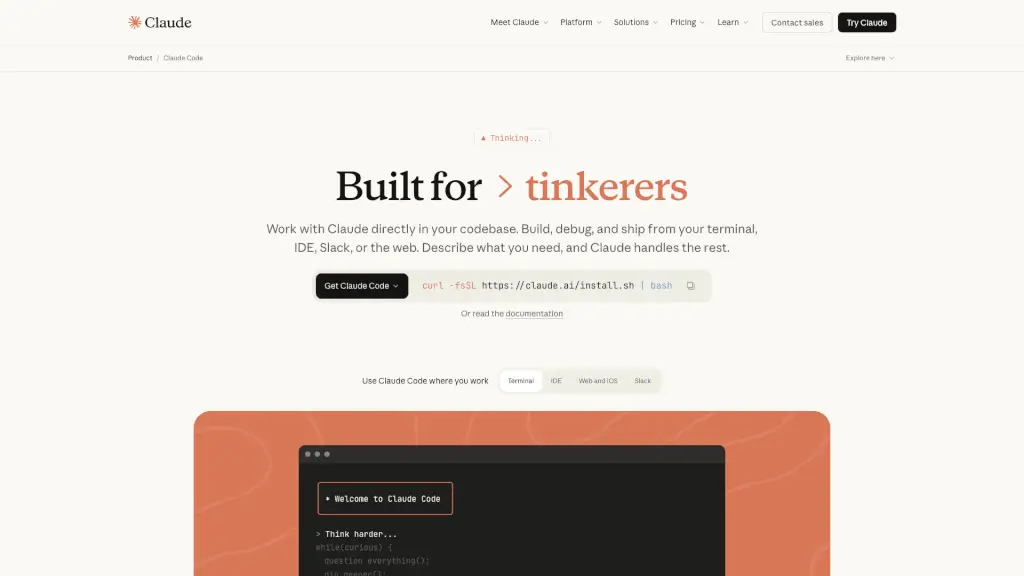
Claude Code is an AI-powered coding assistant that integrates seamlessly with your terminal, IDE, and other tools, making coding, debugging, and refactoring faster and more efficient.

US
22.15%
10.5M
0
Codegen

Codegen

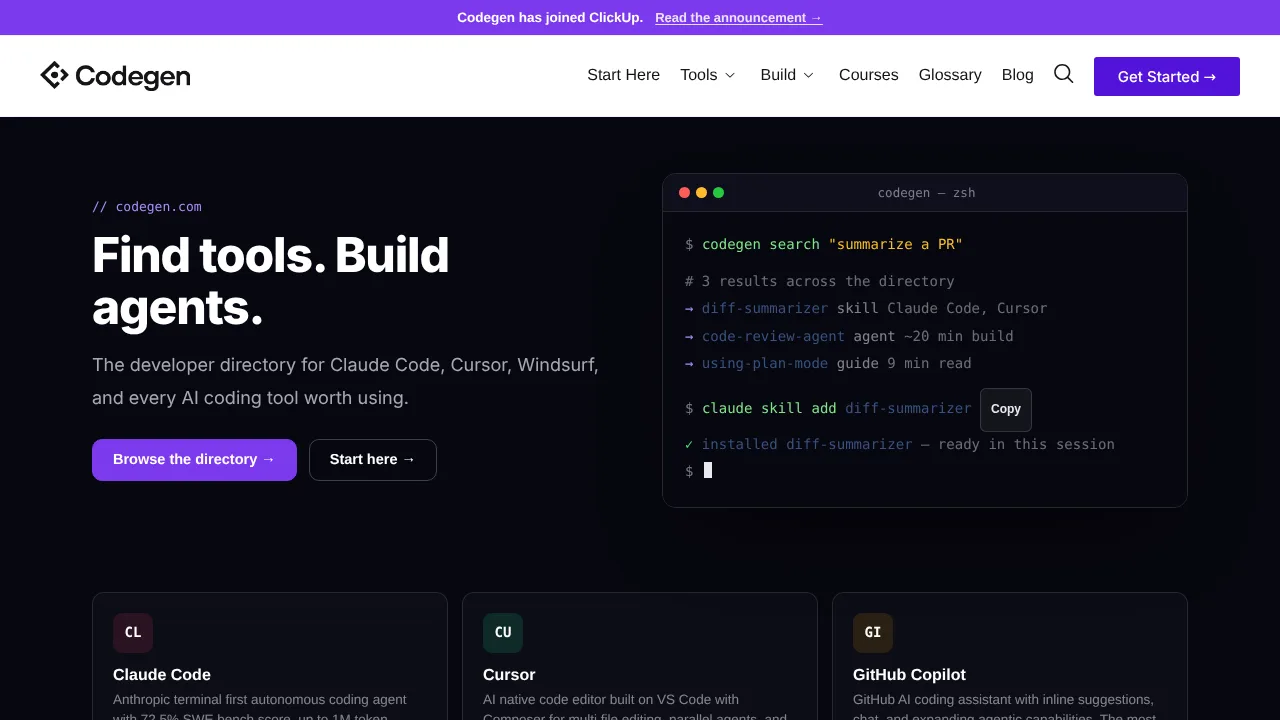
Codegen offers a searchable directory of AI coding tools, skills, and guides alongside an enterprise orchestration platform for coding agents.

US
35.66%
47.8K
0
CodeGPT

CodeGPT

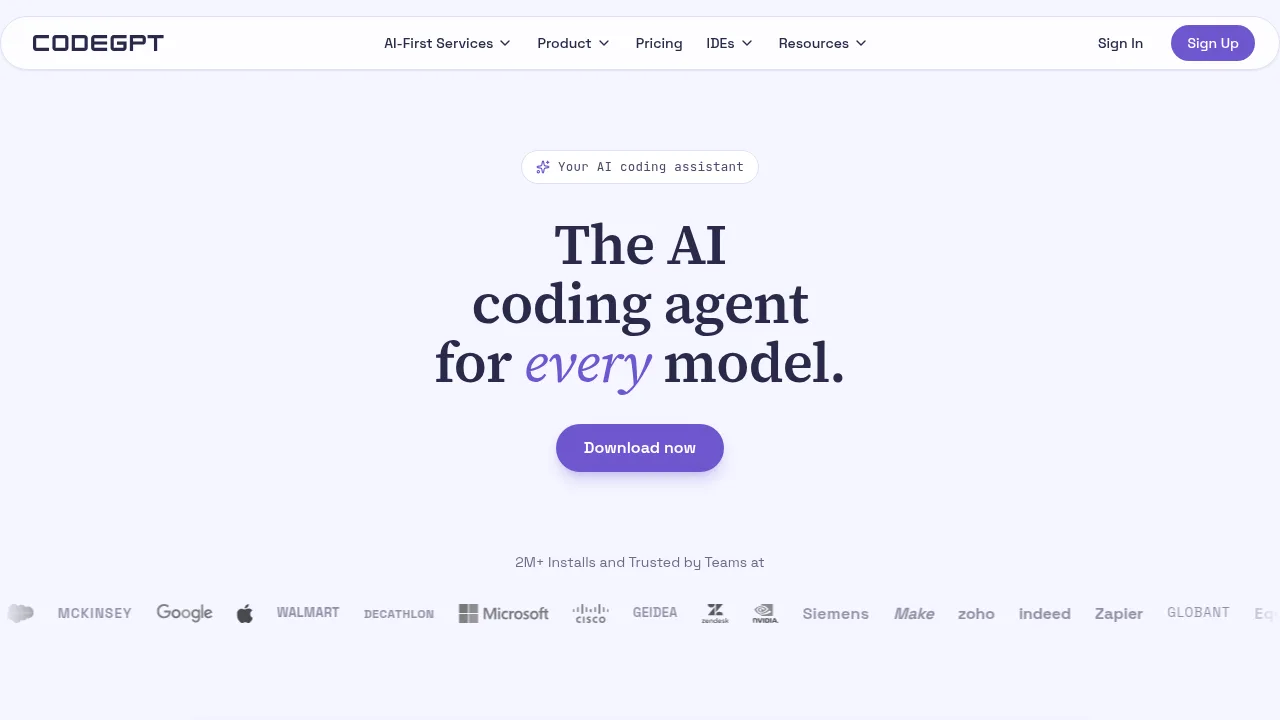
CodeGPT connects multiple AI models to popular code editors to generate, refactor, and debug code with step-by-step user approval.

US
18.19%
209.9K
0
CodeConvert AI

CodeConvert AI

CodeConvert AI provides browser-based tools for converting, generating, and explaining code across 62 languages with configurable privacy controls.

US
22.31%
255.5K
0
Pi Coding Agent

Pi Coding Agent

Pi Coding Agent is a minimal, extensible terminal harness that adapts to your coding workflow with custom TUIs, multi-model AI support, and shareable session trees.

CN
33.42%
1.9M
0
Refact.ai

Refact.ai

Refact.ai provides an autonomous AI agent and code completion tools directly inside IDEs like VS Code and JetBrains.

US
19.82%
50.7K
0
Roo Code

Roo Code

Roo Code is a powerful, open-source AI coding assistant that boosts developer productivity with model-agnostic flexibility, role-specific agents, and secure, private workflows in VS Code.

IN
44.68%
2.3K
0

Command Code Related Other Categories

Command Code Traffic Analysis

Website traffic estimates for commandcode.ai. Visits are not unique users or product usage.

💡 Insights

📈
High Traffic
Over 1M monthly visits. Widely recognized and stable choice.
⚠️
Slight Decline
Traffic has slightly decreased recently.
💎
High Stickiness
Low bounce rate (39%) and deep engagement (4.0 pages/visit). Excellent user experience.
🎯
Strong Brand
74% direct traffic. High user loyalty.
  • Monthly Visits

    2.36M

  • Bounce Rate

    38.65%

  • Pages Per Visit

    3.99

  • Visit Duration

    00:04:52

  • Global Rank

    25400

  • Country Rank

    1806

Visits Over Time

Traffic Sources

Direct74.19%
Search Organic14.97%
Referrals6.28%
Social Organic3.06%
Gen Ai0.67%
Mail0.38%
Social Paid0.30%
Display Ads0.13%
Search Paid0.01%
Affiliate0.00%

Top Keywords

1
command code
CPC$1.79
78.09KTraffic
2
commandcode
CPC$1.77
50.20KTraffic
3
command code goat
7.41KTraffic
4
command goat
4.04KTraffic
5
glyph cluster
2.92KTraffic

Top Regions

RegionPercentage
China
China
46.97%
Indonesia
Indonesia
7.76%
United States
United States
6.93%
India
India
5.60%
Singapore
Singapore
3.79%
Low
High

Powered by SimilarWeb

Command Code FAQ

Where are my custom skills and memory stored?

Skills and memory reside locally on your machine. Refer to the vendor's Privacy Policy for details on how request content is retained.

Which AI models does Command Code support?

Supported models include Anthropic, OpenAI, Google, xAI, DeepSeek, Qwen, Kimi, GLM, MiniMax, and others listed in the documentation.

Command Code Reviews

0
0 Reviews
Sign Into leave a review

Recent Reviews

No reviews yet

Command Code Embed

Use website badges to drive community support for SeekTool.ai. They are easy to embed in your homepage or footer.

Light
Dark
Command Code - Featured on SeekTool.aiCommand Code - Featured on SeekTool.ai
How to install?