
What is Codegen?
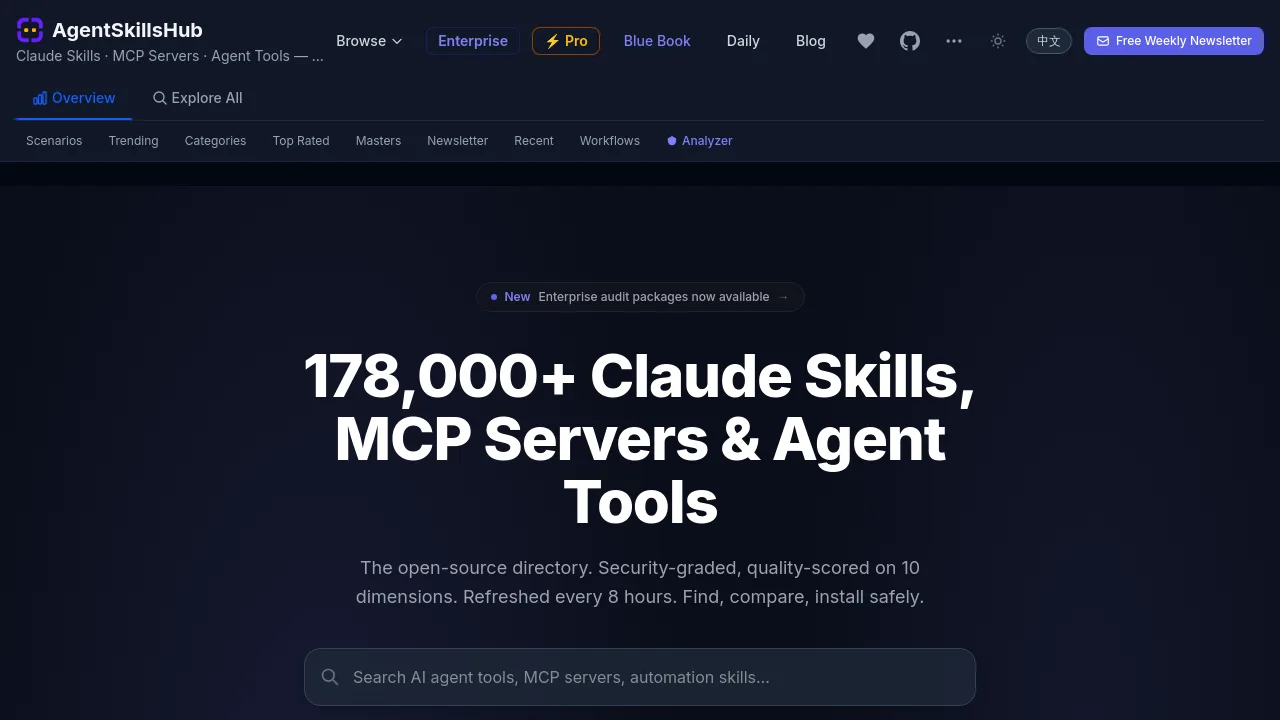
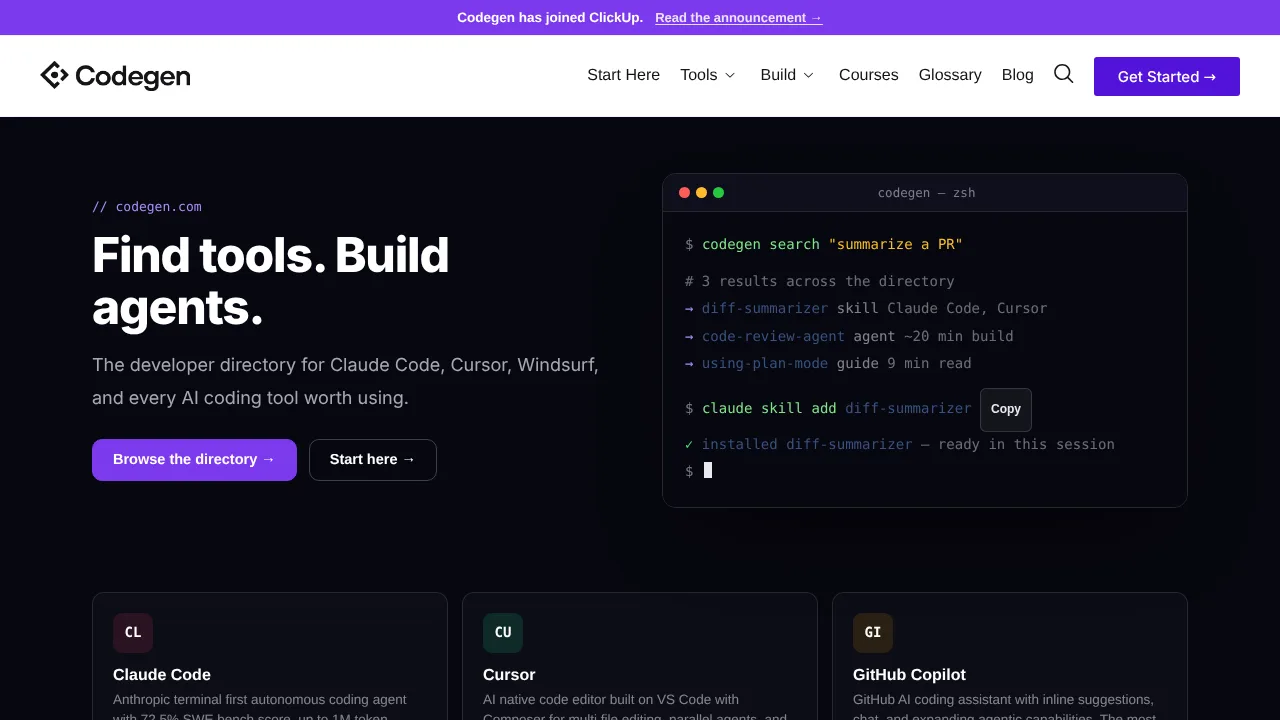
Codegen is a developer directory for discovering, comparing, and configuring AI coding tools such as Claude Code, Cursor, and Windsurf. It also operates as an enterprise orchestration platform for AI coding agents with ClickUp task context, governance, and audit trails. The directory provides searchable listings of skills, agents, rules, MCP servers, guides, and comparisons.
What are the features of Codegen?
- Tool directorySearchable catalog covering 18 AI coding tools with linked skills, configurations, and guides ready to copy.
- CLI searchTerminal command
codegen searchthat queries the directory and returns matching skills, agents, or guides. - Skill installationCommand-line action to add a listed skill directly into the current agent session.
- Agent recipesDocumented workflows combining skills, rules, and model settings for tasks like automated code review.
- Comparisons and guidesSide-by-side tool evaluations and step-by-step tutorials for building and configuring agents.
What are the use cases of Codegen?
- Automated pull request reviewAn agent recipe reads a PR diff, summarizes changes, runs security scans, checks test coverage, and posts a comment on failure.
- Finding a specific capabilityDevelopers use CLI search to locate a skill or guide matching a task, such as summarizing a PR.
How to use Codegen?
- Search the directoryRun
codegen search "summarize a PR"in a terminal to return matching results across the directory. - Install a skillExecute
claude skill add diff-summarizerto install the selected skill for the current session.