What is CoeFont CLOUD?
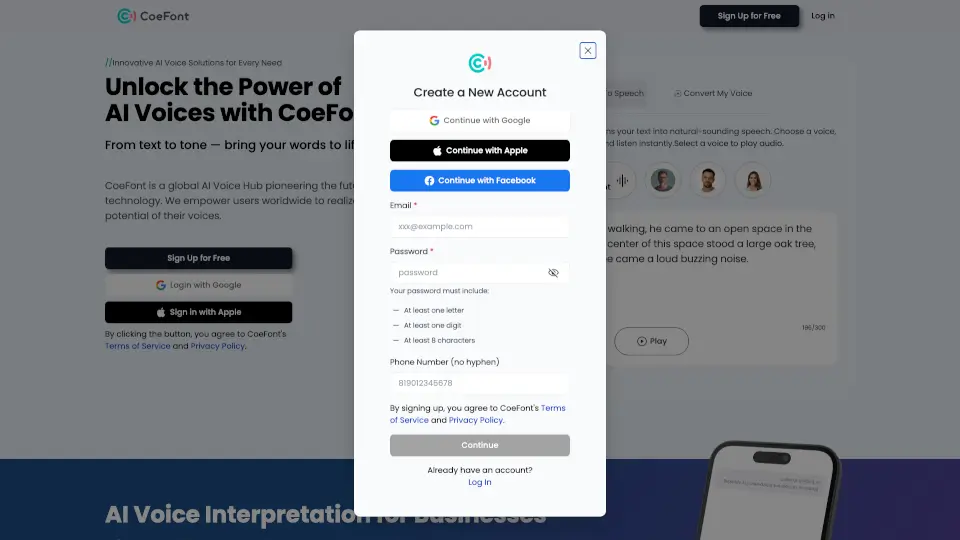
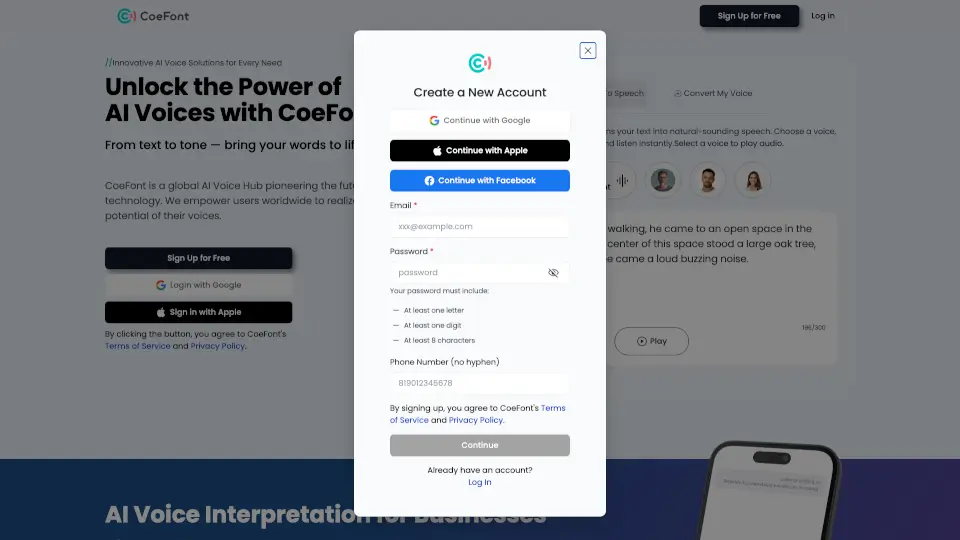
CoeFont is your go-to platform for bringing text to life with natural-sounding AI voices. Whether you're a content creator, business professional, or just someone who loves the magic of voice, CoeFont has got you covered. With a vast library of over 10,000 voices in multiple languages, you can transform any text into engaging audio. This makes it perfect for creating voiceovers, enhancing presentations, and even helping those who have lost their ability to speak. CoeFont's cutting-edge technology ensures that every word sounds as natural and authentic as possible, making your content truly stand out.
What are the features of CoeFont CLOUD?
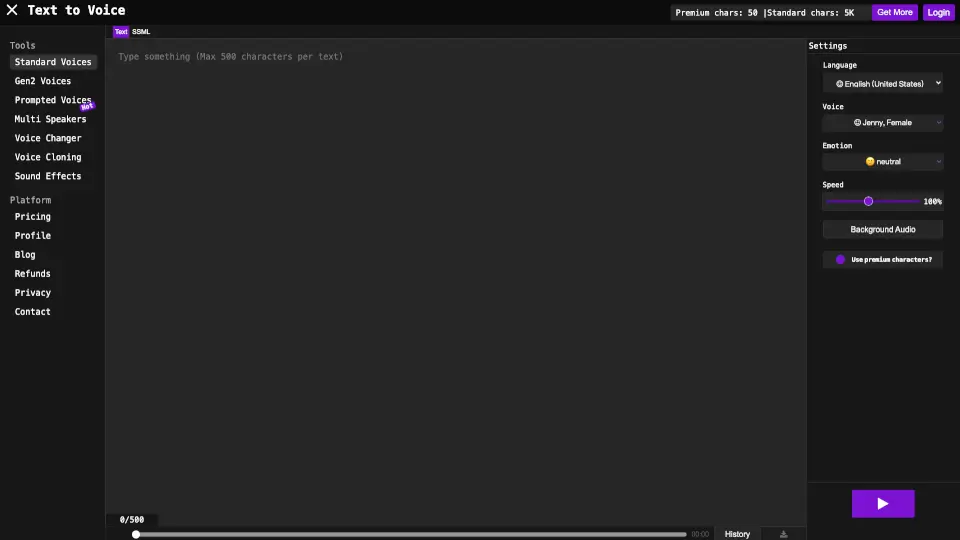
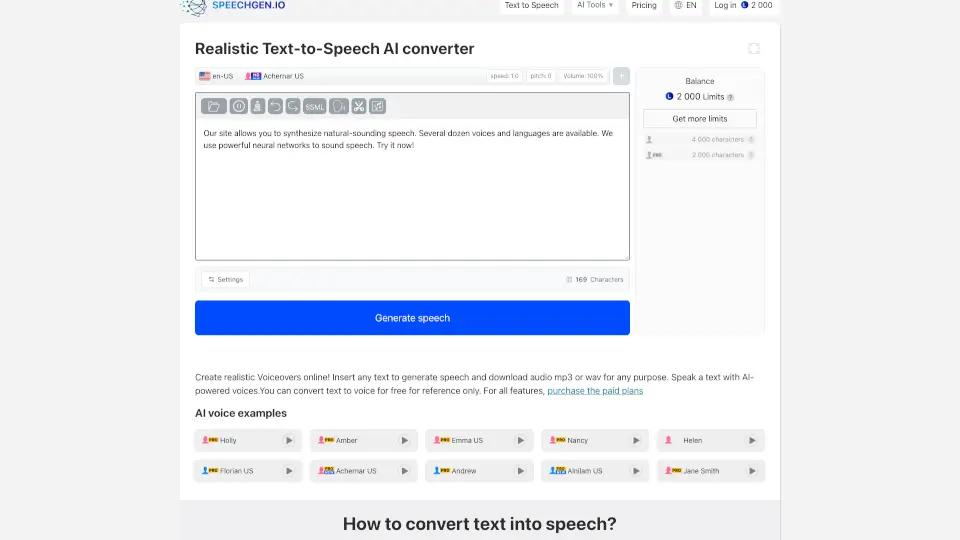
- Text-to-Speech (TTS) Editor: Convert your written text into lifelike audio with a variety of natural-sounding voices.
- Real-Time Conversion: Experience minimal time lag during conversations and live streams, ensuring smooth and natural interactions.
- Multilingual Support: Access voices in English, Japanese, Chinese, Spanish, and French, with more languages on the way.
- Voice Hub: Explore thousands of AI voices to find the perfect match for your project, from characters to styles.
- Context-Aware Interpretation: Use CoeFont Interpreter for real-time, context-aware language interpretation in in-person and remote meetings.
- Authentic Replication: Leverage advanced AI algorithms to capture the unique nuances of each voice, making them sound incredibly realistic.
What are the use cases of CoeFont CLOUD?
- Content Creators: Add professional voiceovers to your videos, podcasts, and audiobooks.
- Business Professionals: Enhance presentations and improve customer support with multilingual, natural-sounding voices.
- Educators: Create engaging educational materials with voiceovers that keep students interested.
- Event Organizers: Provide real-time multilingual audio interpretation for international conferences and events.
- Gaming and Metaverse: Bring characters to life with authentic, engaging voices.
- Accessibility: Help individuals with speech disabilities or those who have lost their voices communicate more effectively.
How to use CoeFont CLOUD?
- Select a Voice: Choose from the extensive library of AI voices that best fits your project.
- Enter Your Text: Type or paste the text you want to convert into the provided box.
- Generate Audio: Click the 'Generate' button to convert your text into natural-sounding audio.
- Listen and Adjust: Preview the audio and make any necessary adjustments to ensure it meets your needs.
- Download and Use: Once satisfied, download the audio file and use it in your project.