
What is CloudTalk?
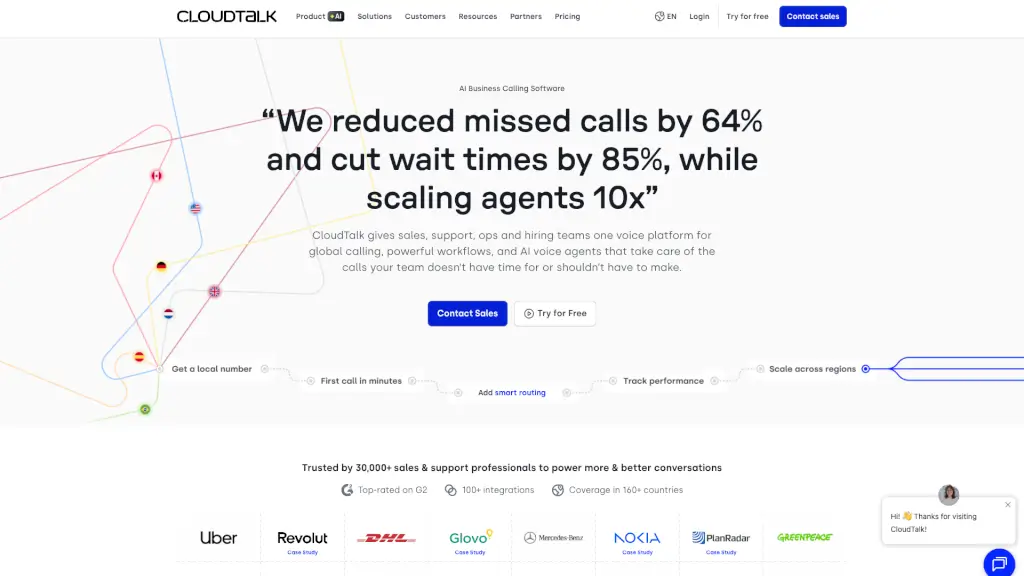
CloudTalk is a powerful AI call center software designed to streamline and enhance your business communication. It allows you to make and receive calls, manage customer interactions, and integrate with your favorite business tools, all in one place. With CloudTalk, you can improve call efficiency, reduce wait times, and provide better customer service, making it an essential tool for sales, support, and operations teams.
What are the features of CloudTalk?
- AI Sales Dialer: Handle all call modes with one dialer, from preview to parallel, making it easier to reach more customers.
- Call Menus (IVR): Guide callers with voice menus, ensuring they are directed to the right department or agent.
- Real-Time Monitoring: Listen to live agent calls, allowing managers to provide immediate feedback and support.
- Analytics & Reporting: Track trends and team performance, giving you valuable insights to optimize your call center.
- International SMS & WhatsApp: Send and receive business texts and WhatsApp messages, enhancing your ability to connect with customers globally.
- AI Conversation Intelligence: Get instant call summaries, auto-score calls, and extract key topics, helping you understand and improve every interaction.
What are the use cases of CloudTalk?
- Sales Teams: Increase live conversations and close more deals by efficiently managing outbound calls and follow-ups.
- Customer Support: Reduce missed calls and boost first call resolution (FCR) time by routing calls to the right agents and providing self-service options.
- IT & Operations: Monitor performance and manage systems at scale, ensuring your call center runs smoothly.
- Recruiters: Call candidates faster and speed up placements by automating the dialing process and reducing manual work.
- Remote Teams: Keep distributed teams connected and responsive, ensuring seamless communication regardless of location.
- International Expansion: Support new markets with global numbers and crystal-clear calls, making it easy to expand your business globally.
How to use CloudTalk?
- Set Up Your Account: Sign up for CloudTalk and configure your account settings, including adding users and setting up call flows.
- Integrate with CRM: Connect CloudTalk to your CRM (e.g., HubSpot, Salesforce) to sync call data and improve customer management.
- Create Call Menus (IVR): Design voice menus to guide callers to the right department or agent, improving call routing.
- Configure AI Sales Dialer: Set up the AI Sales Dialer to handle different call modes, such as preview, power, and parallel dialing.
- Monitor and Analyze Calls: Use real-time monitoring and analytics to track call performance and identify areas for improvement.
- Train Your Team: Provide training on using CloudTalk features, such as call handling, IVR setup, and analytics, to ensure everyone is proficient.