
What is Cicadas?
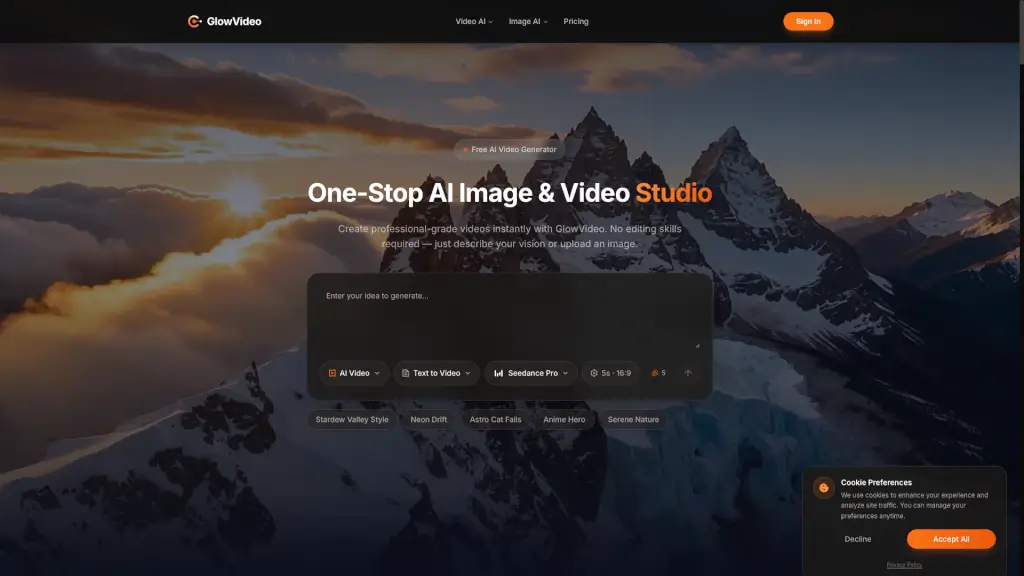
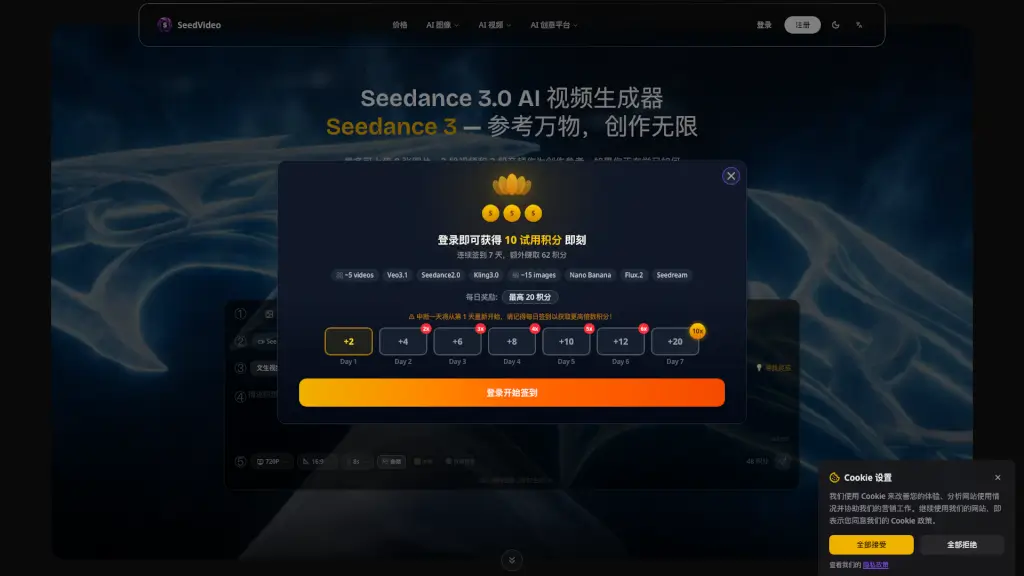
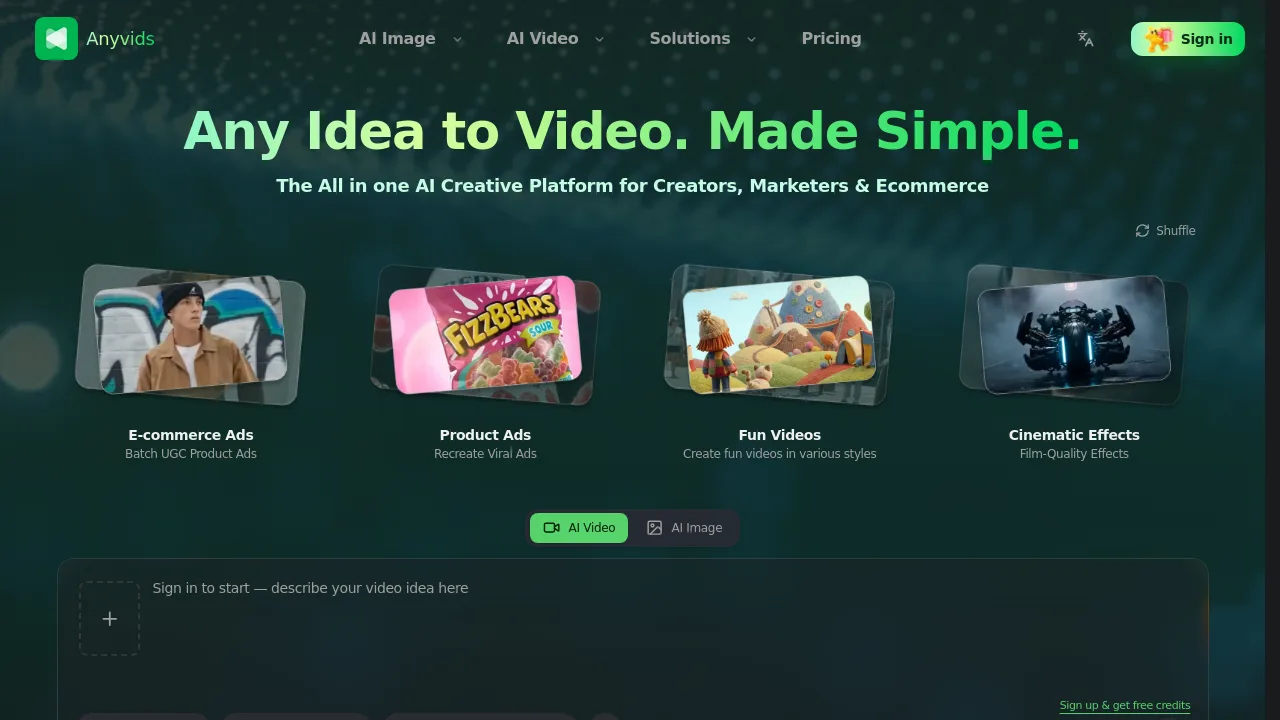
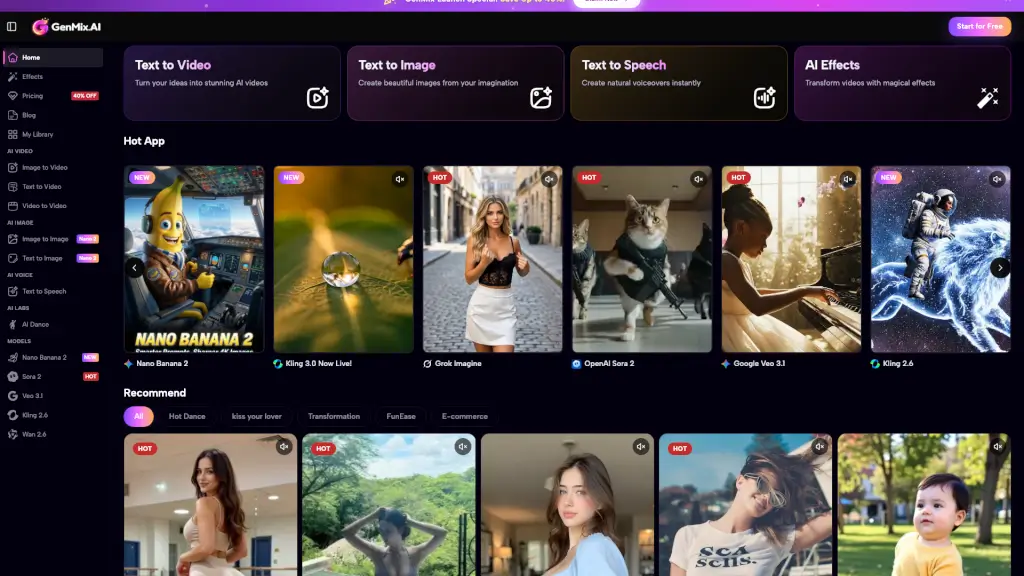
Cicadas.ai is an AI video generation tool for creators, marketers, and businesses who want to create, edit, or transform videos using leading AI models. The platform combines models like Kling 3.0, Veo 3.1, and Seedance 2.5 in one dashboard, allowing users to generate videos from text, images, or scripts and apply advanced edits to footage. This flexibility supports a range of workflows, from faceless marketing videos to personalized video trends and animated ads.
What are the features of Cicadas?
- Text to Video Generation: Converts written prompts or scripts into AI-generated videos using top models, offering narrated visuals and scene-by-scene editing.
- Image to Video Animation: Animates still photos into dynamic video clips as described by the user, useful for portraits, pets, or branded content.
- Video Editing Tools: Includes object remover, background remover, upscaler, video extender, and lip sync for modifying and elevating existing footage.
- AI Video Trends Library: Offers formats like Hug My Younger Self AI, AI Grow Up Video Generator, and holiday-themed video templates for social media.
- Credit-Based Pricing System: Displays the exact credit cost for every generation or edit before confirmation, with automatic refunds for failed runs.
What are the use cases of Cicadas?
- Social media marketers generate trend-based videos from user photos or scripts for TikTok and Reels.
- E-commerce teams turn product images into narrated ads or faceless promotional videos with captions.
- Content creators animate portraits or pets for engaging short-form videos on multiple platforms.
- Educators use explainer video generation and editing for easy-to-understand visual content.
- Small businesses edit their own footage—removing objects, backgrounds, or extending clips—for professional results.
How to use Cicadas?
- Sign up and verify your email to access trial credits or connect to your account.
- Choose your desired video model and format (text to video, image to video, animate photo, etc.).
- Submit your prompt, script, image, or video based on the task you want to complete.
- Review and confirm the displayed credit price before starting the generation or edit.
- Download your private video result or re-run for adjustments as needed.