What is Anyvids?
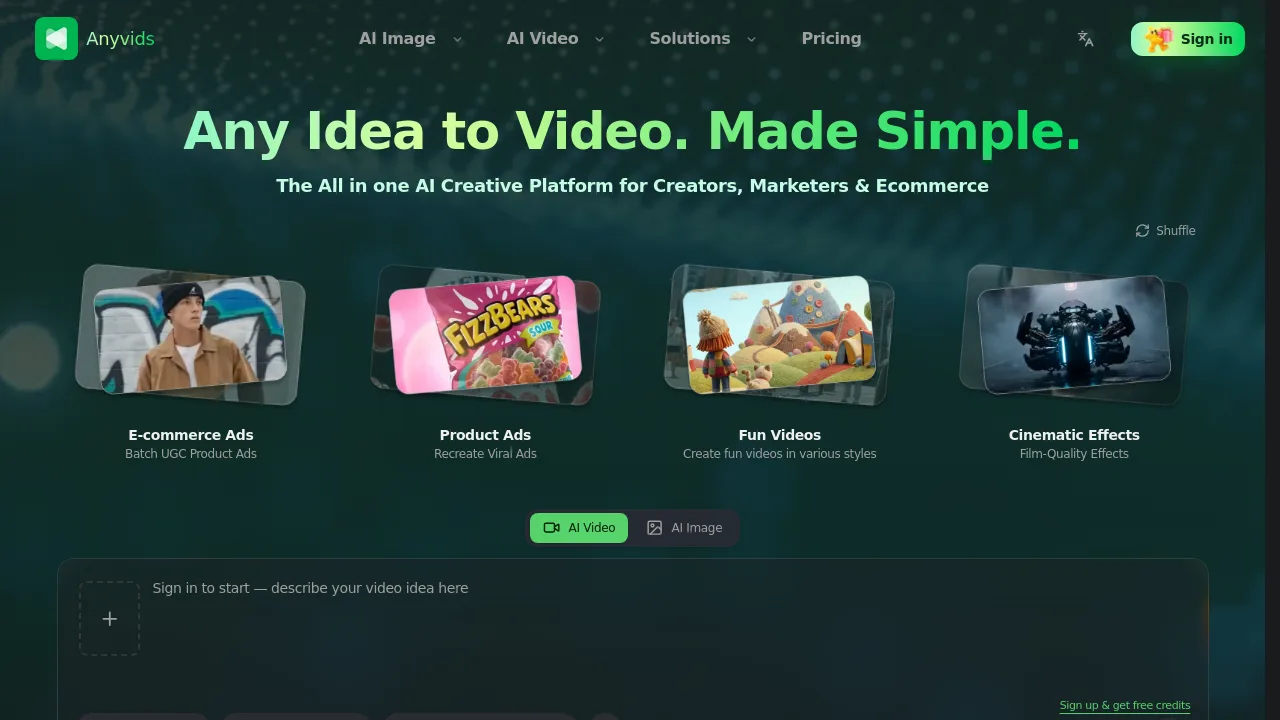
Anyvids is an all-in-one AI video and image creation platform for creators, marketers, and ecommerce teams. It combines multiple top AI models like Veo 3.1, GPT Image 2.0, and Kling 3.0 into a single toolkit. Users can generate videos and images from text, edit footage with prompts, apply cinematic effects, and swap characters without switching between tools.
What are the features of Anyvids?
- AI Video Generator: Turn text or images into short videos using models like Veo 3.1, Kling 3.0, and Wan 2.7. Supports 16:9, 4s, 720P output.
- AI Video Editor: Edit clips with text prompts — swap backgrounds, relight scenes, remove distractions, adjust camera framing, and apply effects within one tool.
- AI Animation Generator: Transform text or images into animations using style presets like Ghibli. No filming or animation software needed.
- AI Image Generator and Editor: Generate images from text or edit existing images with point-and-click background, style, object, and text changes using canvas mode.
- Video Character Swap: Replace the main character in a video with a person from a photo. Motion, lighting, and background alignment are preserved automatically.
- Motion Control: Drive an avatar with dance, gestures, or choreography using a reference video clip. Useful for social media content.
What are the use cases of Anyvids?
- Ecommerce teams create batch product ads with AI Virtual Try-On and background relighting for online stores.
- Marketers recreate viral video ads by swapping characters and restyling footage without reshooting.
- Content creators produce fun videos in various animation styles, from Ghibli-inspired clips to cinematic effects.
- Social media managers generate short-form video ads with character swap and motion control for platforms like TikTok and Instagram.
How to use Anyvids?
- Sign up for a free account to receive starter credits and access top models like Veo 3.1 and GPT Image 2.0 immediately.
- Select a model from the available list — choose based on your output needs (video, image, animation).
- Upload your source content or write a text prompt describing the desired output.
- Use the AI Video Editor or Image Editor to refine results with text prompts for background, lighting, or style changes.
- Export the final video or image in your preferred format for publishing.