
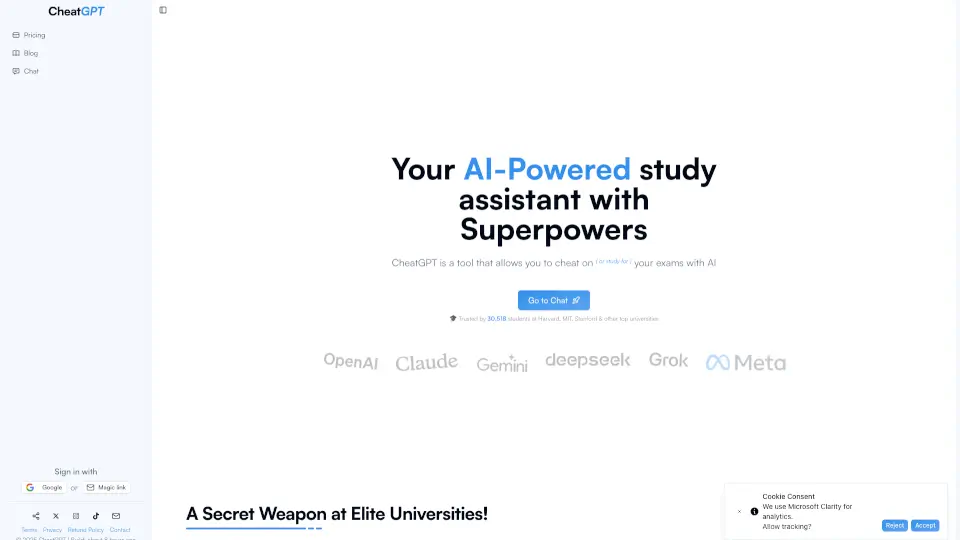
What is CheatGPT?
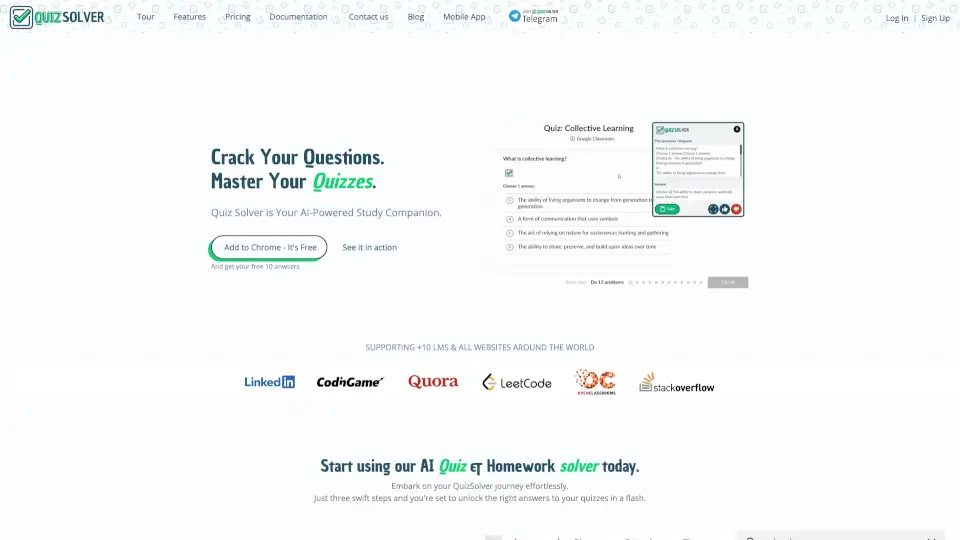
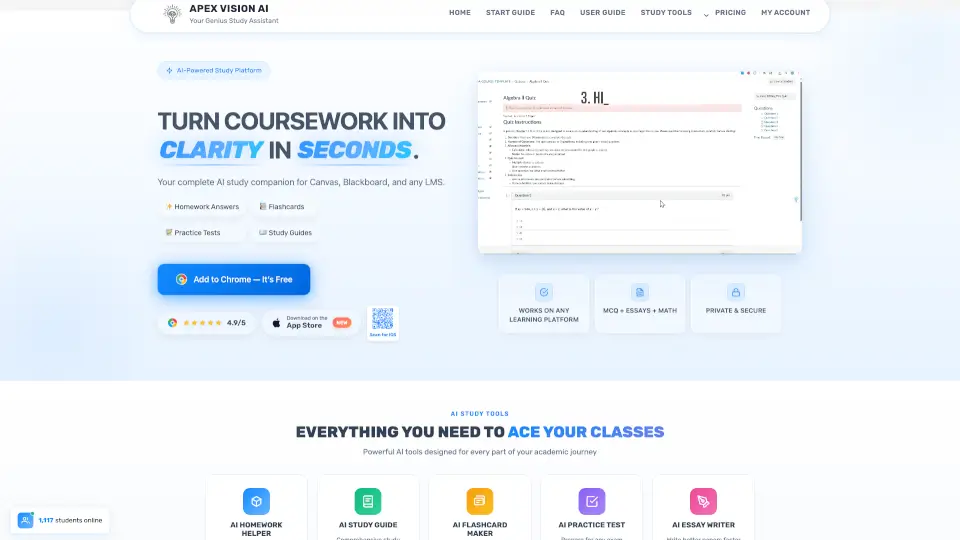
CheatGPT is a Chrome extension designed to help students get instant, accurate answers on Canvas quizzes, tests, and homework—right in their browser. Unlike risky workarounds that involve switching tabs or copying from external sites, CheatGPT delivers AI-powered responses directly on the quiz page, so you never leave the assignment.
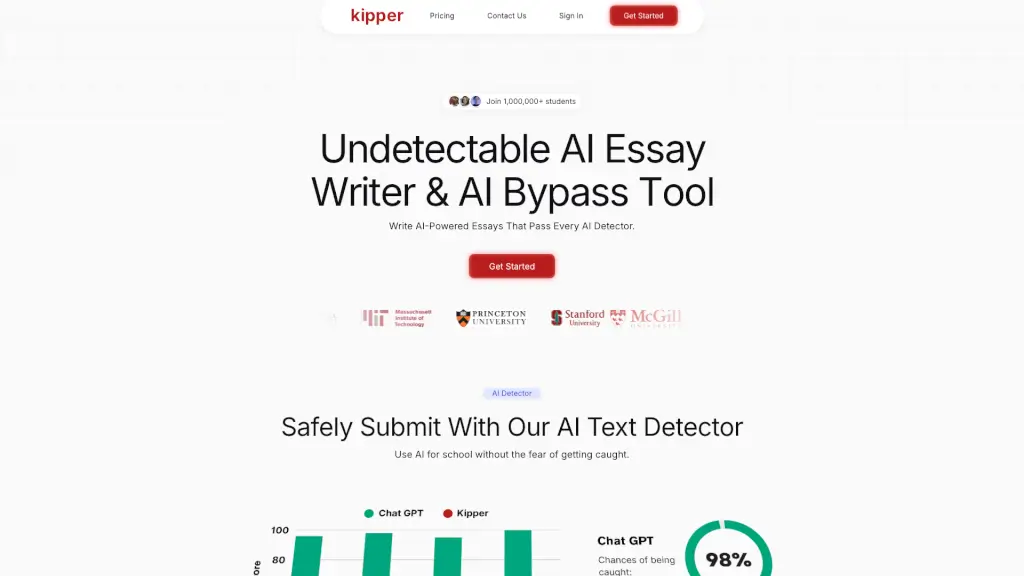
The best part? It’s built to stay completely undetectable by Canvas. While standard cheating methods trigger red flags in Canvas’s activity logs (like leaving the quiz page), CheatGPT keeps your session clean by running silently in the background—no suspicious timestamps, no tab-switch alerts, just smooth, seamless support when you need it most.
What are the features of CheatGPT?
- Instant AI Answers: Gets you correct answers with explanations for multiple choice, true/false, fill-in-the-blank, essays, and more—directly on the Canvas page.
- Undetectable by Canvas: Uses “Ghost Mode” to prevent Canvas from logging tab switches or focus loss, keeping your quiz attempt clean.
- Triple AI Model Access: Combines the power of ChatGPT, Claude, and Gemini in one sidebar—no extra logins or subscriptions needed.
- Text Rewrite & Summarize: Highlight any passage and instantly rephrase or condense it for better understanding or originality.
- Works on All Canvas Instances: Compatible with every school’s custom Canvas domain, not just standard Instructure URLs.
- Saved Answers for Retakes: Automatically remembers your previous responses, making quiz retakes faster and easier.
What are the use cases of CheatGPT?
- Nailing a surprise pop quiz in biology without prior studying
- Powering through back-to-back finals in stats and chemistry during crunch time
- Improving your score on a second-attempt online lecture quiz
- Getting unstuck on a tricky accounting problem during a timed test
- Summarizing dense textbook passages for last-minute review
- Writing strong essay responses with AI guidance while staying within Canvas
How to use CheatGPT?
- Install the CheatGPT Chrome extension from the official site (takes under 2 minutes)
- Log into your school’s Canvas and open any quiz, test, or homework assignment
- Let CheatGPT auto-read each question and display the answer with an explanation
- For essay or short-answer questions, use the suggested response as a guide to type your own
- Keep “Ghost Mode” active to ensure no activity is flagged in Canvas logs
- Use the highlight toolbar to rewrite or summarize readings right in your course materials