
ChatGPT Notepad logo

ChatGPT Notepad

0
3.0
(0 Reviews)
United States67.55%

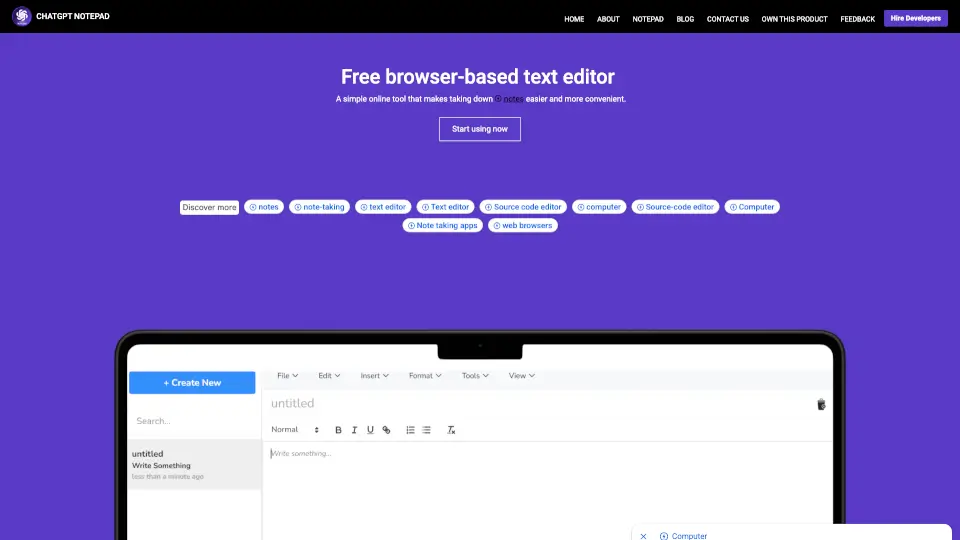
A free, browser-based notepad with essential features like auto text cleanup, real-time word count, and spellcheck, designed for seamless note-taking and text editing.

Verified by SeekTool
ChatGPT Notepad

ChatGPT Notepad Product Information

What is ChatGPT Notepad?

ChatGPT Notepad is your go-to free online notepad for quick, easy, and efficient note-taking. Designed to keep you focused, this browser-based text editor offers a distraction-free interface, perfect for jotting down ideas, drafting documents, or organizing your thoughts. With features like auto text cleanup, real-time word count, and spellcheck, it’s the ultimate tool for anyone looking to streamline their writing process.

What are the features of ChatGPT Notepad?

  • Auto Text Cleanup: Automatically removes unwanted symbols like asterisks (*) and hashes (#) from AI-generated text, ensuring your notes are clean and professional.
  • Real-Time Word Count: Keep track of your progress with a dynamic word counter that updates as you type.
  • Find & Replace: Easily locate and replace specific words or phrases in your document.
  • Spellcheck: Use your browser’s built-in spell checker to catch and correct spelling mistakes instantly.
  • Print and Save: Quickly print your notes or save them as a text file for later use.
  • Browser Compatibility: Works seamlessly on all modern browsers, including Chrome, Firefox, Safari, and more.

What are the use cases of ChatGPT Notepad?

  • Quick Notes: Perfect for jotting down reminders, to-do lists, or ideas on the go.
  • Study Sessions: Organize study materials, lecture notes, or research without any distractions.
  • Content Drafting: Use it as a simple editor for drafting blog posts, articles, or essays.
  • Meeting Notes: Capture key points and action items during meetings efficiently.

How to use ChatGPT Notepad?

  1. Open your web browser and visit chatgptnotepad.com.
  2. Start typing directly in the editor—no sign-up or setup required.
  3. Use the toolbar to access features like undo, redo, find & replace, and more.
  4. Save your work as a text file or print it when you’re done.
Do you like this tool?

Upvote to help others discover it!

ChatGPT Notepad Alternatives

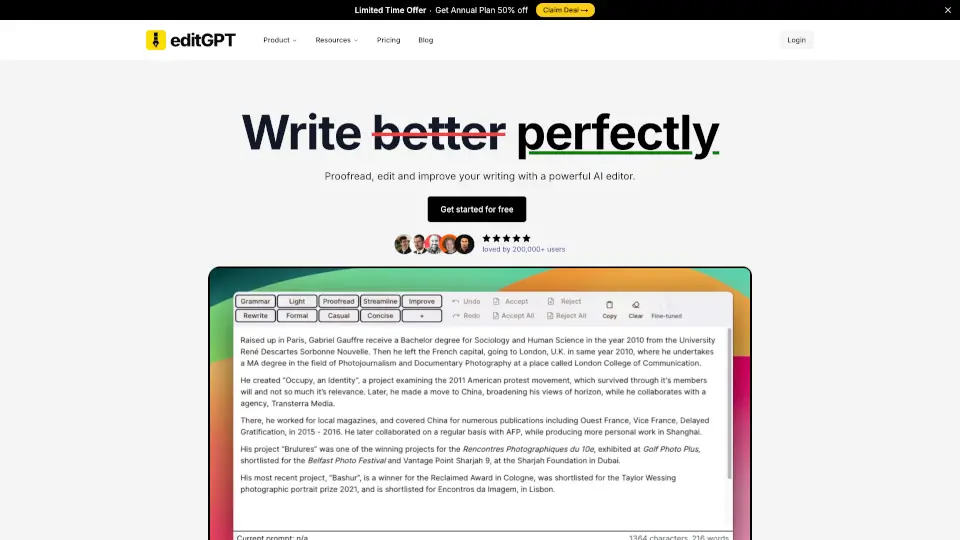
editGPT - Proofread, Edit, and Track Changes in chatGPT

editGPT is a versatile AI-powered editing tool that helps you write better, faster, and more accurately. With features like grammar correction, multi-language support, and custom prompts, it’s the perfect solution for students, professionals, and casual writers alike.

US
22.33%
|
298.4K
|
5.0
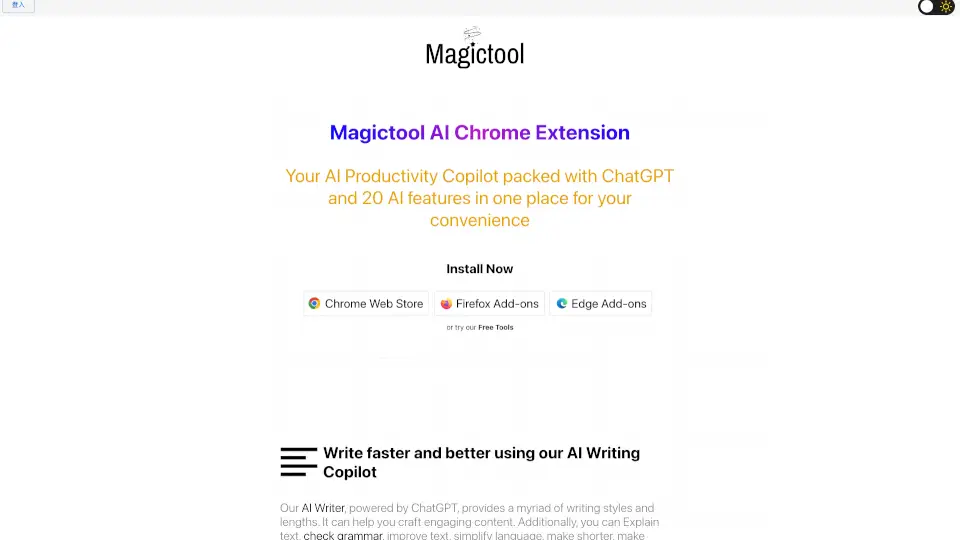
Magic Tool AI

Magic Tool AI is a powerful browser extension that acts as an AI productivity copilot, packing ChatGPT, writing tools, video summarization, image generation, and PDF chat into one convenient hub.

MX
22.30%
|
122.0K
|
5.0
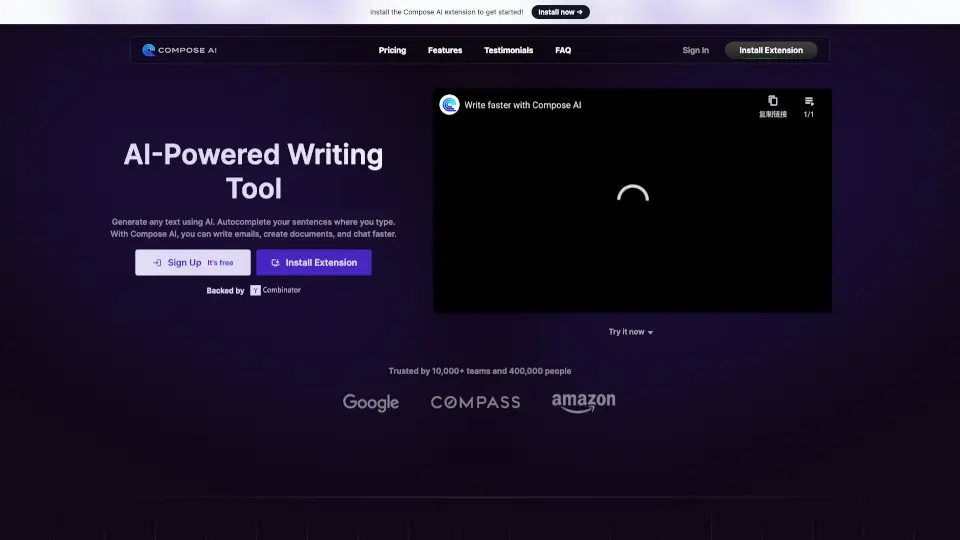
Compose

Compose AI is a free, privacy-focused Chrome extension that uses AI to autocomplete your writing anywhere online, saving you time while matching your personal voice.

IN
31.79%
|
71.1K
|
5.0
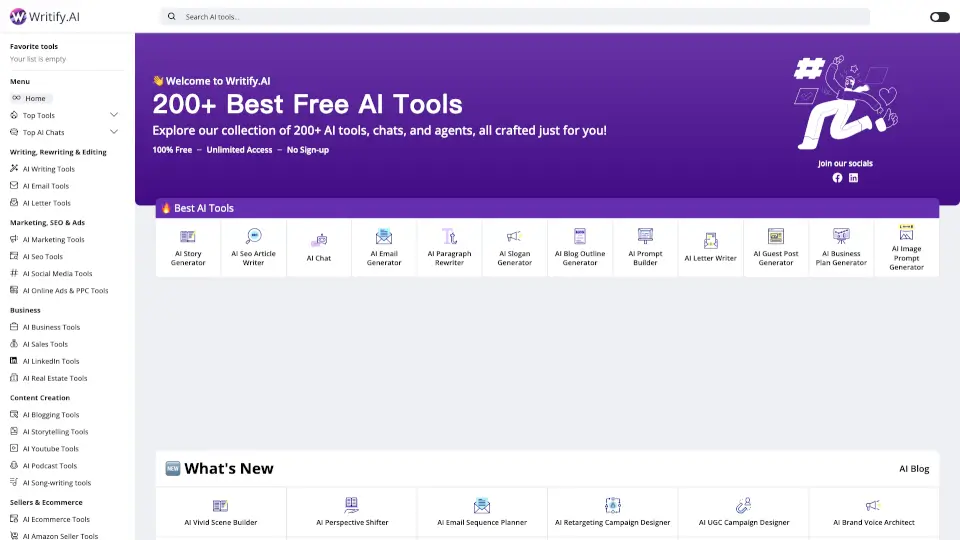
Writify.AI

Writify.AI provides free, no-sign-up AI writing tools for content creation, SEO optimization, and more, making it the ultimate writing assistant.

GB
100.00%
|
922
|
3.0
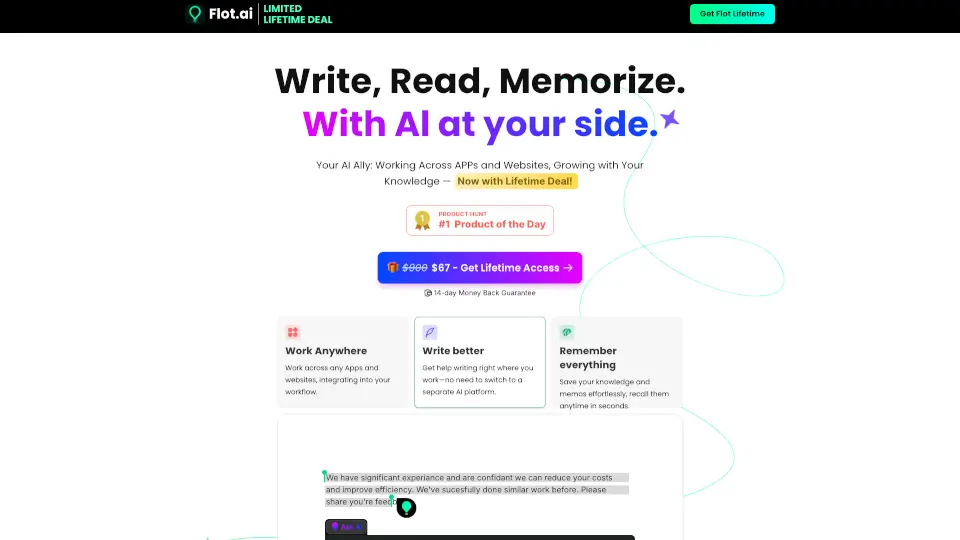
Flot AI

Flot.AI is a lifetime-access AI assistant that writes, reads, and memorizes with you across every app and website—boosting productivity without disrupting your workflow.

US
32.87%
|
16.2K
|
4.0
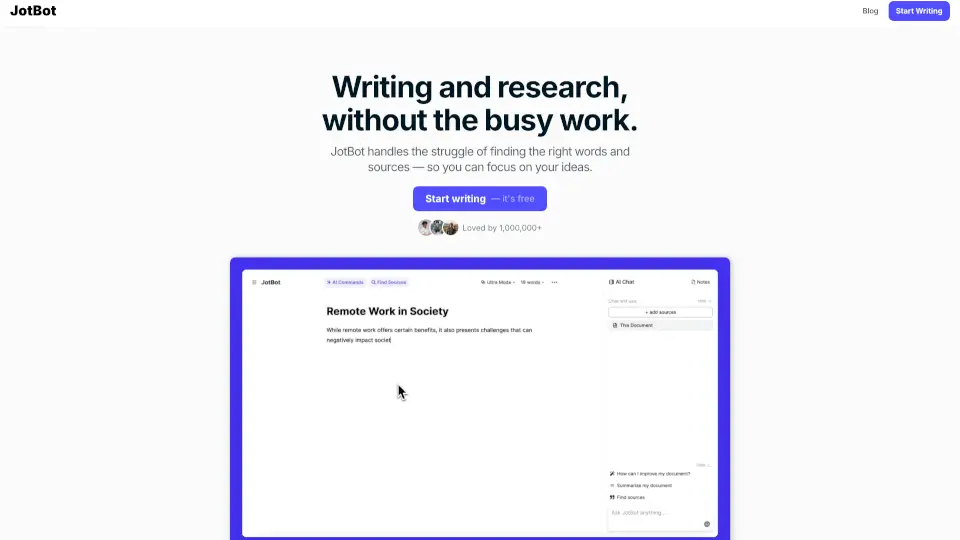
JotBot AI

JotBot is an AI writing assistant that boosts your writing speed with smart note-taking, source management, and intuitive editing—all in one easy-to-use platform.

US
17.60%
|
53.4K
|
5.0
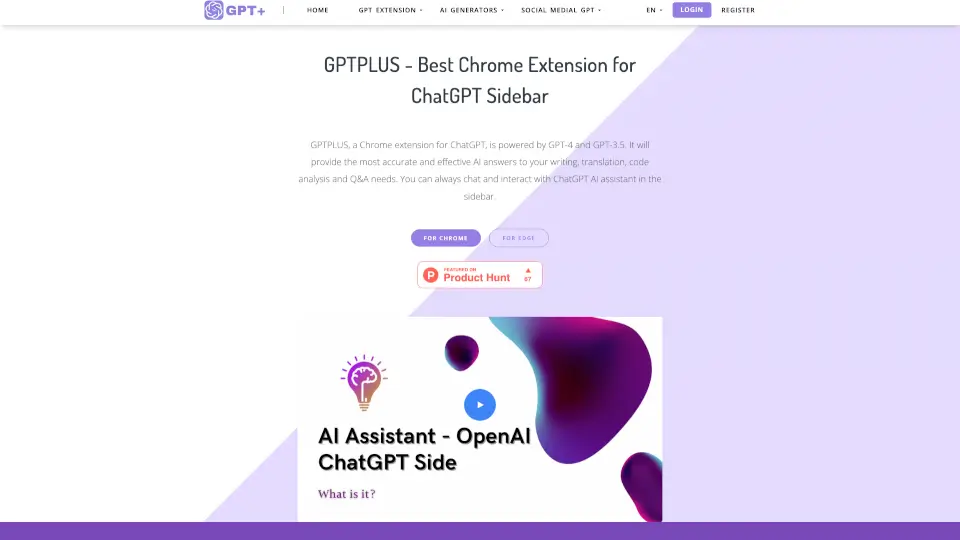
GPTPLUS

GPTPLUS is a versatile AI assistant that simplifies writing, translation, and analysis, making it a must-have tool for anyone looking to boost productivity.

US
32.51%
|
5.9K
|
3.0
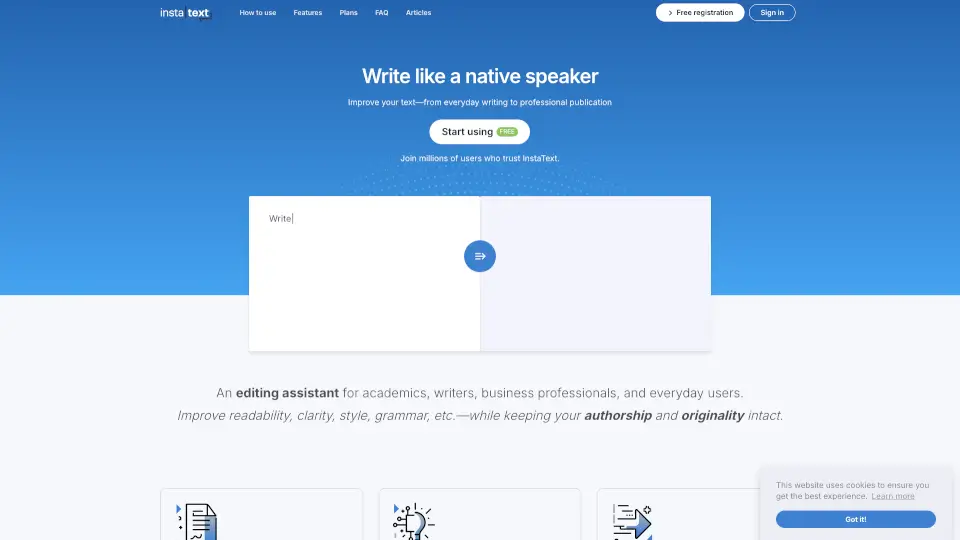
InstaText

InstaText is the ultimate AI writing assistant for anyone who wants to write like a native speaker—effortlessly.

SI
17.27%
|
119.3K
|
5.0

ChatGPT Notepad Related Other Categories

ChatGPT Notepad Traffic Analysis

💡 Insights

🔍
Niche Tool
Lower traffic volume. Likely new or highly specialized. Good for early adopters.
⚠️
Slight Decline
Traffic has slightly decreased recently.
👍
Good Experience
Bounce rate of 45%. Users are willing to explore features.
🌍
United States Dominant
68% users from United States. Optimized for this market.
  • Monthly Visits

    5.10K

  • Bounce Rate

    45.08%

  • Pages Per Visit

    1.31

  • Visit Duration

    00:00:53

  • Global Rank

    4034464

  • Country Rank

    2029741

Visits Over Time

Traffic Sources

GenAi0.00%
DisplayAds0.00%
SocialOrganic0.00%
Mail0.00%
SearchPaid0.00%
SocialPaid0.00%
Referrals0.00%
Affiliate0.00%
SearchOrganic0.00%
Direct0.00%

Top Keywords

1
chatgpt notepad
100Traffic
2
notepad chatgpt
30Traffic
3
how to clean text from chatgpt
10Traffic
4
how to get rid of chatgbt format
10Traffic
5
chatgpt cleaner
CPC$2.14
0Traffic

Top Regions

RegionPercentage
United States
United States
67.55%
Indonesia
Indonesia
16.02%
India
India
10.68%
Brazil
Brazil
5.75%
Low
High

Powered by SimilarWeb

ChatGPT Notepad FAQ

Is ChatGPT Notepad free to use?

Yes, ChatGPT Notepad is completely free and requires no registration or login.

Can I use ChatGPT Notepad on any browser?

Yes, it’s compatible with all modern browsers, including Chrome, Firefox, Safari, and more.

How do I save my notes?

You can save your notes directly as a text file by clicking the save button in the toolbar.

Does ChatGPT Notepad offer any formatting options?

While it’s a plain-text editor, you can use basic formatting options like cut, copy, paste, and find & replace.

ChatGPT Notepad Reviews

0

0

0 Reviews
Sign Into leave a review

Recent Reviews

No reviews yet

ChatGPT Notepad Embed

Use website badges to drive community support for SeekTool.ai. They are easy to embed in your homepage or footer.

Light
Dark
ChatGPT Notepad - Featured on SeekTool.aiChatGPT Notepad - Featured on SeekTool.ai
How to install?

Looking for ChatGPT Notepad Alternatives?

Compare top AI tools similar to ChatGPT Notepad. Find the best option for your needs.

View Alternatives

Reviews

0.0

Share your experience with this tool...

Trending

Featured

Subscribe to our AI Newsletter

Get the top AI stories delivered to your inbox weekly.