
O que é GPTPLUS?
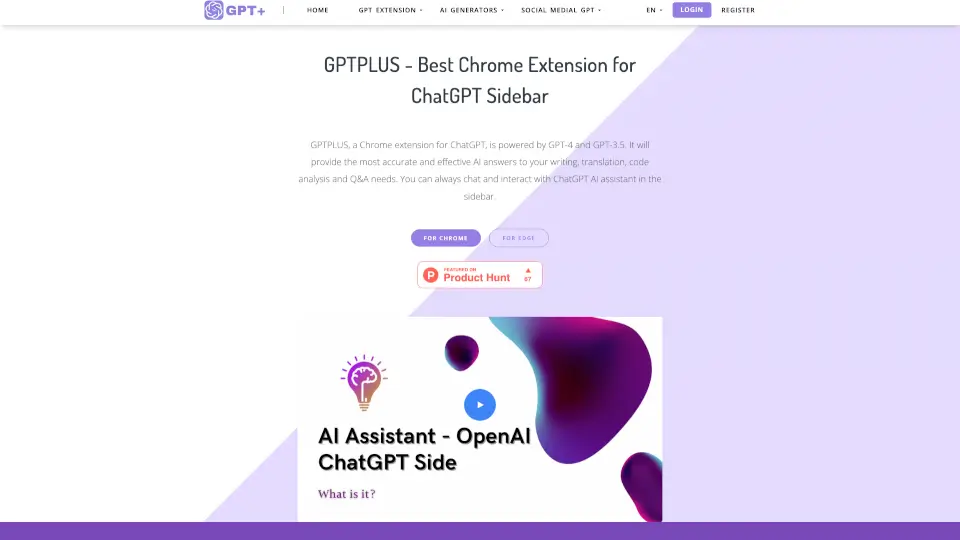
GPTPLUS é uma extensão para Chrome e Edge que traz o poder do ChatGPT para o seu navegador. Com suporte para GPT-4 e GPT-3.5, essa ferramenta oferece respostas precisas e eficientes para suas necessidades de escrita, tradução, análise de código e perguntas. Com o GPTPLUS, você pode conversar com o assistente de IA diretamente na barra lateral do navegador, tornando sua experiência de navegação mais produtiva e divertida.
Quais são as características de GPTPLUS?
- ChatGPT na Barra Lateral: Acesse o assistente de IA em qualquer página, sem precisar abrir novas guias.
- 20+ Prompt Models: Escolha entre templates criativos ou personalize seus próprios prompts para obter respostas mais precisas.
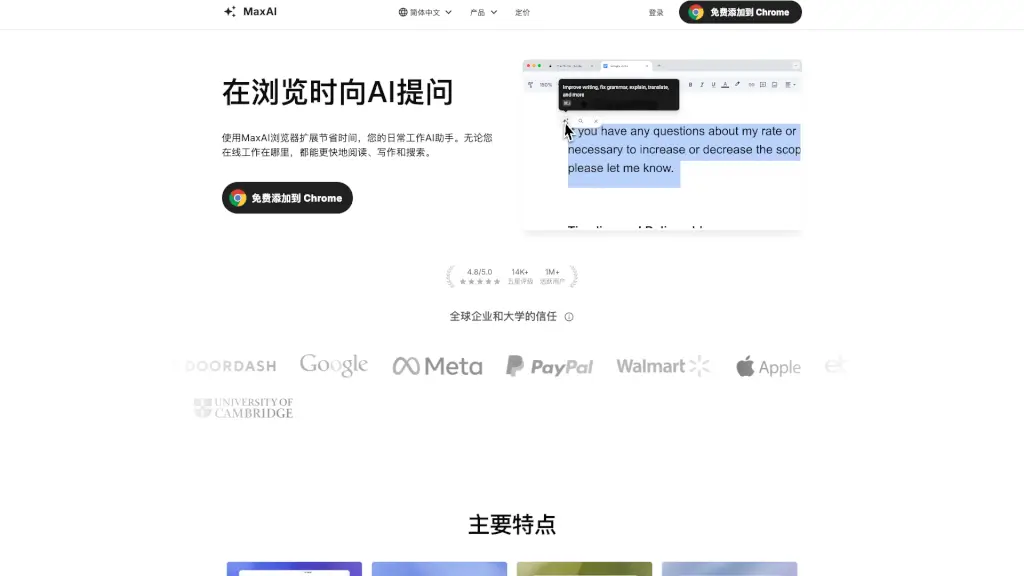
- Processamento de Texto em um Clique: Selecione qualquer texto em uma página e processe-o rapidamente para otimização, tradução ou explicação.
- Tradução Precisa: Traduza qualquer idioma mantendo o tom natural da linguagem.
- Assistente de Escrita: Otimização de artigos, SEO, títulos e muito mais para melhorar seu conteúdo.
Quais são os casos de uso de GPTPLUS?
- Estudantes: Ajuda com tarefas, explicações de conceitos complexos e traduções.
- Profissionais: Otimização de textos para SEO, respostas personalizadas em redes sociais e e-mails.
- Desenvolvedores: Análise e explicação de códigos.
- Viajantes e Poliglotas: Tradução instantânea de textos em qualquer idioma.
Como usar GPTPLUS?
- Adicionar a Extensão: Vá para a Loja de Extensões do Chrome ou Edge e instale o GPTPLUS.
- Usar os Prompts: Escolha entre os 20+ modelos de prompts disponíveis ou crie os seus próprios.
- Processar Texto: Selecione qualquer texto em uma página e clique no ícone da extensão para processá-lo.
- Chat na Barra Lateral: Mantenha uma conversa contínua com o ChatGPT sem sair da página atual.