
What is BudgetPixel AI?
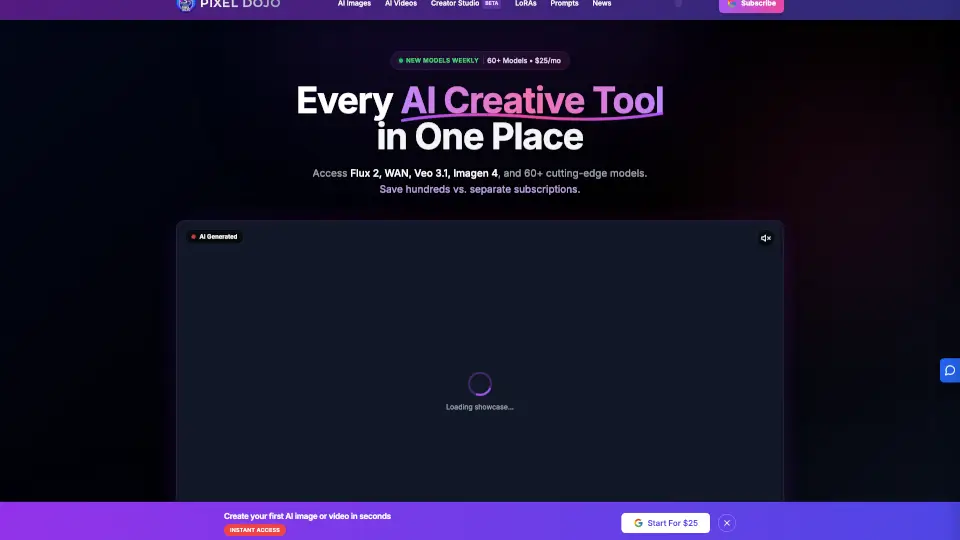
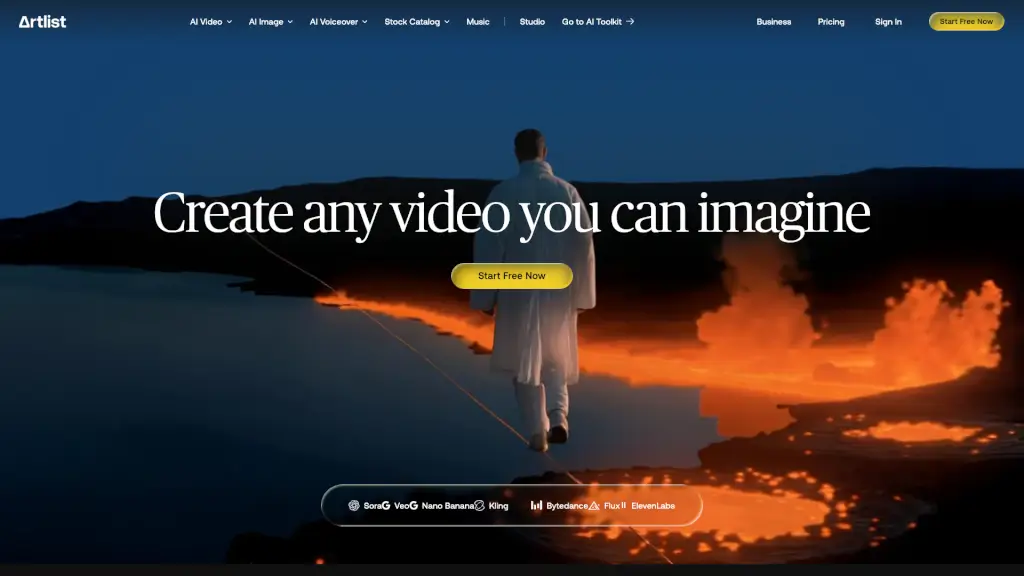
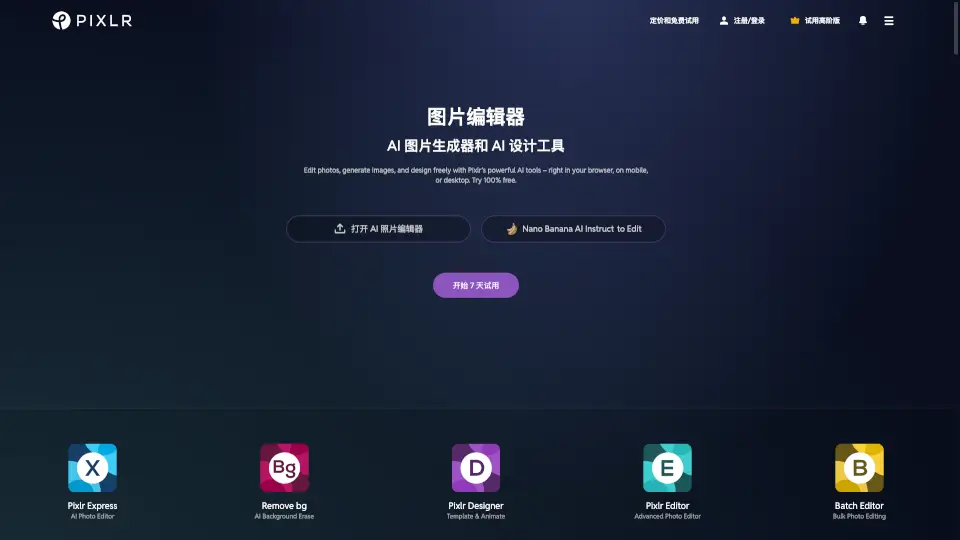
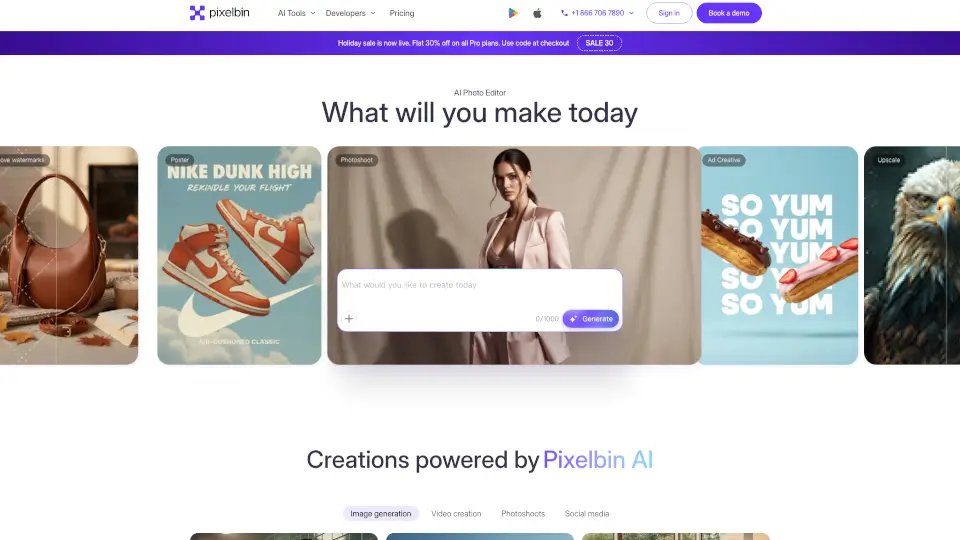
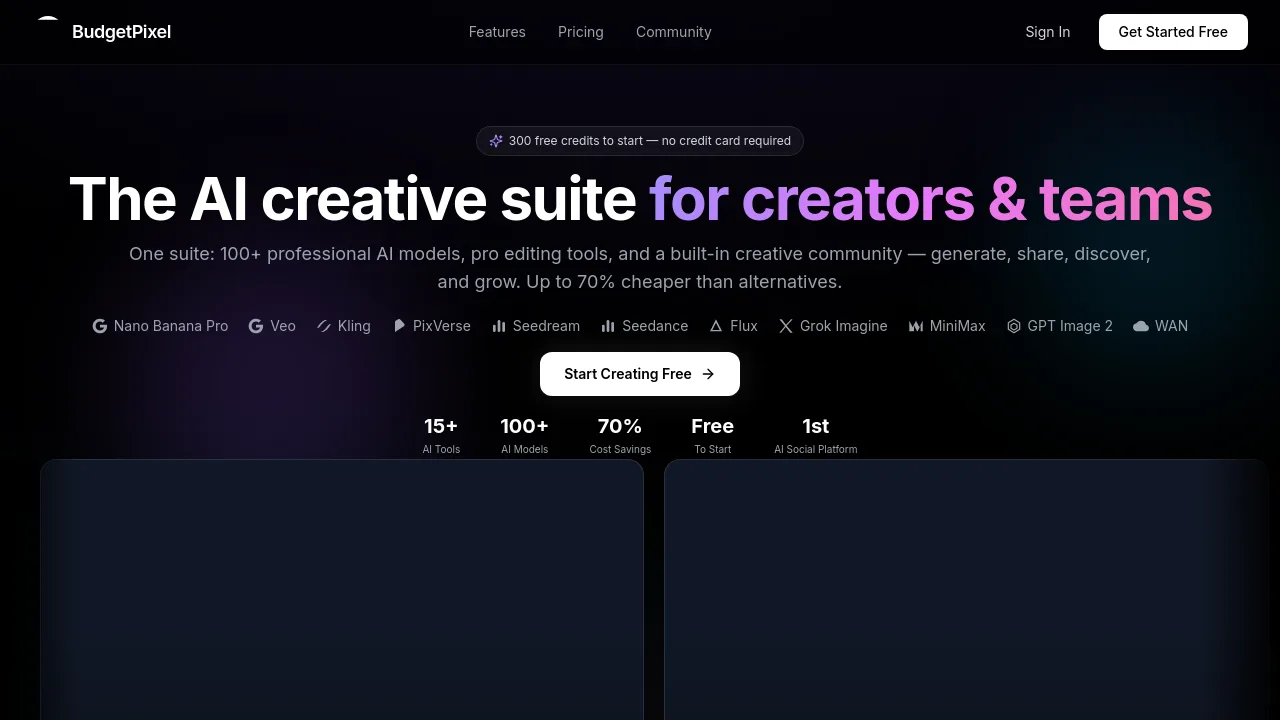
BudgetPixel is an AI creative suite for generating images, videos, music, sound effects, and voiceovers under one account with a single set of credits. It supports models like Flux, Midjourney, Kling, Wan, SeeDream, and Recraft, plus a built-in design studio for editing on a real timeline. Ideal for creators, marketers, and developers who want to avoid juggling multiple subscriptions.
What are the features of BudgetPixel AI?
- Unified Credit SystemGenerate images, videos, music, sound effects, and voiceovers without needing separate subscriptions for each AI tool.
- Multi-Model AccessUse a wide range of leading AI models including Flux, Midjourney, Kling, Wan, SeeDream, Recraft, and GPT Image from one account.
- Full Creative StudioEdit generated content on a real timeline using dedicated image, video, and audio workshop tools.
- Text-to-Image & VideoConvert text prompts into images and videos, with options for image-to-video, multi-reference composition, and upscaling.
- Music & Sound GenerationCreate full songs with vocals, instrumental backgrounds, sound effects, and natural text-to-speech for narration and dubbing.
- Model ComparisonCompare outputs from different models side-by-side to choose the best result for your project.
What are the use cases of BudgetPixel AI?
- Marketerscreating social media visuals and short video ads by testing multiple AI models quickly.
- Content producersgenerating background music and sound effects to match video projects.
- Developersintegrating AI generation via API, MCP server, or plugins for ComfyUI, WordPress, and Cursor.
- Designersupscaling and editing images with multi-reference composition and inpainting in the studio.
- Narratorsgenerating natural text-to-speech voiceovers for dubbing or video narration.
How to use BudgetPixel AI?
- Sign up for a BudgetPixel account and purchase a credit pack to start generating.
- Choose the type of media (image, video, audio) and select a specific AI model from the list.
- Enter a text prompt or upload reference images/videos, then adjust parameters as needed.
- Generate the content, then use the studio tools to edit, combine, or export the final result.