
What is AI Storyboard Generator?
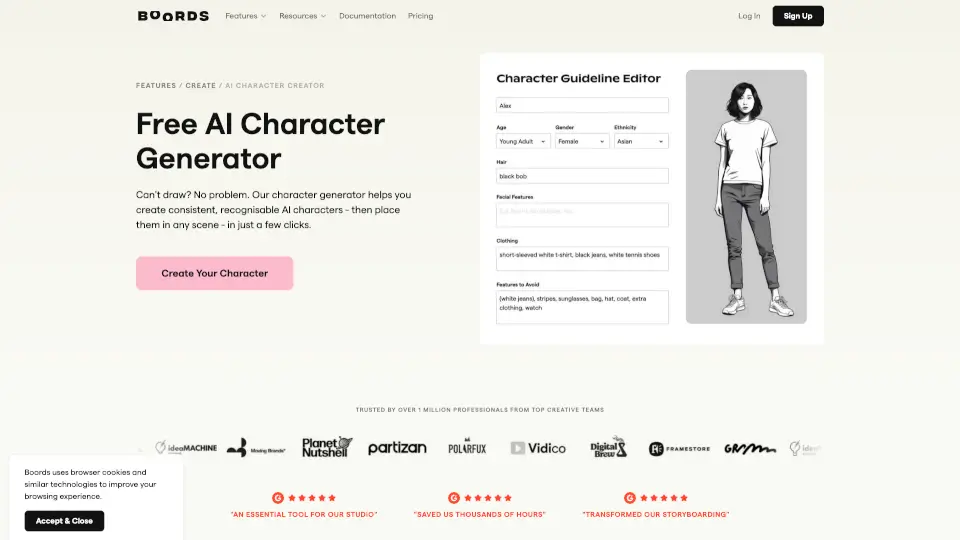
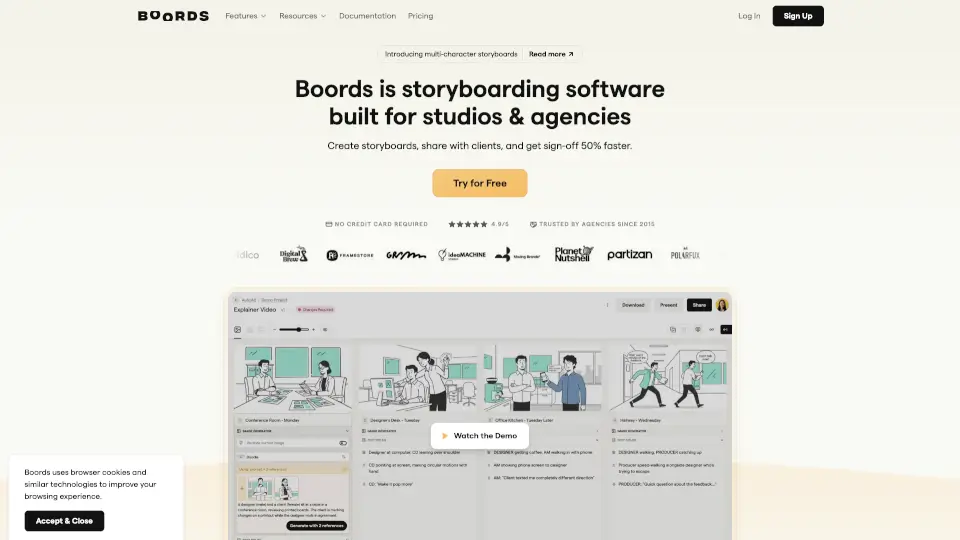
Boords is storyboard software built specifically for video agencies and brand teams who are tired of chaotic pre-production. If you’ve ever lost a weekend wrestling with “v3_FINAL_REAL.pdf” files or hunting through email threads for client feedback, Boords solves that pain. It brings scripts, storyboards, animatics, comments, and approvals into one shared workspace, so your team can focus on creativity—not formatting or version control.
Since 2015, Boords has helped over 1 million storyboards get reviewed, revised, and approved smoothly. Trusted by studios like ENTHRAL, CatCow, and Umault, it turns what used to be the most stressful part of video production into a fast, collaborative, and even enjoyable process. And yes—it’s free to start, with no credit card required.
What are the features of AI Storyboard Generator?
- Integrated Script & Storyboard Workspace: Keep your script and frames synced in one place—no more drift between text and visuals.
- One-Click Animatics: Turn any storyboard into a timed animatic instantly to lock pacing before filming begins.
- Frame-by-Frame Client Feedback: Clients comment directly on frames without needing an account, SSO, or login—just a shareable link.
- Version History & Approval Tracking: Every change, comment, and sign-off is saved automatically, so you always know which version was approved.
- AI-Powered Image Generation: Describe a scene and generate placeholder images—or upload your own assets.
- Slack Integration: New comments in Boords can now post directly to your Slack channels for real-time updates.
- Public API & Webhooks: Connect Boords to your existing tools (CRM, project trackers, AI pipelines) for seamless workflow automation.
- Professional Templates: Access ready-made templates for storyboards, shot lists, call sheets, and more.
What are the use cases of AI Storyboard Generator?
- A video agency creates a client pitch deck and needs quick visual approval before moving to production—Boords lets them share a live link and collect frame-specific feedback in minutes.
- A brand team collaborates across departments (marketing, creative, legal) to review a commercial storyboard, with all comments centralized instead of scattered in emails.
- An animation studio iterates rapidly on early concepts, using Boords’ drag-and-drop interface to reorder scenes without reformatting entire PDFs.
- A freelance director uses the free plan to build polished storyboards for indie projects, then exports clean PDFs or animatics for investor presentations.
- A global team avoids timezone headaches by sharing a single Boords link—clients in different regions leave time-stamped feedback that everyone can see.
- Production teams prevent costly reshoots by getting pacing and shot composition signed off via animatics before cameras roll.
How to use AI Storyboard Generator?
- Start by importing or typing your script directly into Boords—the text stays linked to your storyboard frames.
- Use the drag-and-drop editor to add, move, or duplicate frames; Boords auto-adjusts numbering and layout.
- Click “Create Animatic” to add timing to each frame and preview your sequence as a video—perfect for client reviews.
- Share your project with a single link; clients can comment on specific frames without creating an account.
- Enable Slack notifications so your team never misses feedback—comments appear right in your chosen channel.
- Export final boards as PDFs, PNGs, or video files, or use the API to push data into your production management system.