
What is AI Character Generator?
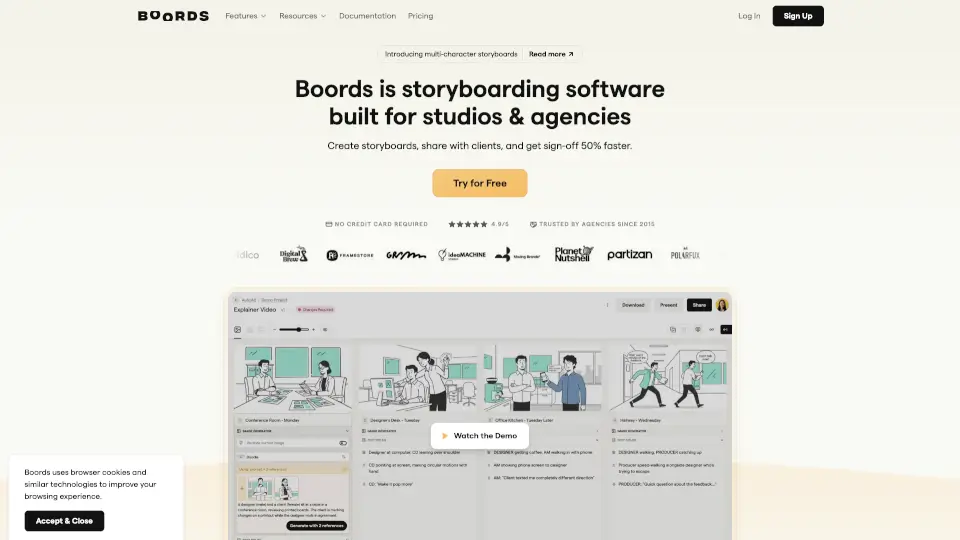
Boords is an AI storyboard generator built specifically for video agencies, marketing teams, and content creators who need to turn scripts into professional storyboards—fast. Instead of spending hours sketching or waiting for client feedback loops, you can paste a script or describe a scene in plain English and get visual frames in seconds. Whether you're planning a commercial, social ad, or explainer video, Boords helps you visualize, iterate, and get sign-off before production even begins.
What makes Boords stand out is its focus on real-world workflow needs: consistent characters across scenes, frame-level comments, easy angle adjustments, and seamless collaboration—all without redrawing a single line. It’s not just an image generator; it’s a full storyboard maker that keeps your visuals tied to your script and your team aligned from pitch to approval.
What are the features of AI Character Generator?
- Script-to-Storyboard AI: Paste a screenplay, brief, or treatment and let AI automatically break it into sequenced storyboard frames with matching visuals.
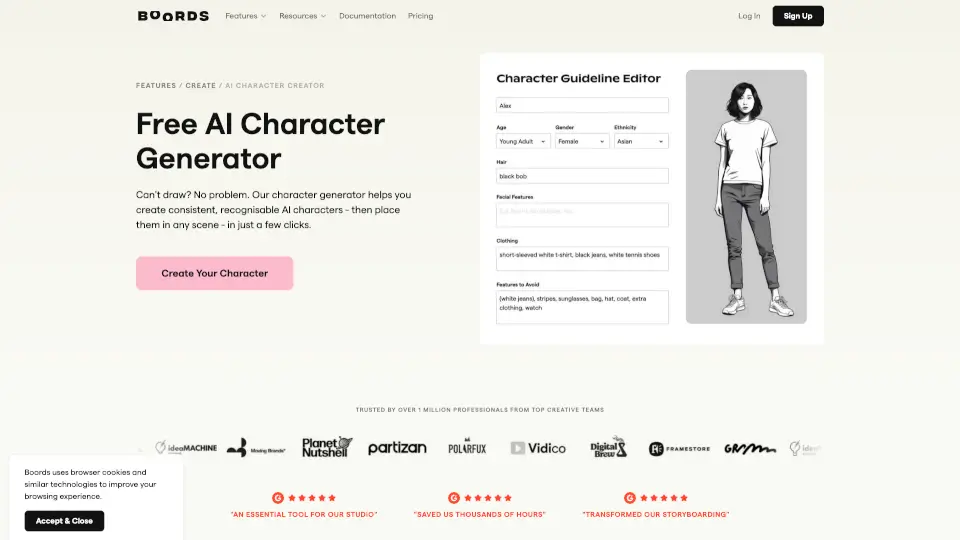
- Consistent Character AI: Build your cast once, and the AI maintains their appearance across every frame—even when switching between sketch, illustrated, or photorealistic styles.
- Partial Frame Regeneration: Mark only the part of a frame you want to change (like adjusting a camera angle), and AI updates just that area while keeping the rest intact.
- Multiple Art Styles: Choose from rough sketch boards for early ideation, clean presentation frames for clients, or production-ready photorealistic references.
- Real-Time Collaboration: Share secure links, collect frame-specific comments, assign roles, and track approval statuses so everyone stays on the same page.
- Animatics & Exports: Add voiceover or audio, preview pacing, and export as PDFs, MP4s, shot lists, or images—no extra tools needed.
- 3M+ Stock Assets: Access millions of built-in images and icons, or upload custom brand assets for team-wide use.
- Public API & Webhooks: Integrate Boords into your existing production pipeline with full control over projects, frames, and feedback data.
What are the use cases of AI Character Generator?
- A marketing team creates a 30-second Instagram ad storyboard in an afternoon instead of waiting days for designer availability.
- A freelance videographer shows a client exactly what the final video will look like before shooting a single frame—reducing costly reshoots.
- An agency producer pitches three creative concepts using AI-generated storyboards during a client call, then refines based on live feedback.
- A brand team maintains visual consistency across a global campaign by reusing approved character designs in every new scene.
- A content creator tests different camera angles and compositions without redrawing, speeding up preproduction for YouTube videos.
- A production company exports a shot list and animatic directly from the storyboard to hand off to directors and crew.
How to use AI Character Generator?
- Start by pasting your script, treatment, or even a bullet-point brief into Boords—the AI will auto-generate a structured storyboard.
- Use the “Draw layout” prompt (e.g., “Show me this woman at a laptop in front of a window”) to generate custom frames in seconds.
- Refine any shot by selecting part of the frame and regenerating just that section—no need to redo the whole image.
- Switch camera angles on approved frames while preserving character design and context using the built-in angle explorer.
- Share a secure link with clients to collect frame-level comments and track approval status in real time.
- Export your final storyboard as a PDF, MP4 animatic, or shot list with one click—ready for production or presentation.