
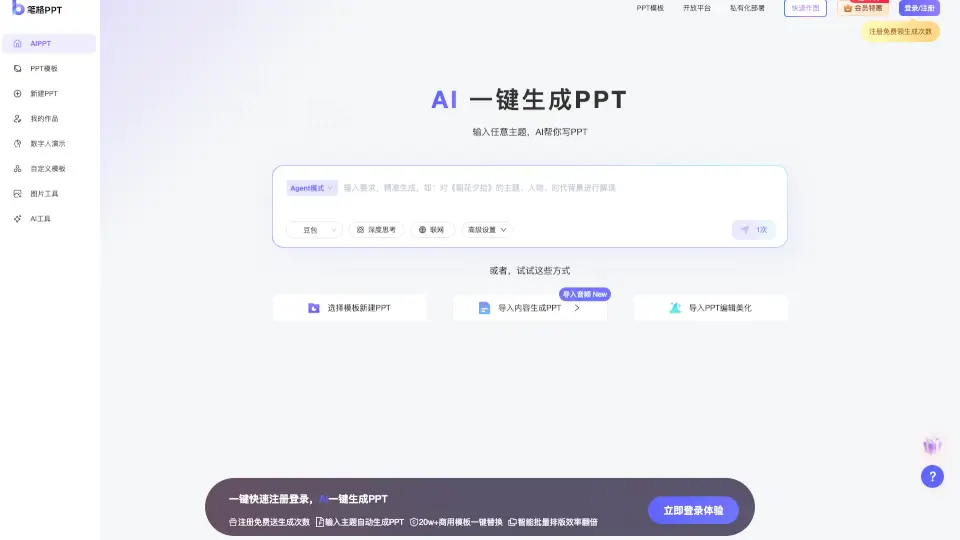
What is 比格AIPPT?
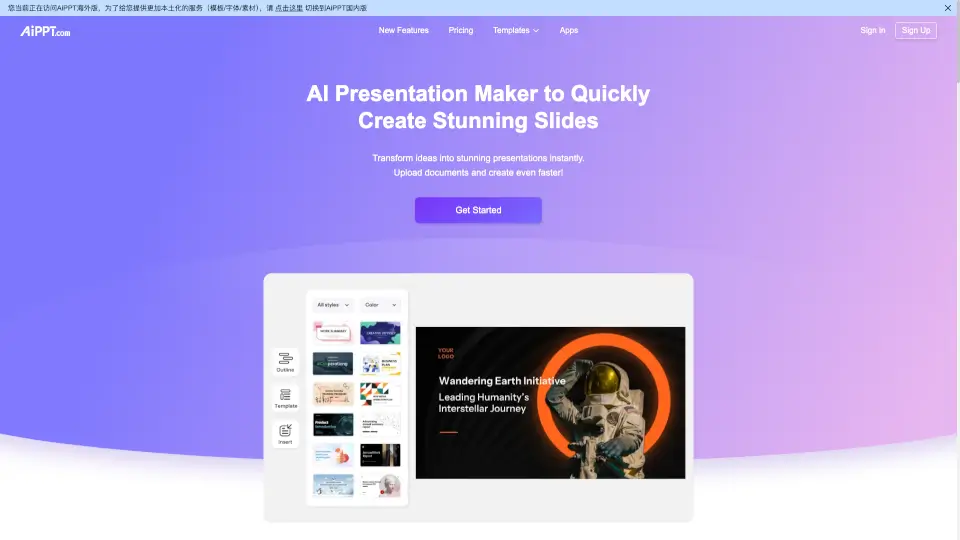
BiGe PPT is your AI-powered sidekick for creating stunning presentations without the usual headache. Whether you're a student prepping for a defense, a teacher designing lesson plans, or a pro needing a quick pitch deck, this tool takes the stress out of slide-making. You can throw any topic or document into the system, and the AI will handle the heavy lifting by generating a structured outline, writing content, and applying professional layouts instantly. If you already have a draft, you can still save time with one-click tools to swap templates, change colors, or update fonts across the whole deck. It's like having a design partner that works at the speed of typing.
What are the features of 比格AIPPT?
- AI Topic-to-Outline Engine: Input any subject matter and let the AI brainstorm key points, organize your logic, and build a comprehensive presentation outline automatically.
- Document Conversion: Upload local files like Word or PDF, and the tool intelligently parses the content to generate a full PPT deck in seconds, turning notes into visual slides.
- Smart Auto-Layout: Choose from a vast library of templates, and the AI applies professional formatting, image placement, and structure with a single click.
- One-Click Style Swaps: Need a fresh look? Instantly replace the entire template, change global color themes, or update fonts without breaking your content flow.
- Deep Thinking & Web Search: Access advanced modes that help the AI process complex logic deeply or fetch real-time internet data to keep your content current.
- Free Industry Templates: Download thousands of high-quality, royalty-free templates tailored for sectors like government, education, healthcare, and tech.
What are the use cases of 比格AIPPT?
- Graduation Defenses: Students input their research title to generate a logically sound defense presentation, ensuring clear structure and professional visuals under tight deadlines.
- Classroom Teaching: Educators paste course notes or syllabi to auto-create engaging teaching slides, allowing them to focus on delivery rather than formatting.
- Weekly Work Summaries: Professionals convert bullet-point reports into polished summary decks for team meetings, reducing prep time from hours to minutes.
- Recruitment Campaigns: HR teams rapidly assemble attractive corporate introduction slides for career fairs using branded templates that appeal to potential candidates.
- Product Marketing: Marketers prototype launch presentations by importing briefs, then use one-click customization to match brand guidelines and iterate quickly.
How to use 比格AIPPT?
- Click New PPT and select Input Topic to type a theme or choose Import Document to upload your existing files.
- Review the AI-generated outline in the editor; expand, delete, or refine sections until the content structure matches your vision.
- Press Generate PPT to trigger the AI to populate slides with text, images, and charts based on your chosen template.
- Use the sidebar tools to Replace Template, Change Colors, or Update Fonts if you want to adjust the design style globally.
- Once satisfied, export your presentation or continue editing directly within the platform before sharing with your audience.
比格AIPPT Frequently Asked Questions:
(Not available)