
What is Befunky?
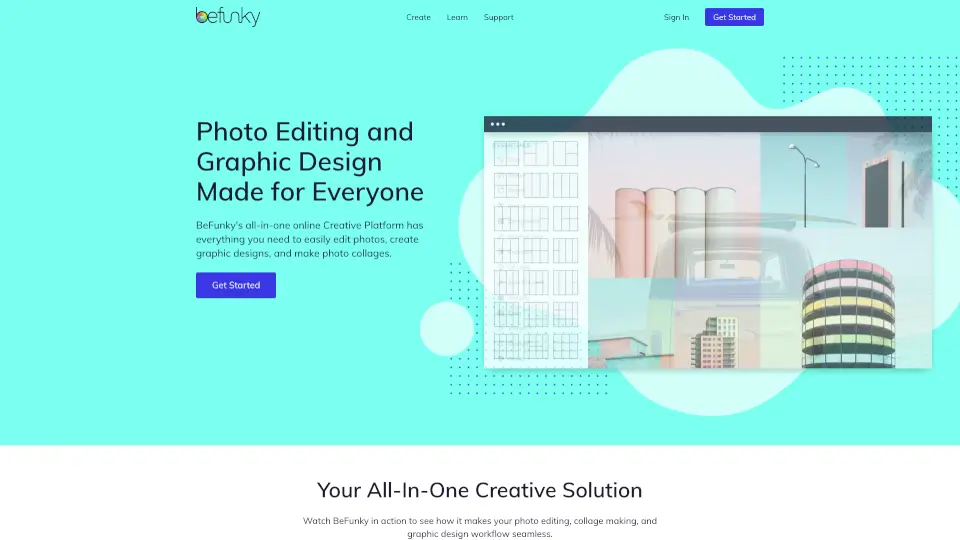
BeFunky is a free, all-in-one online creative platform that makes photo editing, collage making, and graphic design simple—even if you’ve never touched design software before. Whether you’re sprucing up vacation photos, creating social media posts, or designing event flyers, BeFunky gives you powerful tools without the steep learning curve.
No downloads or expensive subscriptions are needed to get started. With intuitive drag-and-drop features, AI-powered enhancements, and thousands of ready-to-use templates, BeFunky helps anyone turn everyday images into eye-catching visuals in minutes.
What are the features of Befunky?
- Photo Editor: Apply effects like cartoon filters, digital art styles, and portrait retouching with one-click tools.
- AI Background Remover: Instantly remove or replace photo backgrounds using smart AI detection—perfect for product shots or profile pics.
- One-Click Collage Maker: Upload multiple photos and let BeFunky’s Collage Wizard auto-generate stunning layouts tailored for Instagram, Pinterest, and more.
- Graphic Designer: Create professional-looking banners, cards, and flyers using customizable templates and drag-and-drop simplicity.
- Batch Editing: Resize, crop, or enhance dozens of photos at once—ideal for bloggers, small businesses, or social media managers.
- Millions of Free Assets: Access over 1 million royalty-free stock photos from Pixabay and Pexels, plus thousands of vector icons and graphics—all inside the app.
What are the use cases of Befunky?
- Quickly edit and share polished selfies or portraits using touch-up and background removal tools.
- Design eye-catching Instagram carousels or Pinterest pins with pre-sized collage templates.
- Create promotional flyers or event invitations without needing Photoshop or design experience.
- Restore and enhance old or blurry photos using AI-powered tools like Deblur and Old Photo Restorer.
- Prepare product photos for online stores by removing backgrounds and adding transparent or solid-color backdrops.
- Make custom greeting cards or social media quotes using fonts, overlays, and text tools.
How to use Befunky?
- Go to BeFunky.com and click Get Started—no account needed for basic editing.
- Choose Photo Editor, Collage Maker, or Graphic Designer based on your project.
- Upload your image(s), then use intuitive sliders, filters, or AI tools (like Background Remover) to enhance your work.
- For collages, try the Collage Wizard to auto-generate layouts, or pick a template and drag photos into place.
- Save your creation as JPG, PNG, or PDF directly from your browser.
- Sign up for a free account to access cloud storage and unlock additional features like batch processing.