What is AutoCropper?
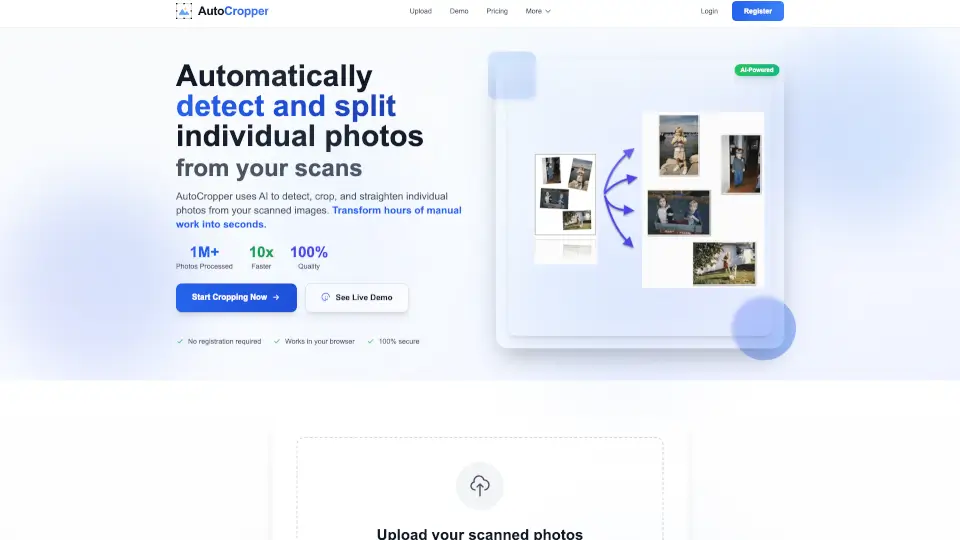
AutoCropper is your go-to online tool for effortlessly batch cropping multiple scanned photos into separate images. No downloads needed—just upload, let the AI work its magic, and download perfectly cropped photos in seconds. It’s free, fast, and works on any device.
What are the features of AutoCropper?
- Batch Processing: Crop multiple scans at once—no more manual work.
- AI-Powered Detection: Automatically finds and separates individual photos in your scans.
- Auto-Rotation: Corrects tilted images with zero effort.
- Full Quality Output: No compression, no size limits—get your photos exactly as scanned.
- Advanced Editor: Fine-tune crops with drag-and-drop ease.
What are the use cases of AutoCropper?
- Digitizing old photo albums: Scan a whole page, split into individual pics instantly.
- Selling trading cards: Crop multiple cards from a single scan for listings.
- Archiving documents: Extract specific sections from large scanned sheets.
How to use AutoCropper?
- Upload: Drag and drop your scanned image(s).
- Auto-Crop: Let the tool detect and separate photos.
- Adjust: Use the editor to tweak if needed.
- Download: Save each cropped image with one click.